


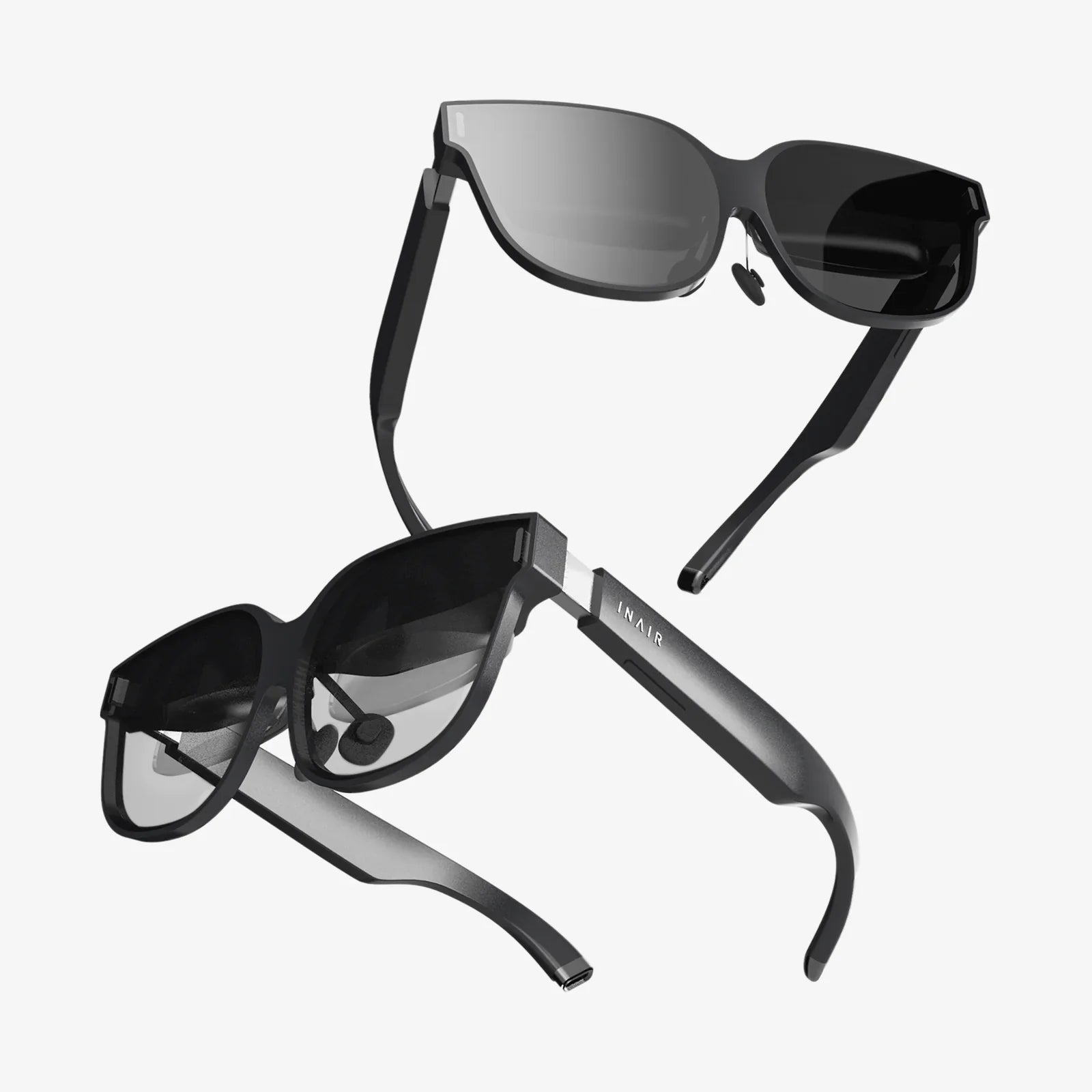
Imagine controlling your powerful home computer from the comfort of your couch, accessing all your files, games, and applications on a lightweight laptop in the garden, or presenting a slideshow from your desktop to the living room TV without a single cable. This isn't a glimpse into a distant future; it's the reality made possible by wireless desktop streaming today. This technology is quietly revolutionizing how we interact with our most powerful computing devices, shattering the physical constraints of the traditional desk setup and unleashing a new era of flexible, fluid, and truly modern computing.
The Core Technology: How Your Desktop Flies Through the Air
At its heart, wireless desktop streaming is a deceptively simple concept: transmitting the video output, audio, and input signals of one computer (the host) to another device (the client) over a local network, completely without wires. But the magic lies in the sophisticated technology that makes this possible in near real-time.
The process begins with capturing the host computer's video frame buffer. Specialized software on the host machine grabs the image data that would normally be sent to a physical monitor. This raw data is then compressed using efficient video codecs like H.264 or H.265. This compression is crucial; it reduces the enormous bandwidth required for a raw, high-resolution video stream into a manageable size that can be transmitted over Wi-Fi. The software also captures audio output and packages it alongside the video.
This compressed audiovisual data is then broken into packets and sent over your network to the client device. Upon arrival, the client software decodes the stream, reconstructing the video and audio to be displayed on its screen and played through its speakers. Crucially, the software also sends input signals—every keystroke you type and every mouse movement you make on the client device—back to the host computer. This bidirectional communication, with incredibly low latency (the delay between input and response), creates the illusion that you are directly interacting with the host machine.
Transforming Workflows: The Professional Powerhouse
For professionals, wireless desktop streaming is far more than a convenience; it's a potent tool for enhancing productivity and flexibility. The ability to separate physical location from computing power opens up a myriad of use cases.
Consider the hybrid work model. An employee can leave their powerful, multi-monitor workstation at the office but still access it in full from their modest home laptop. They aren't just accessing files remotely; they are streaming the entire desktop environment—all specialized software, complex workflows, and running processes—with full performance. This eliminates the need for costly, high-powered laptops for every employee and ensures everyone works within a consistent, secure corporate environment.
For creative professionals like video editors, 3D animators, and architects, this is a game-changer. They can invest in a single, incredibly powerful stationary machine and then stream its capabilities to various client devices around the studio or their home. This allows for collaborative review sessions where multiple people can view and interact with a high-resolution project on a tablet or large TV without crowding around a single desk.
A New Era of Entertainment and Gaming
Beyond the office, wireless desktop streaming has profoundly impacted the living room and the world of gaming. The concept of the home theater PC (HTPC) has been reborn. Instead of building a small, often underpowered computer to sit under your TV, you can now have a silent, sleek client device like a mini-PC or even a dongle that streams the full media library and interface of a powerful desktop located elsewhere in the house. This means flawless playback of high-bitrate 4K HDR movies without the fan noise or bulky hardware cluttering your entertainment center.
In gaming, the implications are staggering. Game streaming allows you to play the latest, most demanding titles on devices that could never run them natively. A user can be playing a graphically intensive game on their high-end desktop in the study and then continue their session on a laptop in the kitchen or a tablet in bed. The host machine does all the heavy lifting, rendering the game at maximum settings, while the client device simply decodes the video stream and sends back controller inputs. This effectively future-proofs less powerful devices, granting them access to top-tier gaming experiences.
The Hardware Ecosystem: What You Need to Get Started
Embracing a wireless desktop setup requires some key hardware components, but the barrier to entry is surprisingly low.
- The Host Computer: This is your powerhouse. It should have a capable CPU for encoding the video stream and a modern graphics card, as GPUs often have dedicated hardware encoders that are vastly more efficient for this task than software encoding.
- The Client Device: This can be almost anything: another Windows, macOS, or Linux computer; an Android or iOS tablet or phone; a smart TV; or a dedicated streaming dongle. The client needs only enough processing power to decode the video stream smoothly.
- The Network: This is the most critical element. A strong, stable network is the backbone of a good streaming experience. A wired Ethernet connection (GbE) for both the host and client is ideal for the ultimate stability and lowest latency. For Wi-Fi, a robust dual-band or, even better, a tri-band Wi-Fi 6 or Wi-Fi 6E router is highly recommended. These modern standards provide greater bandwidth, better handling of multiple devices, and reduced interference, which is vital for maintaining a smooth, high-quality stream.
Software Solutions: The Invisible Conductor
The software is what orchestrates the entire symphony of hardware. Several paradigms exist:
Built-in Operating System Features: Some modern operating systems are beginning to integrate streaming capabilities natively, allowing for seamless discovery and connection between devices within the same ecosystem with minimal setup.
Third-Party Applications: A wide range of mature and highly optimized software exists to enable streaming. These applications often offer a wealth of customization, allowing you to fine-tune the balance between visual quality (resolution, bitrate, color accuracy) and performance (latency). They provide options for different encoding modes, security settings, and audio configurations to tailor the experience to your specific need, whether it's competitive gaming or color-accurate photo editing.
Overcoming Challenges: Latency, Quality, and Security
No technology is without its hurdles, and understanding them is key to a successful setup.
Latency is the arch-nemesis of streaming. It is the delay between performing an action on the client device and seeing the result on the screen. Factors affecting latency include network congestion, signal strength, and the encoding/decoding process. While it may be imperceptible for general desktop use or watching movies, it can be crucial for fast-paced gaming or precise creative work. Mitigation strategies include using a wired connection, modern Wi-Fi standards, and enabling any "low latency" or "game mode" features in the streaming software.
Visual Quality can sometimes suffer from compression artifacts, especially in high-motion scenes or if the network bandwidth is insufficient. Modern codecs are exceptionally good, but a poor network will lead to a blocky, blurred image or dropped frames. Ensuring a strong, dedicated connection for streaming is paramount.
Security is a valid concern when making a computer accessible over a network. Reputable streaming software employs robust encryption for both the video stream and the input data, ensuring that your session is private and cannot be intercepted. It is vital to use strong, unique passwords and keep the streaming software updated to protect against potential vulnerabilities.
The Future is Unplugged and Everywhere
The trajectory of wireless desktop streaming points toward even deeper integration into our digital lives. As Wi-Fi 7 emerges with its promise of deterministic latency and even greater speeds, the experience will become indistinguishable from a local machine. We are moving towards a world where your computing power is centralized in a single, powerful device at home or in the cloud, and your myriad screens—from phones to tablets to TVs—become mere windows to that power, agile, lightweight, and always connected. The physical desktop, once the unchallenged throne of personal computing, is becoming just one of many places where we can compute, create, and play.
The cord has been cut. The potential for a truly seamless, device-agnostic digital life is now at our fingertips, waiting to be explored. Whether you're a professional seeking ultimate flexibility, a gamer craving freedom, or a home user looking to declutter, wireless desktop streaming offers a compelling and powerful vision of a cable-free future that you can start building today. Your entire computer, from its raw power to its familiar interface, is no longer anchored to a single spot—it's waiting in the air, ready for you to connect from anywhere.
Share:
Modern Mobile Office Redefining Work Beyond the Cubicle
When to Use Spatial Audio: The Ultimate Guide to Immersive Sound