


INAIR 3D Kit (for Projector)
Unlock infinite 3D. Turn any movie, show, or video into a theater experience.
"Hands down, the coolest piece of tech I've bought all year!The INAIR 3D Kit caught my eye with its promise of "AI real-time rendering" and true "plug-and-play" simplicity."
Have questions about buying?
Consult with INAIR Specialist↗
30-Day Return

1-Year Warranty

Pay with Ease
Description
Plug and play. Connect to any projector to enjoy best-in-class 3D, rendered by advanced AI models.
The INAIR 3D Kit (for Projector) is a smart, portable, all-in-one device that instantly transforms any DLP-Link 3D standard projector into an immersive AI-driven 3D theater.
Key Features:
- Real-Time 3D Conversion: Converts any 2D content — movies, TV shows, TikTok, YouTube, Bilibili, and other streaming apps — into stunning 3D visuals instantly.
- Seamless 4K Experience: Supports native 4K resolution with zero perceptible lag, delivering sharp, fluid, and lifelike images.
- Plug & Play Convenience: Works effortlessly with your existing DLP-Link projector — no complex setup required. (Notes: Compatibility: Works seamlessly with mainstream DLP-Link 3D projectors)
What's Included
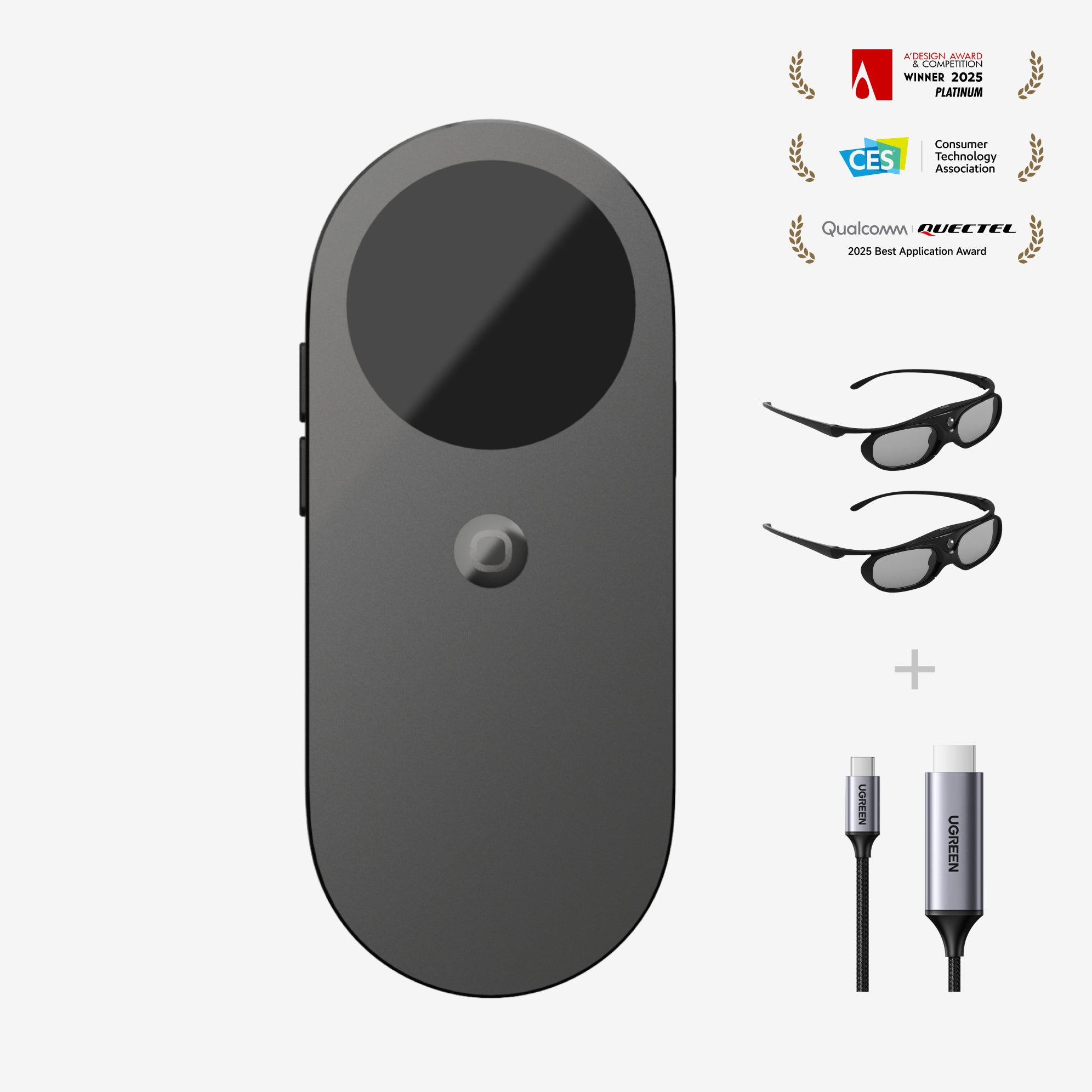
INAIR Pod x1,
3D Glasses x2,
HDMI to Type-C Cable x1.
Compatibility
INAIR Pod Compatibility
Seamless Device Integration
- Supports Bluetooth keyboards, mice, and game controllers, enabling smooth control across various scenarios.
Extensive App Ecosystem
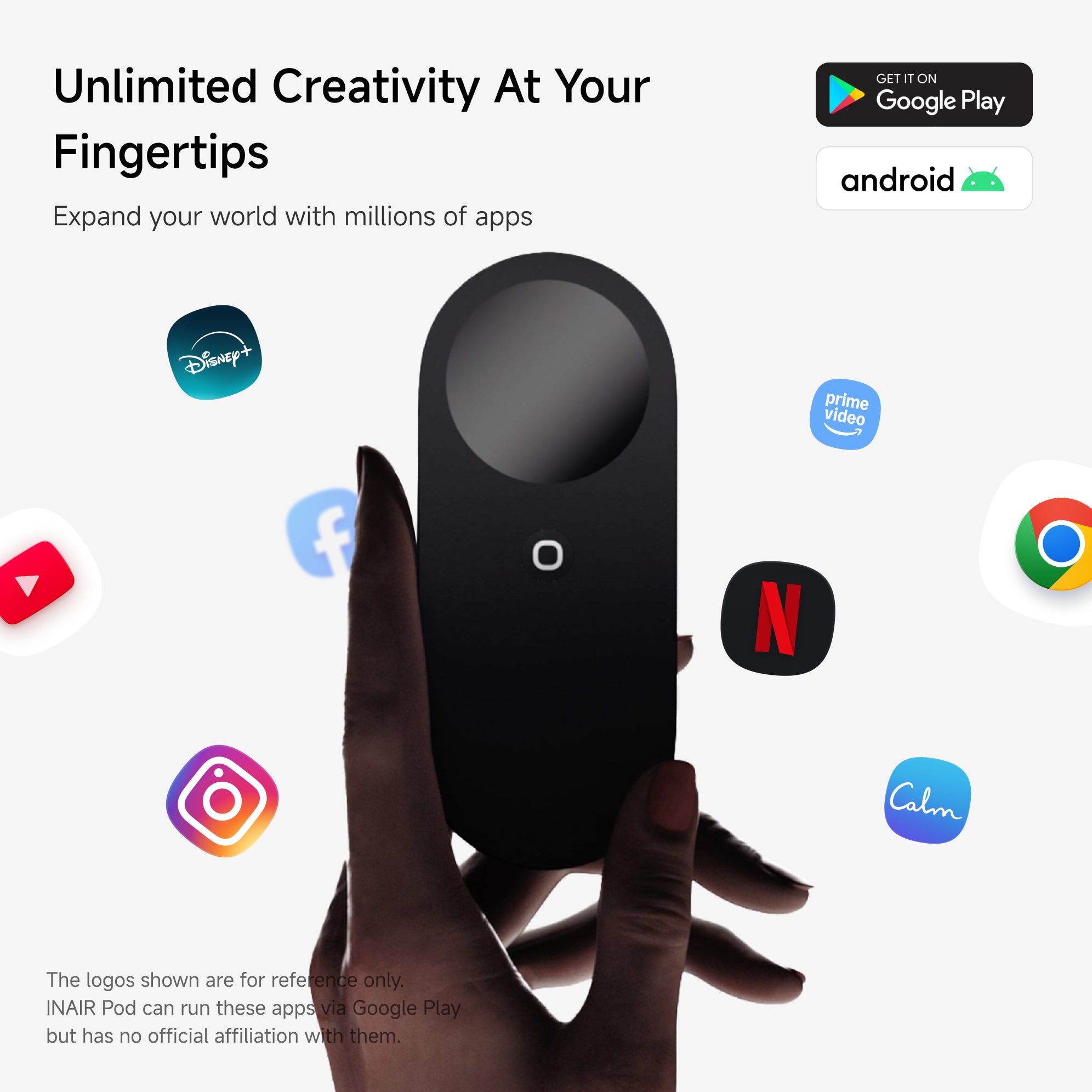
- Powered by an Android-based system, INAIR Pod is compatible with a wide range of Android applications for entertainment, productivity, and gaming.
Remote Streaming Notes
- If you experience connection or pairing issues, try switching to another mobile or Wi-Fi carrier network.
- Our R&D team is continuously enhancing global network adaptation, and broader remote streaming compatibility will roll out in future updates.
Shipping, Duties & Returns
Delivery & Shipping
Worldwide Shipping available. Enjoy Shipping(2-8 Business Days)after shipped out, and shipping time depends on your Destination.
Notes: Customized lenses ship separately and arrive in 6–12 business days. Please note: Customized products are non-refundable and non-exchangeable.
Duties
Import duties and taxes are determined by each country's customs authority and may vary by region.
• International Orders: Additional duties or taxes may apply and are collected by local customs authorities if required.
• We are continuously working to expand duty-included shipping to more regions.
Returns
- Free 30-Day Returns for your peace of mind.
- For complete details, please refer to our full Shipping & Return Policy.
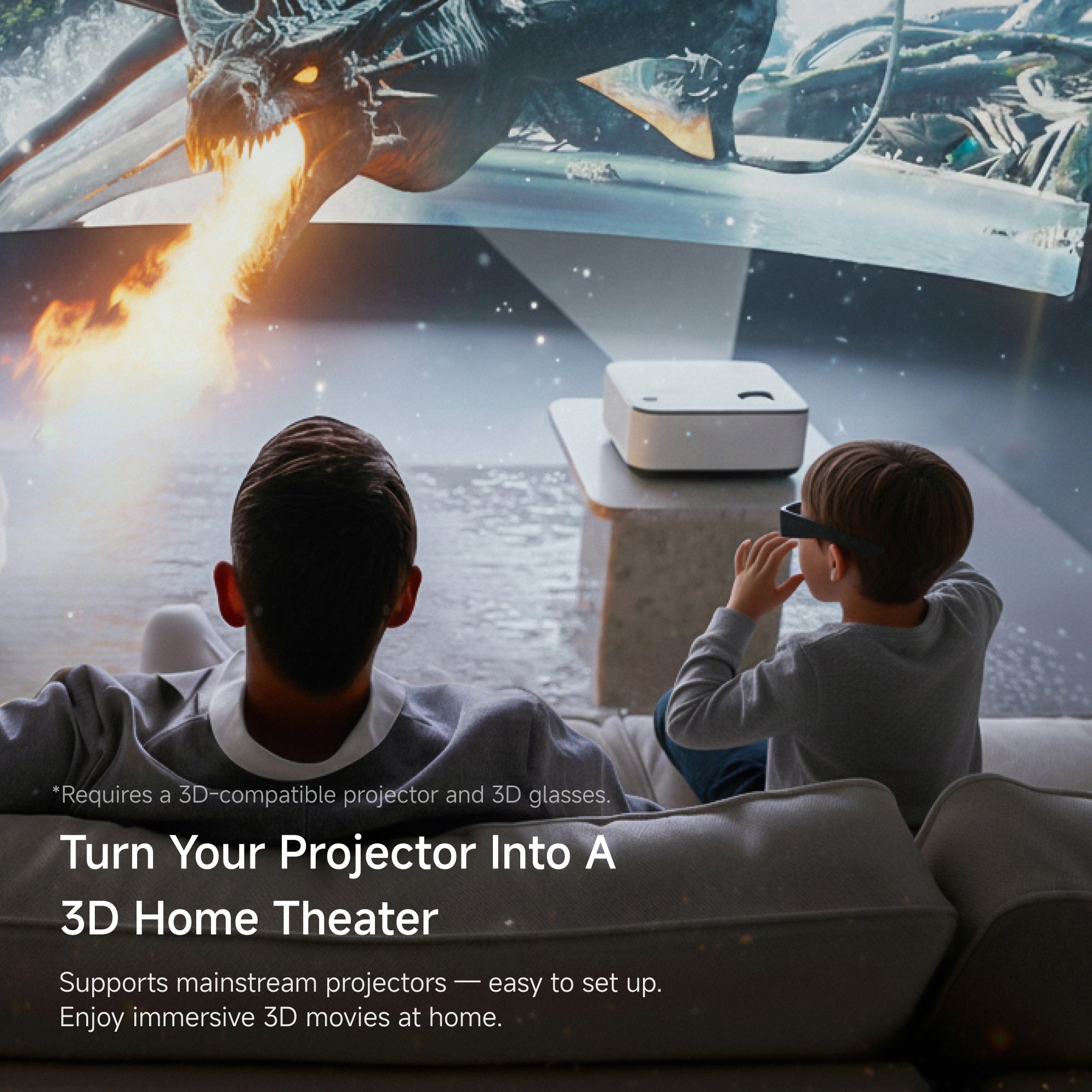
*Requires a projector that supports 3D mode and the use of 3D glasses.
Turn Your Projector Into a 3D Home Theater
Compatible with mainstream projectors — plug and play. Supports the DLP-Link 3D projection standard — simply connect via HDMI and instantly step into a 3D world.

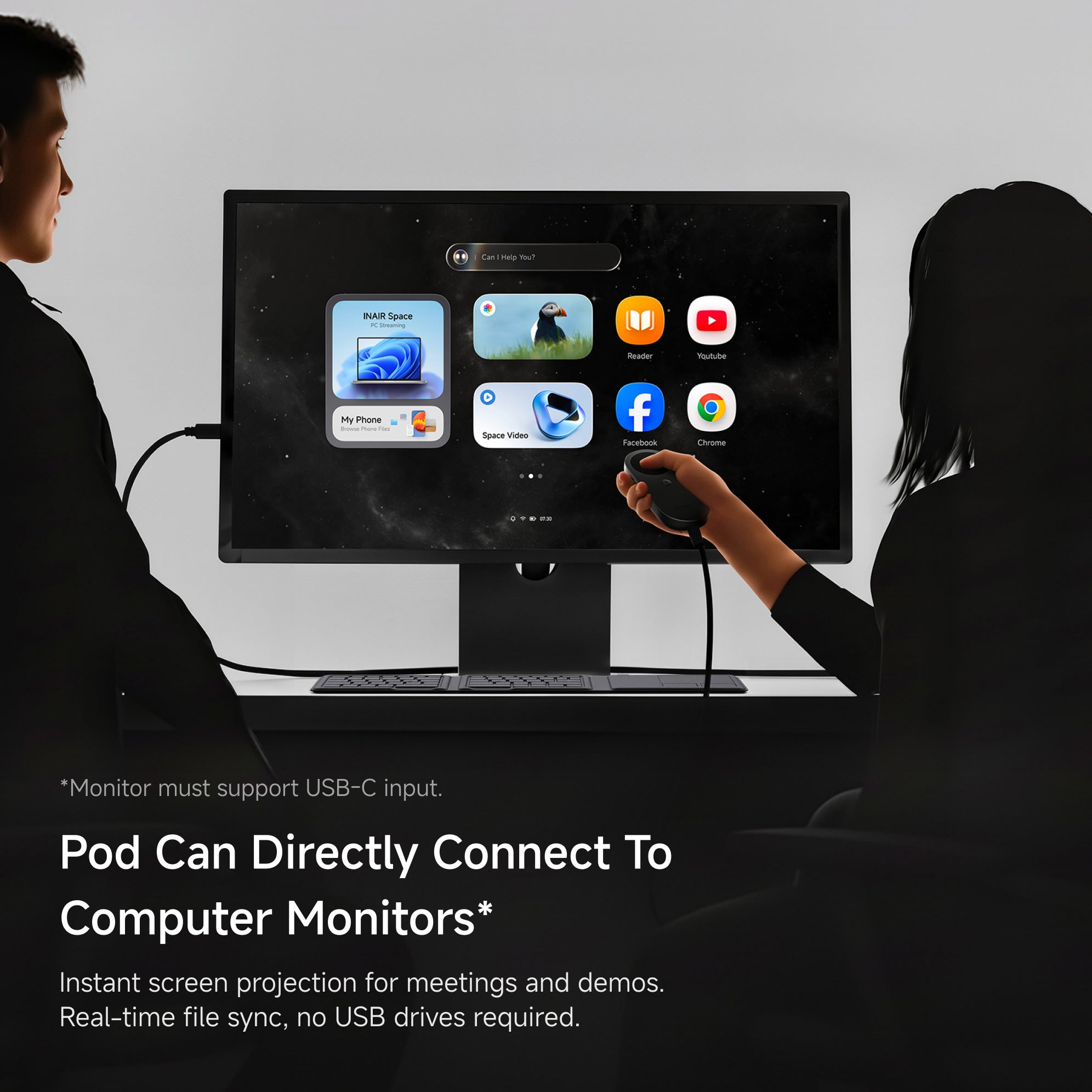
*Monitor must support USB-C input.
Pod Can Directly Connect to Computer Monitors*
Connect directly to monitors or projectors with no complex setup — instant screen projection. Sync client files and presentations in real time, eliminating the need for USB drives to save time and effort.

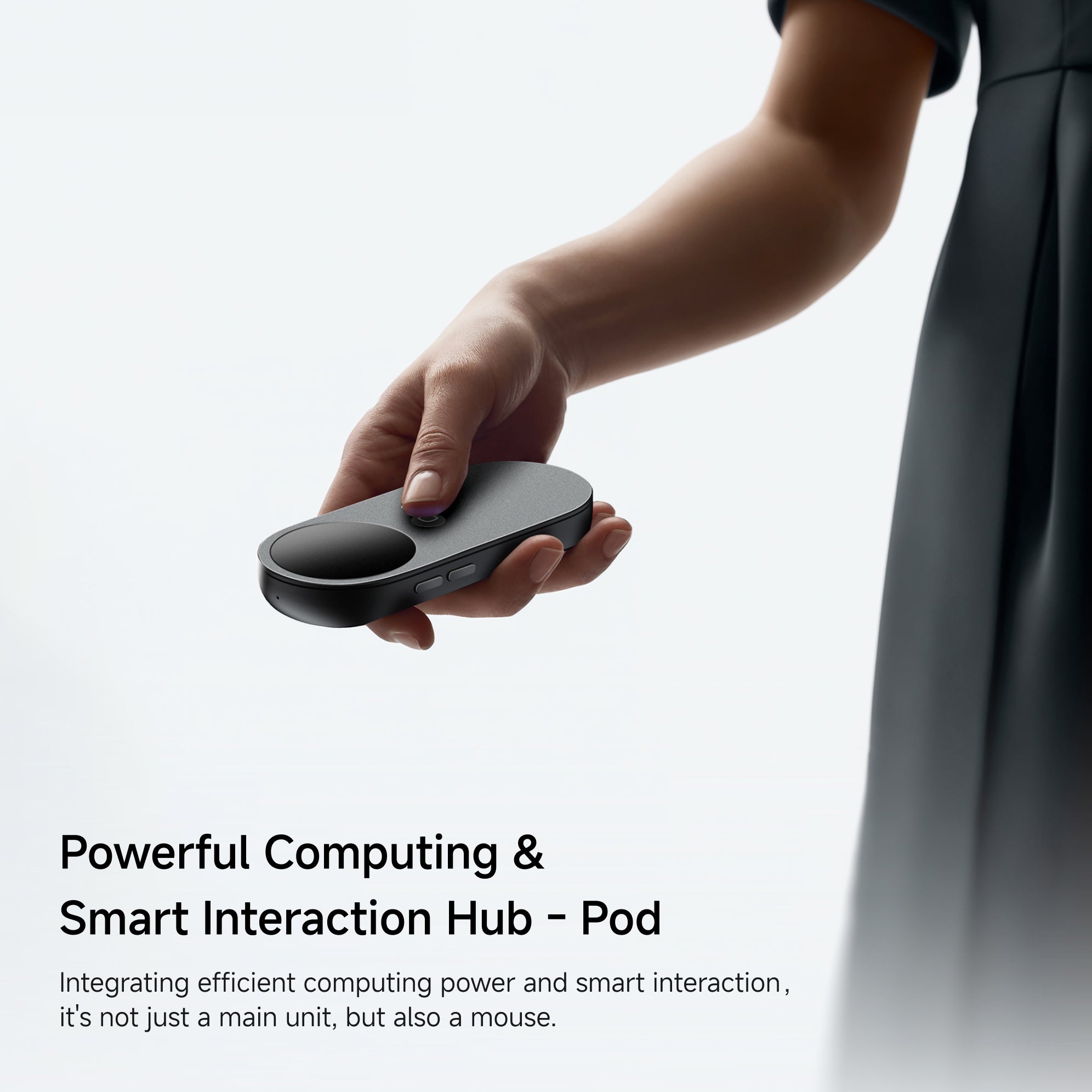
Perfect All-In-One
Host & Mouse
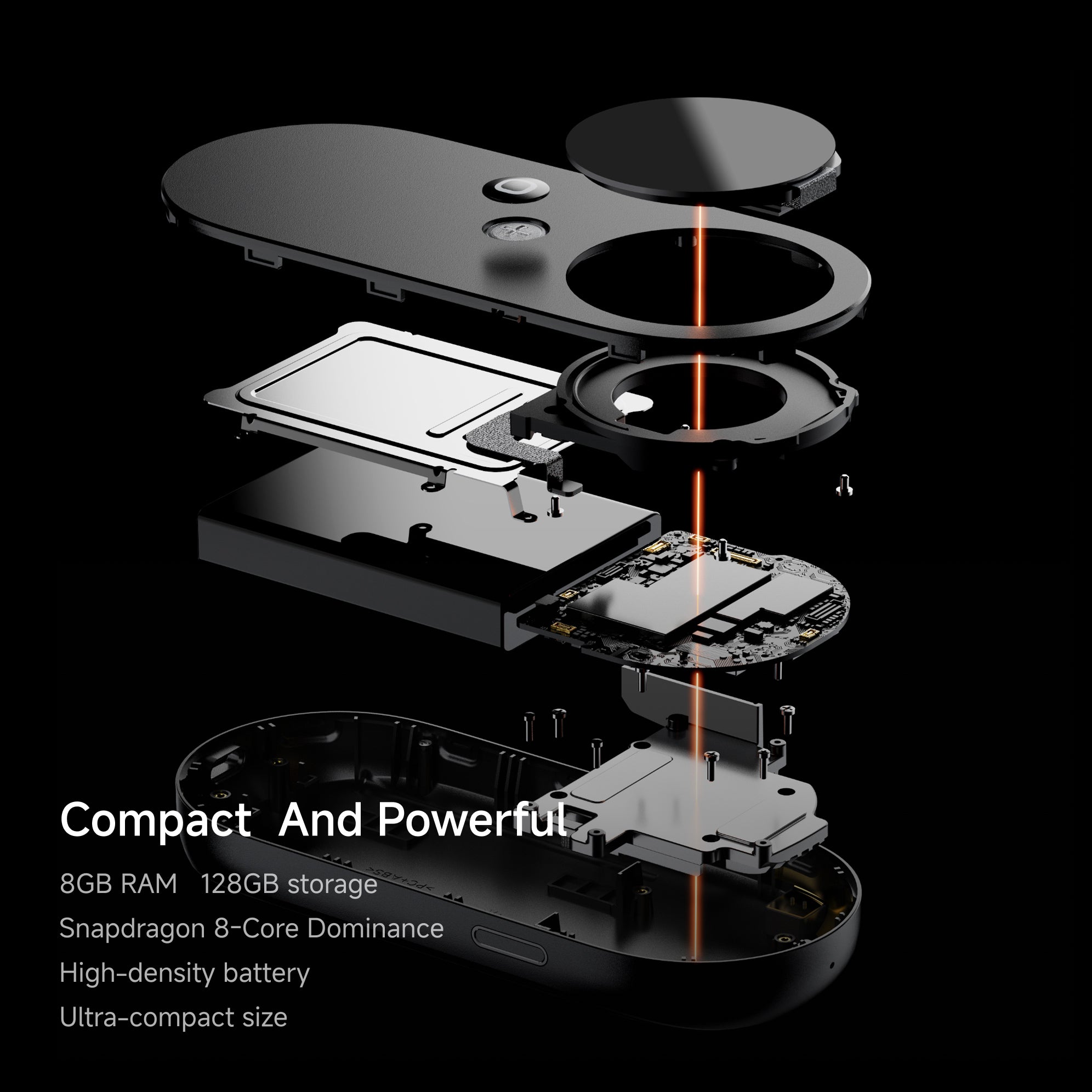
PROCESSOR
Qualcomm Snapdragon 8-Core
MEMORY
8GB RAM and 128GB Storage
INTERACTION
Touch Display + Spatial Pointing
+ Haptic Feedback
BATTERY
5000 mAh, up to 20 Days Standby
PRIVACY
Fingerprint Unlock, Secure User Data

Millions of Apps Around You


















If you have any questions, you are always welcome to contact us. We'll get back to you as soon as possible, within 24 hours on weekdays.
-
Shipping Information
Use this text to answer questions in as much detail as possible for your customers.
-
Customer Support
Use this text to answer questions in as much detail as possible for your customers.
-
FAQ’s
Use this text to answer questions in as much detail as possible for your customers.
-
Contact Us
Use this text to answer questions in as much detail as possible for your customers.
FAQs
What are the differences between the INAIR 3D Kit (for Projector) and the other three sets(INAIR 2 Go Pack, INAIR 2 Elite Suite and INAIR 2 Pro Set)?
The INAIR 3D Kit (for Projector) is a projector-focused kit distinct from the other three sets. This 3D Kit can connect to a host projector or an external display that supports 3D, allowing family and friends to watch 3D content together. It can convert 2D content from any Android app directly into 3D, without the need for dedicated 3D video sources. The two glasses included in this set are 3D Glasses, not the AR glasses found in the other three sets.
How can I tell if my projector supports DLP-Link?
To check if your projector is compatible with DLP-Link 3D technology, here are some methods:
1. Check the specifications or user manual:Look for keywords like “DLP-Link,” “3D Ready,” or “3D Capable.”
2. Inspect the projector menu:Open your projector menu and navigate to Display / Video / 3D settings,If you see 3D Mode or DLP-Link Mode, your projector supports DLP-Link.
3. Check official documentation or online resources:Search your projector model along with “DLP-Link” on the manufacturer’s website.