


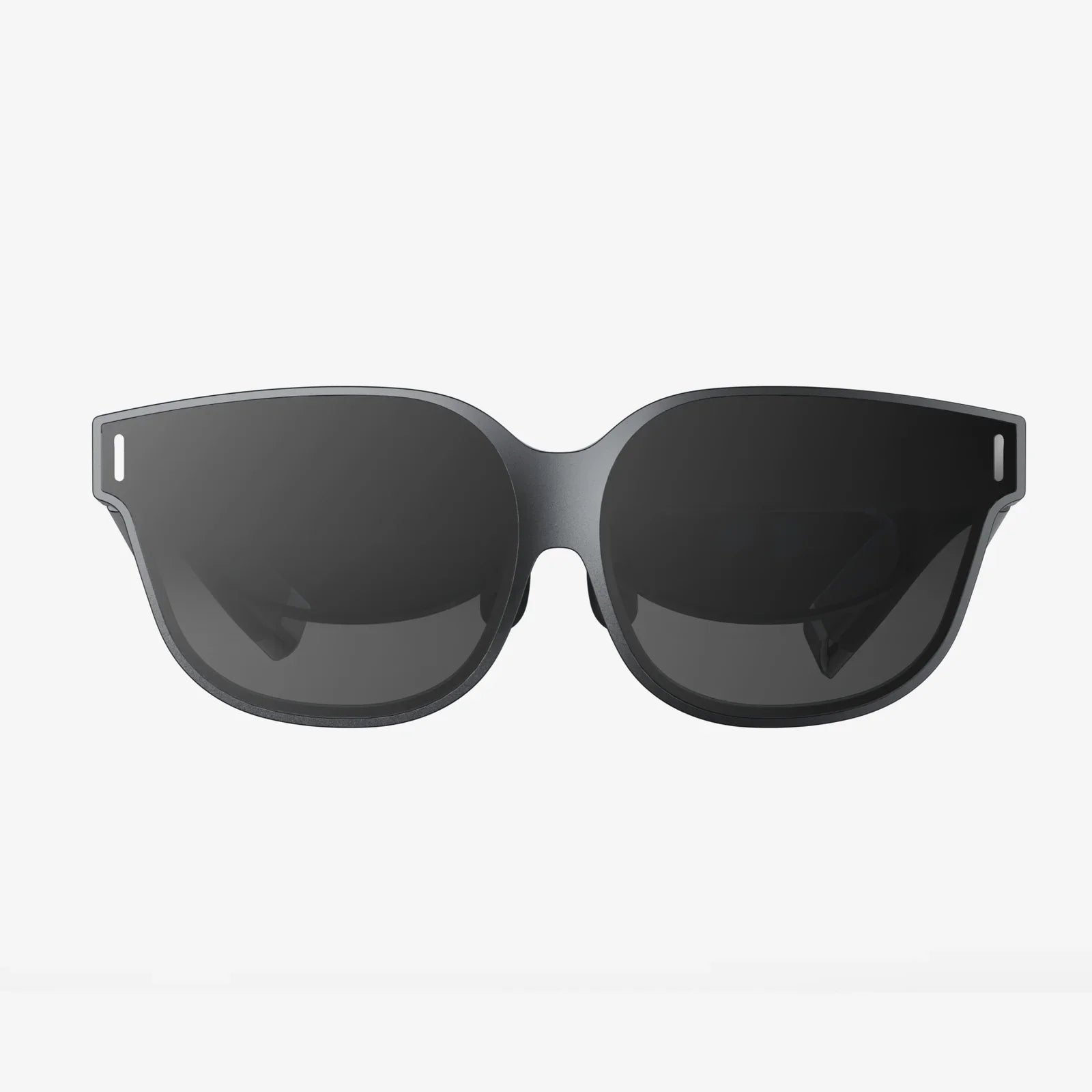
ar devices are no longer just sci-fi gadgets; they are quickly becoming the next must-have technology that could change how you see everything around you. From trying on clothes without stepping into a fitting room to getting real-time directions floating in front of your eyes, these immersive tools promise a more intuitive, visual, and interactive world. If you have ever wondered what comes after smartphones, understanding ar devices today could give you a front-row seat to tomorrow.
What Are AR Devices and Why Are They Different?
Augmented reality, often shortened to AR, is a technology that overlays digital information onto the real world. Unlike virtual reality, which replaces your surroundings with a fully digital environment, AR enhances what you already see. ar devices are the hardware tools that make this possible, combining sensors, cameras, displays, and software to mix digital content with physical space in real time.
Think of ar devices as visual translators between the digital and physical worlds. They can show you instructions directly on top of a machine you are repairing, labels hovering over objects in a museum, or navigation arrows on the street in front of you. Instead of needing to look down at a screen, AR aims to bring information into your natural field of view, making it feel more like part of your environment.
Types of AR Devices on the Market Today
While the concept of AR sounds futuristic, many ar devices already exist in different forms, each designed for specific uses and levels of immersion. Understanding the main categories can help you see where the technology fits into your life or business.
1. AR Headsets and Smart Glasses
AR headsets and smart glasses are worn on the head like regular eyewear or headgear. They use transparent or semi-transparent displays to project digital images onto your field of view. These ar devices often include cameras, microphones, motion sensors, and sometimes eye-tracking to understand what you are looking at and doing.
- Transparent displays: Digital content appears as floating overlays on top of the real world.
- Hands-free interaction: You can often control them through voice commands, hand gestures, or simple controllers.
- Use cases: Industrial training, remote assistance, complex assembly tasks, design visualization, and field service work.
Because they allow you to see your surroundings clearly while adding digital layers, these ar devices are particularly useful in environments where safety and awareness are critical.
2. AR on Smartphones and Tablets
The most common ar devices today are the ones you already own: smartphones and tablets. Using their cameras, screens, and motion sensors, these devices can place virtual objects into your environment as seen through the display.
- Accessibility: Almost anyone with a modern phone can experience AR without new hardware.
- Everyday uses: Filters in social apps, furniture placement previews, educational apps, and interactive games.
- Limitations: You must hold the device in your hands and look through the screen, which is less natural than wearing glasses.
Even though phones are not dedicated ar devices, they are a major driver of AR adoption. They introduce people to the concept and prepare the market for more advanced wearables.
3. AR Wearables and Accessories
Beyond glasses and phones, other ar devices are emerging in the form of wearable accessories. These can include headbands, clip-on displays, or even small projectors that beam information onto nearby surfaces.
- Heads-up displays: Small screens attached near the eye, often used in logistics or manufacturing.
- Projection-based AR: Devices that project information onto tables, walls, or tools, turning them into interactive surfaces.
- Specialized wearables: Devices designed for specific tasks such as surgery, construction, or sports training.
These ar devices are typically tailored for professional environments where even a small overlay of information can significantly improve efficiency or safety.
How AR Devices Actually Work
Behind the scenes, ar devices rely on a complex combination of hardware and software to make digital content appear stable and realistic within the real world. While the user experience may feel magical, the underlying technology is carefully engineered.
Core Hardware Components
Most ar devices share several key hardware components:
- Cameras: Capture the environment so that the device can understand surfaces, objects, and movement.
- Motion sensors: Accelerometers, gyroscopes, and sometimes depth sensors help track the position and orientation of the device.
- Displays: Transparent lenses, small screens, or phone displays show digital content layered over the real world.
- Processors: Handle real-time calculations, such as mapping the environment and rendering 3D graphics.
- Connectivity: Wi-Fi, Bluetooth, and sometimes cellular connections allow ar devices to access cloud services and remote data.
Key Software Technologies
On the software side, ar devices rely on algorithms and frameworks that make the experience stable and believable:
- SLAM (Simultaneous Localization and Mapping): This technique allows devices to map the environment and track their own position within it at the same time, making virtual objects stay in place as you move.
- Computer vision: Recognizes surfaces, images, and sometimes specific objects, enabling interactions like placing furniture on the floor or showing information about a product.
- Rendering engines: Generate 2D or 3D graphics in real time, adjusting lighting and perspective to match the environment.
- Interaction systems: Interpret gestures, voice commands, or gaze direction to let you control the AR experience.
When all these elements work together, ar devices can create the illusion that digital objects truly exist within your physical surroundings.
Everyday Uses of AR Devices You May Already Know
Even if you have never worn AR glasses, you have likely encountered AR features in daily life. These early uses demonstrate how ar devices and AR-enabled apps can make tasks more intuitive and engaging.
- Social media filters: Face filters that add masks, makeup, or effects are a simple form of AR.
- Navigation overlays: Some map apps provide live directions over the camera view, making it easier to follow routes in unfamiliar areas.
- Home design previews: Tools that let you place virtual furniture in your room or change wall colors using your phone camera.
- Interactive learning: Educational apps that display 3D models of planets, anatomy, or historical artifacts in your living room.
These examples show how ar devices and AR experiences can make information more visual and easier to understand, especially for people who learn best through seeing and doing rather than reading long instructions.
AR Devices at Work: Transforming Industries
Beyond fun filters and games, ar devices are quietly reshaping how professionals work across many industries. Businesses are investing in AR to reduce errors, speed up training, and enable new forms of collaboration.
Manufacturing and Maintenance
In factories and maintenance environments, ar devices can display step-by-step instructions directly over machines, tools, or components. A technician wearing smart glasses might see highlighted parts, torque values, or safety warnings while keeping both hands free.
- Faster training: New workers can follow visual instructions instead of memorizing complex manuals.
- Reduced errors: Clear overlays help ensure that parts are installed correctly and in the right order.
- Remote support: Experts can see what the worker sees and guide them in real time, even from another country.
Healthcare and Medical Training
Healthcare professionals are exploring ar devices for both training and real-world procedures. For example, AR can display anatomical information on top of a mannequin or even a patient’s body during simulations.
- Surgical planning: AR can show 3D models of organs or bones aligned with the patient’s body.
- Education: Students can interact with virtual anatomy that appears life-sized and realistic.
- Remote consultation: Specialists can guide local teams by seeing their AR view and adding visual cues.
Because accuracy is critical in healthcare, ar devices in this field often focus on precise tracking and clear visualization rather than entertainment.
Construction, Architecture, and Real Estate
For architects, builders, and real estate professionals, ar devices provide a powerful way to visualize structures before they are built.
- On-site visualization: AR can overlay building plans on a construction site, helping teams see where elements will go.
- Client presentations: Clients can walk through a space and see virtual walls, furniture, or design options.
- Error detection: Comparing AR overlays with actual construction can reveal discrepancies early.
This ability to merge digital plans with real-world locations allows stakeholders to make better decisions and avoid costly mistakes.
Retail and Customer Experience
Retailers are using ar devices and AR-enabled apps to create more personalized and convenient shopping experiences.
- Virtual try-ons: Customers can see how clothing, accessories, or cosmetics look on them without physically trying them.
- Product visualization: Shoppers can place virtual versions of furniture or appliances in their homes.
- Interactive stores: In-store AR can provide extra product information, reviews, or promotions when you point your device at an item.
These features not only make shopping more engaging but also help customers feel more confident in their choices.
AR Devices in Education and Training
Education is one of the most promising areas for ar devices. By turning abstract concepts into interactive 3D experiences, AR can make learning more memorable and accessible.
- Interactive textbooks: Printed pages can come to life when viewed through an AR-enabled device, showing animations or 3D models.
- Virtual field trips: Students can explore historical sites, outer space, or inside the human body without leaving the classroom.
- Skill training: AR simulations can help learners practice tasks like equipment operation, lab procedures, or emergency responses in a safe environment.
By making learning more visual and hands-on, ar devices can help students retain information better and stay more engaged with the material.
Entertainment and Gaming: Where AR First Captured Attention
Many people first discovered AR through games and playful experiences. ar devices and AR-enabled phones have introduced new types of entertainment that blend digital characters and objects with the physical world.
- Location-based games: Games that encourage players to explore real-world locations to find virtual items or characters.
- Interactive stories: Storytelling experiences where characters appear in your living room or backyard.
- Sports and fitness: AR overlays that show performance metrics, targets, or virtual opponents during workouts.
These experiences highlight how ar devices can turn everyday environments into interactive playgrounds, offering new ways to socialize, compete, and stay active.
Benefits of AR Devices for Individuals and Businesses
As AR continues to evolve, both individuals and organizations are discovering clear benefits from adopting ar devices and AR applications.
Benefits for Individuals
- More intuitive information: Instead of reading manuals or long instructions, you see guidance visually overlaid on what you are doing.
- Enhanced learning: Complex topics become easier to understand when you can see and interact with them in 3D.
- Improved navigation: AR-based directions reduce confusion in unfamiliar cities, campuses, or large buildings.
- Richer entertainment: Games and media become more immersive by blending with your surroundings.
Benefits for Businesses
- Higher productivity: Workers can access instructions, checklists, and real-time data without leaving their tasks.
- Reduced training time: New employees learn faster with guided AR workflows than with traditional manuals.
- Fewer errors: Visual cues and real-time validation help ensure tasks are completed correctly.
- Better collaboration: Remote experts can provide support by seeing what frontline workers see through their ar devices.
These advantages make AR an attractive investment for industries facing skills shortages, complex workflows, or high safety requirements.
Challenges and Limitations of AR Devices
Despite their potential, ar devices still face several challenges that limit widespread adoption. Understanding these issues can help manage expectations and guide smarter implementation.
Hardware Comfort and Design
Many ar devices, especially headsets, are still relatively bulky compared to regular eyeglasses. Wearing them for long periods can cause discomfort, fatigue, or headaches.
- Weight and balance: Heavy devices can strain the neck and nose bridge.
- Battery life: High-performance AR often drains batteries quickly, limiting usage time.
- Field of view: Some devices show AR content only within a limited window, which can feel restrictive.
Privacy and Security Concerns
Because ar devices often use cameras and may record or analyze surroundings, they raise important privacy questions.
- Public spaces: People around you may not want to be recorded or analyzed by your device.
- Work environments: Sensitive information on screens or documents could be captured unintentionally.
- Data handling: How AR data is stored, processed, and shared requires clear policies and safeguards.
Organizations adopting ar devices need to define rules that protect both workers and customers while still enabling useful AR features.
Software Complexity and Integration
Building effective AR applications is still technically challenging. Developers must consider tracking accuracy, performance, and user comfort while integrating AR with existing systems.
- Integration with enterprise tools: AR apps often need access to inventory systems, design files, or maintenance records.
- Cross-platform issues: Ensuring the same AR experience works across different ar devices and phones can be difficult.
- User experience design: Interfaces must be simple, clear, and safe to use in complex environments.
How to Choose AR Devices for Your Needs
If you are considering adopting AR, whether for personal use or for your organization, choosing the right ar devices is crucial. The best choice depends on your goals, environment, and budget.
Define Your Primary Use Cases
Start by identifying what you want to achieve with AR:
- Personal exploration: Trying out AR games, home design, or educational apps may only require a smartphone or tablet.
- Professional training: Hands-free guidance might call for smart glasses or headsets.
- Field service: Durable, comfortable ar devices that work outdoors and integrate with remote support tools may be necessary.
- Customer experiences: Retail or marketing applications can often rely on customers’ own phones.
Evaluate Comfort and Usability
For wearable ar devices, comfort and ease of use are just as important as technical specifications.
- Fit and adjustability: Devices should fit securely without causing pressure points.
- Weight distribution: Well-balanced designs reduce fatigue during long sessions.
- Controls: Consider whether gestures, voice commands, or physical buttons are most practical in your environment.
Check Compatibility and Integration
Make sure your chosen ar devices can work with the software and systems you rely on.
- Platform support: Confirm that your development tools or AR apps support the device.
- Connectivity: Reliable Wi-Fi or other network options are essential for cloud-based features.
- Security features: Look for options that support secure access, encryption, and device management.
Preparing for an AR-Driven Future
As ar devices become more capable, they have the potential to shift how we interact with information in our daily lives. Rather than pulling out a phone to search for answers, you might simply look at an object and see relevant data appear in your field of view.
To prepare for this shift, consider the following steps:
- Experiment with AR apps: Use your phone or tablet to explore simple AR experiences and understand what works well for you.
- Identify high-value use cases: At work or in your personal life, look for tasks that could benefit from visual guidance or real-time overlays.
- Learn basic AR concepts: Understanding how tracking, mapping, and interaction work will make it easier to evaluate new ar devices and applications.
- Stay informed: Follow news and case studies about AR adoption in your industry to see how others are applying the technology.
By building awareness now, you can make more informed decisions when ar devices become more affordable and widespread.
The Road Ahead for AR Devices
The evolution of ar devices is likely to be similar to the rise of smartphones: early models may feel experimental or limited, but each generation brings better performance, comfort, and useful applications. Over time, AR could become a natural extension of how we access information, collaborate with others, and experience entertainment.
Imagine a world where language barriers fade as real-time translations appear in your field of view, where complex repairs become manageable with visual guidance, and where learning new skills feels more like playing an interactive game than reading a manual. ar devices are the stepping stones toward that world, and those who understand and experiment with them today will be better positioned to shape how this technology is used tomorrow.
If you are curious about what comes after the screens you use now, exploring ar devices is one of the most powerful ways to glimpse the future. Whether you are a professional seeking an edge, an educator rethinking how to teach, or simply someone who loves new technology, AR offers a chance to transform the way you see, learn, and interact with everything around you.
共有:
VR Headset Running On Steam Deck: Complete Setup And Optimization Guide
VR Headset Running On Steam Deck: Complete Setup And Optimization Guide