


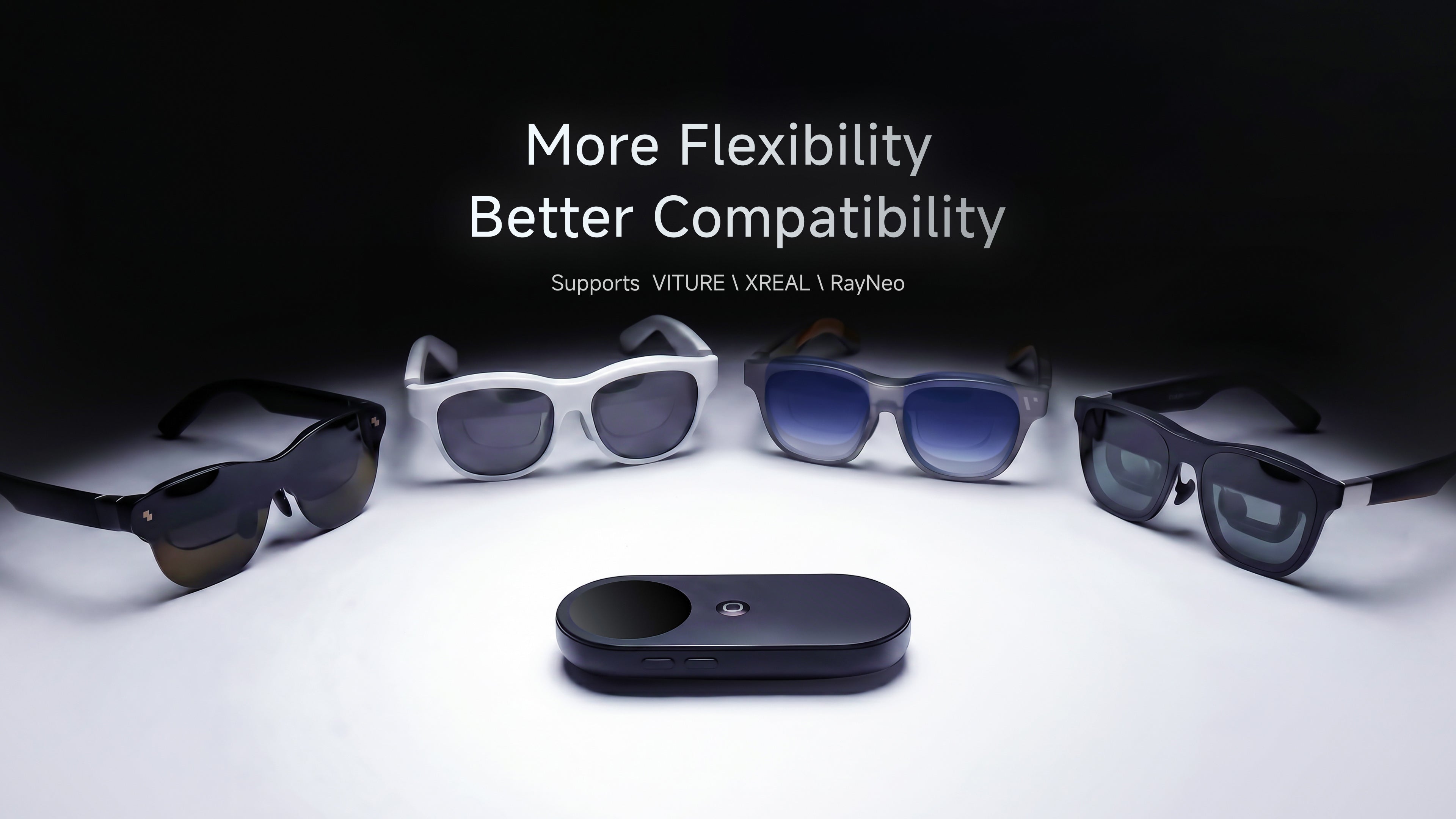
More flexibility, better compatibility, and quality-of-life improvements inspired directly by community feedback.

At INAIR, some of the most meaningful updates don't come from feature roadmaps.
They come directly from our users.
Over the past few months, we've received valuable feedback from users across the INAIR, VITURE, XREAL, and RayNeo communities. While many discussions focused on new features, just as many were about the everyday experience—small frustrations, missing options, and workflows that could be improved.
INAIR Pod 3.9 is dedicated to solving those real-world usability challenges.
This update introduces a series of compatibility enhancements, workflow improvements, and quality-of-life upgrades designed to make your AR experience smoother, more flexible, and more intuitive than ever before.
What's New in INAIR Pod 3.9
More Freedom Across Third-Party AR Glasses
One of the most common requests we've heard is simple:
"Let me choose the display mode that works best for me."
Previously, INAIR Pod automatically limited available display modes based on the connected glasses model. While this helped simplify setup, many advanced users wanted greater flexibility and control.
With INAIR Pod 3.9, all supported display modes are now available across compatible third-party AR glasses.
Whether you prefer a fixed display, a floating multi- window workspace, or a customized viewing setup, you now have more freedom to tailor the experience to your needs.
Move Windows Out of the Way When You Need To
Another highly requested improvement comes to Follow Mode.
Previously, floating windows were restricted to predefined positions, which could sometimes interfere with real-world visibility during everyday activities.
With INAIR Pod 3.9, windows can now be freely positioned toward the corners of your view while using Follow Mode.
This makes it easier to:
-
Follow a recipe while cooking
-
Watch content while multitasking around the house
-
Monitor information without blocking your field of view
It's a small change that makes a big difference in everyday use.
0DoF 2D Multi-Window Mode for XREAL One Series
XREAL One users have been asking for additional display flexibility, and we're excited to deliver it.
INAIR Pod 3.9 introduces a 0DoF 2D Multi-Window Mode for the XREAL One series.
This mode works alongside XREAL's native display capabilities, allowing users to combine INAIR's multi-window productivity experience with XREAL's own hovering and ultrawide display features.
The result is a more flexible workspace and greater freedom in how you choose to work, browse, and consume content.
Improved Native Experience for VITURE Beast Users
Following the recent expansion of VITURE Beast compatibility, we're continuing to refine the experience.
In 0DoF mode, VITURE Beast users can now access the glasses' native hover and menu functions directly while connected to INAIR Pod.
With INAIR Pod 3.9, users can now enjoy a more seamless integration between VITURE Beast and INAIR Pod, combining the strengths of both ecosystems for a smoother experience.
Calibration Reminder Added for RayNeo Series
Getting started should feel intuitive from the very beginning.
To improve the onboarding experience for RayNeo users, INAIR Pod 3.9 now displays a calibration reminder when entering 3DoF mode.
A brief prompt encourages users to keep the glasses stationary for a few seconds before use, helping reduce initial drift and ensuring a more stable spatial experience.
It's a simple addition, but one that can significantly improve first impressions and day-to-day usability.
Built With Community Feedback
INAIR Pod 3.9 isn't about one headline feature.
It's about making the overall experience better.
Every feature request, bug report, support ticket, community discussion, and user suggestion helps us improve INAIR OS and shape the future of spatial computing.
Many of the improvements in this update started as conversations within our community.
Join the discussion and share your feedback on our official social channels:
We'll continue listening.
We'll continue improving.
And we'll continue building the spatial experiences our users want most.

Frequently Asked Questions
Q1: Which devices are supported by INAIR Pod?
INAIR Pod supports a growing range of AR glasses and display devices, including INAIR, VITURE, XREAL, RayNeo, and compatible 3D projectors. Feature availability may vary by device. Please refer to the compatibility table on our website for the latest support information.
Q2: What is new for XREAL One users in INAIR Pod 3.9?
XREAL One users can now access a 0DoF 2D Multi-Window Mode, providing additional flexibility and compatibility with XREAL's native display features.
Q3: What improvements are available for VITURE Beast users?
VITURE Beast users can now access the glasses' native hover and menu controls while using INAIR Pod in 0DoF mode, creating a smoother and more integrated experience.
Q4: Why does RayNeo now show a calibration reminder?
The reminder helps users properly initialize 3DoF tracking by keeping the glasses stationary for a few seconds before use, reducing drift and improving stability.
Q5: Why were display mode options expanded for third-party glasses?
Many users requested greater control over how they use their devices. INAIR Pod 3.9 now provides access to all supported display modes, allowing users to choose the setup that best matches their workflow and preferences.
Share:
INAIR Pod Now Fully Supports VITURE Beast: Unlocking Full 3DoF 3D Multi-Window