INAIR Insights

Why INAIR AR Glasses Deliver an Unmatched Display Experience: Tackling the Core Pain Points of Traditional AR Glasses

Why INAIR AR Glasses Deliver an Unmatched Display Experience: Tackling the Core Pain Points of Traditional AR Glasses

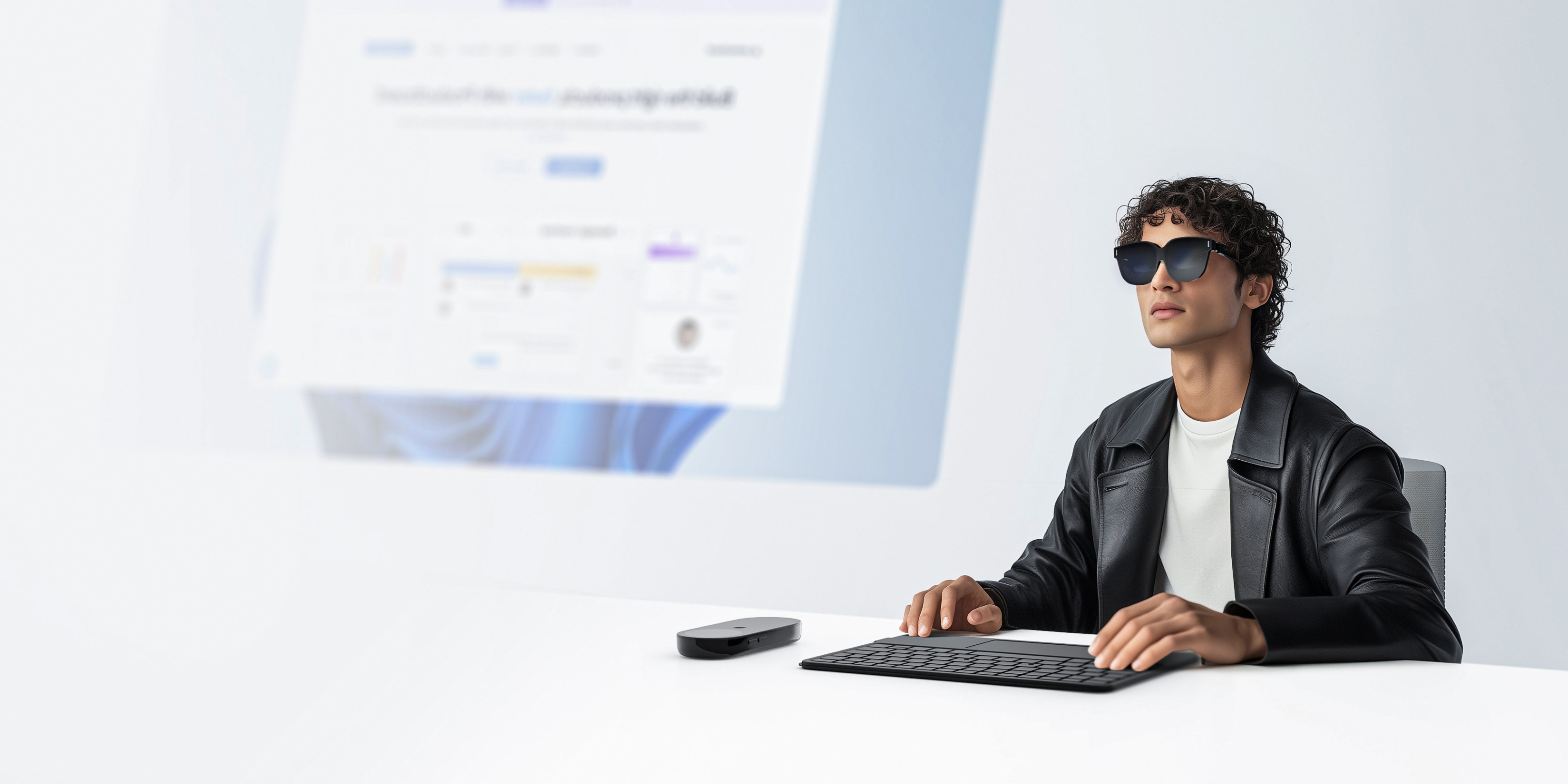
In the world of AR glasses, flashy specs don’t always translate to a stellar experience. After diving into real user feedback on mainstream AR glasses, we uncovered four major pain points: uncomfortable wear, blurry displays, overheating, and clunky software. INAIR...
INAIR AR Glasses: Your Ultimate Privacy and Health Companion in the Digital Age

INAIR AR Glasses: Your Ultimate Privacy and Health Companion in the Digital Age

Imagine working in a bustling coffee shop without worrying about prying eyes or enjoying a movie on a flight without disturbing your neighbor. With INAIR’s cutting-edge stepless electrochromic technology and directional audio, you get a private, healthy, and seamless mobile...
INAIR AR Glasses: Adaptive Immersion Control with Stepless Electrochromic Technology

INAIR AR Glasses: Adaptive Immersion Control with Stepless Electrochromic Technology

Unlike typical electrochromic smart glasses, INAIR AR Glasses offer stepless electrochromic technology and adaptive immersion control, revolutionizing the augmented reality experience. Whether you're working in a bustling café and need to switch to a conversation with a colleague or enjoying...
World’s First! INAIR Spatial Computer Brings Real-Time 2D-to-3D Conversion for All Apps

World’s First! INAIR Spatial Computer Brings Real-Time 2D-to-3D Conversion for All Apps

Experience a groundbreaking leap in augmented reality with INAIR, the world’s only AR glasses that transform any 2D app into a stunning 3D experience in real time. While traditional 3D experiences rely on specialized content and bulky devices, INAIR shatters...
The Best Spatial Computer of 2025: How INAIR Spatial Computer Revolutionize Your Productivity
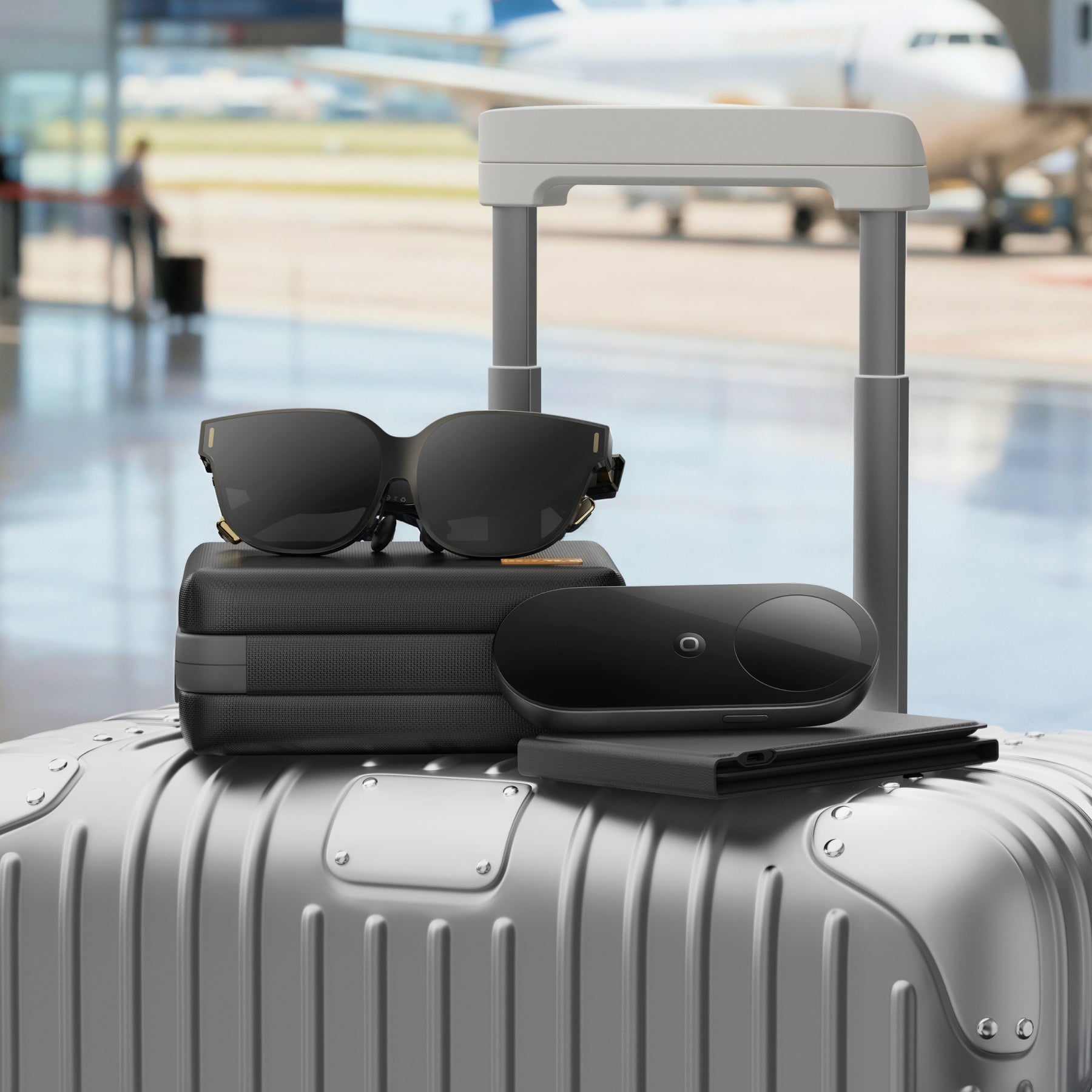
The Best Spatial Computer of 2025: How INAIR Spatial Computer Revolutionize Your Productivity

In today's fast-paced remote work environment, are you struggling with small screens and constant device switching? Don't worry—we're not pitching AR glasses. Instead, we're unveiling a revolutionary spatial computer: the INAIR Spatial Computer. It boasts independent and powerful computing capabilities...
INAIR AI Spatial Computer: The Ultimate Budget-Friendly AR Experience for 2025

INAIR AI Spatial Computer: The Ultimate Budget-Friendly AR Experience for 2025

Discover INAIR AI Smart Glasses — the affordable AR solution offering high-end features at a fraction of the cost of Vision Pro. Perfect for Android, macOS, and Windows.

Buying Guides

Learn with INAIR

INAIR Wakey Remote Wake-Up 2026: Setup and Hardware Limits

INAIR Wakey Remote Wake-Up 2026: Setup and Hardware Limits

INAIR Wakey Remote Wake-Up 2026: Setup and Hardware Limits   How Does the INAIR Wakey Remote Wake-Up Work? The INAIR Wakey is a specialized hardware dongle that allows you to wake up a sleeping PC from anywhere in the world...
How to Order Custom INAIR Pod Prescription Lenses in 2026

How to Order Custom INAIR Pod Prescription Lenses in 2026

How to Order Custom INAIR Pod Prescription Lenses in 2026   Can You Get Prescription Lenses for INAIR AR Glasses? Yes, you can order custom INAIR Pod prescription lenses directly from our website. To ensure crystal-clear vision in your spatial...
INAIR Elite Suite vs Go Pack 2026: Which Should You Buy?
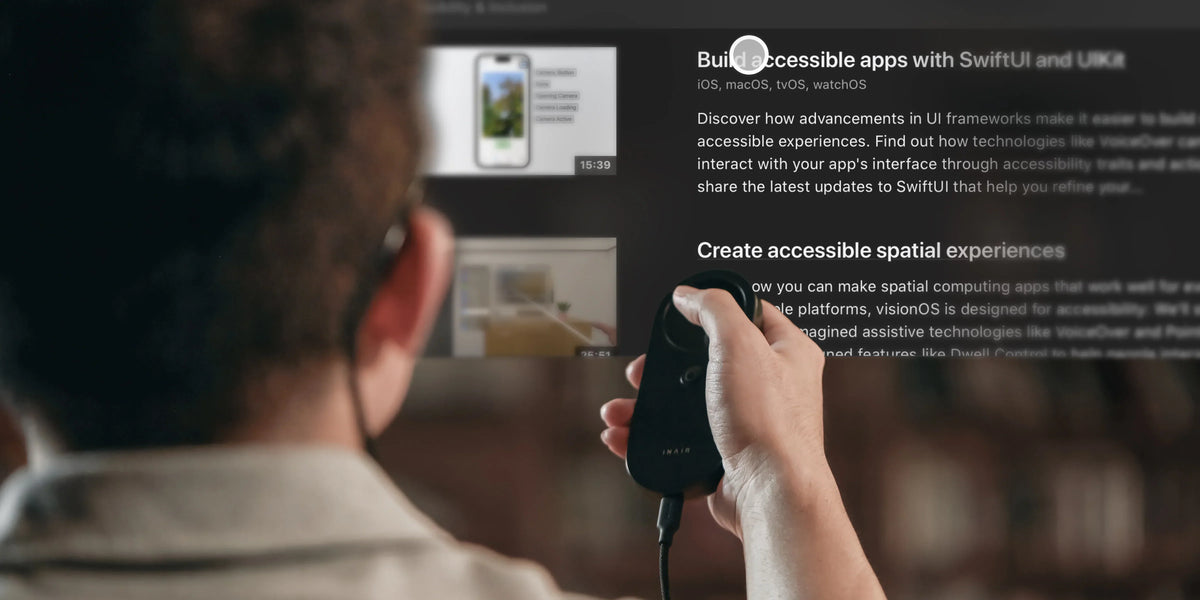
INAIR Elite Suite vs Go Pack 2026: Which Should You Buy?

INAIR Elite Suite vs Go Pack 2026: Which Should You Buy?   What Is the Difference Between the INAIR Elite Suite and the Go Pack? The difference between the INAIR Elite Suite vs Go Pack comes down to accessories and...
INAIR Hub 2026: Charge While Using Your AR Glasses

INAIR Hub 2026: Charge While Using Your AR Glasses

INAIR Hub 2026: Charge While Using Your AR Glasses   Can You Charge the INAIR Pod While Using AR Glasses? Yes, you can charge the INAIR Pod and power your AR glasses simultaneously by using the INAIR Hub accessory. Because...
INAIR Touchboard Windows Compatibility Explained 2026

INAIR Touchboard Windows Compatibility Explained 2026

INAIR Touchboard Windows Compatibility Explained 2026   Is the INAIR Touchboard Fully Compatible With Windows PCs? While the INAIR Touchboard can connect to a Windows PC via Bluetooth, it does not offer perfect compatibility. Because it uses standard Bluetooth protocols,...
How to Perform an INAIR Pod Screen Drift Calibration 2026

How to Perform an INAIR Pod Screen Drift Calibration 2026

How to Perform an INAIR Pod Screen Drift Calibration 2026   How Do I Calibrate My INAIR Pod to Stop Screen Drift? To perform an INAIR Pod screen drift calibration, you must access the specific calibration tool within the INAIR...