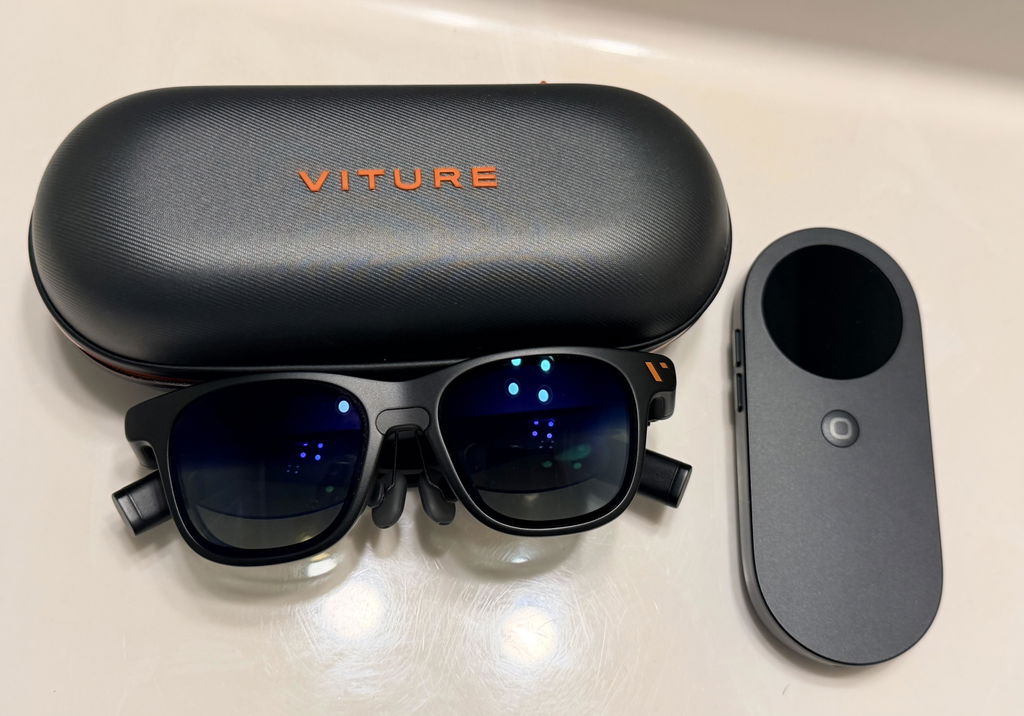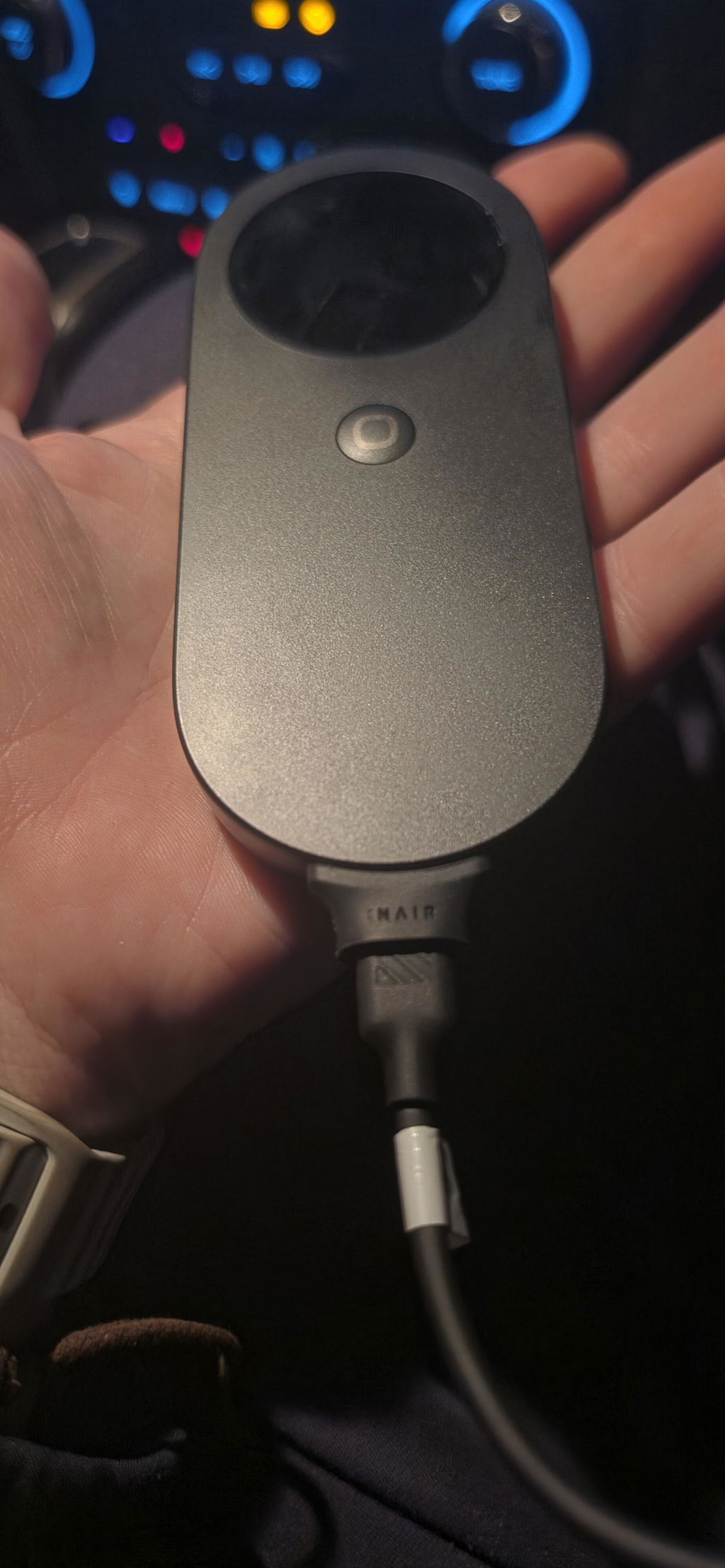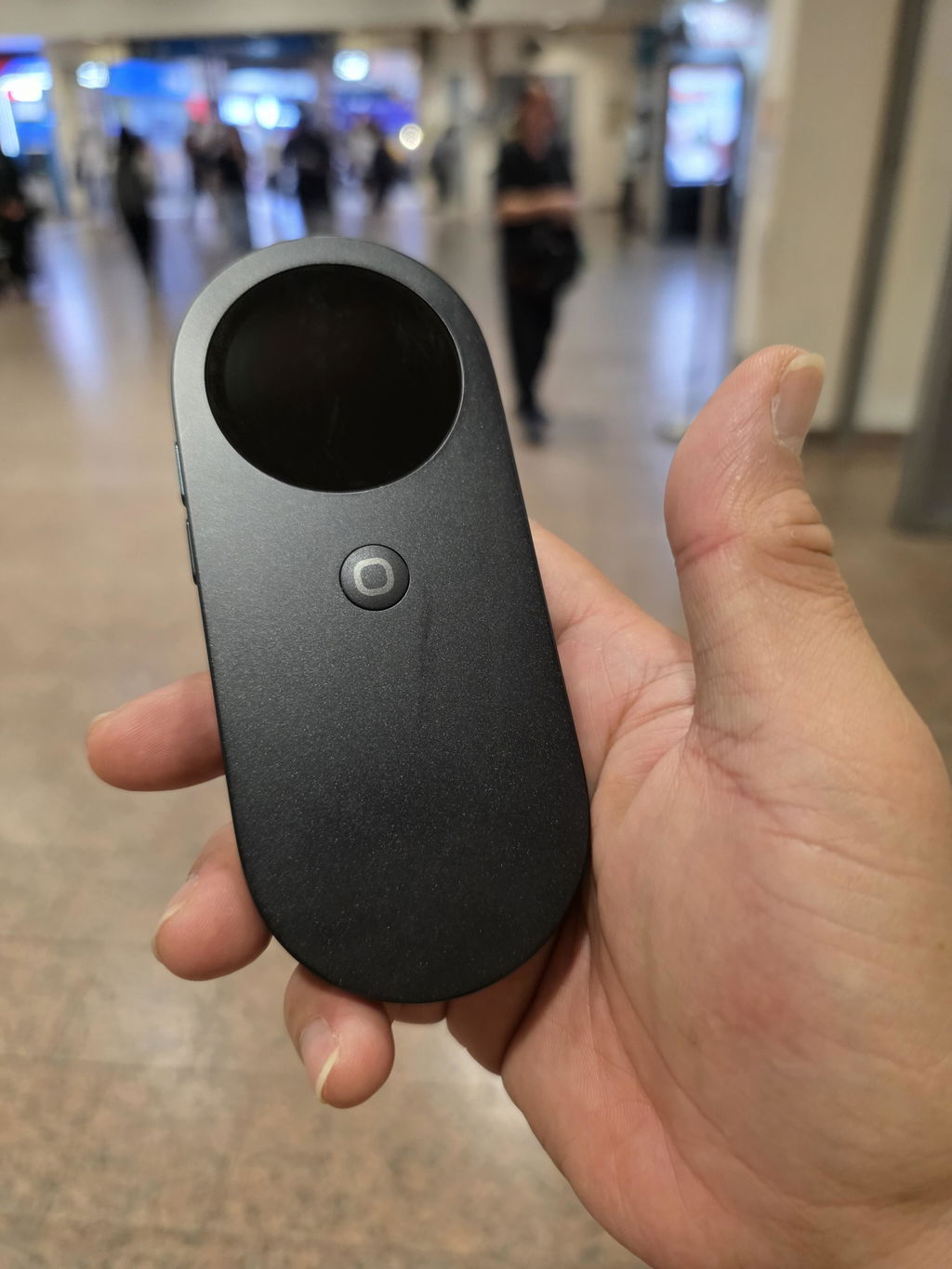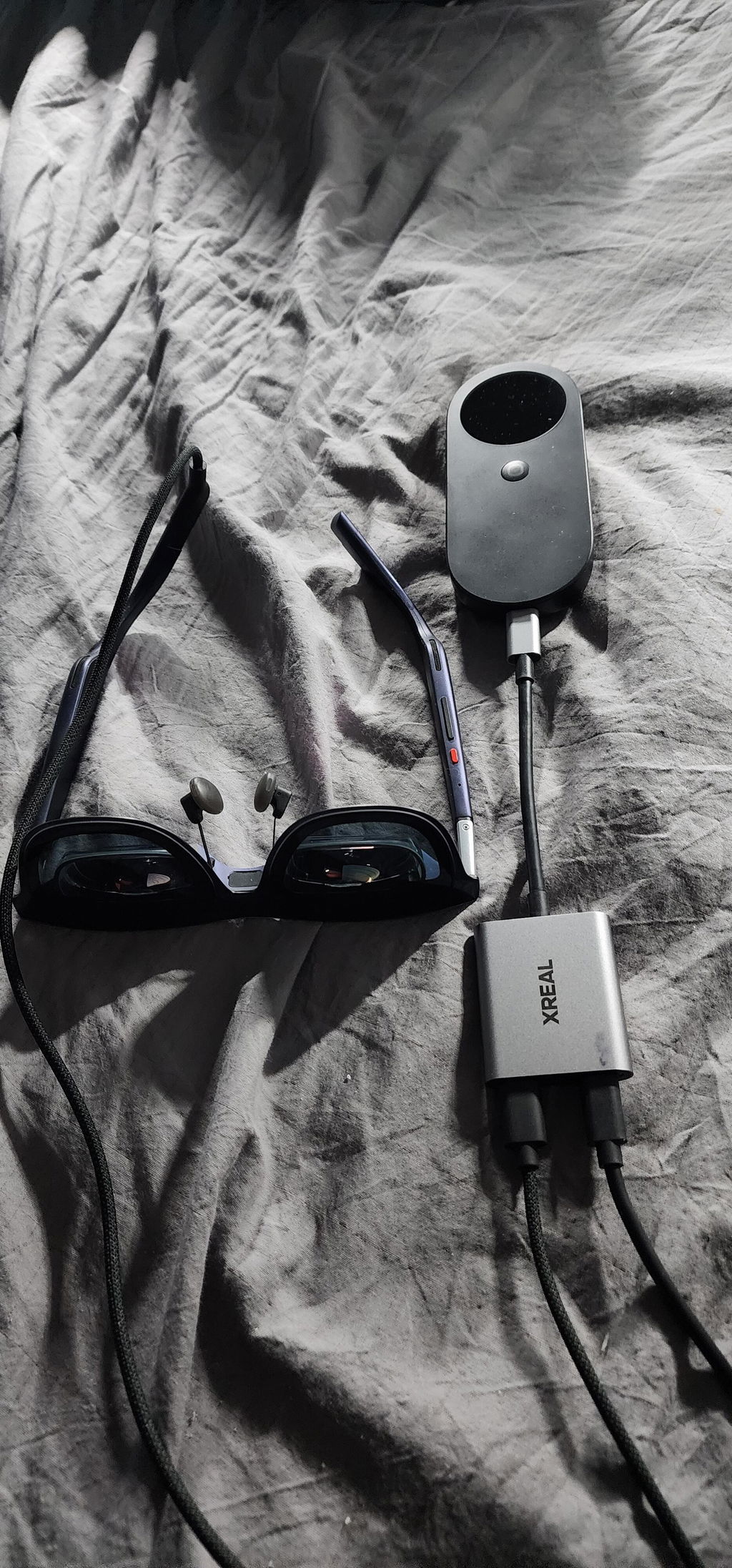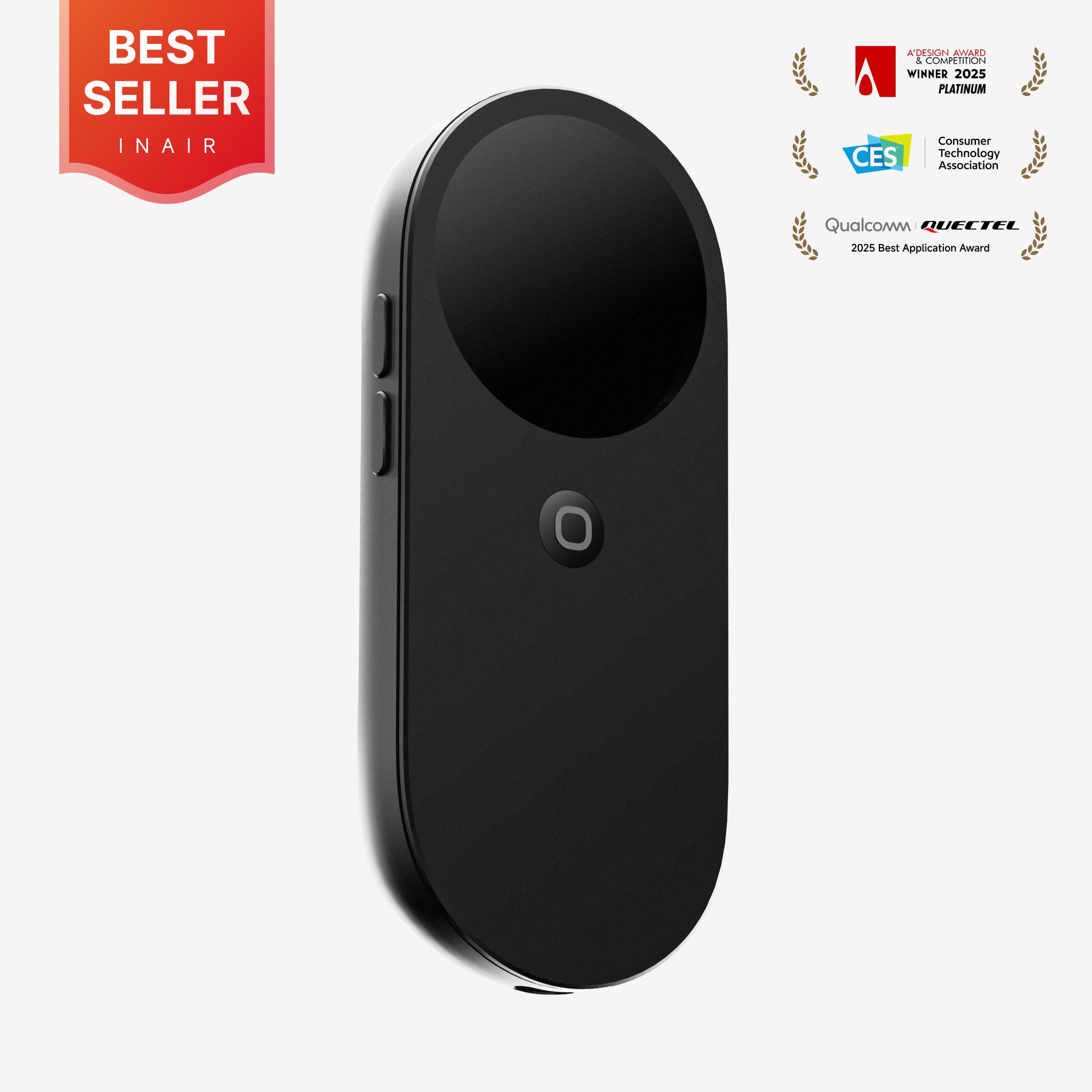
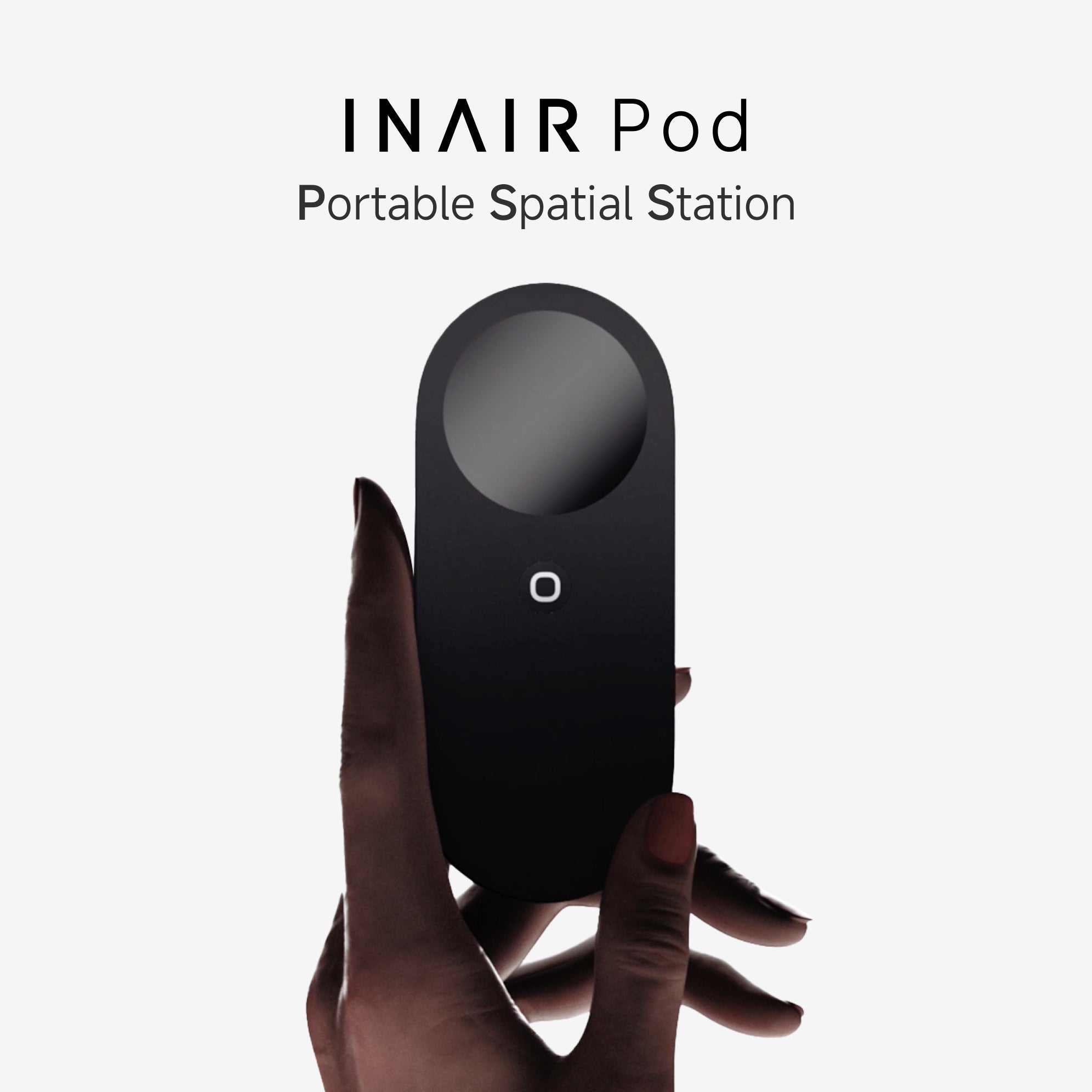


INAIR Pod
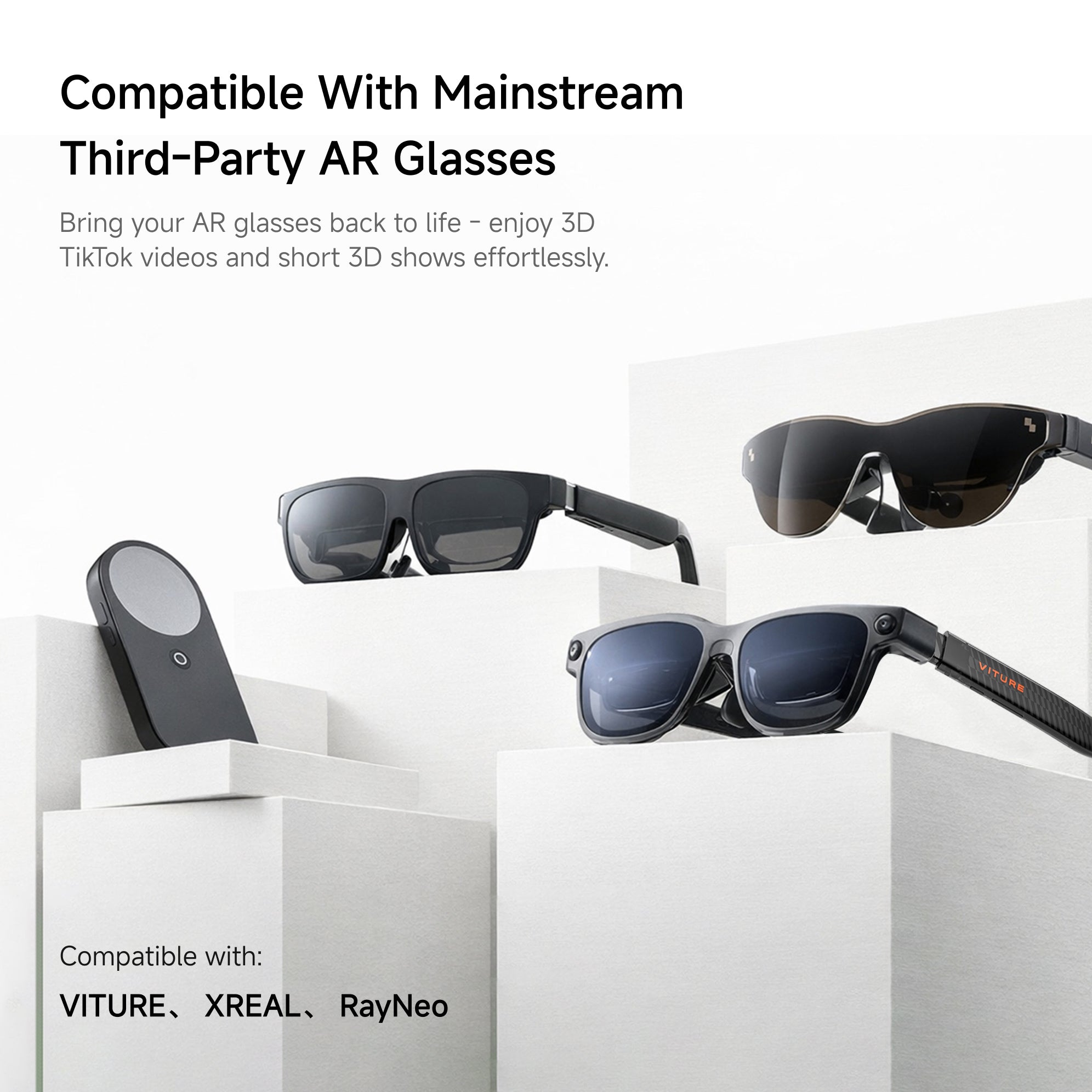
Works with Your Existing AR Glasses.
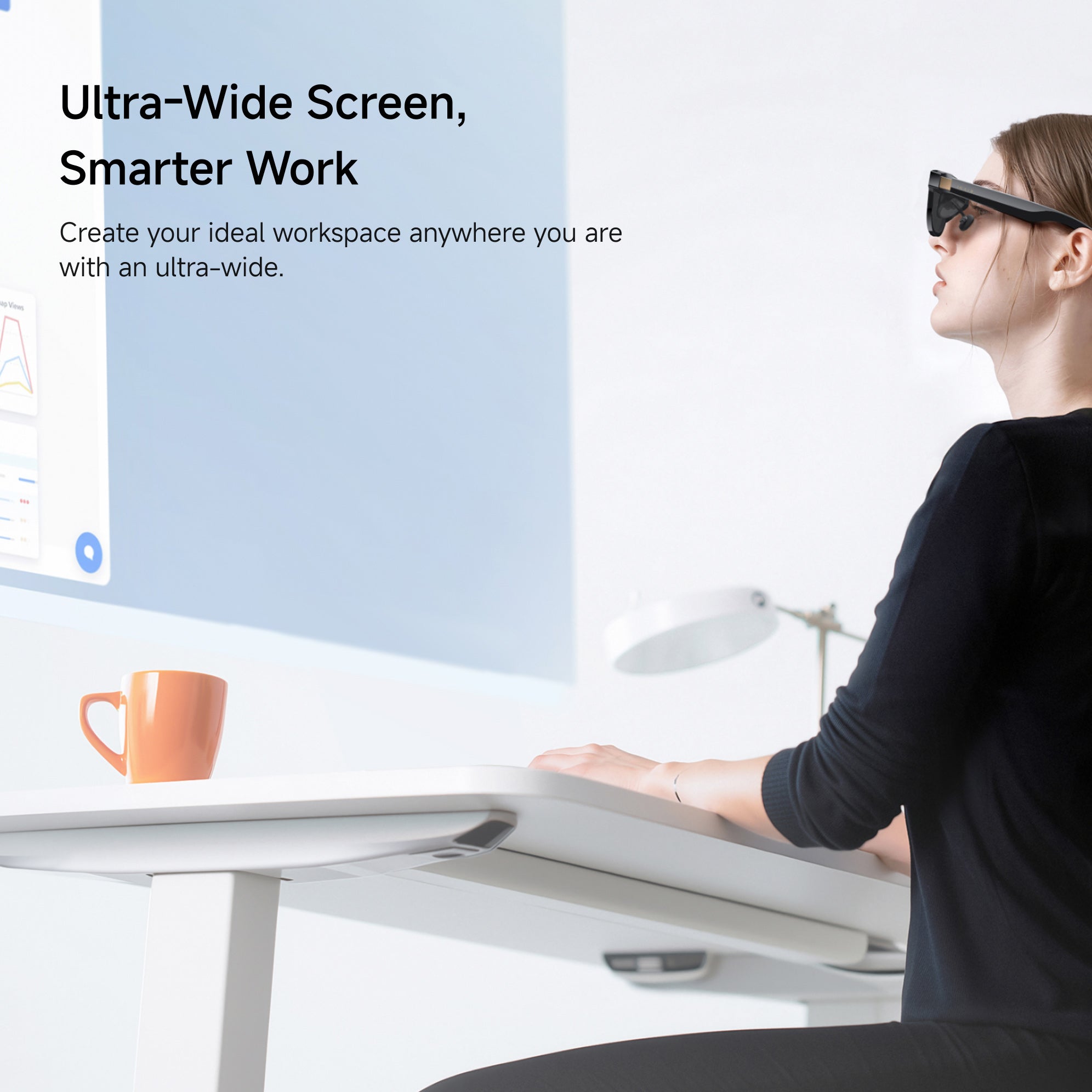
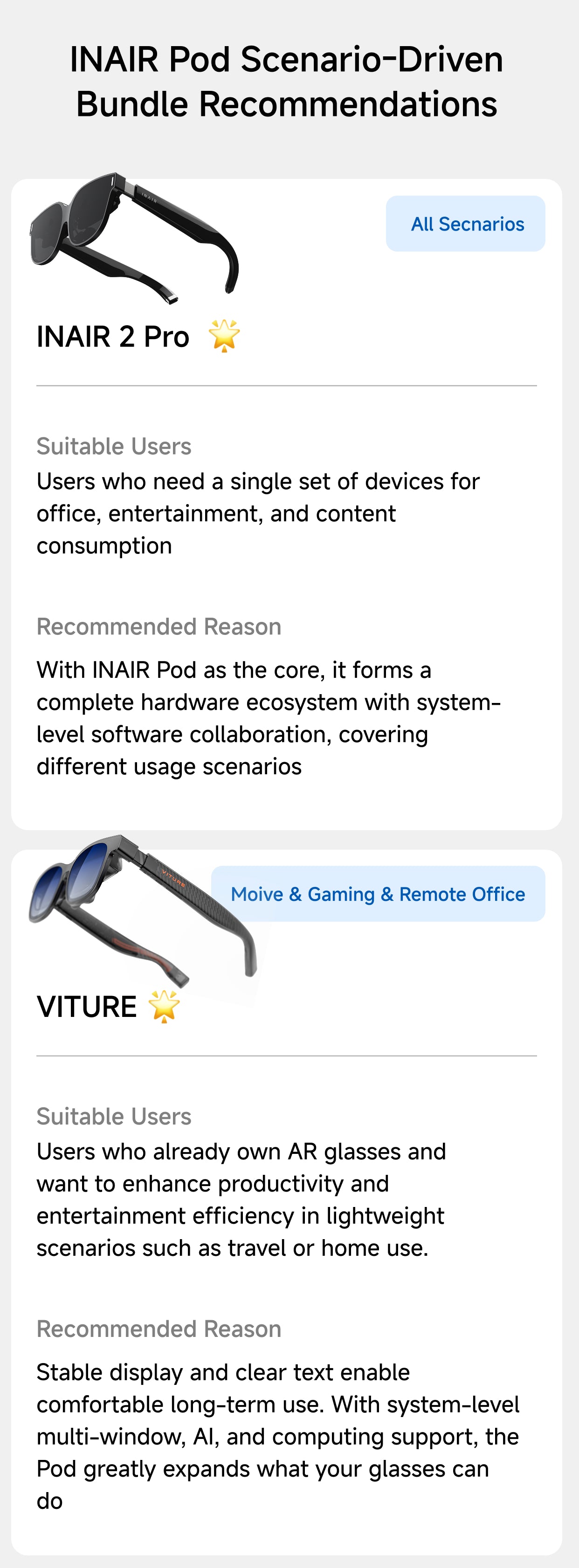
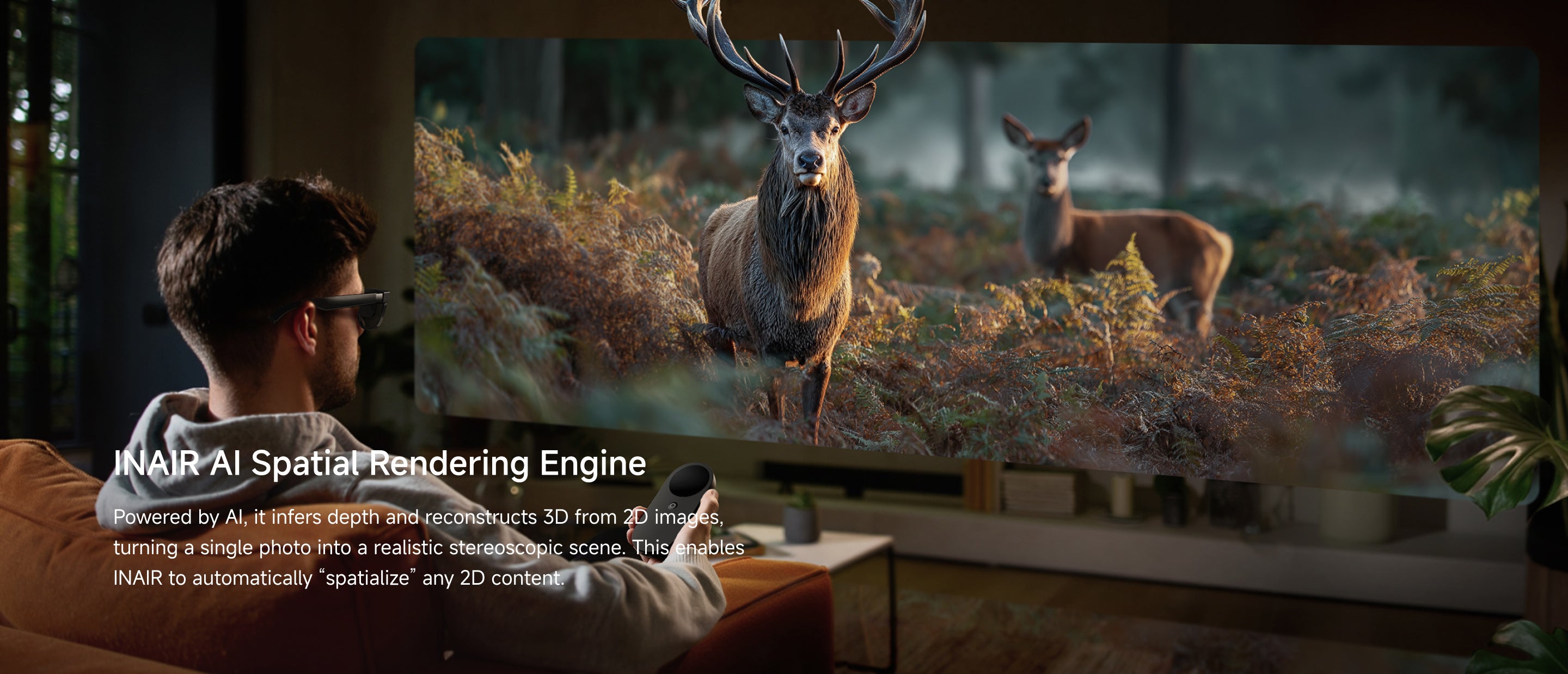
If your XREAL, VITURE, RayNeo still feels like just a wearable display, INAIR Pod gives it the computer behind the screen.Add Android apps, Al 2D-to-3D, remote PC access and a smarter spatial workspace to the glasses you already own.
"The best handheld computing experience I've ever witnessed! I'm actually using it with my XREAL AIR AR glasses and it works flawlessly. I did have the opportunity to use it with the INAIR glasses as well - Chef's Kiss!."

Free Shipping

30-Day Return

1-Year Warranty

Pay with Ease


Pairs well with
Description
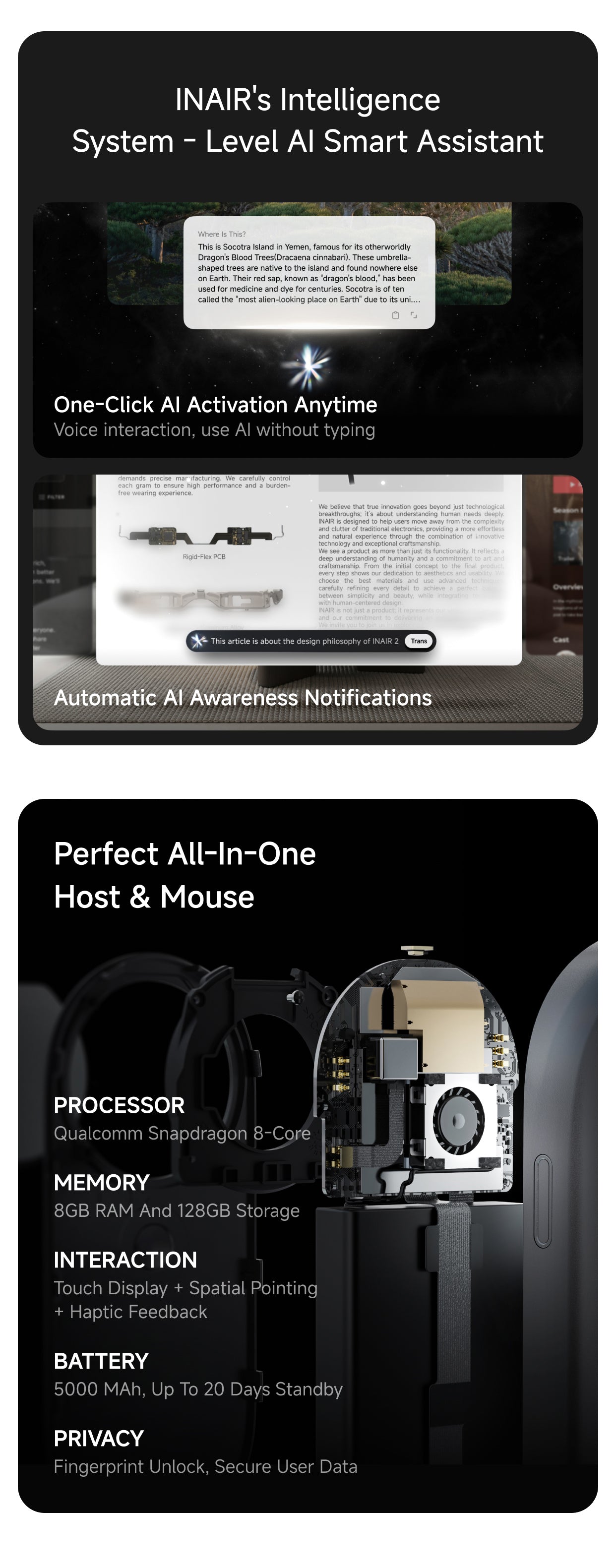
- UPGRADED ACTIVE COOLING & POWERFUL PERFORMANCE:Say goodbye to overheating during heavy multitasking. This Cooling Edition features upgraded hardware and a built-in active fan for stable, continuous heat dissipation. Powered by a Qualcomm 8-core processor, 8GB RAM, and 128GB storage, it ensures ultra-smooth spatial computing without thermal throttling.
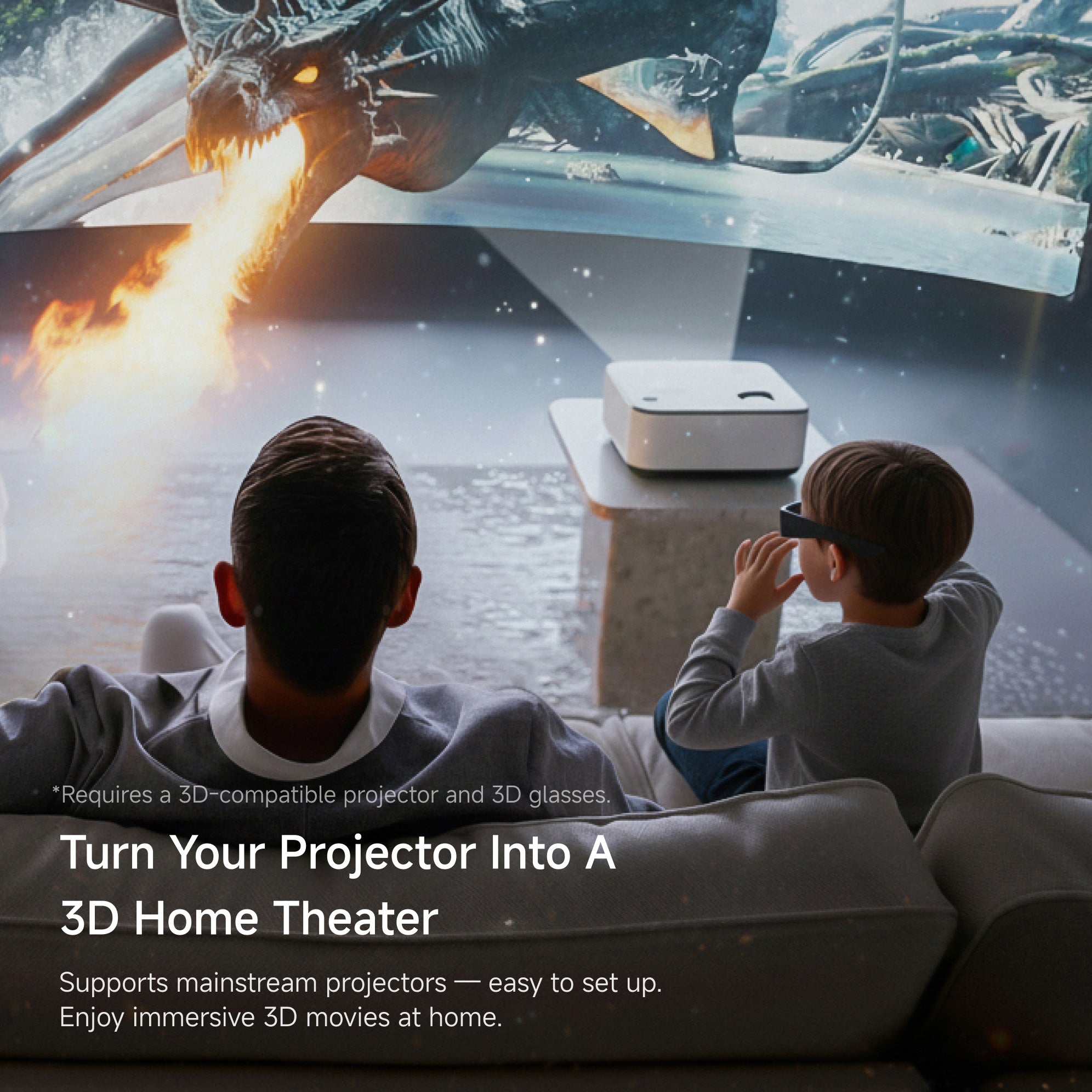
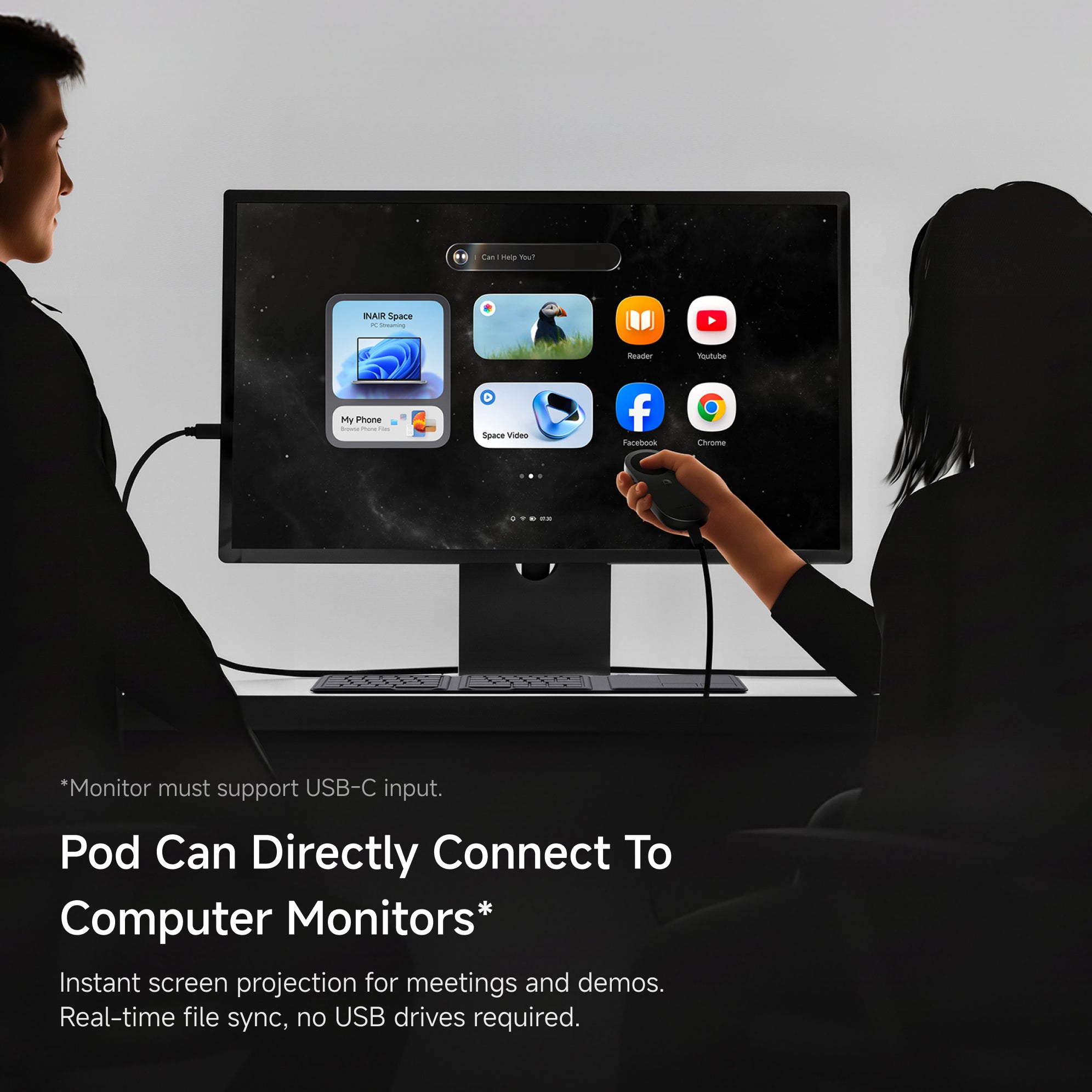
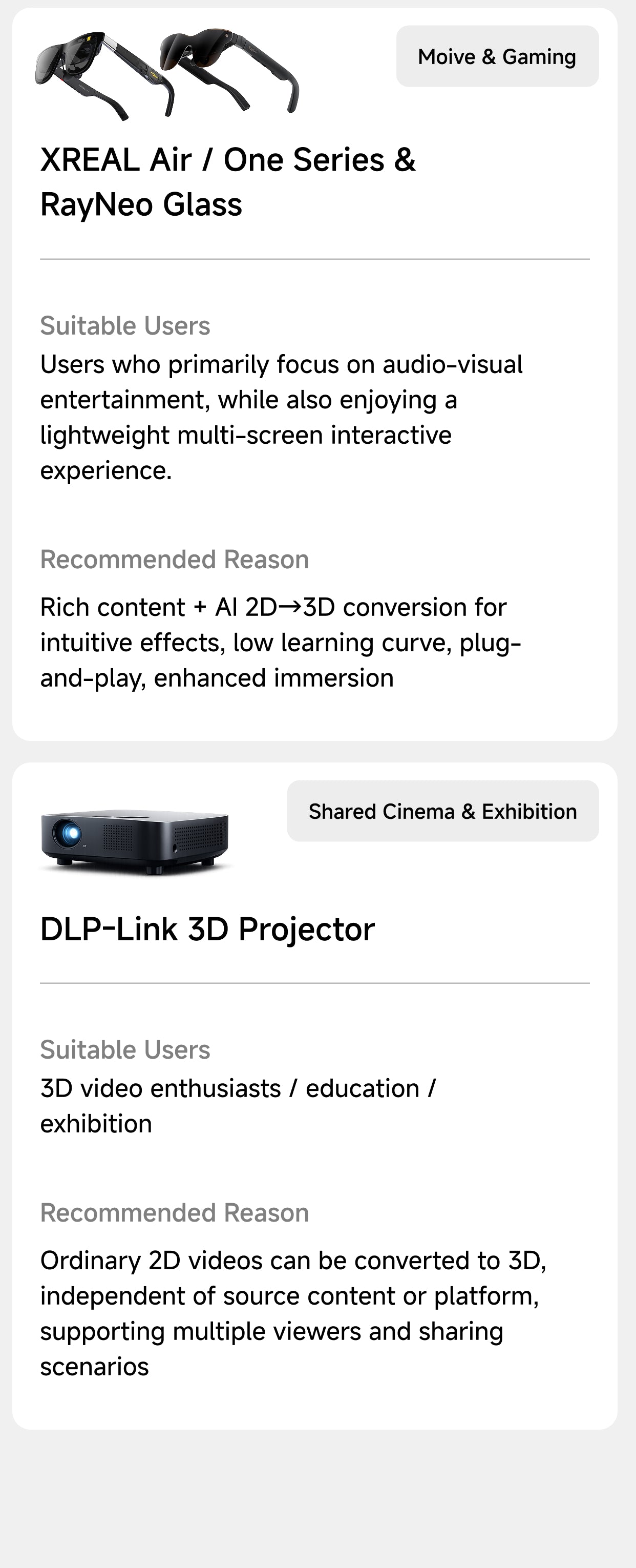
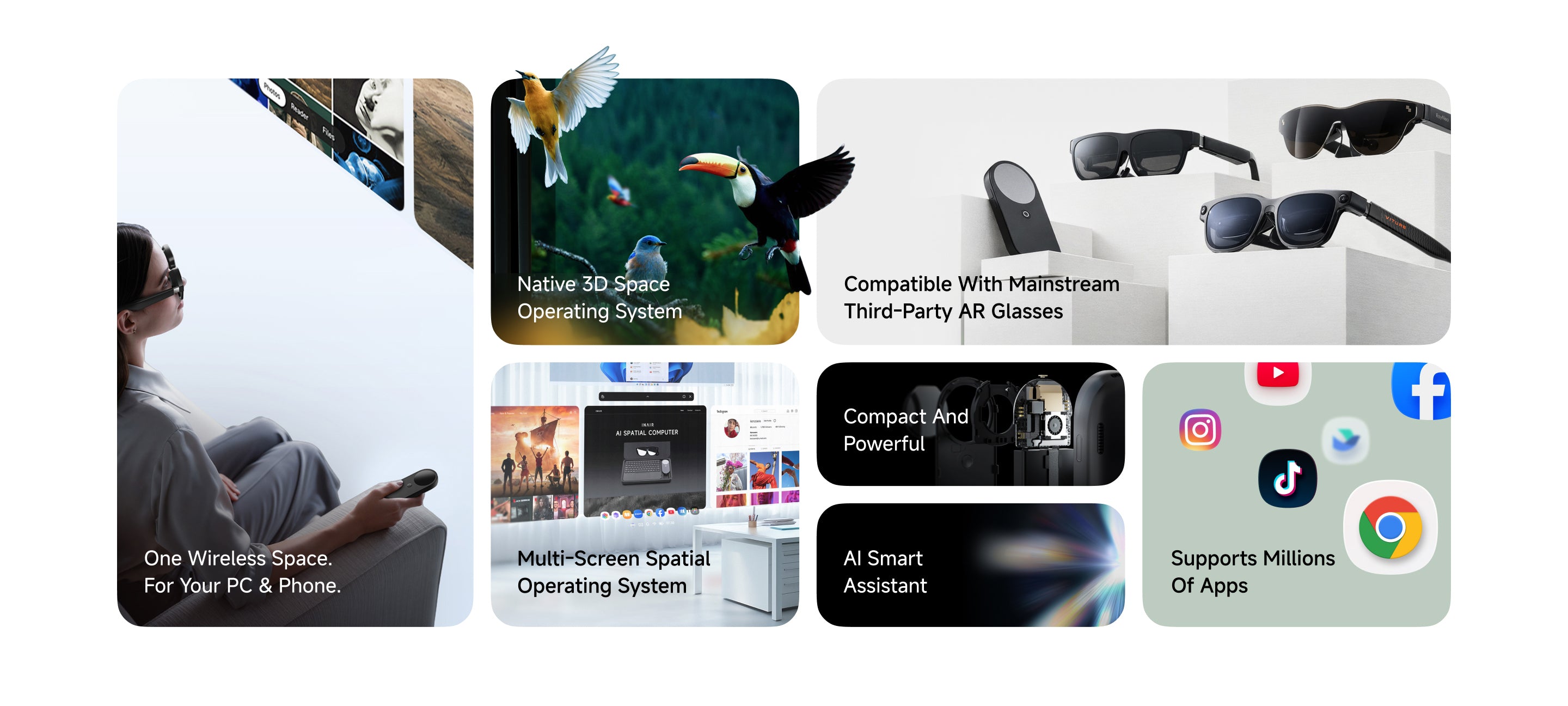
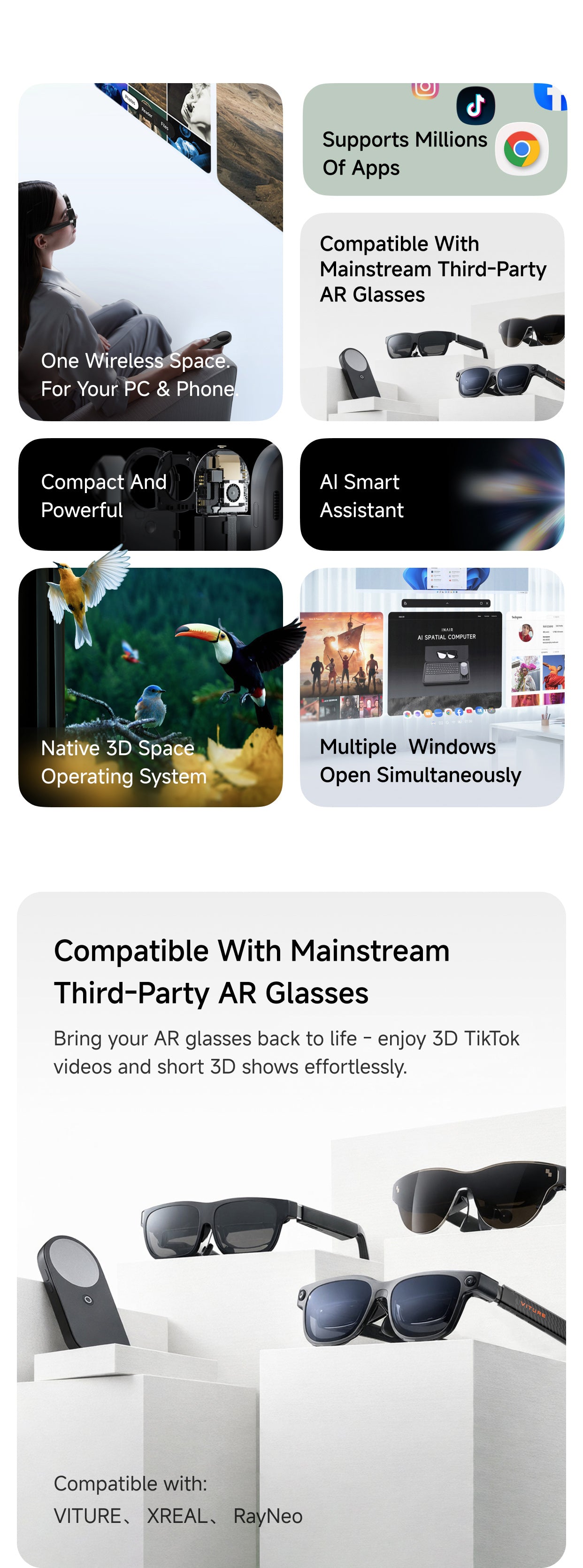
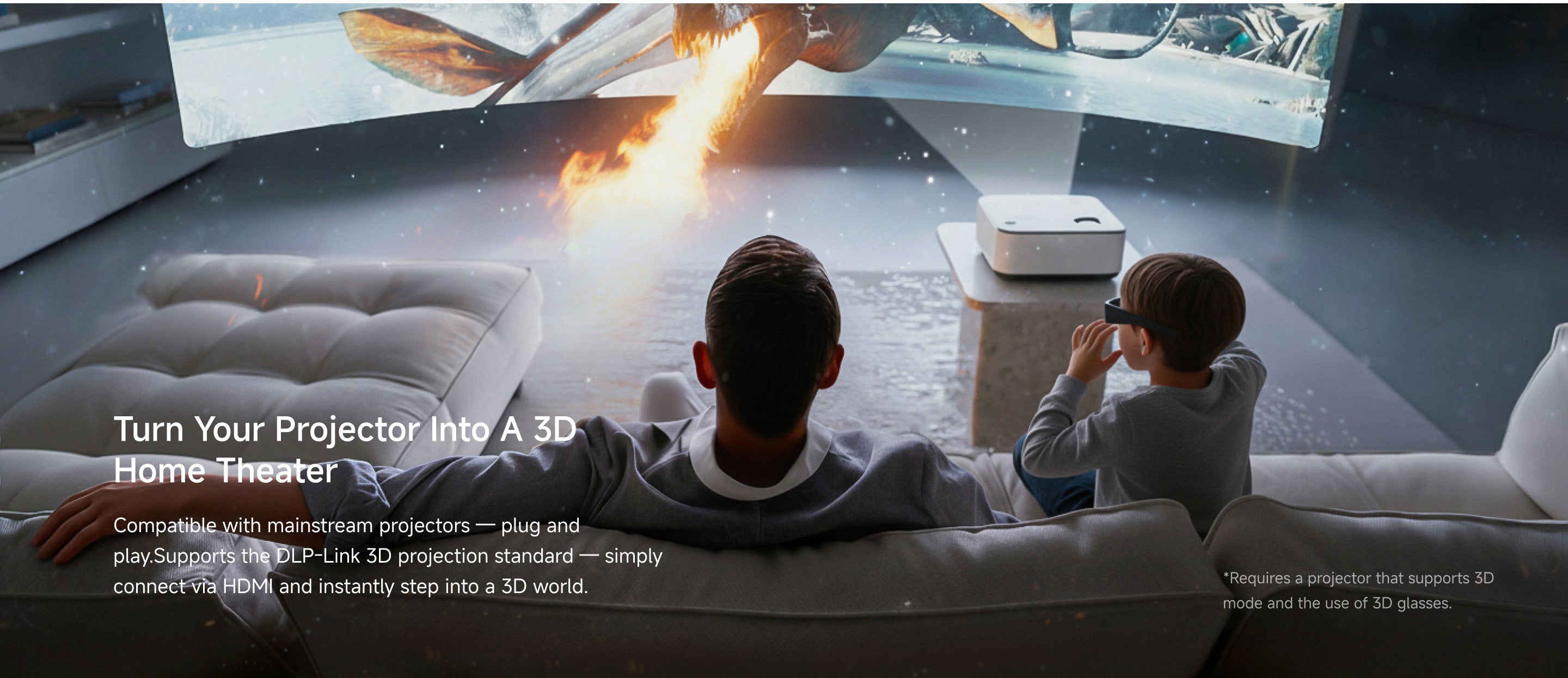
- BROAD COMPATIBILITY WITH TRENDING AR GLASSES:Purpose-built for mainstream AR glasses. Seamlessly compatible with top-selling models like XREAL Air 2 Pro / Ultra, VITURE Pro XR / One, RayNeo Air 2, and Rokid Max. Revive your AR gear to effortlessly enjoy 3D TikTok, YouTube Shorts, and immersive spatial content. Unlock dual-mode connectivity: experience a 3D home theater via HDMI (DLP-Link supported) or use plug-and-play USB-C integration.
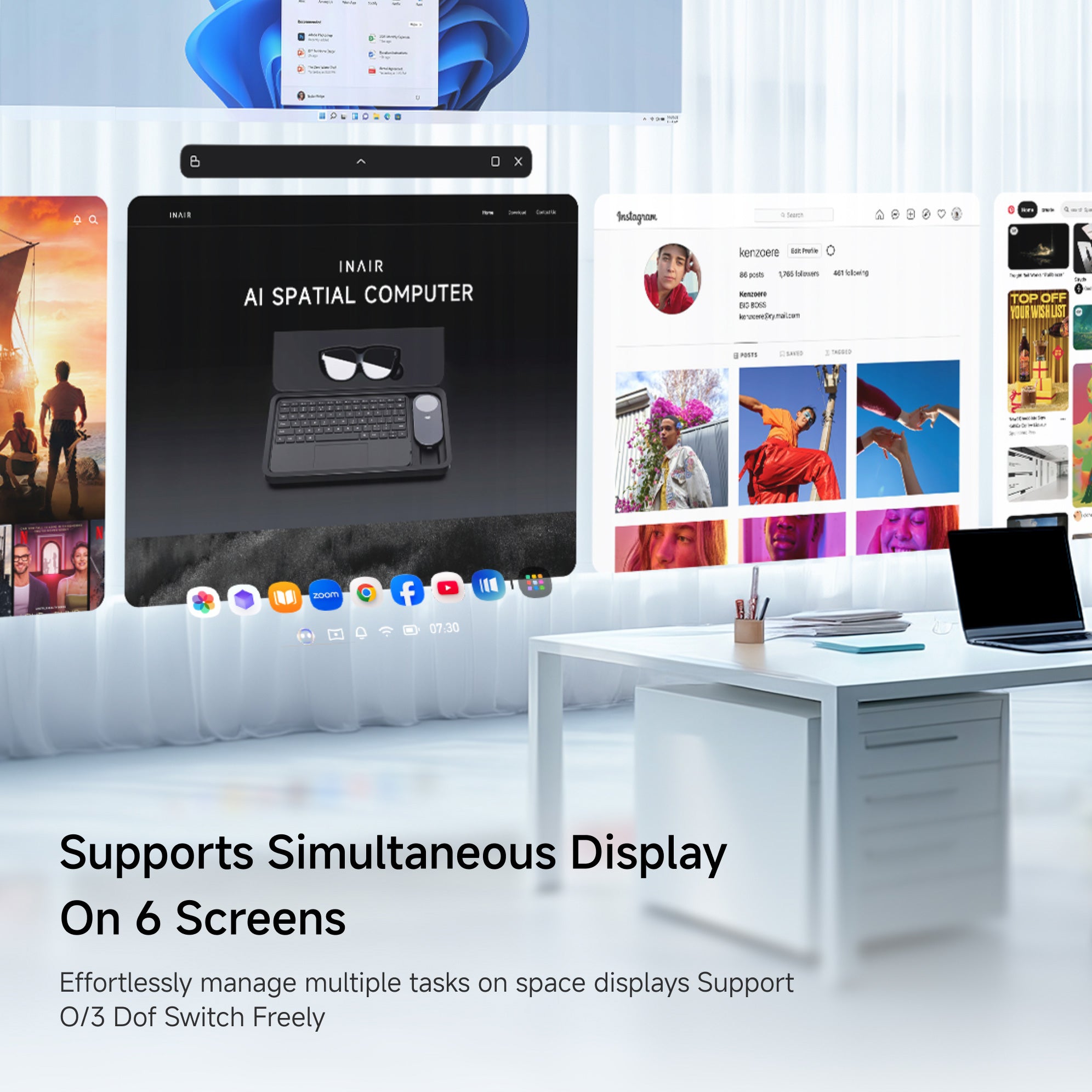
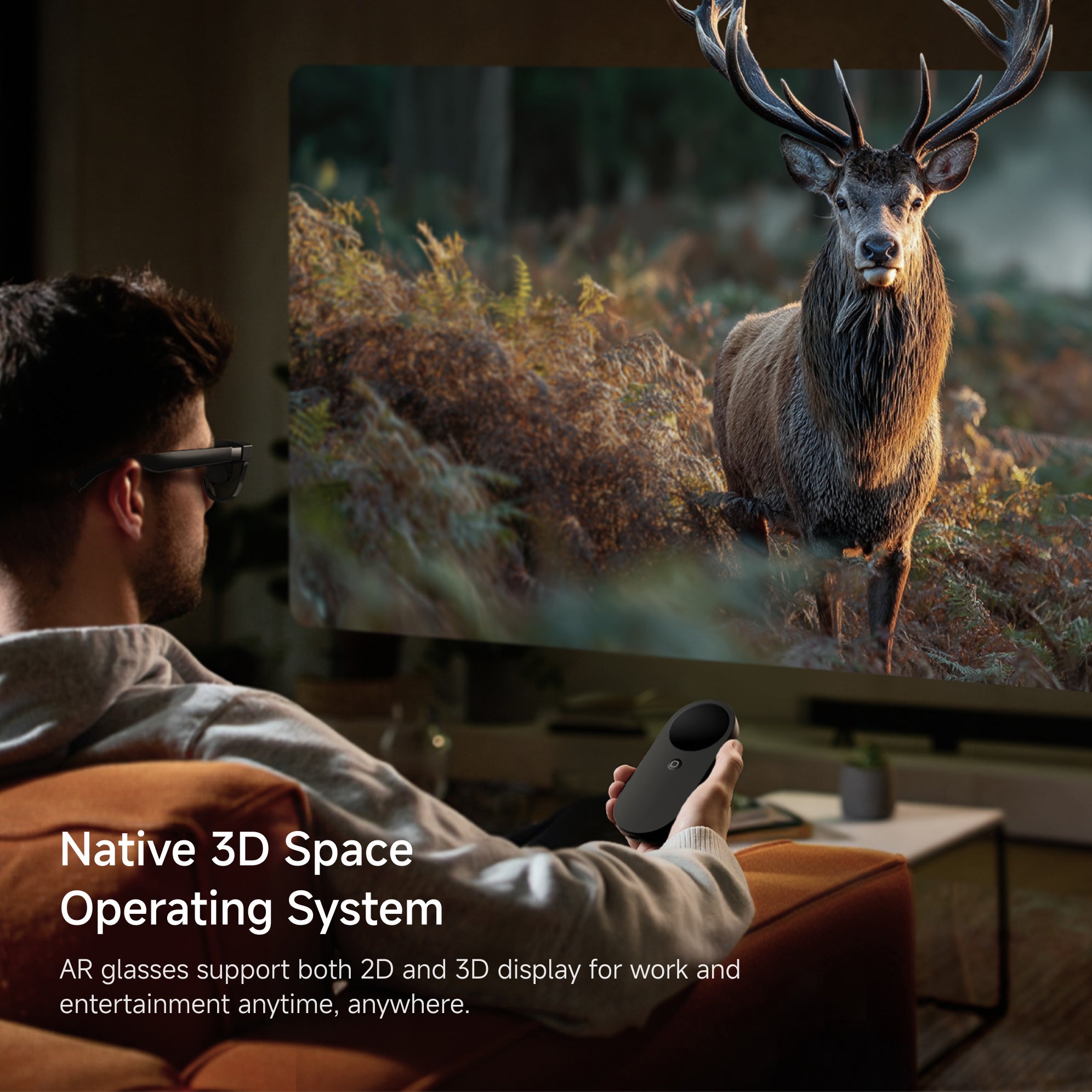
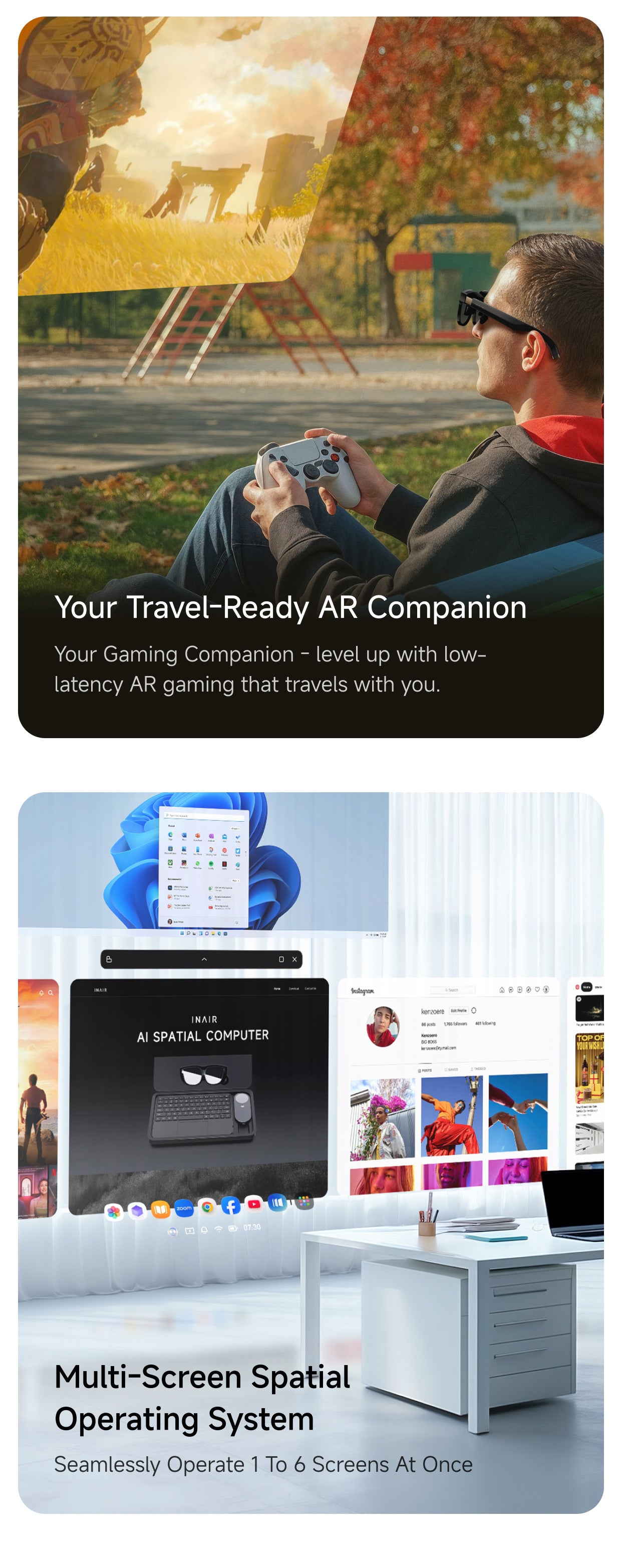
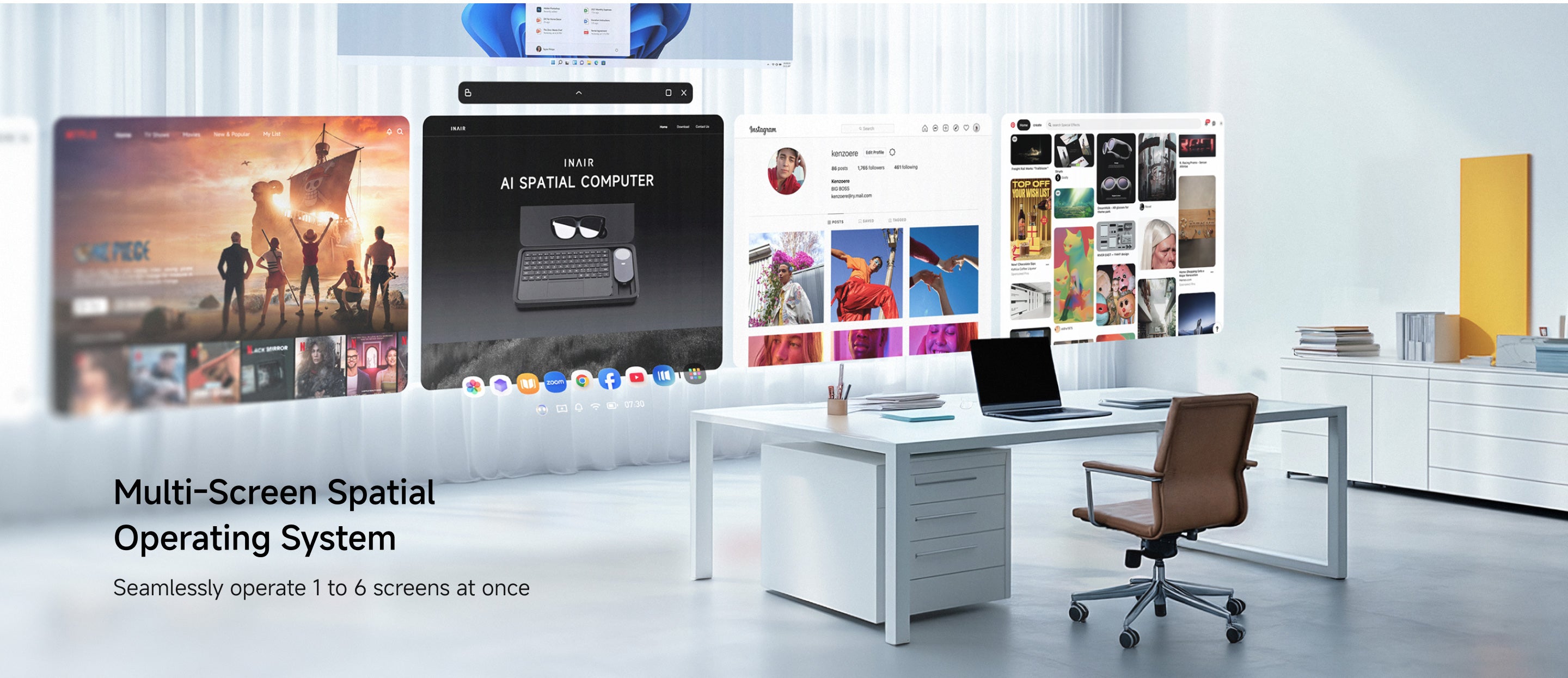
- NATIVE 3D SPATIAL OS & 6-SCREEN EXPANSION:Transform your virtual environment with our self-developed 3D spatial operating system. Open, resize, and arrange up to 6 floating windows simultaneously. Choose 3DoF Hover Mode to keep windows fixed in space, or 0DoF Follow Mode for screens that move naturally with you. Download wide range of Android apps for a cinema-style multi-screen layout.
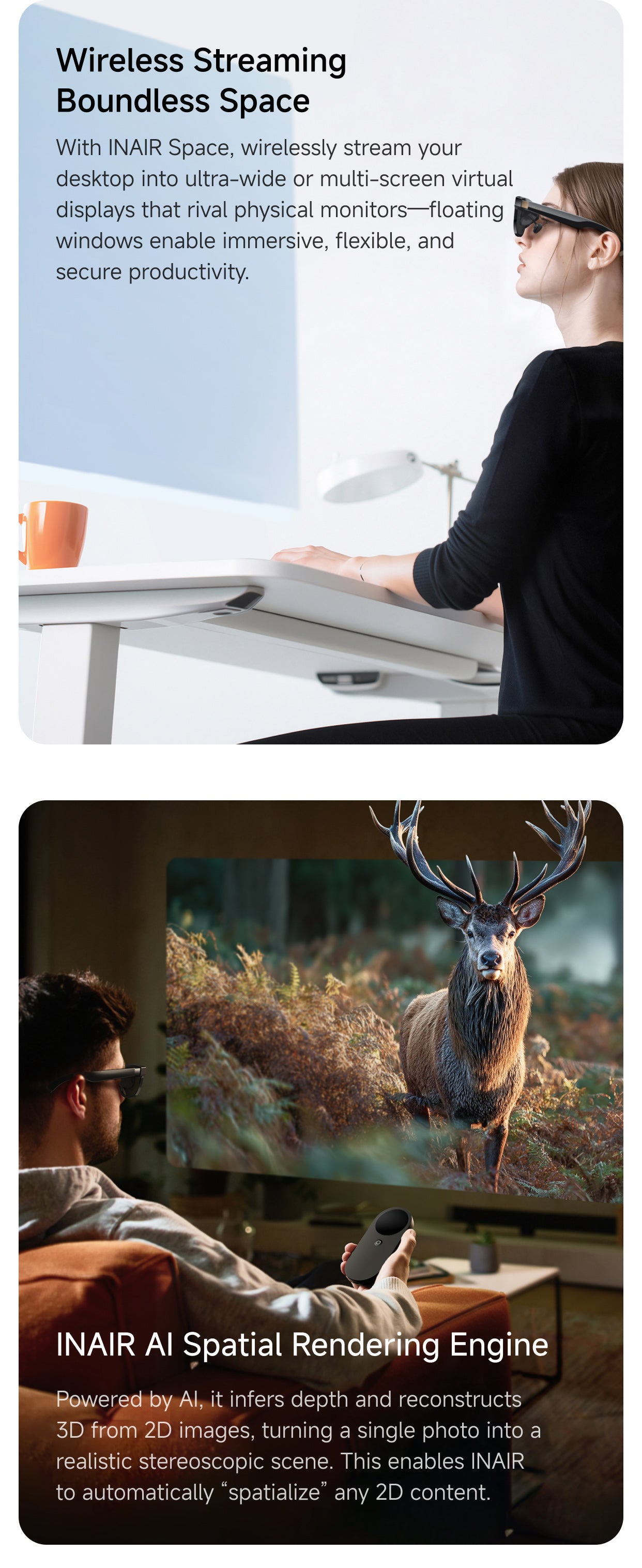
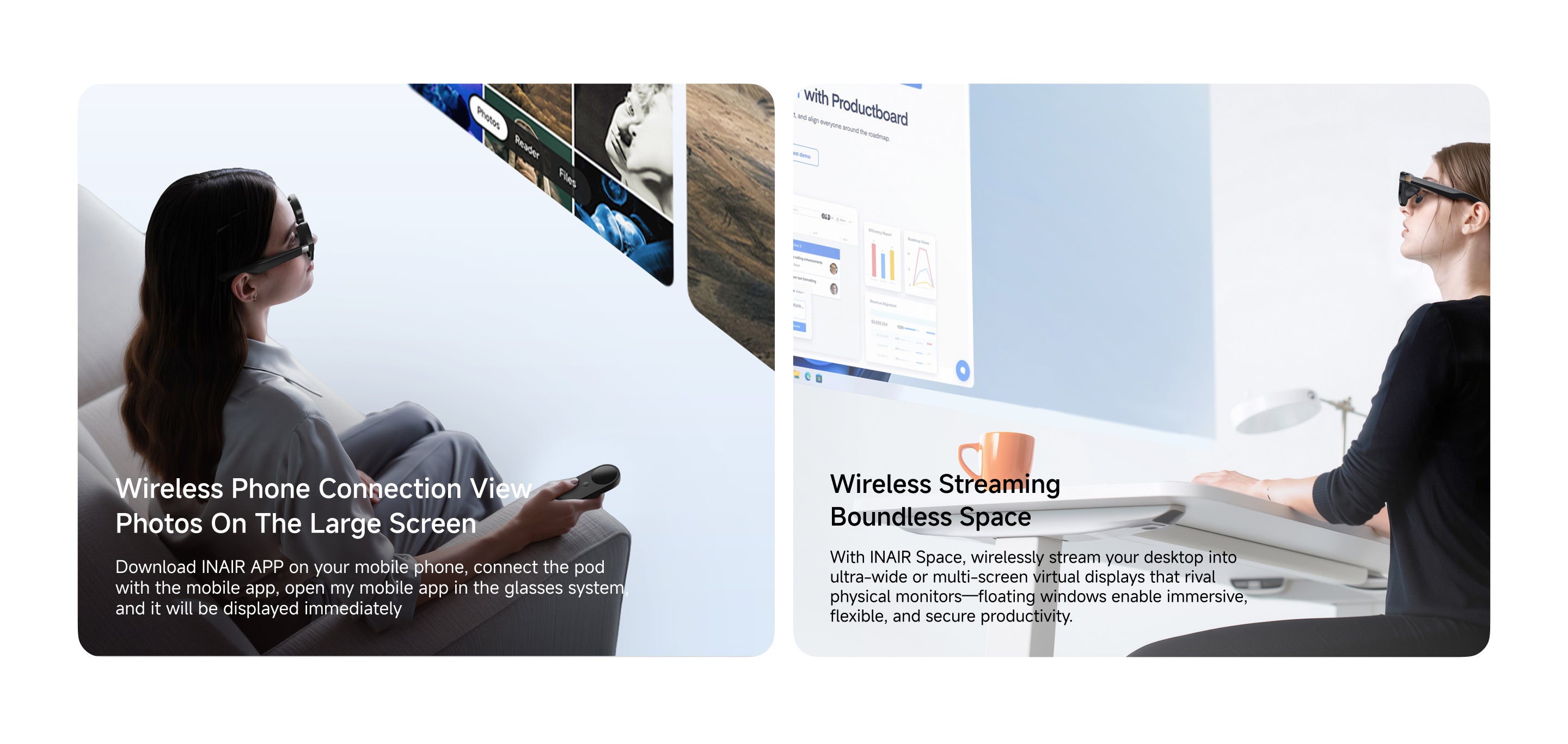
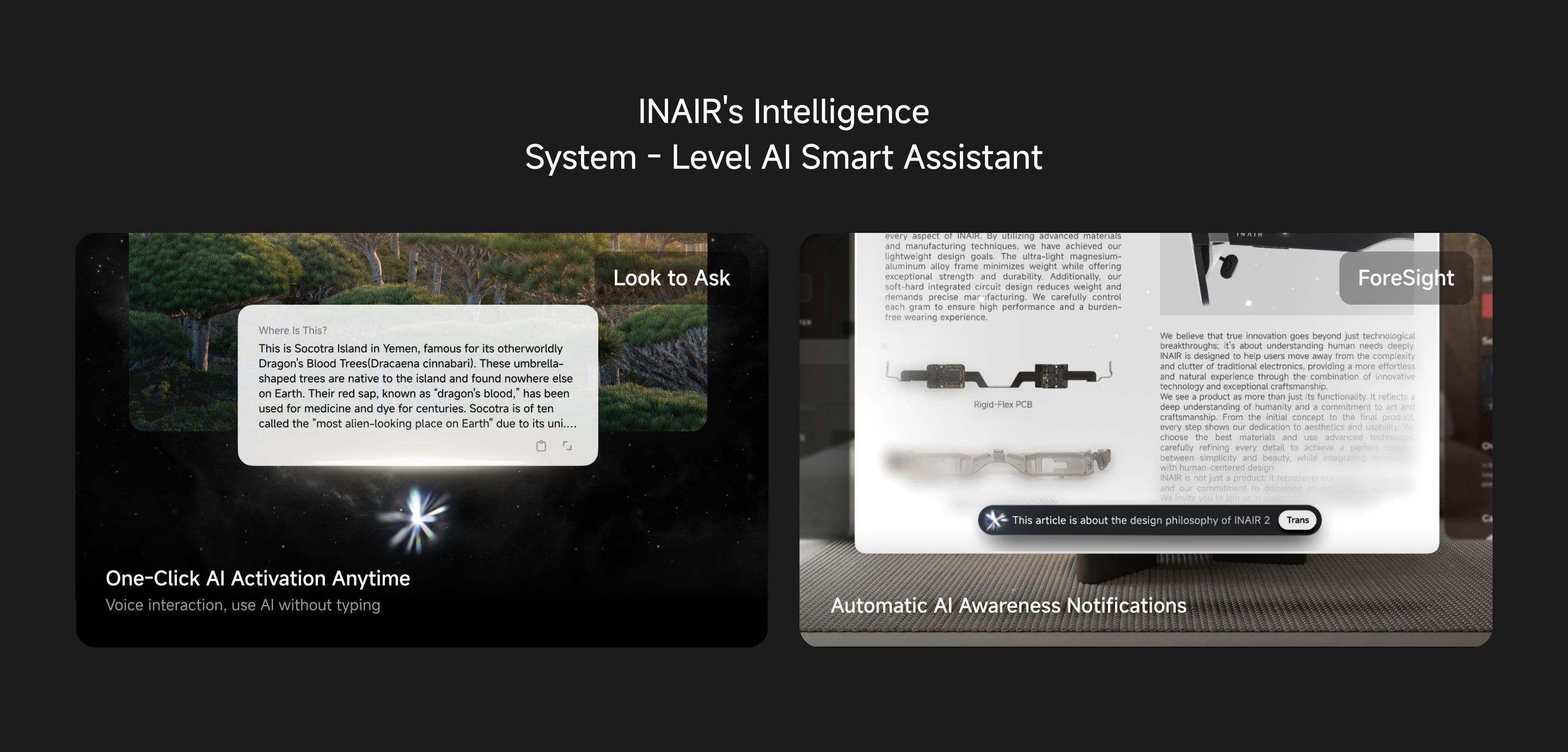
- WIRELESS PC STREAMING & AI INTEGRATION:Expand your entertainment by wirelessly streaming games and videos from Windows or Mac PCs directly to your massive AR display. Seamlessly access smartphone apps and integrate advanced AI models for intelligent interaction. (Note: Remote cross-network streaming may vary by regional carrier environments; switching carriers can resolve temporary limitations).
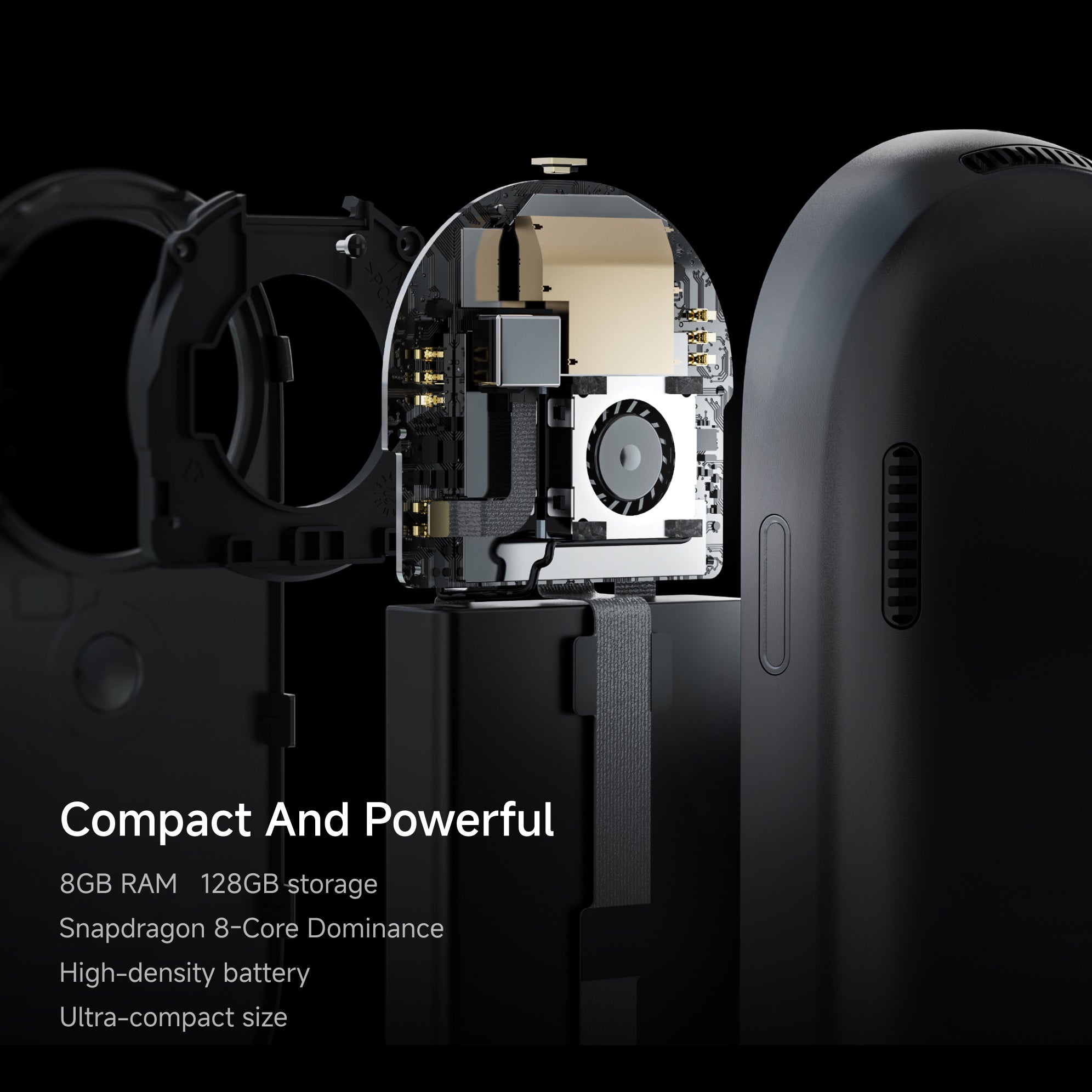
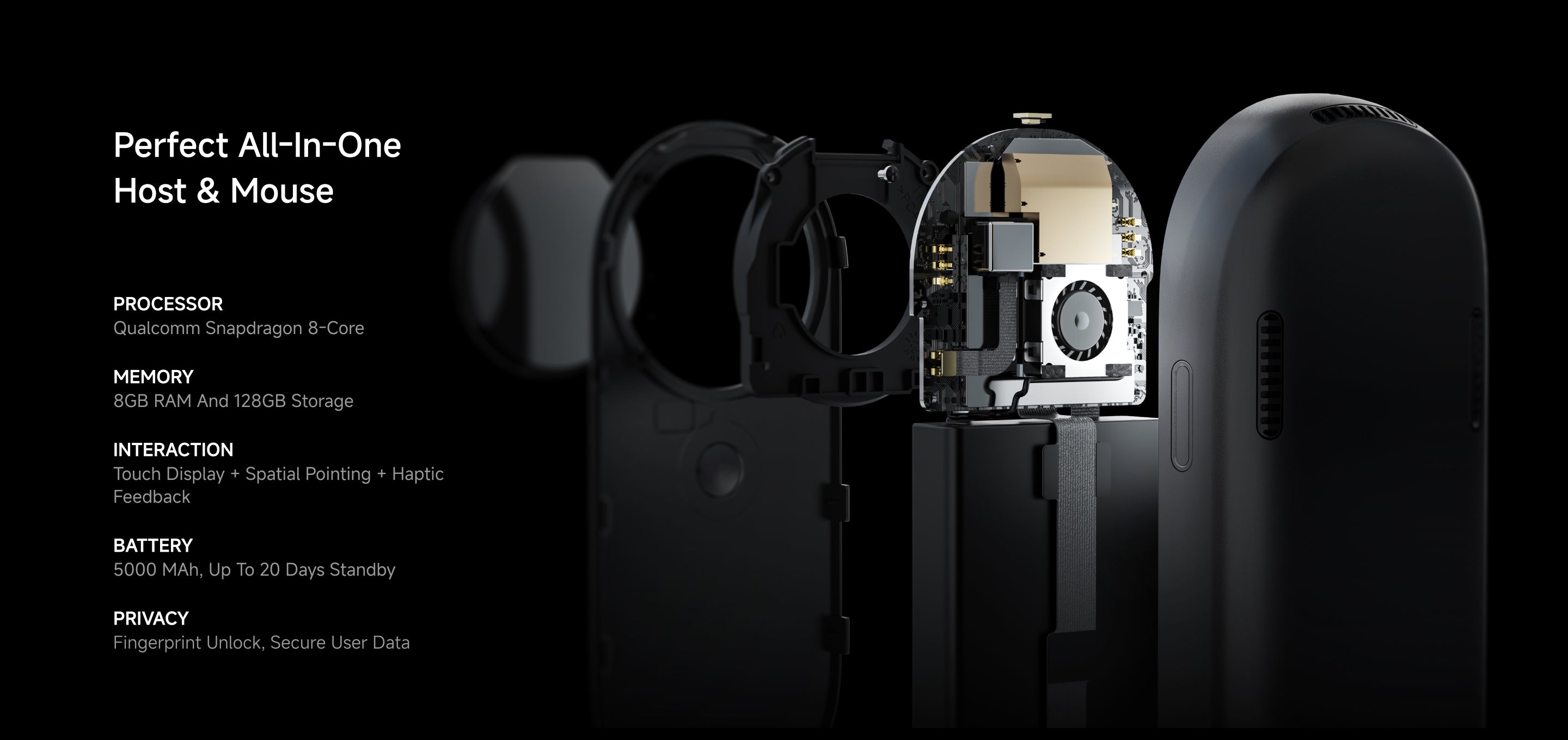
- POCKET-SIZED HUB WITH INTUITIVE CONTROLS:Despite being no larger than a computer mouse, the INAIR Pod integrates a 5,000mAh battery providing up to one month of standby. Master your multi-screen tasks single-handedly with a built-in touch surface, haptic feedback motors, beam-forming microphones, and fingerprint recognition—your ultimate portable spatial station.
What's Included
INAIR Pod ×1
Compatibility
Seamless Device Integration
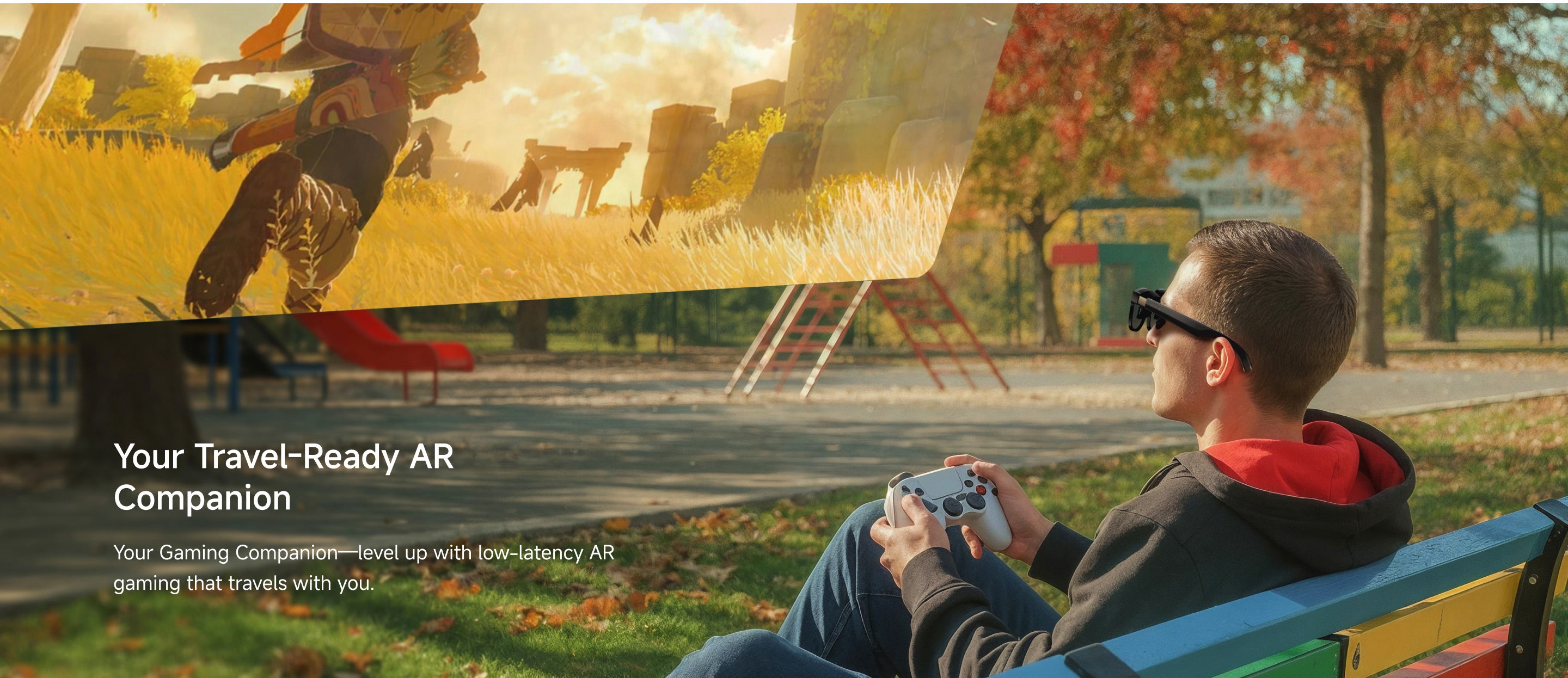
- Supports Bluetooth keyboards, mice, and game controllers, enabling smooth control across various scenarios.
Extensive App Ecosystem
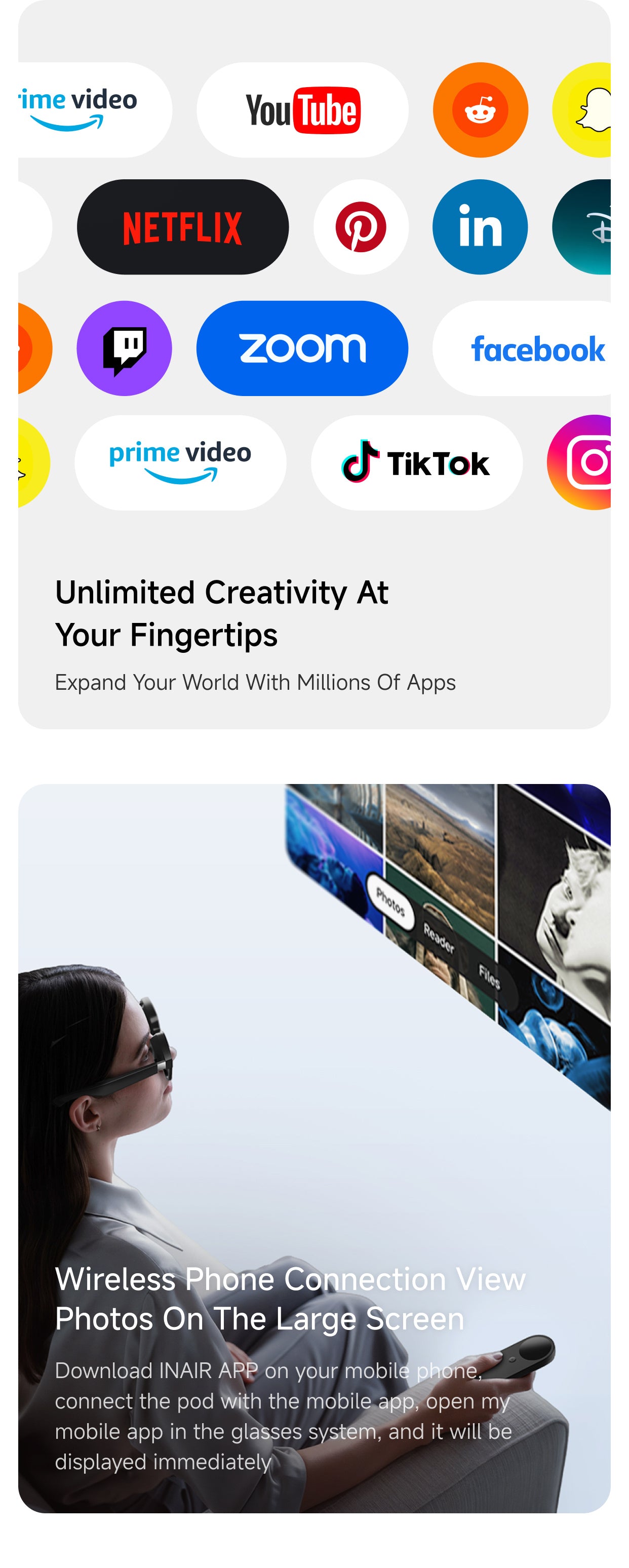
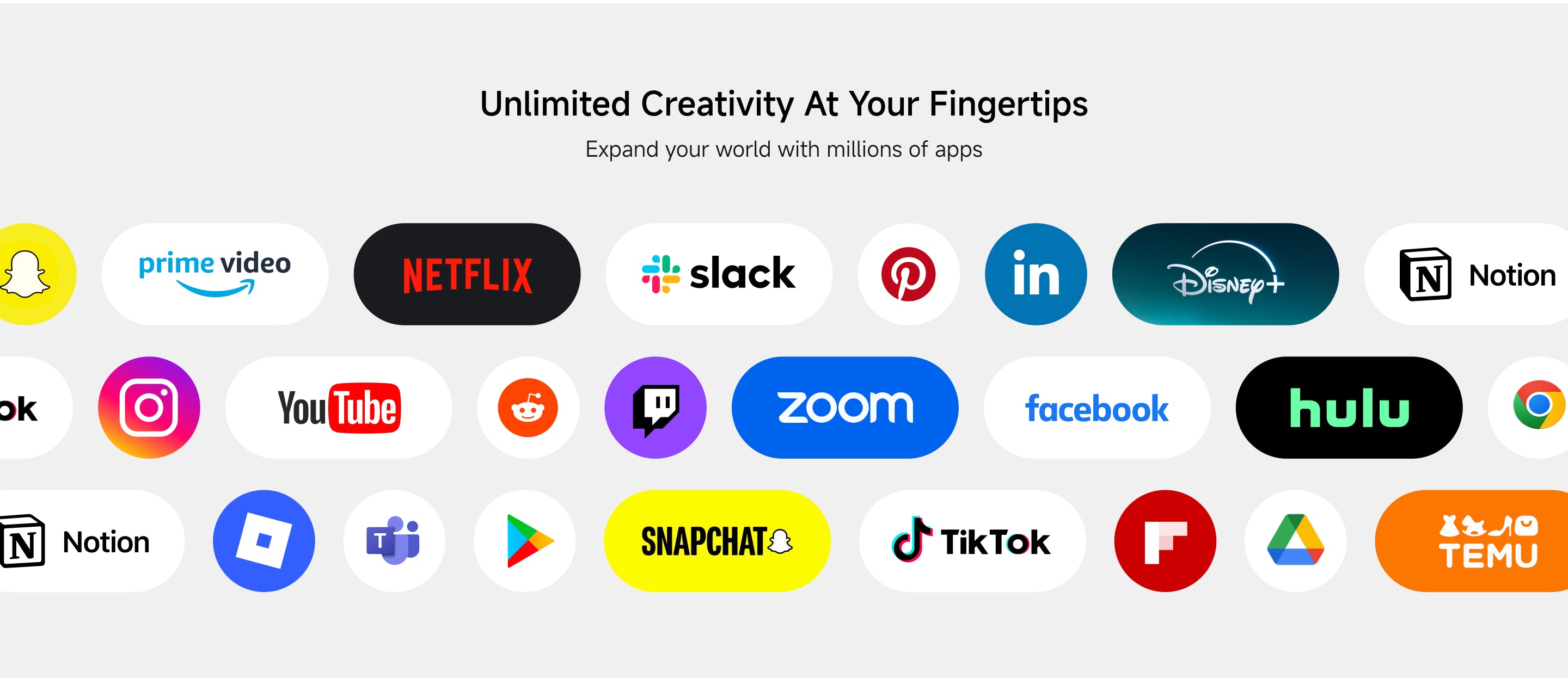
- Powered by an Android-based system, INAIR Pod is compatible with a wide range of Android applications for entertainment, productivity, and gaming.
Remote Streaming Notes
- If you experience connection or pairing issues, try switching to another mobile or Wi-Fi carrier network.
- Our R&D team is continuously enhancing global network adaptation, and broader remote streaming compatibility will roll out in future updates.
Tech Specification
- Processor: Qualcomm Snapdragon 8-Core
- Interaction: Touch Display + Spatial Pointing + Haptic Feedback
- Power & Battery: 5000 mAh, up to 20 Days Standby (high-performance host)
- Memory: 8GB RAM + 128GB Storage
- Privacy: Fingerprint Unlock, Secure User Data
Shipping, Duties & Returns
Delivery & Shipping
US Free Shipping (2-8 Business Days)
Worldwide Shipping available. Enjoy Shipping(2-8 Business Days)after shipped out, and shipping time depends on your Destination.
Notes: Customized lenses ship separately and arrive in 6–12 business days. Please note: Customized products are non-refundable and non-exchangeable.
Duties
Import duties and taxes are determined by each country's customs authority and may vary by region.
• International Orders: Additional duties or taxes may apply and are collected by local customs authorities if required.
• We are continuously working to expand duty-included shipping to more regions.
Returns
- Free 30-Day Returns for your peace of mind.
- For complete details, please refer to our full Shipping & Return Policy.






If you have any questions, you are always welcome to contact us. We'll get back to you as soon as possible, within 24 hours on weekdays.
-
Shipping Information
Use this text to answer questions in as much detail as possible for your customers.
-
Customer Support
Use this text to answer questions in as much detail as possible for your customers.
-
FAQ’s
Use this text to answer questions in as much detail as possible for your customers.
-
Contact Us
Use this text to answer questions in as much detail as possible for your customers.
FAQs
Is the INAIR Pod compatible with other AR glasses brands such as XREAL, VITURE, or RAYNEO?
Yes, the INAIR Pod is compatible with other AR glasses brands, including XREAL, VITURE, and ROKID.
However, when using non-INAIR glasses, the multi-screen feature is limited compared to using INAIR’s own glasses.
Can I use Claude, Steam, Epic Games, or other applications on the Pod?
Yes! The Pod runs on Android and supports a wide range of Android applications. If the software, like Claude, has an Android version, you can install and use it directly on the Pod just like on any regular Android device.
For applications that don’t have an Android version, such as Steam or Epic Games PC apps, you can use the Pod’s streaming feature to run the software on your computer and control it from the Pod, giving you a full AR experience.
Is the INAIR 2 Pro Set compatible with my phone or computer?
The INAIR 2 Pro Set includes the INAIR Pod, which runs on its own Android-based system. You can use it directly with the glasses — no phone or computer required — and it supports a wide range of Android apps for an all-in-one AR experience.
If you want to use the INAIR 2 Pro glasses alone, they can connect to a phone or computer that supports Type-C video output. Since compatibility may vary depending on brand and model, we recommend checking your device’s specifications on the official website or with the manufacturer before connecting.