


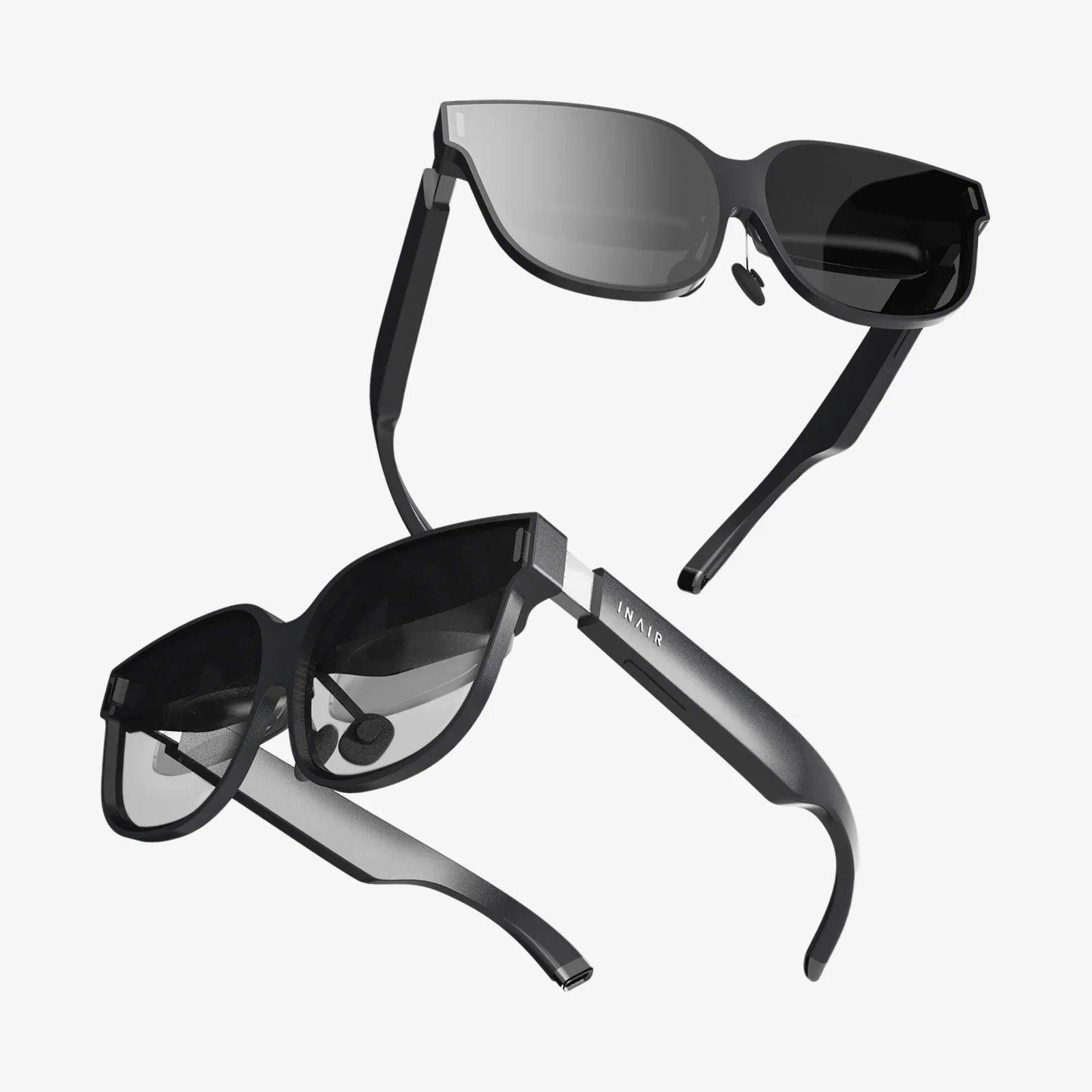
- by wangfred
3D Optimization for AR VR: The Invisible Engine Powering Immersive Realities
- by wangfred
Imagine stepping into a virtual world so rich and detailed you can feel the texture of ancient stone beneath your fingertips, or an augmented reality overlay that seamlessly integrates a roaring dragon onto your living room carpet without a stutter. This is the promise of AR and VR—a promise that is broken without a single, critical, and often invisible discipline: 3D optimization. It is the unsung hero, the meticulous craft of engineering and artistry that transforms computationally impossible dreams into smooth, believable, and deeply immersive realities. Without it, even the most creatively stunning concept collapses into a jarring, nauseating slideshow, shattering the fragile illusion of presence that these technologies strive to create. This deep dive explores the intricate world of 3D optimization, the essential engine that makes the magic of AR and VR not just possible, but powerful.
Unlike traditional video games or cinematic renders, AR and VR applications operate under a unique set of extreme constraints. Optimization here is not a mere suggestion for better performance; it is an absolute requirement for functionality and user comfort.
The most significant challenge is the immense computational burden. A VR headset must render two high-resolution images—one for each eye—at a minimum of 90 frames per second (FPS), with many modern devices targeting 120Hz or even higher. This effectively doubles the rendering workload compared to a standard game on a monitor, all while maintaining an incredibly low latency between the user's head movement and the visual update. Any delay, known as motion-to-photon latency, above 20 milliseconds can break immersion and induce simulator sickness. In AR, the challenge is compounded. The device must first understand and reconstruct the real world in real-time through its sensors before it can accurately render and anchor digital content within it. This background process of environmental mapping and occlusion (ensuring virtual objects are correctly hidden behind real-world ones) consumes vast resources before a single polygon is drawn.
Furthermore, these experiences are no longer tethered to gargantuan desktop workstations. The drive for accessibility and freedom means they run on standalone headsets and, increasingly, on smartphones. These are marvels of miniaturization, but they pack mobile-grade processors and batteries with severe thermal and power limitations. An unoptimized experience will drain the battery in minutes and cause the device to overheat, triggering performance throttling that further degrades the experience. Every polygon, texture, and shader instruction must be scrutinized for its performance cost, making optimization a central pillar of the development process from day one.
Optimizing a 3D scene is a multi-faceted endeavor, targeting every stage of the asset pipeline and rendering process. It involves a combination of artistic decisions, technical adjustments, and engine-level configurations.
This is the first and most crucial line of defense. It focuses on reducing the complexity of the 3D models themselves.
Textures are often the largest consumers of memory (VRAM) and bandwidth. Smart management is non-negotiable.
This involves techniques to reduce the number of pixels the GPU must calculate and how it calculates them.
Modern game engines provide a suite of powerful tools specifically for AR/VR optimization.
While the core principles are shared, the different use cases of AR and VR introduce unique optimization priorities.
Virtual Reality (VR): The primary goal is maintaining an unwavering, high framerate to preserve immersion and comfort. The entire world is synthetic, so developers have full control. Optimization often focuses on aggressive LODs, sophisticated culling for large environments, and heavy use of baked lighting to save on real-time light calculations. The closed nature of the world allows for more predictable optimization passes.
Augmented Reality (AR): The challenge is one of unpredictability and integration. The device must perform constant, real-time world mapping (a process called SLAM - Simultaneous Localization and Mapping), which is a significant CPU/GPU drain in itself. Optimization is paramount to leave enough processing power for this task. Furthermore, the digital content must interact believably with the real world, which can have any manner of lighting conditions, surfaces, and occlusions. Shaders must be designed to react to real-world lighting data. Content is often simpler and more UI-focused, but it must be rendered with minimal latency to ensure it stays locked in place. The immense variety of real-world environments makes AR optimization a less predictable, more generalized challenge.
The field is not static. As hardware evolves, so do the optimization techniques, becoming more intelligent and automated.
Ultimately, successful 3D optimization for AR and VR is not just a box to check at the end of a project. It is a mindset that must be integrated into every stage of development—from the initial concept art and modeling to the final lines of code. It requires constant profiling, testing on target hardware, and a collaborative effort between artists, designers, and engineers. Artists must understand the performance cost of their creations, and engineers must provide the tools and guidelines to empower them. Every saved millisecond is a step closer to a perfect, unbreakable sense of presence. It is the meticulous, technical craft that transforms a powerful processor and a pair of lenses into a gateway to another world, ensuring that the only thing users feel is wonder, not weariness.
The next time you marvel at a breathtaking virtual landscape or laugh as a cartoon character dances on your kitchen table, remember that you are experiencing a carefully orchestrated illusion. Behind the stunning visuals lies a hidden world of trade-offs, clever tricks, and relentless engineering—a world where every polygon is counted and every pixel is precious. This is the art of optimization, the silent pact between creator and technology to bend the limits of reality itself, delivering seamless experiences that feel anything but computational. It is the definitive frontier for developers aiming to craft the next generation of immersive experiences that are not only visually spectacular but universally accessible and profoundly comfortable, inviting us all to step inside and stay awhile.
Share:
Most Expensive VR Glasses: A Journey into the Pinnacle of Immersive Technology
Threats of Augmented Reality: Navigating the Unseen Dangers in a Digitally Enhanced World