


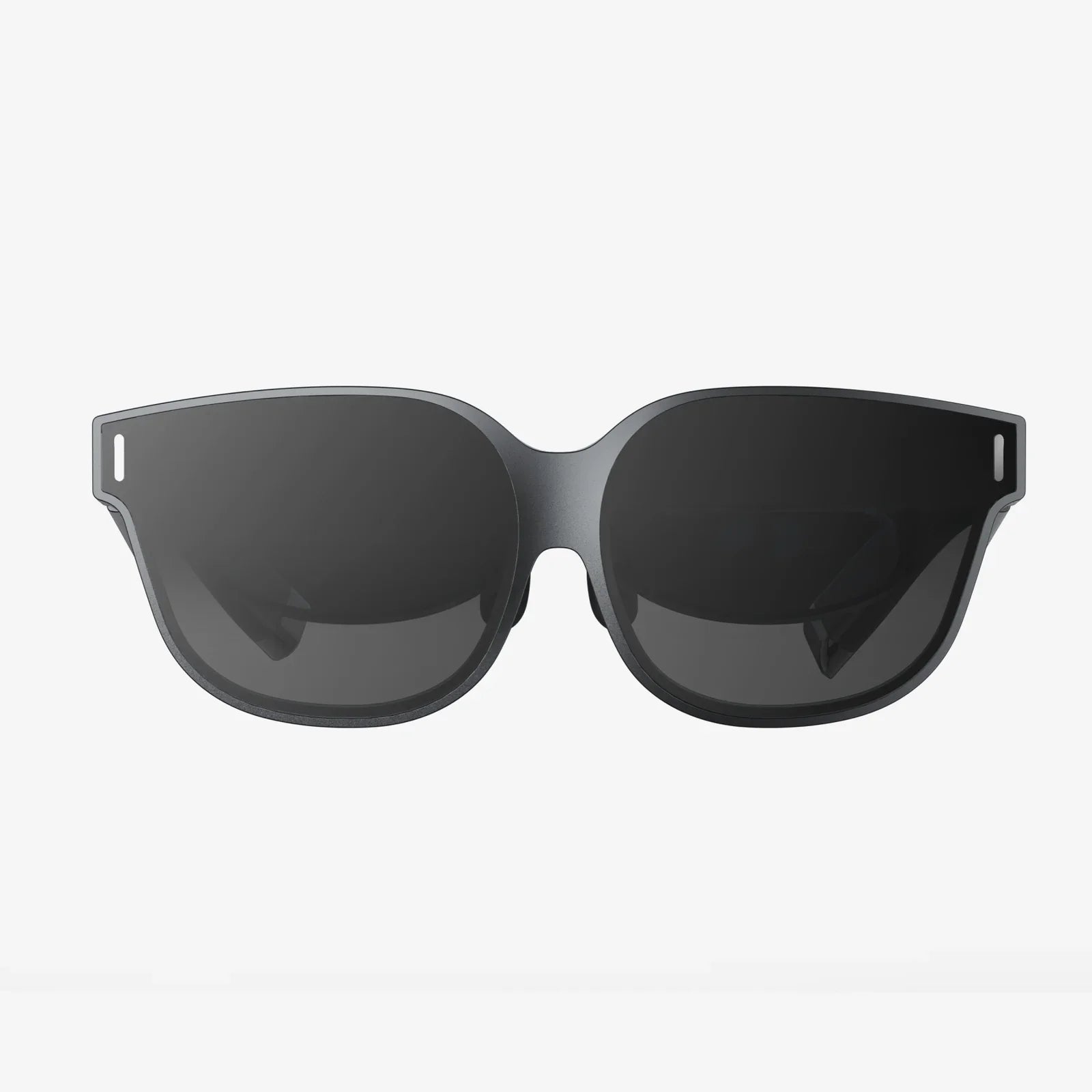
Imagine slipping on a headset and being instantly transported to a new dimension, a digital realm rendered with stunning clarity and responsive to your every move, all powered by the device in your pocket. This isn't a glimpse of a distant future; it was the promise held within the code of Android 11. While it may not have been the flashiest update to the world's most popular mobile operating system, its under-the-hood enhancements for virtual reality were nothing short of revolutionary, quietly laying the groundwork for a more mature and capable mobile VR ecosystem. The journey into this immersive world starts not with a bang, but with a series of thoughtful, deliberate improvements that collectively elevated the entire experience.
A Foundation of Fluidity: Projecting a Seamless World
At its core, the relationship between an operating system and virtual reality is one of intense resource management and precision timing. Android 11 introduced critical improvements in scheduling and latency that were felt profoundly in VR. The operating system became more adept at prioritizing the VR runtime and its sensory workloads, ensuring that the head-tracking data from gyroscopes and accelerometers was processed with minimal delay.
This reduction in latency, often measured in mere milliseconds, is the difference between a comfortable, immersive experience and one that can induce disorientation or nausea. When a user turns their head, the virtual world must update in perfect lockstep with their physical movement. Any lag creates a dissonance that the human brain immediately registers as unnatural. Android 11's more efficient handling of these high-priority tasks meant that the virtual camera's movement felt more natural and connected to the user's own body, a fundamental requirement for presence—the magical feeling of truly being inside the virtual environment.
The Privacy Paradigm: User Control in an Immersive Environment
Perhaps the most user-facing and significant change Android 11 brought to the table was its reinforced focus on privacy, a concern that becomes exponentially more critical when dealing with immersive technologies. VR applications, by their nature, require access to a suite of powerful sensors to function. However, this need must be balanced against the user's right to control their own data.
Android 11's one-time permissions feature was a game-changer for VR. Users could grant an application access to the camera or location data for a single session. When they exited the VR experience, that permission was automatically revoked. This prevented applications from running sensitive sensors in the background without explicit user knowledge and consent. For a user trying out a new VR game or social app, this provided a crucial layer of security and peace of mind. They could engage with the immersive content without the lingering worry of what the app might be doing once the headset was off.
Furthermore, the scoped storage enforcement in Android 11 ensured that VR applications could only access their own allocated storage space and specific shared media folders. This contained potential malware and prevented apps from snooping on files created by other VR or non-VR applications, creating a more secure sandbox for every application to operate within.
Enhancing the Developer Toolkit: Building Better Worlds
The user experience in VR is directly shaped by the tools available to developers. Android 11 expanded and refined these tools, empowering creators to build more stable and performant applications.
- Improved Native Access: Enhancements to the Native Development Kit (NDK) allowed developers to write more performance-critical code closer to the metal. For VR, where every CPU cycle counts towards maintaining a high, stable framerate, this was a significant boon. Complex physics simulations, advanced rendering techniques, and real-time spatial audio processing could all be optimized more effectively.
- Predictive Performance: While not exclusively a VR feature, new APIs for monitoring thermal and power status became incredibly useful for immersive applications. A VR app could now be more proactive in managing its resource consumption. If the device began to overheat, the application could subtly reduce graphical fidelity or background processes to prevent a performance throttle that would shatter immersion, instead of crashing or becoming unusable.
- Standardization and Compliance: Android 11 continued to push for a more standardized hardware environment. This meant developers could make more reliable assumptions about the capabilities of supported devices, leading to better-optimized experiences across a wider range of hardware, rather than having to code for the specific quirks of every individual device model.
Beyond Gaming: The Expansion of VR Use Cases
The stability and privacy features of Android 11 helped legitimize VR beyond the realm of entertainment. Enterprises and educational institutions looking to adopt mobile VR solutions could do so with greater confidence.
Consider a corporate training application for a dangerous job. Using Android 11, a company could deploy a VR training simulation knowing that the application had the necessary performance to run reliably and, crucially, that it could not access other sensitive company data on the device due to scoped storage. Similarly, an educational app used by children could be granted one-time permissions by a teacher or parent, ensuring the device's sensors weren't being accessed outside of the classroom setting. This fortified security model was essential for VR to be taken seriously as a tool for productivity and learning, not just a toy.
The Seamless Connection: Bridging the Phone and the Headset
Android 11 also smoothed the pathway between the smartphone's standard interface and the VR environment. The update improved mechanisms for handling notifications and system alerts in a way that was less disruptive to immersive sessions.
Instead of a jarring, full-screen pop-up breaking presence, notifications could be designed to appear as subtle, contextual elements within the VR world—perhaps a floating orb or a gentle sound cue that the user could choose to interact with or ignore. This seemingly minor detail was vital for making VR a more practical and integrated part of daily digital life, rather than an isolated experience that required complete disconnection from one's notifications and messages.
The Legacy and The Road Ahead
Android 11's contribution to mobile VR is a story of maturation. It was the update that moved the platform from a promising but Wild West-like environment to a more stable, secure, and performant foundation. It didn't necessarily introduce the flashy new features that get showcased in keynote presentations; instead, it focused on the unglamorous, essential work of refining the pipeline between hardware and software, and between user and experience.
It addressed critical pain points: the fear of unrestricted sensor access, the frustration of unpredictable performance, and the fragmentation that made development challenging. By building robust privacy controls directly into the core of the OS, it gave users the confidence to explore VR more freely. By providing developers with better tools and a more predictable environment, it enabled them to create richer and more reliable content.
The impact of these changes is still felt today. The principles of user privacy and resource management championed in Android 11 have become standard expectations for all subsequent Android versions and the applications that run on them. It set a new baseline for what a quality mobile VR experience should be—seamless, secure, and stunning. While the landscape of VR continues to evolve towards more standalone and advanced headsets, the role of the smartphone as an accessible and powerful gateway to virtual worlds remains undeniable. The silent revolution orchestrated by Android 11 ensured that when you pick up your phone and slot it into a headset, you're stepping into a world that is not only captivating but also respects your digital well-being, proving that the most profound transformations often happen behind the scenes.
You might never see the intricate code or the sophisticated sensor management at work, but you'll feel it in the effortless glide of a virtual landscape, the confidence to try a new app, and the sheer stability that makes the digital world feel real. The next time you step into mobile VR, remember that the smoothness and security of your adventure were quietly powered by a foundational update that truly understood the architecture of immersion.
Share:
Best Budget VR Headset for iPhone: Your Ultimate Guide to Affordable Immersion
Best Affordable PC VR Headset 2025: The Ultimate Buyer's Guide