The digital and physical worlds are colliding, and Augmented Reality is the shimmering, interactive seam that binds them. For developers, designers, and brands, the allure of AR is undeniable—a chance to overlay information, tell stories, and create wonder directly within a user's environment. Yet, for every magical AR experience that captivates and delights, there are countless others that frustrate, confuse, and are promptly abandoned. The chasm between a gimmick and a genuine utility is vast, but it can be crossed not by more powerful technology alone, but by a steadfast commitment to foundational principles. The true magic of AR isn't just in making something appear; it's in making it feel like it truly belongs.
Foundational Principles: The Bedrock of AR Design
Before a single line of code is written or a 3D model is textured, the most successful AR experiences are built upon a core set of philosophical and practical principles. These are the non-negotiable tenets that guide every decision.
User-Centricity Above All Else
The most critical rule in AR is to prioritize the user's needs, context, and safety. An experience created in a controlled studio environment will fail if it doesn't account for the chaotic, unpredictable real world.
-
Context is King: The user's environment dictates the experience. A navigation aid for pedestrians has vastly different requirements than a furniture placement app for a living room. Consider lighting, space, movement, and potential obstacles.
-
Solve a Real Problem or Create Real Delight: AR should not be used for its own sake. It must either solve a problem more effectively than a 2D interface (e.g., visualizing instructions on machinery) or provide an unparalleled level of engagement and emotion (e.g., a interactive museum exhibit).
-
Safety First: Never design an experience that requires a user's full attention while navigating a dangerous environment, like crossing a street or operating a vehicle. Implement clear warnings and design for glanceable interactions.
Seamless Integration and World-Locking
The goal of high-fidelity AR is to convince the user that the digital object is a natural part of their world. This is achieved through technical and artistic precision.
-
Stable Tracking and Anchoring: Nothing breaks immersion faster than a model that jitters, drifts, or floats aimlessly. Robust tracking via visual-inertial odometry and environmental understanding is paramount. The digital content must feel "locked" to a real-world surface or coordinate.
-
Believable Lighting and Shadows: A 3D model rendered with a default studio light will look completely out of place. Use environmental lighting estimation to match the direction, color temperature, and intensity of the real-world light sources. Casting accurate shadows from digital objects onto real surfaces is one of the most powerful techniques for achieving believability.
-
Occlusion: This is the effect where real-world objects pass in front of digital ones, blocking them from view. When a user's hand or a table leg moves in front of a digital character and the character is correctly hidden, the brain is tricked into accepting the illusion. Implementing depth sensing and occlusion is a significant step towards photorealism.
Designing the AR Experience: From Onboarding to Interaction
With principles in place, the focus shifts to the deliberate design of the user journey within the AR environment.
The Critical First Seconds: Onboarding and Surface Detection
The initial interaction often determines whether a user continues or quits. The process of launching the experience and placing content must be frictionless.
-
Clear Instructions: Use simple animations, icons, and minimal text to guide the user. "Move your device slowly side to side" or "Point your camera at a flat surface like a floor or table" are effective starters.
-
Visual Feedback for Detection: Provide clear visual feedback that the system is understanding the world. A grid or point cloud that appears on detected surfaces confirms the technology is working and guides the user to a viable placement area.
-
Intuitive Placement: Allow users to tap to place content. For more precision, offer controls to rotate, scale, and reposition objects after initial placement. A common best practice is to have the digital object appear at a slight offset from the detected plane rather than glued directly to it, avoiding a "floating" appearance.
Designing Intuitive and Accessible Interactions
Interacting with objects in space is a novel concept for many users. Controls must be discoverable and logical.
-
Leverage Familiar Gestures: Where possible, use touch gestures users already know from mobile interfaces: tap to select, pinch to zoom, drag and one-finger rotate to manipulate object position and rotation. Two-finger rotation can be used to rotate an object around the world's Y-axis.
-
Minimize UI Clutter: The real world is your interface. Avoid overlaying complex menus and buttons that obstruct the view. Use contextual UI that appears only when relevant, or consider a "diegetic" interface where controls are part of the AR world itself.
-
Design for Accessibility: Ensure experiences can be used by people with diverse abilities. Provide alternatives to gesture-based controls (e.g., button controls), support voice commands where appropriate, and ensure sufficient color contrast and text size for any overlay text.
Performance Optimization: Ensuring a Smooth Experience
Technical performance is a feature. A laggy, low-frame-rate experience is not only unpleasant but can cause motion sickness.
-
Model Optimization: Use 3D models with optimized polygon counts, compressed textures, and efficient shaders. The goal is to achieve visual fidelity without sacrificing frame rate.
-
Responsive Design: Test the experience on the minimum spec device you intend to support. Be prepared to dynamically reduce texture quality, polygon counts, or even disable certain visual effects on less powerful hardware to maintain a smooth 60fps or higher.
-
Battery and Thermal Management: AR is computationally intensive and can quickly drain battery life and cause devices to heat up. Efficient coding, minimizing continuous heavy computations, and providing clear feedback to the user are essential.
Advanced Considerations for Production and Deployment
Moving from a prototype to a robust, scalable experience introduces a new set of challenges and best practices.
Testing in the Wild
Lab testing is insufficient. AR must be tested in the environments where it will actually be used.
-
Diverse Environmental Testing: Test under various lighting conditions (bright sun, low light, mixed lighting), in different spatial contexts (cluttered office, empty warehouse, outdoors), and on a variety of physical devices.
-
User Testing: Observe real users (not just developers) as they try the experience for the first time. Where do they get confused? How do they naturally try to interact with the content? This feedback is invaluable.
Privacy and Ethical Considerations
AR applications, especially those using persistent cloud anchors, have the potential to collect vast amounts of spatial data about user environments.
-
Transparent Data Use: Have a clear, easy-to-understand privacy policy that explains what environmental data is collected, how it is used, and how it is stored. Never collect or transmit sensitive spatial data without explicit user consent.
-
Ethical Design: Avoid dark patterns. Do not create experiences that encourage users to place digital content in dangerous locations or that could be used to deceive or harass others.
The Future-Proof Experience
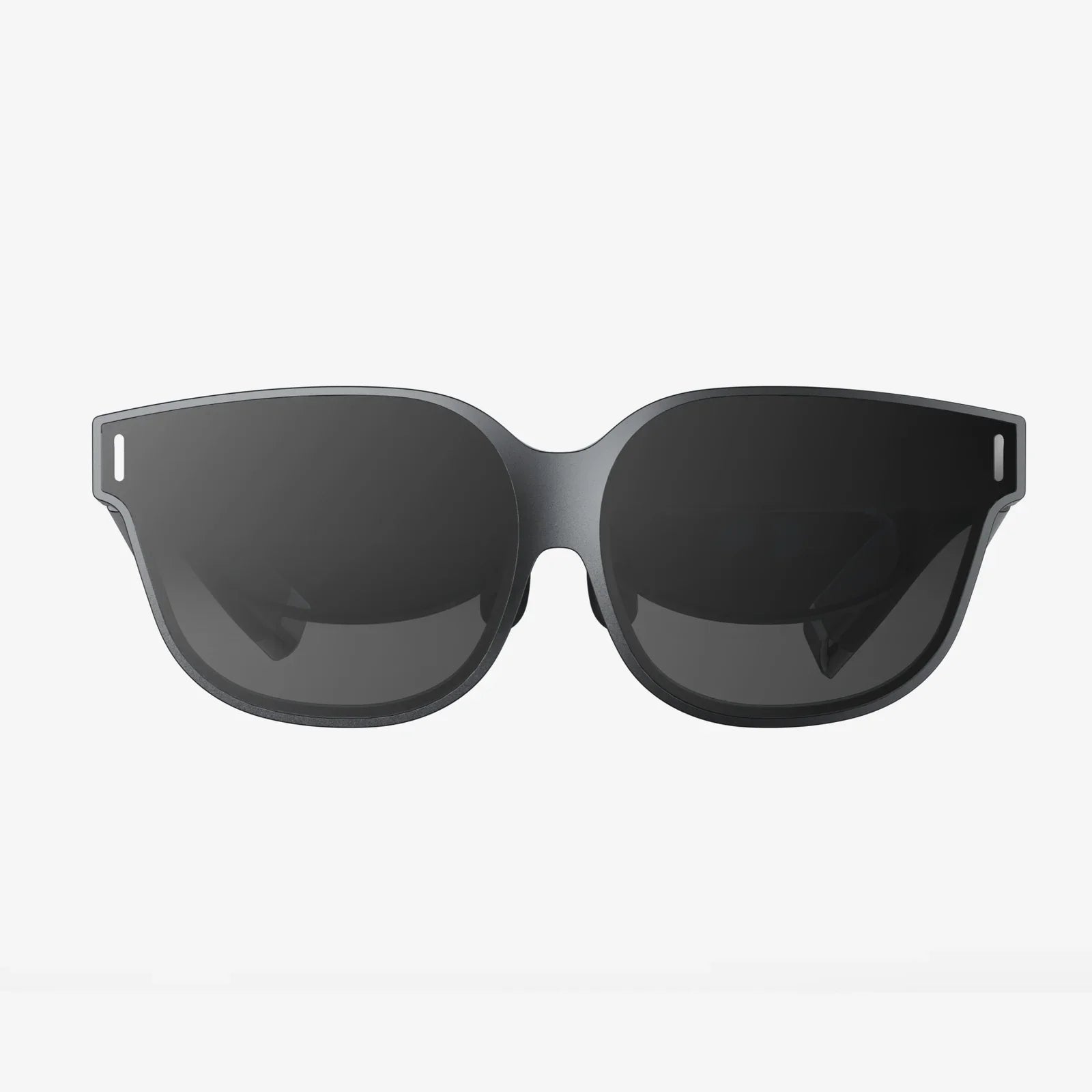
The AR hardware landscape is rapidly evolving, from smartphones to smart glasses and beyond.
-
Design for Scale: Consider how an experience might transition from a hand-held screen to a hands-free, eyewear-based interface. Core concepts like world-locking and intuitive interaction will become even more critical.
-
Embrace Open Standards: Where possible, utilize open file formats and protocols to ensure longevity and interoperability across different platforms and devices.
The journey to mastering AR is a continuous process of learning, testing, and refinement. It demands a unique blend of technical skill, artistic vision, and profound empathy for the user navigating between two worlds. By adhering to these best practices—prioritizing the user, striving for seamless integration, designing intuitive interactions, and upholding strong ethical standards—creators can move beyond novelty. They can build AR experiences that are not only technically impressive but are genuinely useful, profoundly engaging, and truly feel like a natural part of our world. The future is not just about seeing something amazing through your screen; it's about feeling that it's really there, and these principles are your blueprint to build it.


Share:
AI-Powered Mobile Apps Development: The Future is Now
AI-Powered Mobile Apps Development: The Future is Now