


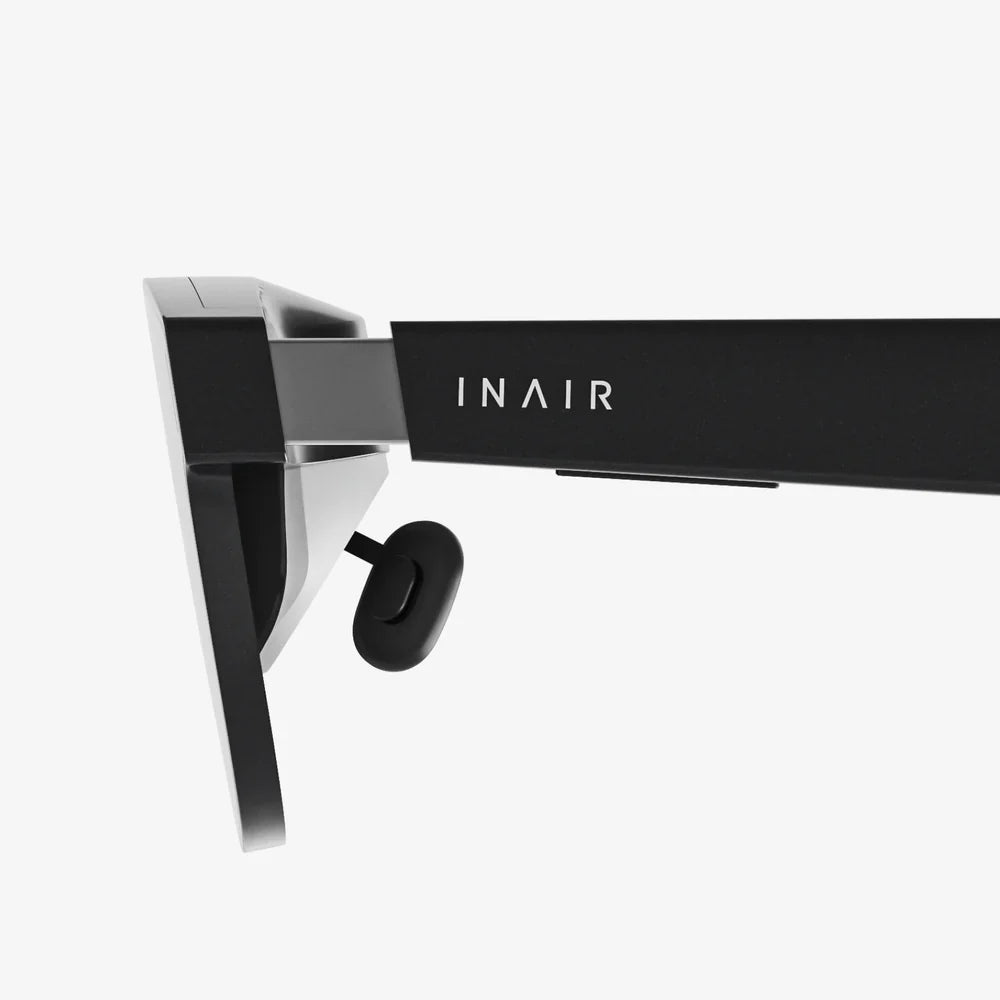
- by wangfred
ar headsets And The Future Of Everyday Reality
- by wangfred
Imagine slipping on a lightweight pair of glasses and instantly seeing your calendar hovering above your desk, real-time translation captions beside the person speaking to you, and step-by-step repair instructions floating over a broken appliance. That is the promise of ar headsets: not to pull you into a separate digital world, but to intelligently blend digital information with the reality you already live in. If you are curious about how this technology will change your work, your entertainment, and even your health, you are in the right place.
Augmented reality (AR) overlays digital content onto the real world. Unlike virtual reality (VR), which replaces your surroundings, AR keeps you grounded while enhancing what you see. AR headsets are the primary gateway to this blended world, and they are evolving fast. Understanding how they work, what they can do, and how to choose one will help you navigate one of the most important technology shifts of the coming decade.
AR headsets are wearable devices, typically in the form of glasses, visors, or compact goggles, that project digital images into your field of view while still letting you see the real world. They rely on a combination of optical systems, sensors, and onboard computing to make digital objects appear anchored to your surroundings.
Even though AR headsets look simple from the outside, they pack a surprising amount of technology inside. Key components include:
All of these elements work together to create the illusion that digital content is really part of your physical space. When done well, AR feels less like a screen and more like an extension of your senses.
It is easy to confuse AR headsets with other immersive devices, but there are important differences:
Most modern AR headsets aim for mixed reality capabilities, but you will often see the terms used interchangeably in marketing. The key concept is that you are still seeing your real environment, enhanced with context-aware digital content.
The AR headset market is evolving quickly, and not all devices are created equal. If you are considering buying or using one, pay attention to the following features, which dramatically affect the experience.
The field of view (FOV) is the size of the virtual window through which you see digital content. A narrow FOV makes holograms look like they are trapped in a small rectangle in front of you, while a wider FOV feels more natural and immersive.
Visual quality also depends on:
If you plan to use an AR headset for work, reading, or design, prioritize high resolution and a generous field of view. For casual use, slightly lower specs may still be acceptable.
Even the most advanced AR headset is useless if it is uncomfortable to wear. When evaluating comfort, consider:
Design also affects social acceptance. Sleeker, more glasses-like AR headsets are easier to wear in public or in meetings than bulky, helmet-like devices.
How you interact with digital content is just as important as how it looks. Modern AR headsets offer several input methods:
For productivity and professional use, accurate tracking and intuitive gesture control can significantly improve efficiency. For gaming and creative work, a combination of hand tracking and controllers often works best.
AR rendering, sensor fusion, and connectivity are demanding tasks, so battery life is a critical factor. Typical consumer AR headsets may offer a few hours of active use per charge, though this varies with brightness, processing load, and connectivity.
Performance considerations include:
If you need an AR headset for all-day professional use, look for options that support external battery packs or easy charging while in use.
AR headsets are often associated with futuristic demos, but they already have practical uses in daily life. As the technology matures, more of these use cases will become accessible to non-technical users.
One of the most promising uses for AR headsets is transforming how people work together, especially in distributed teams. Examples include:
These capabilities can reduce travel costs, speed up problem-solving, and make remote collaboration feel more natural.
AR headsets can revolutionize how you move through the world. Imagine walking through an unfamiliar city with:
For drivers, AR headsets are less common due to safety concerns, but similar technology is appearing in head-up displays that project directions and alerts onto windshields.
In the home, AR headsets can make everyday tasks more efficient and enjoyable:
Entertainment is another major area. AR headsets enable games that blend physical and digital elements, interactive storytelling experiences, and shared experiences where multiple people see the same virtual content anchored in the same place.
While consumer uses are exciting, AR headsets are already having a profound impact in professional environments. Many industries are adopting AR to improve efficiency, safety, and training.
In factories and field service operations, AR headsets can overlay critical information directly onto equipment. Workers can see:
This reduces the need to consult paper manuals or tablets and can significantly cut down on errors and training time. Remote experts can also guide technicians through unfamiliar tasks without needing to travel onsite.
In healthcare, AR headsets are emerging as powerful tools for both training and live procedures. Possible applications include:
These applications can improve accuracy, reduce risk, and expand access to expertise.
AR headsets are particularly well suited to fields where spatial understanding is critical. In architecture, engineering, and construction, they can be used to:
This reduces misunderstandings between stakeholders, catches design issues earlier, and makes it easier to communicate complex spatial ideas to non-experts.
Retailers and service providers are experimenting with AR headsets to enhance the customer journey and train employees more effectively. Examples include:
These approaches can lead to better customer satisfaction, faster onboarding, and more efficient operations.
AR headsets are poised to change how people learn, making education more interactive and experiential. Instead of passively reading or watching, learners can engage directly with 3D content in their environment.
In schools and universities, AR can turn classrooms into dynamic learning spaces. Consider the possibilities:
AR headsets allow students to learn by doing, not just by listening, which can improve retention and engagement.
Beyond formal education, AR is powerful for ongoing professional training. Scenarios include:
Because AR training takes place in or near real work environments, the skills often transfer more directly to actual tasks.
Despite their potential, AR headsets are not without challenges. Understanding these limitations will help you set realistic expectations and use the technology responsibly.
Some of the main technical hurdles include:
These issues are gradually improving with each generation of hardware, but they still influence the suitability of AR headsets for certain tasks.
AR headsets often include cameras and microphones that are always on, raising legitimate concerns about privacy and social norms. Considerations include:
Responsible use of AR headsets means being transparent with others, respecting no-recording spaces, and being aware of local regulations around capturing audio and video.
Advanced AR headsets remain relatively expensive, especially those aimed at professional markets. This can limit access for smaller organizations, schools, or individuals. Over time, costs are likely to drop, but for now, many people experience AR primarily through smartphones rather than dedicated headsets.
Accessibility is another concern. Designers must consider users with different abilities, including those with visual impairments, motion sensitivity, or limited mobility. Thoughtful interface design and inclusive hardware features will be crucial to ensuring AR benefits as many people as possible.
If you are considering adopting AR headsets, either personally or for an organization, a structured approach to evaluation will help you avoid expensive mistakes.
Start by clarifying what you actually want to do with AR. Common categories include:
Your priorities will differ depending on the category. For example, field service may require ruggedized hardware and remote assistance features, while creative work may prioritize visual fidelity and hand tracking.
Beyond raw specs, consider the broader ecosystem:
A slightly less powerful device with a rich ecosystem can be more valuable than a technically superior headset with limited software support.
For organizations, running a pilot program before large-scale deployment is essential. Steps include:
This approach helps you understand real-world benefits and challenges, adjust workflows, and build internal champions who can advocate for wider adoption.
Once you have AR headsets in hand, using them thoughtfully will maximize benefits and minimize downsides.
Extended use of AR headsets can be tiring if not managed properly. To reduce discomfort:
Pay attention to early signs of strain, such as headaches or blurred vision, and dial back usage until you are more accustomed to the device.
Using AR headsets around others requires sensitivity to social norms and privacy expectations. Practical steps include:
Building trust around AR technology is as important as the technology itself.
If you are involved in creating AR experiences, design choices can make the difference between helpful and overwhelming overlays. Consider:
Thoughtful design ensures that AR enhances reality rather than distracting from it.
AR headsets today are impressive, but they are still early in their evolution. Several trends suggest where the technology is headed in the coming years.
One of the biggest shifts will be in form factor. As components shrink and become more power-efficient, AR headsets will increasingly resemble everyday eyewear. This will make them more acceptable for continuous wear and reduce the barrier between "using AR" and simply "wearing glasses."
Future AR headsets will have richer awareness of the world around you. With improved sensors and AI, they will be able to:
This deeper understanding will make AR experiences feel more intuitive and less like manually operating a device.
AR headsets will not exist in isolation. They will increasingly work alongside other wearables and interfaces, such as smartwatches, earbuds, and haptic devices. This ecosystem will create a seamless layer of digital assistance that follows you across contexts, from home to office to outdoors.
Ultimately, AR headsets could become as commonplace as smartphones, serving as the primary interface for information, communication, and entertainment. The line between "online" and "offline" will blur, not by pulling you away from reality, but by infusing your everyday surroundings with knowledge and capability.
If you are intrigued by the idea of navigating your day with information that appears exactly where and when you need it, now is the time to start paying attention to AR headsets. Whether you are a professional looking to streamline workflows, an educator exploring new ways to teach, a gamer eager for more immersive play, or simply someone who loves cutting-edge tools, AR is moving rapidly from experiment to essential. The choices you make today in learning, testing, and adopting this technology can put you on the leading edge of a transformation that will redefine what it means to interact with the world around you.