


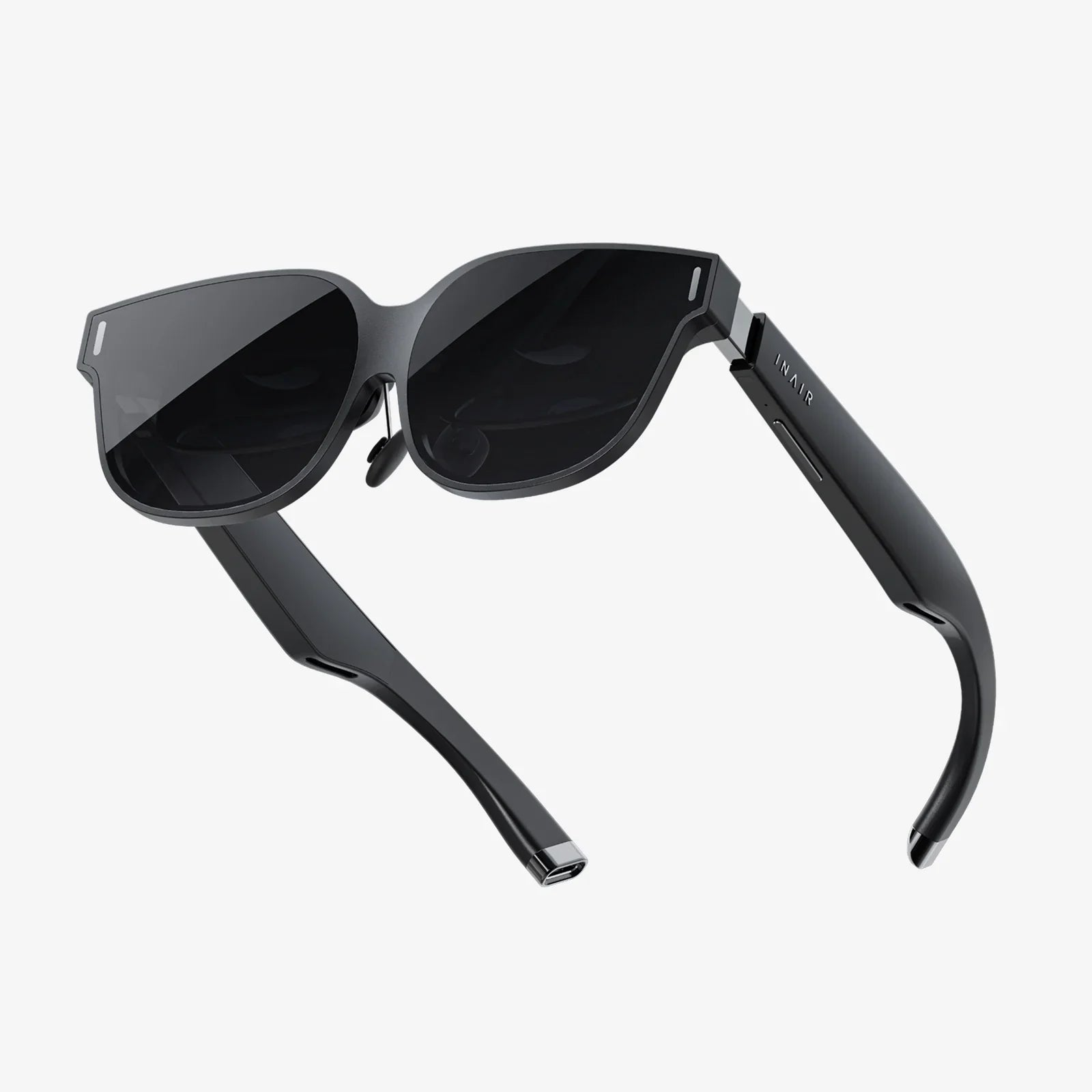
- by wangfred
AR performance: Strategies, Metrics, and Optimization for Next-Gen Experiences
- by wangfred
AR performance is the invisible force that decides whether users stay immersed in your augmented reality experience or rip the headset off in frustration. Smooth, responsive AR feels like magic; stutters, lag, and jitter instantly break the illusion and can even make people feel sick. If you want your AR project to stand out instead of being uninstalled, performance is not a nice-to-have—it is the product.
Many teams treat AR performance as a single metric, but it is actually a combination of several factors working together. When people say an AR app “runs well,” they are usually experiencing:
All of these elements are intertwined. Pushing visuals too far can hurt tracking; aggressive tracking can drain the battery; thermal throttling can reduce frame rate. Optimizing AR performance is about managing this ecosystem, not chasing a single number.
To improve AR performance effectively, you need to understand the main components under the hood. Each one can become a bottleneck if neglected.
The rendering pipeline converts your 3D content into the images users see. Performance here depends on:
In AR, you are rendering on top of a camera feed, so the baseline cost is already higher than in a pure 3D game. The challenge is to deliver convincing visuals without overwhelming mobile-class hardware.
AR systems must understand the real world in order to place and anchor virtual objects. This usually involves:
Tracking is computationally heavy and runs continuously. If your app adds additional computer vision tasks, such as image recognition or object detection, the performance budget tightens even more.
Users expect AR to behave like the real world. That means:
These systems often run on the CPU and can become bottlenecks when many objects are active or when complex interactions are evaluated every frame.
Some AR experiences rely on network connectivity for:
Network latency, bandwidth limits, and unstable connections can all degrade perceived AR performance, even if the local rendering is smooth.
AR tends to be used on mobile devices and standalone headsets, both of which have strict thermal and battery budgets. When the device overheats, the system may throttle CPU and GPU performance, causing frame rate drops and input lag. Power-hungry AR apps also shorten session time, which hurts engagement and usability.
Intuition is not enough. You need concrete metrics to guide optimization and validate improvements. The most important AR performance metrics include:
Frame rate is the number of frames rendered per second (FPS). For AR, targets typically include:
Frame time is the time it takes to render a single frame. For 60 FPS, the budget is about 16.67 milliseconds per frame. Every system—rendering, tracking, physics, interaction—must fit inside that window.
This is the delay between a real-world motion (like moving your head or hand) and the corresponding update on the display. High motion-to-photon latency causes:
Reducing latency requires optimizing the entire pipeline, from sensor reading to rendering and display.
Tracking performance is harder to summarize with a single number, but you can evaluate:
User testing and visual diagnostics are often needed to assess tracking quality effectively.
Profiling tools can show how much of your budget is consumed by different systems. Key indicators include:
Understanding these metrics helps you decide where optimization will have the biggest impact.
Monitoring device temperature and power consumption over time reveals whether your AR experience can sustain performance in real-world conditions. A demo that runs beautifully for two minutes but throttles after ten is not ready for production.
AR performance does not exist in a vacuum; it depends heavily on the capabilities of the target hardware. When designing an experience, you must consider:
Modern mobile chipsets and dedicated XR processors vary widely. Devices with more powerful GPUs can handle higher-resolution rendering, more complex shaders, and advanced lighting effects. Lower-end devices require more aggressive optimization and sometimes reduced visual fidelity.
AR depends on input from:
Better sensors can improve tracking and reduce computational load, but they also introduce their own data processing costs.
Resolution and refresh rate directly affect AR performance. Higher resolution means more pixels to render, increasing GPU load. Higher refresh rates demand more frames per second, shrinking the time budget per frame. Balancing clarity and smoothness is essential.
Smartphones, tablets, and headsets each have different cooling capabilities. A thin phone can heat up quickly under sustained load, while a dedicated headset may include better thermal management. Knowing your primary target device helps you set realistic performance goals.
Most AR projects run into similar problems. Recognizing these patterns lets you address them early.
High-resolution models, dense meshes, and large textures are frequent culprits. Even a few overly detailed assets can dominate the rendering budget and memory usage.
Real-time lighting and shadows add realism but are expensive. When combined with the camera feed and AR-specific overlays, they can overwhelm mobile GPUs.
Running multiple vision algorithms at once—such as plane detection, image tracking, and object recognition—can saturate the CPU. If you do not manage when and how these systems run, performance will suffer.
Complex physics simulations, many interacting objects, or inefficient scripting can create CPU spikes. These spikes show up as intermittent stutters, which are especially noticeable in AR.
When critical interactions rely on network responses, latency and packet loss directly affect perceived AR performance. Users experience laggy object updates or delayed interactions, even if local rendering is smooth.
Improving AR performance is an iterative process. The most effective strategy is to profile, identify bottlenecks, and address them systematically. The following techniques are foundational.
Start with your content, because it often delivers the biggest wins.
A well-optimized asset library sets a strong baseline for AR performance across devices.
Lighting sells realism but can quickly consume your budget. Consider:
The goal is to create believable lighting that fits your performance budget, not to simulate reality perfectly.
Tracking does not have to run at full speed all the time. You can:
By being deliberate about when and how tracking systems run, you free up resources for rendering and interaction.
Physics and interactions should feel natural without overwhelming the CPU.
Small improvements in these systems can significantly smooth out frame time spikes.
When your AR experience relies on connectivity, design for latency and variability.
Users should feel that the experience is responsive first, connected second.
Not all devices are equal, so your AR performance strategy should not be one-size-fits-all.
Adaptive systems help you deliver a good experience across a wide device range without manually tuning for each model.
AR performance tuning is never a one-time task. Build a culture of continuous measurement:
Each iteration should bring you closer to an experience that feels effortless and natural.
Performance is not just a technical concern; it shapes the entire user experience. Smart design choices can hide limitations and enhance perceived quality.
Onboarding flows can guide users into conditions where AR performance is strongest. For example:
Clear guidance reduces user frustration and improves perceived responsiveness.
Whenever an operation takes more than a fraction of a second, provide feedback:
Thoughtful feedback can make a slightly slower operation feel smooth and intentional.
AR encourages people to move, but uncontrolled movement can expose performance weaknesses. You can:
Comfort-focused design reduces the perception of latency and jitter, even if your technical metrics are not perfect.
The AR landscape is evolving quickly, and upcoming trends will reshape how developers think about performance.
New generations of mobile processors and dedicated XR chips are delivering better graphics performance and more efficient tracking. As hardware improves, some constraints will relax, but expectations will rise as users become accustomed to richer experiences.
Dedicated AI accelerators on consumer devices are making it feasible to run advanced computer vision and machine learning models locally. This opens the door to:
These capabilities can enhance AR performance if used thoughtfully, but they also add new workloads that must be balanced against existing systems.
Cloud services can offload some heavy computation, such as large-scale mapping or global localization. However, reliance on the cloud introduces latency and connectivity challenges. Hybrid approaches—where the device handles time-critical tasks and the cloud handles background processing—are likely to become standard.
As AR matures, the industry is moving toward more standardized performance benchmarks and guidelines. This will make it easier to compare experiences, diagnose issues, and adopt proven optimization techniques without reinventing the wheel.
AR performance is not just a technical checkbox; it is a powerful differentiator. Users remember how your experience made them feel more than they remember feature lists. If your AR app responds instantly, keeps virtual objects locked in place, and runs comfortably on their device without overheating, they are far more likely to use it again, recommend it, and trust whatever you build next.
The teams that win in augmented reality will be the ones that treat AR performance as a design pillar, not an afterthought. By understanding the full performance ecosystem—rendering, tracking, physics, networking, hardware, and user experience—and by continuously measuring and refining each piece, you can deliver AR that feels less like a demo and more like a seamless extension of reality. The result is not just smoother graphics, but the kind of immersive, reliable experiences that make people forget there is a screen at all and simply enjoy the world you have augmented for them.