


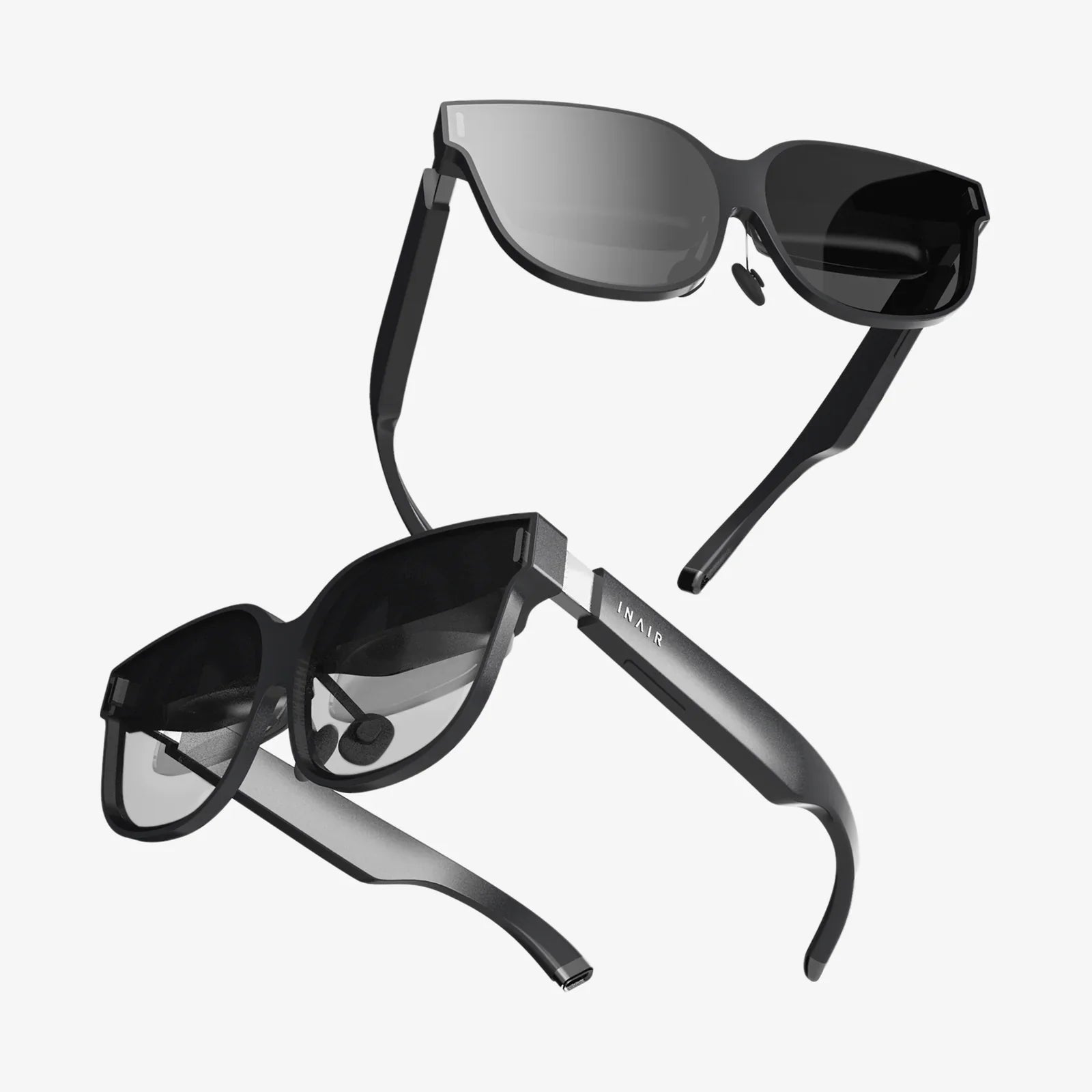
Imagine slipping on a headset and instantly being transported to a virtual boardroom, a fantastical game world, or an augmented reality tutorial overlaying your real-world workspace. This is the promise of immersive technology, but the path to this digital nirvana is often blocked by a single, frustrating hurdle: compatibility. The question isn't just which headset to buy, but whether it will work with your existing devices, your chosen software, and your vision for the future. Understanding the intricate dance of AR VR headset compatibility is the key that unlocks the full potential of these revolutionary devices, transforming them from isolated gadgets into powerful portals of possibility.
Decoding the Ecosystem: The Three Pillars of Compatibility
When we talk about a headset being "compatible," we're actually referring to a complex relationship across three distinct pillars: hardware, software, and connectivity. A failure in any one of these areas can render an otherwise powerful device useless for your specific needs.
1. Hardware Compatibility: The Foundation of Power
This is the most fundamental layer. It asks: does your computer or mobile device possess the necessary muscle to drive the headset? For tethered VR headsets, this is primarily about the Graphics Processing Unit (GPU) and Central Processing Unit (CPU).
- Minimum vs. Recommended Specs: Manufacturers provide two sets of requirements. Minimum specs are the absolute bare bones needed to launch an application, often resulting in poor performance, low resolution, and a high likelihood of motion sickness. Recommended specs are what you should truly aim for; they ensure a smooth, high-fidelity, and comfortable experience.
- The GPU King: The GPU is the workhorse of VR rendering. It must draw two high-resolution images (one for each eye) at a blisteringly fast rate (typically 90Hz or higher) to maintain immersion and avoid latency. Not all GPUs are created equal, and compatibility lists are very specific.
- Ports and Power: It's not just about internal components. Does your computer have the correct video output? Many modern headsets require a DisplayPort or a specific version of HDMI. Furthermore, some headsets draw power from the computer, while others have external power adapters.
2. Software and Platform Compatibility: The Digital Garden Walls
This is perhaps the most significant and often the most confusing barrier for newcomers. Most major headset manufacturers operate their own digital storefronts and software platforms.
- Platform Lock-In: A headset designed to work primarily with one storefront (e.g., a first-party headset) will have its best, most optimized experiences there. While workarounds exist, they are often unofficial, complex, and can result in a degraded experience.
- Open vs. Closed Ecosystems: The industry is divided between more open ecosystems, which aim to support a wider range of hardware and software sources, and closed ecosystems, which create a tightly integrated, curated, but walled experience. Your choice of headset often chooses your ecosystem for you.
- App Stores and Content: The compatibility of individual applications must be checked. Just because a headset is technically capable of running an app doesn't mean the developer has configured and published it for that specific device on its respective store.
3. Connectivity and Protocol Compatibility: The Invisible Handshake
This pillar governs how the headset communicates with the host device and the world.
- Tethered (Wired): This typically uses a proprietary cable or a specific combination of standard cables (USB for data and power, DisplayPort/HDMI for video). The compatibility is strict; a missing port means an incompatible system.
- Standalone (Wireless): These headsets have all the necessary compute power built-in. Their compatibility concerns shift to software (which OS do they run?) and accessory support (which controllers and peripherals can they pair with?).
- PC-Based Wireless: This is a hybrid model where a standalone headset connects to a powerful PC via a high-speed wireless protocol (like a dedicated Wi-Fi 6/6E router). This requires compatibility between the headset's wireless software and the PC's streaming application.
A Deep Dive into Headset Categories and Their Compatibility Quirks
Not all headsets are created equal, and their approach to compatibility varies dramatically by category.
Standalone VR Headsets: The All-in-One Convenience
These devices represent the most straightforward path to VR. They are complete systems with a mobile-grade processor, memory, and storage built directly into the headset.
- Primary Compatibility Concern: The software ecosystem. You are buying into a specific mobile-based OS and its accompanying app store. Content is developed explicitly for the capabilities of that specific headset model or generation.
- The PC Link Feature: Many standalone headsets now offer an optional "Link" or "Air Link" mode. This is where compatibility gets interesting. To use this feature, your PC must meet the specific requirements of the Link software, which acts as a bridge between the PC's power and the headset's display. This effectively makes a standalone headset a hybrid device, but it relies on two separate compatibility checks: one for its native platform and one for the connected PC.
Tethered PC VR Headsets: The Power User's Choice
These are the performance powerhouses of VR. They offload all processing to a connected computer, allowing for the most graphically intense and complex experiences.
- Primary Compatibility Concern: The PC itself. This is a hard barrier. The headset's requirements are non-negotiable. A GPU below the minimum spec will not work. A CPU that's too old will bottleneck performance. The required USB controllers must be present for tracking data.
- Platform Software: Even with a perfect PC, you must install the headset manufacturer's proprietary software platform. This software handles device drivers, firmware updates, and serves as the launchpad for experiences. The headset is useless without it.
Augmented Reality Headsets: A Spectrum of Complexity
AR compatibility is even more fragmented than VR, spanning a wide spectrum from simple to complex.
- Smartphone-Based AR: The most compatible form of AR. It uses a smartphone's camera, sensors, and screen. Compatibility is broad—if your phone can run the app from its app store (e.g., Apple's ARKit or Google's ARCore), it works.
- Enterprise & Specialized AR Glasses: These are often tethered to a dedicated processing unit or a powerful industrial computer. Their compatibility is highly specialized, designed to work with specific enterprise software suites, tools, and workflows. They are not general-consumption devices.
- Standalone AR Headsets: Emerging category. Like standalone VR, they have their own OS and app store, defining their compatibility boundaries. Their ability to understand the environment through advanced sensors adds another layer of complexity, as apps must be designed for their specific sensor suite and passthrough capabilities.
The Cross-Platform Dream: Open Standards and the Future
The industry is acutely aware that walled gardens stifle growth. Several initiatives are working to break down these barriers and create a more unified, compatible future.
- OpenXR: The Great Unifier: This is the most important development in cross-platform compatibility. OpenXR is an open, royalty-free API standard developed by a Khronos Group consortium including all major players. It provides a universal layer between VR/AR applications and the hardware. Instead of a developer having to code separately for each platform's proprietary API (e.g., one for first-party, one for another), they code to OpenXR. The headset's drivers then translate the OpenXR calls into their native language. This means an application built on OpenXR can, in theory, run on any OpenXR-compatible headset without extra work, dramatically expanding software compatibility.
- WebXR: The Browser-Based Gateway: WebXR brings immersive experiences directly to web browsers. If your headset and browser support WebXR, you can jump into experiences without installing anything. It's the ultimate low-friction, highly compatible platform, though it is typically limited to less complex experiences due to the constraints of running in a browser.
A Practical Checklist for Ensuring Your Headset is Compatible
Before you purchase, run through this list to avoid disappointment.
- Identify Your Target Platform: Are you a dedicated gamer on a powerful PC? A mobile user looking for casual fun? An enterprise developer? Your starting point defines your options.
- Audit Your Hardware (For PCVR): Don't guess. Use system information tools to get your exact GPU, CPU, and RAM specs. Compare them meticulously to the headset manufacturer's recommended specifications, not just the minimum.
- Check Physical Ports: Does your computer have the required video output (DisplayPort 1.2/1.4, HDMI 2.0)? Are there enough free USB ports of the correct type (e.g., USB 3.0)?
- Research the Software Ecosystem: Browse the app store associated with the headset. Does it have the applications, games, and tools you want to use? Are your essential apps available there?
- Understand the Fine Print on "PC Link" Features: If considering a standalone headset for PC use, research the Link feature extensively. What are its specific PC requirements? Is it a wired or wireless connection, and what are the trade-offs? Is the experience on par with a native tethered headset?
- Look for OpenXR Support: Prioritize headsets and software that support OpenXR. This is your best bet for future-proofing and ensuring access to a broad range of cross-platform content.
The world of AR and VR is evolving from a series of isolated islands into a more connected continent. While compatibility remains a critical consideration, the industry's trajectory is clear: towards openness, standardization, and user choice. The dream of a truly universal headset—one that seamlessly connects to any device and runs any experience—is not yet a reality, but the tools to build that future are already here. By making an informed choice today, you won't just be buying a piece of hardware; you'll be investing in an open doorway to the immersive experiences of tomorrow, ensuring your journey into virtual and augmented worlds is limited only by your imagination, not by technical constraints.
Share:
AR Project Ideas: From Simple Prototypes to Complex Immersive Experiences
Best Smart Wearables for Women: A Guide to Tech That Truly Complements Your Lifestyle