


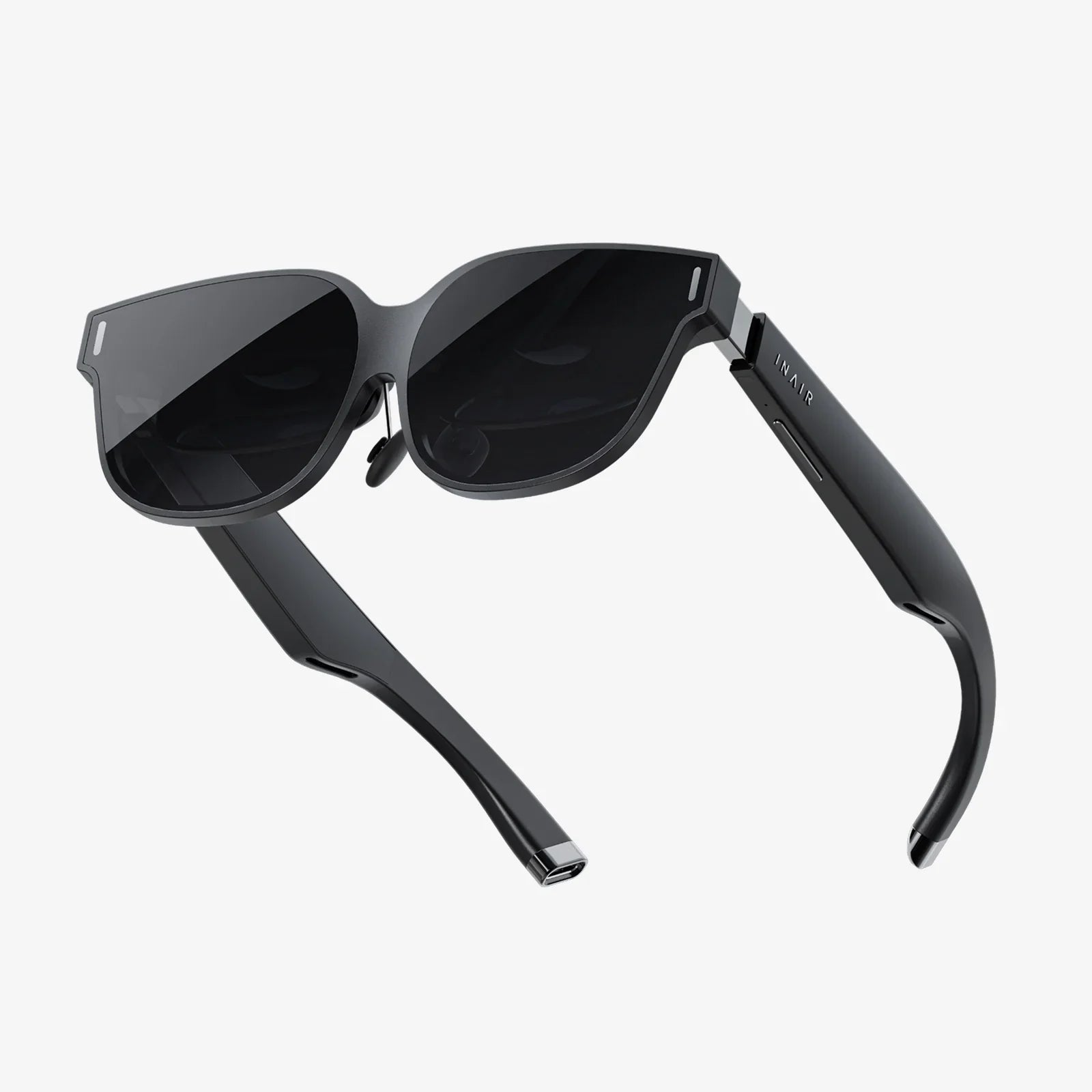
Imagine a world where digital instructions overlay a complex engine for a mechanic, where historical figures seemingly stand on the street corner you're passing, or where a new sofa materializes in your living room before you buy it. This is the promise of augmented reality (AR), a technology rapidly moving from novelty to necessity. But behind every seamless, magical AR experience lies a meticulously crafted and often complex process: the AR workflow. Understanding this workflow is the key to unlocking AR's true potential, transforming a cool trick into a powerful tool for industry, education, and entertainment. This is your definitive guide to building that reality, one deliberate step at a time.
The Foundation: Conceptualizing the AR Experience
Every successful AR project begins not with code, but with a clear and compelling idea. This initial conceptualization phase is the bedrock of the entire workflow, determining the project's scope, feasibility, and ultimate success.
Defining Objectives and Use Cases
The first question to ask is: Why AR? The technology should be a solution, not just a feature. Objectives must be clearly defined. Is the goal to increase user engagement, improve learning retention, streamline a complex manual process, or boost online sales? A well-defined objective guides every subsequent decision. For instance, an AR experience for surgical training requires extreme precision and realism, while a promotional game for a beverage brand prioritizes fun and shareability.
Understanding the Target Audience and Environment
Who will use this experience, and where will they use it? The answers are critical. An app designed for children will have vastly different interaction models and visual design than one for factory engineers. Similarly, the environment dictates technology choices. A marker-based experience that uses a printed image target is perfect for a controlled indoor setting like a museum exhibit. In contrast, a large-scale outdoor navigation aid requires robust markerless tracking using GPS and visual positioning systems.
Storyboarding and Experience Mapping
Before any asset is created, the user journey must be mapped out. Storyboarding is an essential tool here. Simple sketches visualize the user's point of view, showing where digital elements appear, how they interact with the real world, and what user actions (tapping, moving, voice commands) trigger changes. This process identifies potential UX pitfalls early and ensures the experience is intuitive and narratively coherent.
The Engine Room: Content Creation and Asset Management
With a solid plan in place, the workflow moves into content creation. This is often the most resource-intensive phase, involving 3D modeling, texturing, animation, and sound design.
3D Modeling and Optimization
High-polygon, photorealistic models may look stunning on a powerful workstation, but they will bring a mobile device to its knees. Optimization for real-time rendering is paramount. This involves:
- Reducing Polygon Count: Creating low-poly models that retain their visual integrity.
- Efficient UV Mapping: Unwrapping 3D models to apply 2D textures without stretching or seams.
- Level of Detail (LOD): Creating multiple versions of a model, where a simpler version is rendered when the object is far away from the user, saving processing power.
- PBR Texturing: Using Physically Based Rendering materials that react realistically to environmental lighting, which is crucial for digital objects to believably blend into the real world.
Animation and Rigging
For dynamic objects, animation brings them to life. This could be as simple as a rotating product model or as complex as a animated character. Rigging is the process of creating a digital skeleton for a 3D model so it can be posed and animated. All animations must be baked into the final asset files to ensure they play correctly within the AR environment.
The Critical Role of Asset Management
As projects grow, managing hundreds or thousands of digital assets—models, textures, animations, sound files, scripts—becomes a significant challenge. A disciplined asset management strategy is a non-negotiable part of a professional AR workflow. This includes:
- Consistent Naming Conventions: Clear, descriptive names for all files.
- Version Control: Using systems to track changes and avoid overwriting work.
- Centralized Repositories: Storing assets in a shared location accessible to the entire team, often cloud-based for remote collaboration.
The Construction Phase: Development and Prototyping
This is where the digital and physical worlds are formally introduced. Developers use game engines and AR frameworks to build the application that will power the experience.
Choosing the Right Tools and Platform
The choice of development platform is fundamental. The decision often hinges on the target device. Native development kits offer deep integration with specific operating systems and hardware features, ideal for high-performance applications. Cross-platform frameworks allow developers to write code once and deploy it to multiple device types, maximizing reach and simplifying maintenance. Many teams opt for powerful game engines, which provide a complete suite of tools for rendering, physics, animation, and now, robust AR capabilities through plugins and native support.
Implementing Tracking and Anchoring
This is the technical heart of any AR experience—the ability to track the user's position and anchor digital content to the real world. The workflow here involves implementing and testing different tracking methods:
- Marker-Based Tracking: Using predefined images or objects (markers) as anchors. Reliable and easy to implement.
- Markerless Tracking (Surface Detection): Using the device's camera and sensors to detect horizontal planes (floors, tables) and vertical planes (walls) to place content. This is the standard for most modern AR apps.
- Image Tracking: Recognizing and tracking specific 2D images (e.g., a magazine page, a poster) without them needing to be a high-contrast "marker."
- Object Tracking: Recognizing and tracking 3D objects, such as a toy or a machine part.
Rapid Prototyping and Iteration
Development is an iterative process. Developers build functional prototypes—minimal versions of the experience—to test core concepts. Does the tracking work reliably under different lighting conditions? Are the interactions intuitive? Does the app perform well on the target devices? This agile approach of building, testing, and refining saves immense time and resources compared to building a complete app only to discover a fundamental flaw at the end.
Refining the Experience: Testing and Quality Assurance
Rigorous testing is what separates a amateur project from a professional one. The unique blend of digital and physical makes AR QA particularly challenging.
Functional and Performance Testing
Testers must verify that every feature works as intended across a matrix of real-world variables. This includes testing on multiple device models, operating system versions, and under various environmental conditions (bright sun, low light, cluttered spaces, open spaces). Performance metrics like frame rate, battery drain, and memory usage are constantly monitored. A jittery or stuttering experience instantly breaks user immersion.
User Experience (UX) and Usability Testing
This goes beyond mere functionality. How does the experience feel? Testers look for intuitive UI design, clear instructions, and comfortable interaction patterns. Is it easy to place an object? Is it easy to make it disappear? Can the user accomplish the core task without frustration? Observing real users interacting with the prototype is invaluable for uncovering UX issues that the development team may have overlooked.
Launch and Beyond: Deployment and Maintenance
Releasing the app into the world is a milestone, but the workflow doesn't end there. Deployment and long-term maintenance are critical for sustained success.
App Store Deployment
Publishing on public app stores requires navigating specific guidelines and preparation. This includes creating compelling marketing materials (screenshots, videos, descriptions), ensuring compliance with privacy policies (especially regarding camera usage and data collection), and setting up analytics to track usage post-launch.
WebAR: An Alternative Distribution Channel
For experiences that prioritize accessibility and ease of sharing, WebAR is a powerful option. Users can access the AR experience directly through a web browser without downloading an app. The development workflow for WebAR involves additional optimization for faster loading times and compatibility across a wider range of mobile browsers, but it eliminates the friction of an app install.
The Cycle of Analytics and Iteration
A live AR app is a constant source of data. Analytics provide insights into user behavior: which features are used most, where users drop off, and how long they engage. This data, combined with user feedback and reviews, fuels the ongoing iterative cycle of the AR workflow. Regular updates are released to fix bugs, improve performance, add new content, and refine the experience based on real-world usage.
Future-Proofing Your AR Workflow
The technology underlying AR is advancing at a breathtaking pace. A forward-looking workflow anticipates and adapts to these changes.
- Cloud Rendering: Offloading the heavy lifting of rendering complex models and scenes to powerful cloud servers, streaming the result to the device. This can enable photorealistic graphics on otherwise incapable hardware.
- AI and Machine Learning Integration: Using AI for more advanced scene understanding (e.g., recognizing specific objects like a chair or a tree) and enabling more natural user interactions through gesture and voice recognition.
- 5G Connectivity: Leveraging ultra-high-speed, low-latency 5G networks to enable real-time multi-user experiences and seamless streaming of high-fidelity AR content.
The magic of a perfectly placed digital object in your living room or a complex animation overlaying a city street isn't magic at all—it's the result of a disciplined, end-to-end AR workflow. It's a symphony of design, development, and testing, each step building upon the last to create something that feels both incredible and inevitable. By mastering this process, you move from simply using AR to truly shaping it, crafting the immersive layers of our shared reality that are just waiting to be built. The tools are here; the workflow is your blueprint. Now, what will you create?
Share:
Wearable Technology Market Segmentation: A Deep Dive into the Diverse Ecosystem Shaping Our Future
How to Make a Wearable Device: A Comprehensive Guide to Prototyping and Production