


- by wangfred
Augmented Reality AR Selection Unity: Mastering Interaction in a Blended World
- by wangfred
Imagine reaching out with your hand, not to grasp a mouse or tap a screen, but to directly manipulate a holographic model of a DNA strand, rotate a virtual piece of furniture in your living room, or command a fleet of digital units on your kitchen table. This is the promise of Augmented Reality (AR), a technology poised to revolutionize how we interact with information. Yet, the magic of this interaction hinges on a single, critical question: how do we tell the digital world what we want to control? The answer lies in the sophisticated art of AR selection, and for countless developers worldwide, the canvas for this art is the powerful Unity engine. Mastering this craft is the key to unlocking truly immersive and intuitive blended-world experiences that feel less like using an app and more like wielding a new sense.
Before a single line of code is written, it's crucial to understand the core concepts that underpin all AR selection techniques. Unlike traditional screen-based interfaces with a guaranteed, fixed cursor, AR selection must contend with a dynamic, three-dimensional world and a user whose perspective is constantly shifting.
At its heart, AR selection is a spatial problem. The Unity engine, coupled with an AR Foundation framework, does the heavy lifting of understanding the real world. It constructs a point cloud, detects planes (like floors and tables), and establishes a world coordinate system. This environmental understanding is the stage upon which your digital content is placed and, subsequently, selected. A selection mechanism is useless if it cannot accurately reference the user's position and orientation relative to both the physical and virtual objects.
Effective selection is built on a clear and immediate feedback loop. The user must have a way to express their intention (e.g., "I want to select that vase"), the system must recognize that intention, and then provide unambiguous feedback confirming the action. This loop is what separates a frustrating experience from a magical one. Visual feedback, such as highlighting an object when it's targetable, and haptic feedback from the device are essential components that make virtual objects feel tangible and responsive.
Unity, with its component-based architecture and robust physics and rendering systems, provides multiple pathways to implement selection. The choice of technique depends heavily on the target device (handheld vs. head-worn) and the desired user experience.
This is the most common technique for smartphone-based AR experiences. The process is elegantly straightforward:
// Example code snippet for a simple screen-tap raycast selection
void Update()
{
    if (Input.touchCount > 0 && Input.GetTouch(0).phase == TouchPhase.Began)
    {
        Ray ray = arCamera.ScreenPointToRay(Input.GetTouch(0).position);
        RaycastHit hitObject;

        if (Physics.Raycast(ray, out hitObject))
        {
            // Check if the hit object has a selectable component
            SelectableObject selectable = hitObject.transform.GetComponent();
            if (selectable != null)
            {
                selectable.OnSelect();
            }
        }
    }
}
This method is powerful and relatively simple to implement but has a key limitation: the user is effectively pointing with a finger on a 2D window into a 3D world, which can lack precision for objects that are small or far away.
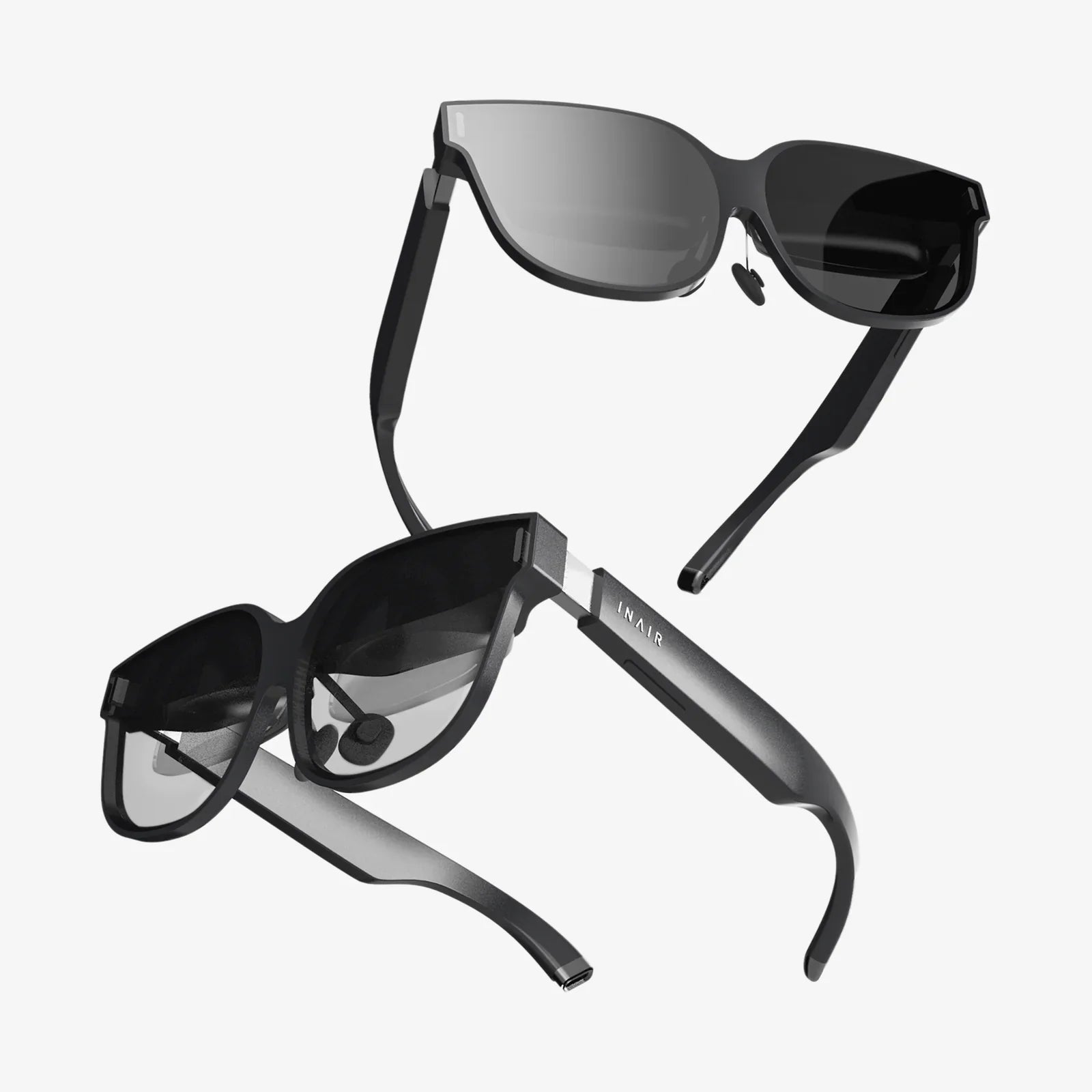
Commonly used in head-mounted displays (HMDs) like AR glasses, this technique uses a fixed cursor or reticle at the center of the user's field of view. The user "aims" their head to place the reticle over the desired object and then commits the selection with a gesture, voice command, or button press. Implementation often involves a continuous raycast from the center of the screen to determine what object the reticle is currently hovering over, providing valuable pre-selection feedback.
This represents the cutting edge of AR interaction, moving beyond indirect methods to allow users to select objects with their bare hands. Advanced AR platforms provide hand-tracking data, which can be used in Unity to detect specific gestures, like a pinching motion between the thumb and index finger. Selection occurs when the virtual pinch collider intersects with a virtual object's collider. This method offers unparalleled intuitiveness but requires more complex logic to handle gesture recognition and visual representation of the hands.
Basic raycasting is just the start. To create a professional and polished experience, developers must layer in additional functionality.
An object must communicate its selectability. This is often achieved by changing its appearance when a selection ray intersects it. Common techniques include:
These visual cues are vital for confirming to the user that the system has recognized their intention before they commit to the selection.
A significant challenge in AR is dealing with objects that are occluded by real-world geometry or other virtual objects. A robust selection system must decide how to handle these scenarios. Should a ray select the first object it hits, even if it's not the one the user intended? Advanced solutions might use visual techniques like making occluded objects semi-transparent or providing a depth-based selection interface. Accurate depth perception, aided by the device's depth API, is critical for making these interactions feel natural.
Continuous raycasting every frame can be computationally expensive. Optimization strategies are essential, especially for complex scenes. These can include:
The evolution of AR selection in Unity is moving towards systems that are context-aware and predictive. Machine learning models could be integrated to interpret user intent more naturally, predicting which object a user is most likely to select based on their gaze patterns, previous actions, and the task at hand. Selection could become adaptive, changing its behavior based on the environment—for example, using a finer, more precise pointer in a cluttered engineering application and a broader, gesture-based approach in a gaming scenario. The goal is to minimize cognitive load, making the technology itself fade into the background, leaving only the pure intent of the user and the digital object they wish to command.
The gap between a clunky demo and a truly persuasive AR experience is often found not in the grandeur of the 3D models, but in the subtle, seamless precision of a well-executed selection. It's the satisfying 'click' of a digital universe responding perfectly to your will. By mastering the principles of raycasting, perfecting the feedback loop, and embracing advanced techniques within Unity, developers aren't just coding a feature—they are meticulously crafting the most fundamental bridge between our reality and the infinite possibilities of another. The next time you effortlessly manipulate a hologram, remember the intricate dance of code and design that made it feel like second nature.