


Imagine pointing your phone at a static museum exhibit and watching a historical figure step out to tell their story, or visualizing a new sofa perfectly scaled in your living room before you buy. This is the magic of augmented reality (AR), and it’s no longer a distant future technology—it’s here, accessible to developers worldwide. The key to unlocking this potential for millions of devices lies not in proprietary, closed systems, but in a powerful, unified framework that democratizes AR development. For creators and developers, the dream is to build once and deploy everywhere, and that is precisely the promise that a specific combination of tools delivers. This article will serve as your deep dive into the engine making this possible, exploring the intricacies, capabilities, and best practices of this revolutionary approach to blending the digital and physical worlds.
The Confluence of Two Titans: Understanding the Core Technologies
To grasp the significance of this development paradigm, we must first break down its constituent parts. It represents the seamless marriage of two powerful entities: a groundbreaking medium and a robust, versatile engine.
What is Augmented Reality?
At its essence, augmented reality is a technology that superimposes a computer-generated overlay onto our view of the real world. Unlike Virtual Reality (VR), which creates a completely artificial environment, AR enhances reality by adding digital objects, information, or experiences to it. This is typically achieved through the camera of a smartphone, tablet, or dedicated AR glasses. The magic happens through a complex process of environmental understanding. The device must:
- Track its position in space (World Tracking): Using sensors like gyroscopes, accelerometers, and computer vision, the device understands its movement relative to the world.
- Detect flat surfaces (Plane Detection): Identifying floors, tables, walls, and other surfaces is crucial for placing digital objects convincingly.
- Understand feature points (Feature Points): The software identifies distinct visual features in the environment to create a point cloud, anchoring the digital experience to the physical world.
- Estimate ambient light (Light Estimation): To make digital objects appear natural, the system approximates the real-world lighting conditions, casting appropriate shadows and matching brightness.
The Power of the Unity Engine
Separately, we have a game engine that has become the undisputed king of cross-platform development. Renowned for its powerful rendering capabilities, intuitive editor, and supportive ecosystem, it empowers developers to create high-fidelity 2D, 3D, and AR/VR experiences. Its real strength lies in its ability to take a single project and build it for over 25 platforms, including iOS, Android, Windows, Mac, and all major gaming consoles. This eliminates the need to maintain separate codebases for different devices, a monumental advantage in the fragmented world of mobile hardware.
Enter the Unifier: The Role of AR Foundation
Herein lies the central challenge: the underlying AR technologies for iOS and Android are different. Apple devices use ARKit, while Android devices rely on ARCore. Each has its own APIs, functionalities, and quirks. Writing native code for each platform would be a tedious and complex task. This is where the unifying framework comes in.
AR Foundation is a middleware package provided by the engine's creators that acts as an abstraction layer. It provides a single, unified API for developers to work with, while underneath, it handles the communication with the native ARKit (on iOS) and ARCore (on Android) frameworks. Think of it as a universal translator.
You write your code once using AR Foundation's scripting API, and it automatically translates those commands into the native language of the device's operating system.
This architecture is revolutionary because it means developers can focus on creating the AR experience itself—the logic, the interactions, the user interface—without worrying about the low-level, platform-specific implementation details.
Core Components of the AR Foundation Workflow
Building an experience with this toolkit involves understanding a set of key components that work in concert:
- AR Session: This is the master component that controls the lifecycle of the AR experience. It is responsible for enabling and managing the connection to the device's native AR subsystem. Without a running AR Session, nothing else works.
- AR Session Origin: This component defines the virtual space where your AR content will live. It acts as the root transform, and all digitally placed objects are typically made children of this origin. It's crucial for managing scale and the relationship between real-world tracking and virtual coordinates.
- AR Raycast Manager: This is perhaps the most used feature. It allows you to shoot a ray from the device's screen (e.g., from a user's touch point) into the real world and returns information about where it intersects with a detected surface. This is how you place objects on a table or select AR content.
- AR Plane Manager: This component handles the detection of flat surfaces like floors and tables. It creates invisible "AR Plane" objects that represent these surfaces, which can be visualized with debug visuals during development.
- AR Anchor: An anchor is a point in the real world that the tracking system tries to persist. When you place a digital object, you often attach it to an anchor to ensure it doesn't drift away from its intended location as the device refines its understanding of the environment.
- Light Estimation: This component, provided by the manager, gathers data on the current environment's lighting and color temperature, allowing your digital shaders to react and blend in realistically.
Building Your First Cross-Platform AR Experience: A Step-by-Step Overview
Let's walk through the fundamental process of creating a simple app that places a 3D object on a detected surface.
1. Project Setup and Installation
The journey begins within the editor. You create a new 3D project. Then, you access the package manager, the hub for adding functionality. Here, you need to install the AR Foundation package. Critically, you must also install the platform-specific support packages: one for iOS and another for Android. These contain the "translators" for ARKit and ARCore, respectively.
2. Configuring the Scene
Your main scene requires a specific setup. You add the key managers to a GameObject, often the main camera:
- AR Session
- AR Session Origin
- AR Raycast Manager
- AR Plane Manager
You also remove the default camera and add a component that replaces it with one that renders the device's live camera feed as the background.
3. Implementing the Interaction Logic
Using C# scripting, you write the code that brings the experience to life. A typical script would:
- Listen for a touch event on the screen.
- Use the Raycast Manager to fire a ray from the touch point.
- If the ray hits a detected plane, the manager returns a "pose" (position and rotation) in the real world.
- Instantiate your prefab (e.g., a 3D model of a chair) at that pose, making it a child of the Session Origin.
- Optionally, create an AR Anchor at that location to pin the object firmly in place.
4. Building and Deploying
Finally, you switch your build settings to your target platform, be it iOS or Android. You configure the player settings with the required permissions (like camera access). Then, you build the project. The beauty is that the exact same project and scene can be built for the other platform by simply switching the target and rebuilding. The underlying framework handles all the differences.
Beyond the Basics: Advanced Features and Capabilities
Placing objects is just the beginning. The unified framework provides access to a host of advanced features that enable deeply immersive experiences.
Environmental Probes and Reflection
For objects with reflective or shiny materials to look believable, they need to reflect their actual surroundings. An environmental probe component can generate a cubemap (a 360-degree image) of the real-world environment in real-time. This cubemap is then used by the rendering engine to create accurate reflections on digital objects, making metallic surfaces and glass appear perfectly integrated.
Face Tracking and Occlusion
The system can leverage the device's front-facing camera to track faces. This enables filters, virtual makeup, and animated avatars that mimic the user's expressions. More impressively, it can handle occlusion, meaning real-world objects, like a pair of glasses, can correctly pass in front of the digital face mask, and the digital content can be realistically occluded by the user's own hands or hair.
Image and Object Tracking
You can define a target image (e.g., a poster or a product box) that the camera can recognize. When detected, it can trigger an AR experience—animating a 3D character out of the poster, for example. Object tracking takes this further, allowing the device to recognize and track 3D objects, like a toy car, and augment it with digital details or gameplay elements.
Point Clouds and Meshing
While plane detection finds flat surfaces, a more advanced feature involves creating a dense mesh of the entire environment. This generates a real-time 3D mesh of the room, understanding complex geometry like sofas, plants, and stairs. This allows for incredibly realistic occlusion (where a digital character can hide behind a real couch) and physics interactions.
Best Practices for Performance and User Experience
Creating a technically functional AR experience is one thing; creating a polished, performant, and intuitive one is another.
- Optimize Your 3D Assets: High-polygon models and complex shaders can cripple performance on mobile devices. Use efficient models, texture atlasing, and level of detail (LOD) systems.
- Design for "AR-First": The user interface must be minimal and contextual. Consider world-space UI that exists within the AR environment rather than screen-space overlays that break immersion.
- Provide Clear User Guidance: AR requires user movement. Guide them to move the device slowly to help it track and detect surfaces. Provide visual or audio feedback when a plane is found or an object is placed.
- Handle Tracking Loss Gracefully: If the device loses tracking (e.g., pointed at a blank wall), pause the experience and prompt the user to return to a well-featured area. Never let digital objects float away uncontrollably.
- Test Extensively on Real Devices: Emulators can't replicate the lighting and texture variety of the real world. Test on a range of actual devices to ensure robustness.
The Future is Augmented and Unified
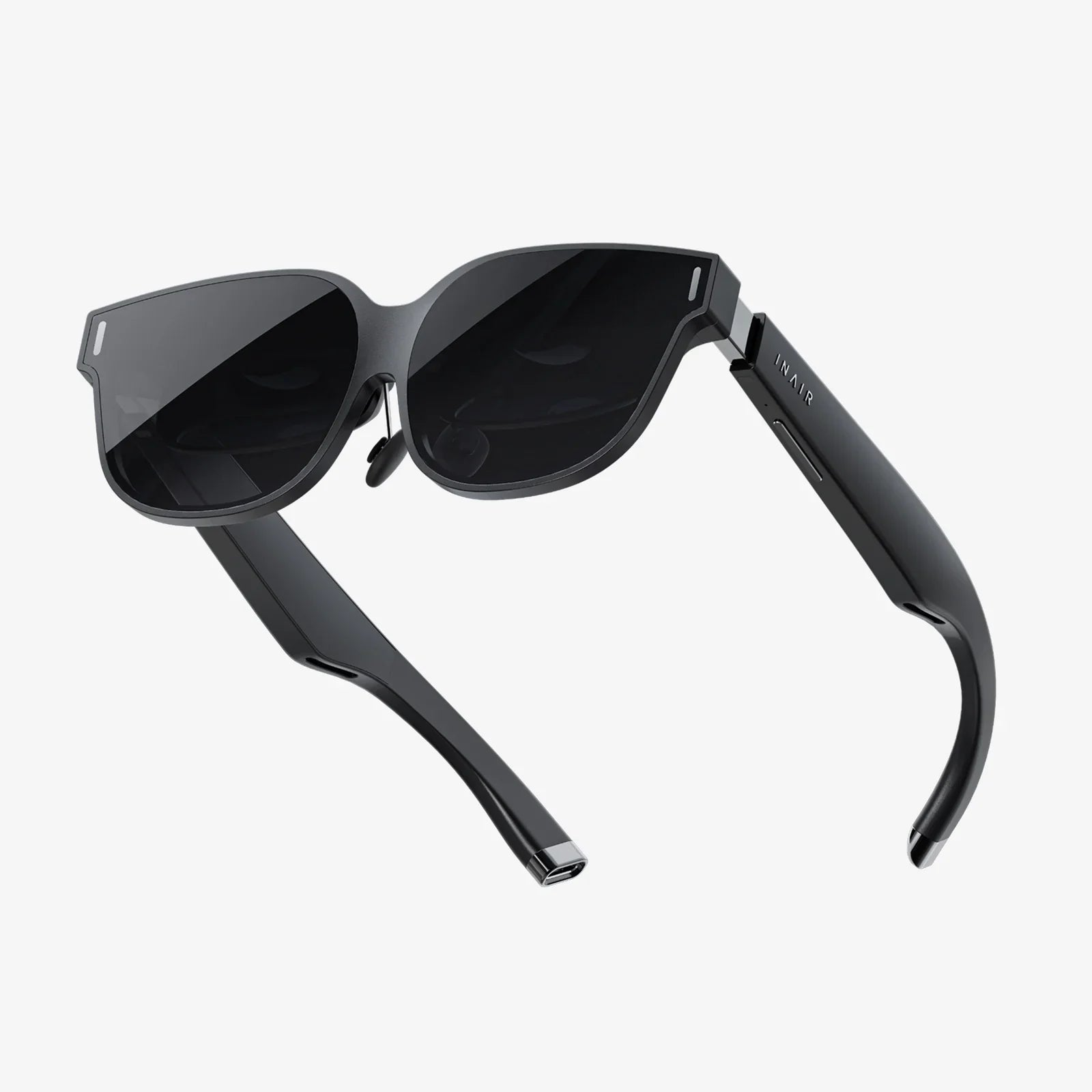
The trajectory of this technology is incredibly exciting. As AR hardware evolves towards sleek, powerful glasses, the need for a common development platform will only intensify. The ongoing development of the foundational framework is already integrating support for these next-generation devices, ensuring that the applications built today will be forward-compatible. The goal is a truly universal framework for spatial computing, where the boundaries between operating systems dissolve for the developer, leaving only the creative canvas of the world around us.
The barrier to creating professional, cross-platform augmented reality has never been lower. With a powerful game engine doing the heavy lifting and a sophisticated foundation acting as a universal translator, developers are empowered to focus on what truly matters: crafting meaningful, engaging, and magical experiences that enhance our perception of reality. This toolkit isn't just a collection of features; it's a gateway to the future, inviting you to start building the layered digital world that will soon be all around us. The only limit is your imagination, and the tools to build it are waiting for you right now.
Share:
Pro XR(AR) Glasses: The Dawn of a Seamless Digital Reality
How to Learn AR and VR: The Ultimate Guide to Mastering Immersive Technologies