


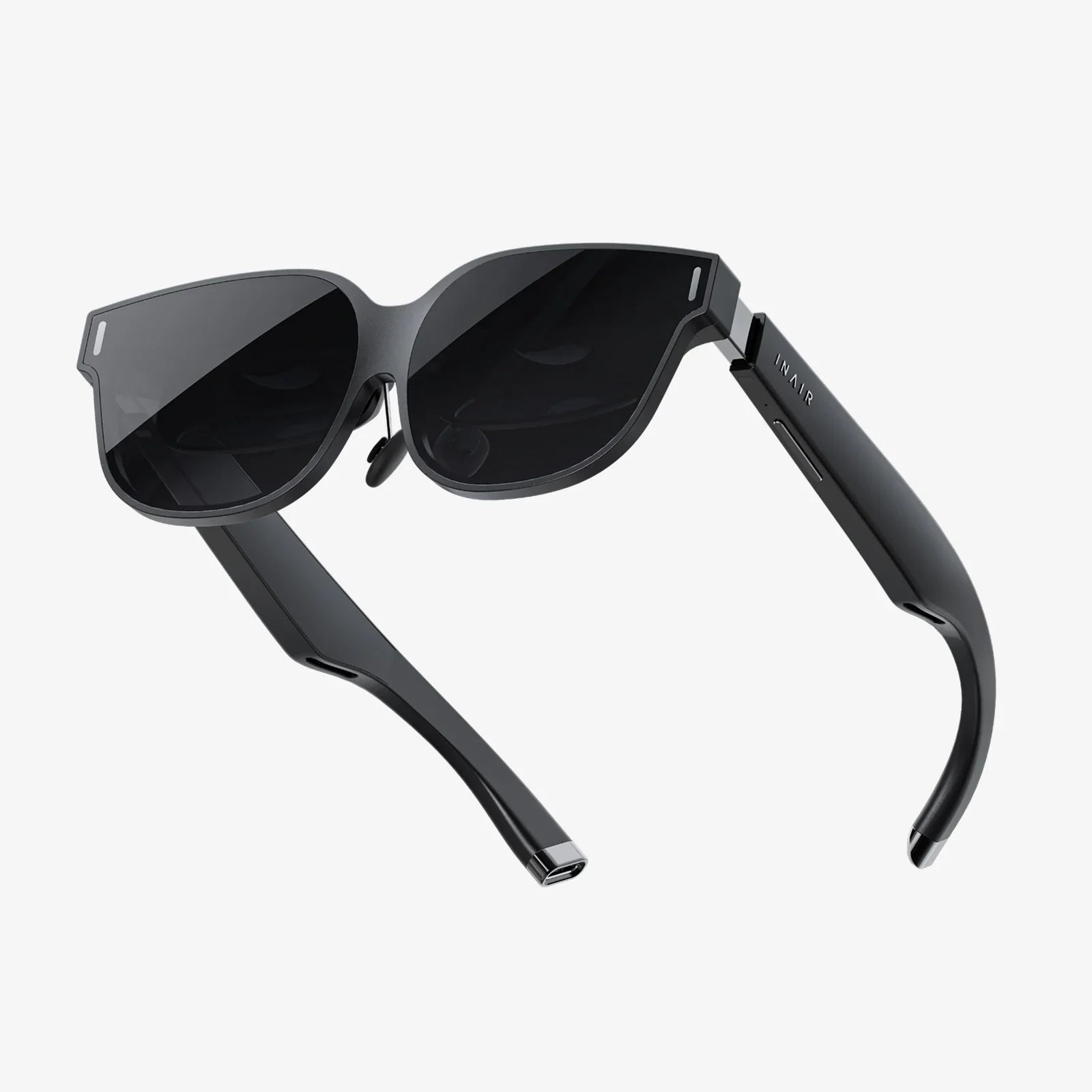
- by wangfred
aura 10.1 digital frame Smart Guide to Modern Photo Display
- by wangfred
If you have thousands of photos trapped on your phone and cloud accounts, an aura 10.1 digital frame might be the most satisfying upgrade you make this year. Instead of letting your favorite memories gather digital dust, a smart 10.1-inch frame can turn your living room, kitchen, or office into a constantly changing gallery that friends and family can enjoy every day.
Many people underestimate how much joy a well-designed digital frame can bring until they see one in action. The right 10.1-inch frame blends into your decor, updates itself automatically, and quietly reconnects you with moments you forgot you captured. This guide walks you through what to expect from an aura 10.1 digital frame, the features that really matter, and how to get the most out of it once it is sitting on your shelf or hanging on your wall.
A modern aura 10.1 digital frame is much more than a simple slideshow on a screen. It is a connected display that pulls images from your phone, email, or cloud services and presents them in a smart, stylish way. The 10.1-inch size hits a sweet spot: large enough for immersive viewing, yet compact enough to fit comfortably on a desk, nightstand, or kitchen counter.
Several characteristics distinguish a quality 10.1-inch digital frame from older or cheaper models:
When you see the phrase aura 10.1 digital frame, think of a device that is designed to disappear into your space while quietly doing something powerful: bringing your personal history to life in front of your eyes, every day.
The size of the screen is one of the most important decisions when choosing a digital frame. A 10.1-inch display offers several advantages over both smaller and larger alternatives.
A 10.1-inch frame is large enough that you can see details from across a room, yet not so large that it demands attention like a television. It works well on:
At arm’s length, portraits look natural and landscapes feel immersive. From a few feet away, you can still recognize faces and details without straining your eyes.
While giant wall-mounted displays can be impressive, they are often too big for everyday spaces. A 10.1-inch frame fits easily where a traditional photo frame might go. It is small enough to share space with books, plants, or decorative objects, and light enough for simple wall mounting if that is your preference.
Larger screens require more power and can expose flaws in low-resolution images. A 10.1-inch display offers a practical balance: big enough to be impactful, but not so large that older phone photos look stretched or pixelated. Most users find this size ideal for a mix of old and new images.
When evaluating an aura 10.1 digital frame, the display quality should be a top priority. After all, the picture is the product. Here are the key display characteristics that matter most.
A higher resolution means sharper images and more lifelike details. For a 10.1-inch frame, aim for a resolution that provides a fine pixel density so you do not see individual pixels at normal viewing distances. This helps portraits look natural and text in images (like screenshots of messages) remain readable.
Good color reproduction ensures that skin tones look natural, skies are vivid but not oversaturated, and black-and-white photos maintain depth and nuance. A strong contrast ratio helps dark areas appear rich rather than washed out, which is especially important for evening or indoor shots.
In a family space or office, people rarely look at the frame straight on all the time. Wide viewing angles ensure that photos look consistent even when viewed from the side, above, or below. This makes a big difference in shared spaces like living rooms or open-plan offices.
The frame should be bright enough to be visible in daylight but not so bright that it becomes harsh at night. Some aura 10.1 digital frame models include light sensors that adjust brightness automatically based on the room environment. This can make the frame feel more like a natural part of the room rather than a glowing screen.
The real magic of an aura 10.1 digital frame comes from its connectivity. Instead of manually copying images to a memory card, you can update photos wirelessly from anywhere with an internet connection.
Most modern 10.1-inch frames connect to your home Wi-Fi network. Once online, they can:
This connectivity means you can update your frame even when you are traveling or living in a different city from the person who owns the frame.
One of the most powerful uses of an aura 10.1 digital frame is as a shared family display. Many frames allow you to invite family members and friends to contribute photos. They can send:
This turns the frame into a living communication channel rather than just a static display. For older relatives who are not comfortable with smartphones or social media, a digital frame can be the easiest way to stay connected to the lives of their loved ones.
Many aura 10.1 digital frame models can be controlled remotely via a mobile app or web interface. This allows you to:
Remote control is especially useful when you are setting up a frame as a gift for someone who is not technically inclined. You can manage everything from your own device while they simply enjoy the images.
Behind the scenes, a good aura 10.1 digital frame handles a lot of technical details so you do not have to. Still, it helps to understand how storage and formats work so you can organize your photo collection efficiently.
Different frames offer different combinations of internal storage and cloud-based libraries. Some store most photos locally on the device, while others rely heavily on cloud synchronization. Key considerations include:
For most users, a mix of local and cloud storage is ideal: enough internal space to keep a large rotating gallery, plus cloud backup and easy remote updates.
The majority of aura 10.1 digital frame models support standard image formats like JPEG and PNG. Some may also handle:
Before loading specialized file types, check the device specifications to ensure compatibility. For most everyday users, standard phone and camera photos will work seamlessly.
As your photo collection grows, organization becomes essential. A well-designed aura 10.1 digital frame helps by offering:
With thoughtful organization, you can create different experiences for different rooms or seasons, such as a holiday playlist in winter and a travel playlist in summer.
A digital frame lives in your space, so its physical design matters. An aura 10.1 digital frame should feel like a natural part of your decor rather than a piece of office equipment.
Look for a style that complements your room:
The frame should feel solid and well-constructed, with a finish that resists fingerprints and dust as much as possible.
Bezels (the borders around the screen) influence how the frame looks on a shelf or wall. Thinner bezels create a more modern, edge-to-edge look, while slightly thicker bezels can mimic traditional picture frame proportions. The key is balance: enough border to feel intentional, but not so much that it distracts from the images.
A versatile aura 10.1 digital frame should support:
Some frames include sensors that automatically rotate photos based on the frame’s orientation, making it easy to switch between portrait and landscape as your needs change.
Since a digital frame often runs for many hours a day, practical features like energy management and sensors can make a big difference in daily use.
Many aura 10.1 digital frame devices include timers or schedules that turn the display off at night and back on in the morning. This saves energy, reduces light pollution in bedrooms, and extends the life of the screen.
Some frames use motion sensors to wake the display when someone enters the room and put it to sleep when the room is empty. Light sensors can adjust brightness based on ambient conditions, ensuring that photos are visible in daylight but gentle in the evening.
A small but important detail is how the power cable is routed. A well-designed aura 10.1 digital frame will have:
These details help the frame look clean and intentional rather than cluttered or improvised.
Getting started with a new frame is usually straightforward, but a few thoughtful steps can make the experience smoother and more satisfying.
Before you even open the box, decide where the frame will live. Consider:
A central, frequently used room like a living room or kitchen often works best, especially if multiple people will enjoy the photos.
Once powered on, follow the on-screen instructions or app prompts to connect the frame to your Wi-Fi network. Keep your network name and password handy. A stable connection is essential for smooth photo updates and remote management.
Next, connect the frame to your preferred photo sources:
Start with a curated selection rather than your entire photo history. You can always add more later.
Organize your initial gallery into a few themed playlists, such as:
This makes it easy to switch between moods and occasions without reloading the frame.
Fine-tune how the frame behaves day to day:
Spend a few days observing how the frame fits into your routine, then refine settings as needed.
Once your frame is up and running, you can do far more than simply cycle through random photos. An aura 10.1 digital frame can become a flexible storytelling tool in your home or office.
Use the frame as a visual diary by regularly adding a few photos from each week. Over time, you build a living timeline that quietly plays in the background of your life. This is especially powerful for documenting children growing up, pets, or major projects.
Create playlists for different seasons or holidays:
Switching playlists with the seasons keeps the frame feeling fresh and aligned with the time of year.
In a home office, an aura 10.1 digital frame can display:
This turns the frame into a silent coach, reminding you of what matters most while you work.
For gatherings, you can quickly load event-specific photos:
The frame becomes a conversation starter, showing old memories while new ones are being made.
Perhaps one of the most meaningful uses of an aura 10.1 digital frame is as a gift for someone who lives far away. You can preload the frame with cherished photos before giving it, then continue to send new images over time. It becomes a living connection, updating quietly on their shelf even when you cannot be there in person.
As months and years pass, your frame’s photo library will grow. A bit of light curation keeps the experience delightful rather than overwhelming.
Make a habit of adding new photos every week or month. This keeps the frame feeling alive and ensures that recent memories appear alongside older favorites. You might set a recurring reminder to select a few highlights from your phone’s camera roll.
Occasionally review your playlists and remove:
This makes each photo that appears on the frame feel more special and intentional.
Too few photos and the frame becomes repetitive; too many and you rarely see the same image twice. Aim for a healthy middle ground, perhaps a few hundred carefully chosen images per playlist, depending on how often the photos change.
Because an aura 10.1 digital frame connects to your home network and often to cloud services, it is worth considering privacy and security.
Ensure your home Wi-Fi network uses a strong password and up-to-date encryption. Avoid sharing your network credentials casually, and consider placing smart devices on a dedicated guest network if your router supports it.
When inviting family and friends to contribute photos, pay attention to:
This gives you control over what appears on the frame, which is especially important in shared or public spaces.
If your frame sits in a common area, be mindful of the types of images you include. Consider keeping more personal or sensitive photos in private playlists that are only activated when appropriate.
Not every frame suits every user. When comparing aura 10.1 digital frame options, think about how you plan to use it and who will interact with it most often.
If you are comfortable with apps, cloud services, and frequent updates, look for frames that offer:
You will appreciate the flexibility and control these models provide.
If the frame is for someone who prefers simplicity, prioritize:
In this scenario, the user should be able to simply plug in the frame and enjoy the photos without worrying about settings or updates.
In a busy household, consider durability and ease of use. A sturdy stand, stable base, and simple interface reduce the risk of accidents. You may also want to curate playlists that are appropriate for all ages in the home.
When you first set up an aura 10.1 digital frame, the effect can be surprisingly emotional. Suddenly, moments that were buried in your phone or scattered across cloud accounts appear in the flow of daily life: a forgotten vacation sunset, a snapshot of a loved one laughing, a candid photo of your child’s first day at school. Instead of existing as files you rarely open, these memories become part of the background of your home.
The right frame does more than show pictures; it quietly reshapes how you experience your own story. Guests linger a little longer in front of it. Family members pause on their way through the room, smiling at an image they have not seen in years. Even a home office or small apartment can feel warmer and more personal when surrounded by living memories instead of blank walls.
If you are tired of letting your best photos stay hidden in folders and backups, an aura 10.1 digital frame offers a simple, elegant way to bring them back into view. With thoughtful setup, smart curation, and a bit of creativity, that 10.1-inch screen can become one of the most meaningful objects in your space: a constantly evolving window into the people, places, and moments you care about most.