


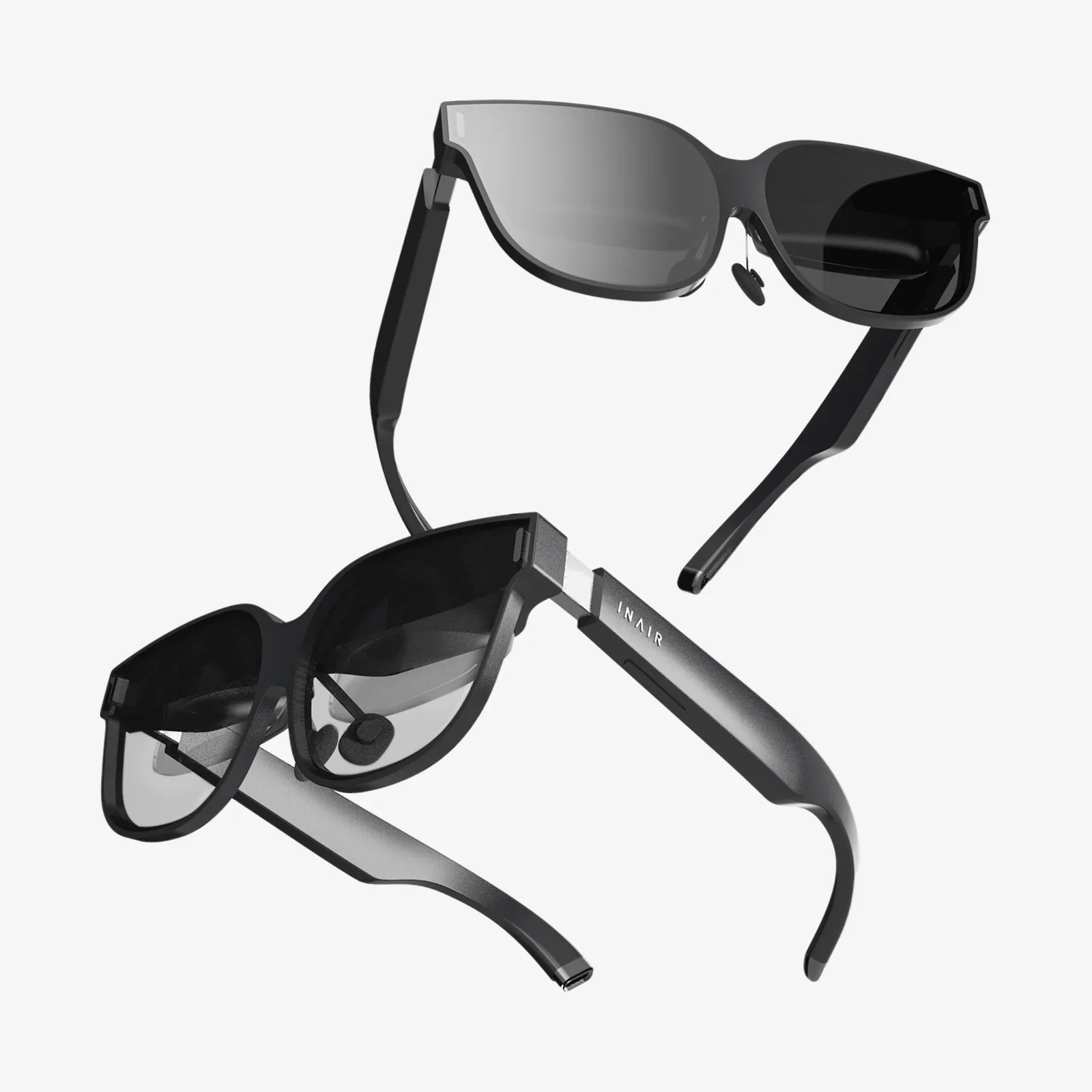
Imagine stepping through a portal into another world, one where you are no longer a spectator but an active participant. The thrill of virtual reality is now more accessible than ever, and choosing the right beginner VR headset for your PC is the golden ticket to unlocking these incredible experiences. This isn't just about purchasing a piece of hardware; it's about investing in a passport to infinite adventures, from scaling mythical mountains to creating 3D art with your own hands. The journey can seem daunting with technical jargon and a myriad of options, but fear not—this guide is designed to demystify the process and equip you with everything you need to make an informed and exciting first step into the expansive universe of PC-powered VR.
Understanding the PC VR Landscape for Beginners
Before diving into specific features, it's crucial to understand what sets a PC-tethered headset apart. Unlike standalone devices that have all the necessary computing power built-in, a PC VR headset acts as a high-resolution display and tracking system. The heavy lifting—the rendering of complex, beautiful virtual worlds—is handled by your desktop computer. This symbiotic relationship means you can access vastly more detailed and graphically intensive experiences, but it also means your PC needs to be up to the task. For a beginner, this setup offers the best possible visual fidelity and access to the largest library of rich, immersive content, making it the preferred choice for those who want to experience VR at its fullest.
Key Specifications to Decipher
Navigating the specs sheet is your first real challenge. Let's break down the most important terms into plain English.
Resolution and Display
This is arguably the most critical factor for immersion. Resolution is the number of pixels on the screen(s) inside the headset, typically listed as something like 1920 x 1832 per eye. A higher resolution means a sharper, clearer image with less of the "screen door effect" (where you can see the faint lines between pixels). For a beginner, a headset with a combined resolution of at least 3K or higher is a great starting point, ensuring text is readable and worlds feel real rather than pixelated.
Refresh Rate
Measured in Hertz (Hz), the refresh rate is how many times the image on the screen updates per second. A higher refresh rate, such as 90Hz or 120Hz, translates to smoother motion, which is vital for comfort. Low refresh rates can cause judder or lag, leading to motion sickness for some users. For a comfortable introduction to VR, aim for a headset capable of 90Hz or above.
Field of View (FOV)
FOV is the extent of the observable world you can see at any given moment, measured in degrees. Human vision is roughly 210 degrees horizontally. Most consumer headsets offer between 90 and 110 degrees. A wider FOV increases the feeling of "presence"—the sensation of actually being inside the virtual environment. While not the most critical spec for a first-time buyer, a FOV above 100 degrees is a notable benefit.
Tracking Technology
How does the headset know where you are in space? There are two primary methods:
- Inside-Out Tracking: Cameras on the headset itself look outward to track your position and the controllers relative to your environment. This eliminates the need for external sensors placed around your room, making setup incredibly easy and portable. This is highly recommended for beginners due to its simplicity.
- Outside-In Tracking: External sensors or base stations placed in the corners of your room track the headset and controllers. This method is often praised for its ultra-precise tracking, especially for competitive games, but it requires more setup, cables, and ideally, permanent mounting. It can add complexity for a newcomer.
Controllers
Your hands in the virtual world. Good controllers are ergonomic, feel natural to hold, and have intuitive button layouts. They should track your movements accurately, allowing you to point, grab, throw, and gesture naturally. This direct interaction is what makes VR magical, so comfortable and responsive controllers are a must.
The All-Important PC Check: Is Your Rig Ready?
This is the non-negotiable step. Your dream headset is useless without a computer powerful enough to run it. The requirements can be broken into a few key components:
- Graphics Card (GPU): The heart of your VR setup. This is the most important component. You will need a dedicated, modern card that meets or exceeds the manufacturer's recommended specification, not the minimum. A powerful GPU ensures a smooth, high-frame-rate experience free from stuttering.
- Processor (CPU): While the GPU does most of the visual heavy lifting, a capable CPU is essential for handling the game's logic, physics, and overall performance. A modern multi-core processor is necessary.
- RAM: 8 GB is often the absolute minimum, but 16 GB is the sweet spot for a comfortable experience, ensuring your system isn't bottlenecked when running VR applications.
- Ports: Check what connections the headset requires. Most modern headsets use a single DisplayPort or HDMI and USB 3.0 connection. Ensure your PC has the correct, available ports.
Always consult the specific requirements for any headset you are considering. Many platforms offer free software tools that can automatically scan your computer and verify its compatibility.
Setting Up Your First VR Space
Once you've chosen your headset and verified your PC, it's time to set up your play area. This process, often called "room setup," is guided by software.
Choosing a Play Style
- Seated/Stationary: Perfect for simulation games (racing, flying), slower-paced adventures, or experiences where you are mostly stationary.
- Standing/Room-Scale: This is where VR shines. You define a clear, safe area on your floor (your "guardian" or "chaperone" boundary), and you can physically walk around, duck, and dodge within it. This requires a clear space free of obstacles, pets, and coffee tables.
Running the Setup Software
The headset's platform software (like SteamVR or the native manufacturer's app) will walk you through pairing controllers, setting up tracking, and defining your play area. For inside-out tracking, this usually involves simply looking around your room. For outside-in, you'll need to position base stations. Take your time with this step—a well-configured space is key to both immersion and safety.
Must-Try Experiences for New VR Users
You're all set up. Now what? The software library can be overwhelming. Start with these beginner-friendly categories to acclimate yourself and witness the magic of VR.
Tech Demos and Introductory Experiences
Before jumping into a full game, spend time in free, visually stunning experiences. These are designed to showcase the potential of VR with minimal interaction, allowing you to simply marvel at being inside a digital world. They are perfect for sharing the "wow" factor with friends and family.
Rhythm Games
These are fantastic first purchases. The goals are simple (slash blocks to the beat, catch notes), the music is energizing, and the physical movement feels natural. They are a workout in disguise and incredibly effective at making you forget you're wearing a headset.
Puzzle and Adventure Games
Step into a mysterious story and interact with the environment using your hands. These games often have a slower pace, allowing you to get comfortable with VR mechanics like grabbing, pulling, and manipulating objects at your own speed. They emphasize exploration and clever thinking over reflexes.
Social VR Platforms
VR isn't just about solo adventures. Several popular platforms allow you to meet people from around the world in virtual spaces. You can play games, watch movies, attend events, or just chat using expressive avatars. It's a profound way to experience the connective potential of this technology.
Comfort and Safety: Ensuring a Positive Experience
A bad first experience can turn you off VR for good. These tips will keep you comfortable and safe.
- Start Slow: Your first sessions should be short, 15-20 minutes. Even if you feel fine, this helps your brain acclimate to the new sensory input. Gradually increase your play time.
- Listen to Your Body: If you feel dizzy, nauseated, hot, or fatigued, stop immediately. Don't try to "power through" VR sickness. Take a break, get some water, and return later. This feeling, called simulation sickness, fades for most people with repeated, careful exposure.
- Adjust the Headset Properly: A blurry image is a fast track to discomfort. Take time to adjust the headstrap for a secure but not tight fit. Most headsets have an "IPD" (Interpupillary Distance) adjustment—a dial that moves the lenses closer or further apart to match the distance between your eyes. This sharpens the image dramatically.
- Clear Your Play Area: The number one safety rule: always be aware of your guardian boundary. Clear your area of tripping hazards and ensure others know not to walk into your space while you're immersed.
The world of PC virtual reality is waiting, brimming with untold stories and uncharted worlds just beyond the screen. By prioritizing user-friendly features like inside-out tracking and ensuring your computer is a capable partner, your entry into this realm will be smooth and staggering. This is more than gaming; it's the next evolution of human-computer interaction, a canvas for creators, and a window to collective experiences that redefine connection. Your journey begins with a single choice, a headset that transforms your powerful PC into a gateway, and the courage to take that first step into the incredible.
Share:
How to Wear a VR Headset: The Ultimate Guide to Perfect Fit and Maximum Comfort
VR Headset Bad For You? The Unsettling Truth About Virtual Reality's Health Impact