


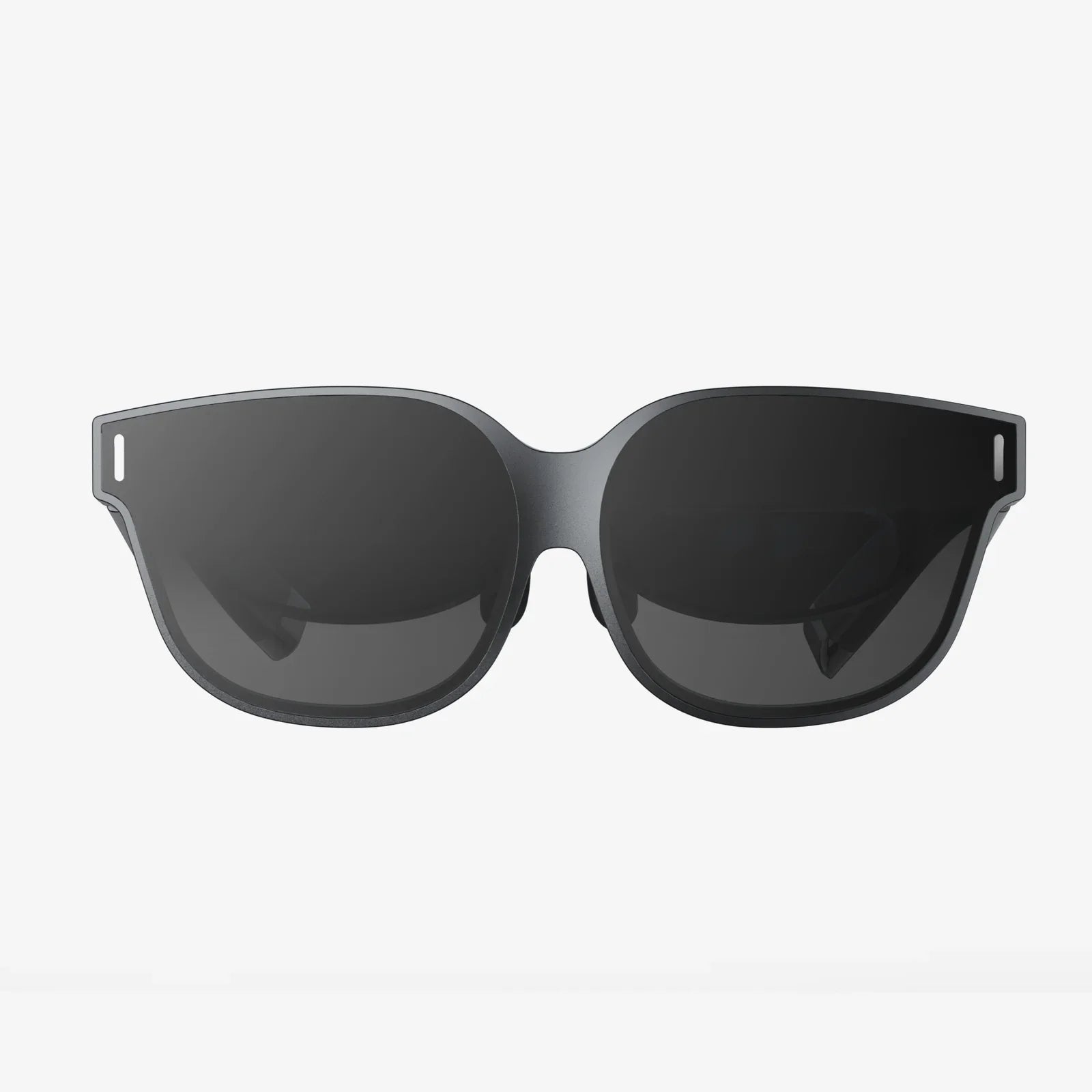
Imagine holding a portal to another dimension in your pocket, a device capable of transporting you to the peaks of Mount Everest, the depths of the ocean, or the surface of Mars. The truth is, you probably already own it. Your iPhone, paired with the right budget-friendly headset, can become your ticket to immersive virtual worlds, breathtaking 360-degree films, and interactive gaming experiences that defy belief. The search for the best budget VR headset for iPhone isn't just about saving money—it's about unlocking the hidden potential of the powerful computer you carry every day, transforming it into a gateway for adventure, education, and entertainment that won't leave your wallet empty.
The Mobile VR Revolution: Power in Your Pocket
Virtual reality has long been heralded as the next frontier in computing, but for many, the cost of high-end, PC-powered systems has been a significant barrier to entry. This is where mobile VR, and specifically iPhone-compatible headsets, truly shine. These devices leverage the sophisticated technology already embedded in your smartphone—the high-resolution Retina display, the powerful processor, the precise gyroscopes and accelerometers—to create a compelling and surprisingly affordable VR experience. The concept is elegantly simple: the headset itself acts as a sophisticated holder, providing the lenses, housing, and comfort, while your iPhone serves as the brains and the screen. This symbiosis means manufacturers can focus on ergonomics, optics, and design without needing to integrate expensive computing components, resulting in a dramatically lower price point.
This accessibility has democratized VR, making it available to a much wider audience. Whether you're a curious newcomer wanting to dip your toes into virtual waters, a parent looking for an engaging educational tool for your children, or a casual gamer seeking new experiences, a budget headset offers a risk-free avenue to explore. The ecosystem of VR content tailored for mobile has exploded, with thousands of apps, games, and experiences available on the App Store, many of which are free or low-cost. From touring world-class museums to experiencing heart-pounding roller coaster simulations, the content is diverse, constantly evolving, and designed to run smoothly on Apple's hardware.
What Truly Defines a "Budget" VR Headset?
In the context of iPhone VR, "budget" typically refers to headsets that occupy the sweet spot between cost and quality. These are not the ultra-cheap, flimsy cardboard viewers that were once popular, nor are they the several-hundred-dollar standalone systems with built-in processors. Instead, the best budget options are those that strike a perfect balance: they are affordable enough to be an impulse purchase or a casual gift, yet well-built and feature-rich enough to provide a genuinely enjoyable and repeatable experience. You should expect to pay a fraction of the cost of a high-end system for a device that delivers a significant portion of the immersion and fun.
The core value proposition is undeniable. For a modest investment, you gain access to a new form of media consumption. It's a home theater experience that feels infinitely larger than your biggest television. It's a gaming platform that surrounds you completely. It's a travel tool that can make you feel like you've crossed the globe without leaving your living room. The best budget headset is the one that disappears on your face, allowing you to forget the technology and simply enjoy the experience it enables.
Key Features to Hunt For in an Affordable Headset
Not all budget headsets are created equal. While keeping cost low is a primary goal, certain features are non-negotiable for a quality experience. Knowing what to look for will ensure you get the most value for your money.
Superior Optics and Lens Quality
This is arguably the most critical component. The lenses are responsible for reshaping the image from your iPhone's screen into a wide, immersive field of view. Look for headsets that use high-quality, precision-ground lenses, often made from optical-grade acrylic or glass. These should provide a clear, sharp picture with minimal distortion, especially around the edges of your vision. A common feature in better budget models is adjustable lenses, either via a dial or by physically moving the phone tray. This allows you to fine-tune the focus to match your individual eyesight, which can dramatically improve clarity and reduce eye strain, making it a must-have feature for many users.
Ergonomics and Comfort
If a headset is uncomfortable, you won't use it. Budget should not mean painful. A well-designed headset will distribute its weight evenly across your face and head. Key elements include a wide, padded forehead rest, adjustable side straps, and a secure top strap. The materials should feel soft against your skin and be breathable to minimize fogging and sweating during longer sessions. The weight of your iPhone is a major factor, so the headset's design must counterbalance it properly to avoid putting excessive pressure on your cheeks and nose.
Durable and Smart Construction
Move beyond flimsy plastic. The best budget headsets are built from robust materials like reinforced nylon, ABS plastic, or even lightweight metals. The mechanism for holding your iPhone should feel secure and reliable, often featuring a spring-loaded tray or a padded clamp that accommodates various iPhone models and their cases. A good design will also provide easy access to ports, buttons, and the headphone jack, allowing you to charge your phone or plug in headphones without removing it from the headset.
Field of View (FOV)
Field of View is the extent of the observable world you can see at any given moment, measured in degrees. A wider FOV increases the feeling of immersion, making you feel like you're actually inside the virtual environment. While high-end systems may offer 100 degrees or more, a good budget headset for iPhone will typically offer between 90 and 110 degrees. Be wary of specs that seem too good to be true at a low price point, as the actual experience can be limited by the iPhone's screen size and the headset's design.
Controller Support
While many simple VR experiences can be controlled by gazing at a target or using a single button on the headset, a proper controller unlocks the full potential of mobile VR gaming. Some budget headsets come bundled with a simple Bluetooth remote, which is a significant advantage. Others are compatible with standard Bluetooth gamepads, which offer even more functionality. The ability to interact naturally with the virtual world, rather than just looking at it, is a game-changer for immersion.
Setting Up Your iPhone for the Best VR Experience
To get the most out of your new headset, a few quick preparations on your iPhone will make a world of difference.
First, ensure your iPhone is running the latest version of iOS. Apple continuously optimizes its software, and these updates often include performance improvements that benefit graphic-intensive applications like VR. Next, dedicate some time to exploring the App Store. Search for "VR," "virtual reality," and "360 video" to find a treasure trove of content. Popular categories include:
- Experiential Apps: Travel to remote locations, explore historical sites, or even experience spacewalks.
- Games: From simple roller coaster rides to more complex puzzle and adventure games built for VR.
- 360-Degree Video Platforms: YouTube and other services host vast libraries of immersive videos on every topic imaginable.
- Educational Tools: Anatomy apps, virtual science labs, and historical recreations.
Before placing your iPhone into the headset, always disable notifications and enable Do Not Disturb mode. There is nothing more immersion-breaking than a text message alert popping up in the middle of a serene virtual landscape. Also, maximize your screen brightness and disable Auto-Brightness and True Tone in your Display & Brightness settings to ensure a consistent, vibrant picture. Finally, close any unused apps running in the background to free up processing power and RAM for a smoother VR experience.
Maximizing Your Investment: Tips and Tricks
Owning a budget headset is just the beginning. How you use it defines your experience. Start with shorter sessions of 15-20 minutes to allow your body to get accustomed to VR, especially if you are prone to motion sensitivity. Always use the headset in a clear, open space where you can sit or stand safely without risk of bumping into furniture or walls.
For the absolute best visual experience, consider the lighting in your room. While VR is visually engaging, a well-lit room (without causing glare on the phone screen) can help reduce eye strain. If you wear glasses, seek out headsets that are specifically designed to accommodate them, either with ample space or adjustable focus dials that can compensate for your prescription. Many glasses-wearers find they can enjoy VR comfortably without their glasses if the headset has sufficient focus adjustment.
The Future is Now, and It's Affordable
The journey into virtual reality no longer requires a king's ransom. The powerful device in your pocket is yearning to show you new worlds, and the best budget VR headset for iPhone is the key that unlocks that door. It represents a perfect convergence of mature smartphone technology and accessible, thoughtful design. This isn't a compromised experience; it's a focused one, delivering the core thrill of VR—immersion, wonder, and a new perspective—without the intimidating complexity or cost of professional-grade equipment. The barrier to entry has never been lower, and the virtual frontier has never been more open for exploration.
Your iPhone is a gateway to countless realities, from the serene depths of the ocean to the farthest reaches of outer space, all waiting for you to take the first step. The only thing standing between you and your next adventure is a simple, affordable choice—one that transforms the familiar screen in your hand into an endless horizon of possibility. Discover the content, find your perfect fit, and prepare to see your device—and your world—in a completely new way.
Share:
VR Headset Instructions: Your Ultimate Guide to a Perfect Virtual Reality Setup
Android 11 VR: The Unsung Update That Redefined Mobile Virtual Reality