


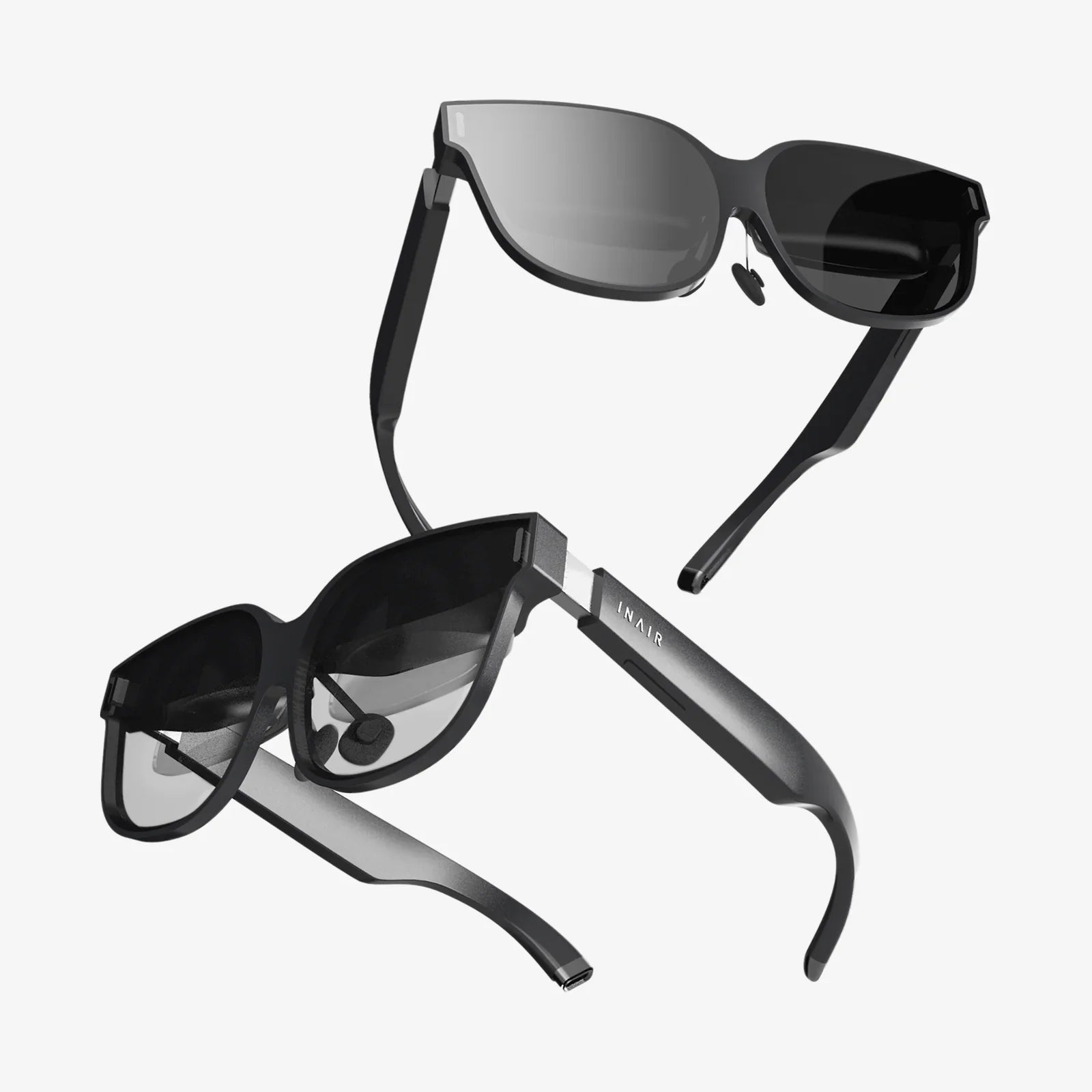
Imagine the scene: laughter echoing through the room as your family soars over breathtaking landscapes, solves intricate puzzles together in a fantastical world, or simply watches a movie on a screen the size of a skyscraper, all from the comfort of your living room. This isn't a glimpse into a distant future; it's the accessible, awe-inspiring reality offered by modern virtual reality. But with a market flooded with options, finding the best family VR headset can feel like navigating a labyrinth. The right choice isn't just about the highest resolution or the most powerful processor; it's about finding a gateway to shared adventures that is safe, comfortable, and endlessly engaging for every member of your clan, from the smallest to the tallest. This guide will demystify the process, ensuring your journey into VR is nothing short of magical.
The Core Pillars of a Great Family VR Experience
Selecting a VR headset for individual use is one thing; choosing one for a diverse family unit requires a more nuanced approach. Several critical factors converge to define the ideal shared experience.
1. Safety and Comfort: The Non-Negotiable Foundations
Before any thought of graphics or games, safety and comfort must be your primary concern. A headset that causes discomfort or poses a risk will quickly gather dust.
- IPD Adjustment: The Interpupillary Distance (IPD) is the space between the pupils of your eyes. A headset with a physical or software-based IPD adjustment is crucial for a clear image and to prevent eye strain. This is especially important for children and adults with smaller facial structures.
- Ergonomics and Weight Distribution: A heavy, front-heavy headset will become uncomfortable quickly. Look for models with good weight distribution, padded interfaces, and adjustable straps (preferably a rigid, halo-style or flexible strap with a rear counterweight) that can be easily sanitized.
- Hygiene: VR can be a sweaty activity. For families, removable and washable foam or silicone facial interfaces are a godsend. The ability to quickly wipe down surfaces after each use is essential for shared hygiene.
- Built-in Boundaries: Any worthy modern headset features a robust guardian system or boundary setting. This software-drawn barrier appears in VR when a user gets too close to a real-world wall or object, preventing collisions and protecting both your family and your furniture.
2. The Content Library: Fuel for Family Fun
The hardware is just a window; the content is the view. A vast, high-quality, and appropriately curated library of experiences is what will keep your family coming back for more.
- Age-Appropriate Curation: The platform should offer easy access to a wide range of family-friendly games, creative apps, and educational experiences. Robust parental controls are a must, allowing you to manage spending, screen time, and access to social features or mature content.
- Local Multiplayer and Asymmetric Games: The best family moments are shared. Seek out games that offer local multiplayer (where multiple people can play together in the same virtual space, often taking turns) and asymmetric games (where one person in VR interacts with others watching on a TV screen). This transforms VR from a solitary activity into a communal event.
- Beyond Gaming: Look for platforms that offer more than just games. Virtual travel apps, interactive storytelling, 360-degree documentaries, and massive virtual screens for watching streaming services can provide value for every family member, regardless of their interest in gaming.
3. Hardware Considerations: Power and Practicality
The technical specifications will determine the quality and ease of your experience.
- Setup and Ease of Use: For a family setting, a headset that requires a complex setup with external sensors and a powerful gaming computer may be less ideal than a more accessible all-in-one (standalone) model. Standalone headsets offer incredible convenience, being wire-free and ready to play in minutes.
- Visual Clarity and Performance: A high-resolution display with a good refresh rate reduces the "screen door effect" and minimizes the potential for motion sickness, making the experience more pleasant for sensitive users.
- Battery Life: Nothing breaks immersion like a dead battery mid-adventure. Consider the battery life of the headset and its controllers, and whether it allows for passthrough charging (using it while plugged in).
Navigating the Types of VR Headsets for Families
Understanding the different categories of VR hardware is the next step in narrowing down your choice.
Standalone VR Headsets: The King of Convenience
These all-in-one devices have the computer built directly into the headset. They are wireless, require no external sensors, and are typically the easiest to set up and use. You simply put them on, define your play area, and you're ready to go. This makes them arguably the best family VR headset category for most households due to their unparalleled accessibility and lack of cables, which are a significant tripping hazard in a lively family environment. Their performance is consistently good, offering a vast library of family-friendly content, though they are generally less powerful than their PC-powered counterparts.
PC-Powered VR Headsets: The Premium Experience
These headsets must be connected via a cable to a sufficiently powerful computer. They offer the highest possible fidelity, with stunning graphics, incredibly detailed environments, and access to a deep library of advanced games and simulations. For a family of dedicated gamers who already own a high-end gaming PC, this can be a compelling route. However, the setup is more complex, the cable can be restrictive and hazardous, and the overall cost is significantly higher when factoring in the computer. They are less suited for quick, casual, or spontaneous family sessions.
Console-Based VR Headsets: A Balanced Middle Ground?
Designed to work specifically with a particular video game console, these headsets offer a plug-and-play experience that sits between standalone and PC VR. They leverage the console's power for high-quality graphics without the need to build a PC, and the setup is generally simpler. The content library, while high-quality, is exclusive to that console's ecosystem. This can be a great option for families already invested in that console's platform, offering a more curated and integrated experience.
The Critical Question of Age and VR
No discussion about family VR is complete without addressing the most common question: Is VR safe for children?
Most major headset manufacturers specify a minimum age of 10-13 for their products. This advisory is based on a precautionary principle due to the lack of long-term studies on VR's effects on developing vision and brain function. The concerns primarily revolve around the vergence-accommodation conflict (where your eyes focus on a fixed screen but perceive depth in a 3D space) and the potential impact on balance and coordination.
Practical advice for parents:
- Adhere to Manufacturer Guidelines: Start by following the recommended age limits.
- Supervision is Key: Always supervise younger children while they are using VR. Play together, talk about what they are experiencing, and be present.
- Limit Session Length: Keep VR sessions short and sweet—15 to 30 minutes at a time—and encourage regular breaks. This helps prevent eye strain, discomfort, and re-acclimation issues when returning to the real world.
- Listen to Your Child: If a child complains of dizziness, nausea, or headache, have them stop immediately. Not all content is suitable for all ages, and susceptibility to motion sickness varies greatly.
Setting Up Your Family VR Space for Success
Creating a safe and dedicated play area is as important as choosing the headset itself.
- Choose the Right Room: Select a clear, open space free from obstacles, low-hanging light fixtures, and fragile items. A living room or playroom often works best. Ensure there is a soft floor surface (carpet or rug) in case of falls.
- Define the Play Area: Use your headset's boundary system meticulously. Draw the virtual walls well away from actual walls, TV stands, and coffee tables. The system is your first and best line of defense.
- Manage Cables: If using a wired headset, use ceiling pulleys or carefully route the cable to minimize tripping. For standalone VR, this is a non-issue.
- Establish Ground Rules: Create simple, clear family rules: always wear the wrist straps, stay inside the guardian boundary, be aware of others in the room, and communicate when you are about to start or stop a session.
- Mirror the Screen: Use Chromecast, AirPlay, or a direct HDMI cable to cast the VR view to your television. This allows everyone to see what the person in VR is experiencing, making it a shared activity and allowing for supervision.
Must-Have Experiences to Kickstart Your Family's Adventure
Once your system is set up, dive into these types of experiences that are perfect for families:
- Creative and Artistic Apps: Applications that allow you to paint and sculpt in 3D space are incredible for unleashing creativity. They feel like magic and are engaging for all ages.
- Rhythm and Music Games: These games are intuitive, physically active, and incredibly fun. Slashing blocks to the beat of a song is an instant hit that gets everyone moving.
- Puzzle and Exploration Games: Cooperative puzzle games where families must work together to solve mysteries and escape rooms are fantastic for building teamwork and shared accomplishment.
- Passive Experiences: Don't underestimate the power of simply exploring the world. Use apps to take a virtual tour of international museums, swim with whales, or walk on the surface of Mars. These are educational, breathtaking, and have no learning curve.
The quest for the best family VR headset is a deeply personal one, unique to the dynamics, interests, and space of your home. It’s a decision that weighs raw technical power against the sheer, unbridled joy of a wireless dance party in your kitchen, and balances cinematic visual fidelity with the practical need for a device that can be swapped between users in seconds. By prioritizing safety, comfort, and a rich library of shared experiences, you’re not just buying a piece of technology; you’re investing in a new dimension of family time. The virtual frontier awaits, ready to be explored not alone, but together, creating memories that will be talked about long after the headset is powered down. Your next great adventure is just a headset away.
Share:
VR Headset for PC Cost: A Comprehensive Guide to Your Virtual Reality Investment
What VR Headset Should I Get for PC - The Ultimate Buyer's Guide