


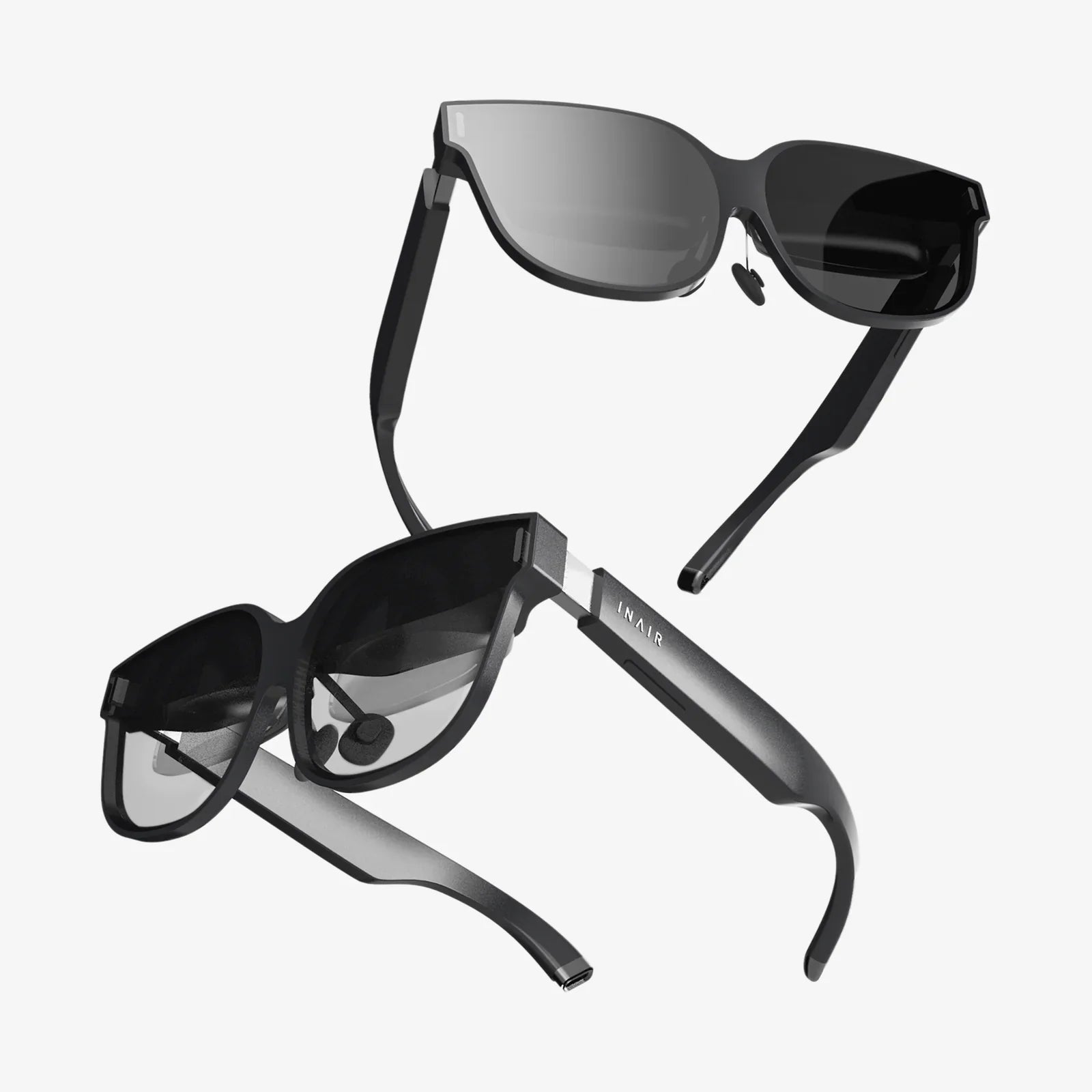
You’ve built a powerful rig, a monument to processing power capable of rendering breathtaking digital worlds, but it remains a dormant gateway until you find the perfect key—the best headset for PCVR. This isn’t just about buying a peripheral; it’s about choosing your lens to new realities, the very interface between your physical self and infinite virtual possibilities. The quest for the ultimate PC-powered virtual reality experience is fraught with technical jargon and competing specs, but your journey to unparalleled immersion starts right here.
The Foundation: What Truly Defines the Best Headset for PCVR?
Before diving into specific categories, it's crucial to understand the core pillars that separate a good PCVR headset from a truly great one. Unlike standalone devices that prioritize convenience and all-in-one functionality, a headset designed for PCVR has one primary job: to be a high-fidelity window into the worlds your computer creates. This means raw performance is paramount.
The best headset for PCVR acts as a symbiotic partner to your gaming PC. It must have a display sharp enough to appreciate the graphical fidelity your GPU is pumping out, a refresh rate high enough to keep up with fast-paced action without inducing nausea, and a tracking system so precise it disappears, allowing you to forget the technology and simply exist within the experience. Comfort is another non-negotiable factor; a headset that feels like a lead weight after thirty minutes will pull you out of the immersion, no matter how beautiful the visuals are.
The Window to Your Soul: Display and Visual Fidelity
This is arguably the most critical battleground for PCVR headsets. Since they are powered by external computers, they can push visual boundaries far beyond what mobile processors can achieve.
Resolution and Pixel Density
The term "resolution" gets thrown around a lot, but for VR, pixel density—often measured in pixels per degree (PPD)—is even more important. A higher resolution means a clearer, sharper image with less of the "screen door effect" (that faint grid-like appearance between pixels). For the best headset for PCVR, look for a combined resolution of at least 2,000 x 2,000 pixels per eye. This high resolution is essential for reading text, spotting distant enemies, and feeling truly present.
Display Technology: LCD vs. OLED
Two main technologies dominate the market:
- LCD (Liquid Crystal Display): Modern LCD panels offer high resolutions and excellent sub-pixel structures that minimize the screen door effect. They typically provide brighter images and more affordable entry into high resolutions. The trade-off has traditionally been in contrast ratio and black levels, where blacks can appear more like dark grays.
- OLED (Organic Light-Emitting Diode): OLED panels are celebrated for their perfect black levels and incredible contrast ratios. Since each pixel produces its own light, turning a pixel off results in true black. This creates incredibly vivid and immersive scenes, especially in dark space or horror games. However, they can sometimes suffer from a slight "mura" effect (uneven brightness) and have been historically outpaced by LCD in pure pixel density, though this gap is closing.
Refresh Rate: The Key to Smoothness
Measured in Hertz (Hz), the refresh rate is how many times the image on the screen updates per second. For PCVR, this is a cornerstone of comfort. A higher refresh rate (90Hz, 120Hz, 144Hz, and even beyond) results in smoother motion, which drastically reduces latency and the potential for simulator sickness. It also makes fast-paced games like shooters and racing sims feel more responsive and real. Your gaming PC needs to be powerful enough to consistently render frames at this high rate to avoid stuttering.
Field of View (FOV)
Field of View is how much of the virtual world you can see at any given time, measured diagonally. A wider FOV (110 degrees or more) increases the feeling of immersion, making it feel less like you’re looking through a pair of binoculars. However, a wider FOV often requires more graphical horsepower to render and can sometimes introduce distortions at the edges if not engineered correctly.
The Bridge to Your PC: Connectivity and Setup
How your headset talks to your computer is a fundamental differentiator in the PCVR space. There are two primary methods, each with its own advantages.
Wired Connectivity: The Pure Performance Play
A direct connection via a high-speed cable, typically DisplayPort or HDMI alongside USB, offers an uncompressed, high-bandwidth signal. This means the absolute highest possible visual fidelity and the most stable connection with zero latency from compression. For enthusiasts who demand the best possible image quality and performance, a wired headset remains the gold standard. The obvious downside is the physical tether, which can be a minor immersion breaker if you constantly trip over it.
Wireless Adapters: Cutting the Cord
Freedom of movement is a powerful thing. Wireless PCVR headsets or headsets that support wireless adapter accessories use technologies like Wi-Fi 6/6E to stream data from your PC to the headset. Modern compression algorithms have become extremely efficient, making the visual difference to a wired connection difficult for many to perceive. The feeling of complete, unrestricted movement is a massive boost to immersion. The trade-offs are the need to manage battery life, potential for interference in crowded wireless environments, and a minute amount of latency.
Knowing Where You Are: Tracking Systems
Accurate tracking is what makes VR feel real. It translates your real-world movements into the digital space. There are two main types of tracking systems for PCVR headsets.
Outside-In Tracking
This system uses external sensors or base stations placed around your play area. These devices emit signals (like lasers or infrared light) that are picked up by sensors on the headset and controllers to triangulate their exact position in space. The advantage is phenomenal, millimeter-accurate tracking that is incredibly robust, especially with fast movements or when controllers are held outside your immediate line of sight. The downside is the need to set up and calibrate external hardware.
Inside-Out Tracking
This more modern approach builds the sensors directly into the headset itself. Using a series of cameras, the headset scans your environment and tracks its own position relative to the room, as well as the controllers. The huge advantage is a drastically simplified setup—no external sensors are needed. This makes the system more portable and user-friendly. Early inside-out tracking had issues with tracking controllers when they were behind the user's back or too close to the headset, but modern implementations have largely closed this gap, offering excellent accuracy for the vast majority of users.
The Feel on Your Head: Ergonomics and Comfort
A headset can have the best specs on paper, but if it’s uncomfortable, you won’t want to use it. Comfort is a multi-faceted feature.
Weight Distribution
It’s not just about how heavy a headset is, but how that weight is distributed. A well-designed headset uses a counter-balance at the back (often where the strap adjustment is) to pull the center of gravity towards the rear, taking pressure off your cheeks and forehead. This allows for longer, more enjoyable play sessions.
Strap Design
The standard strap that goes over the top of your head is being phased out by more advanced designs. Elite-style straps with a rigid circumference and a dial at the back for fine-tuning fit are becoming the norm. They provide a secure, comfortable, and balanced fit that is easy to take on and off.
Facial Interface and Materials
The part that touches your face, the facial interface, is typically made from foam or pleather. High-quality, breathable, and replaceable interfaces are important for hygiene and comfort, especially during active sessions. Many users opt for aftermarket interfaces made from materials that are easier to clean and softer on the skin.
IPD Adjustment
Interpupillary Distance (IPD) is the distance between the centers of your pupils. The best headset for PCVR will offer a physical IPD adjustment, allowing you to mechanically slide the lenses closer together or further apart to match your specific measurement. This is crucial for achieving a clear image and avoiding eye strain. Software-only IPD adjustment is a compromise that can lead to a blurrier picture for those outside the average IPD range.
Hearing the World: Audio Solutions
3D spatial audio is half of the immersion equation. Most high-end PCVR headsets come with built-in audio solutions that are far superior to simple headphones. Look for off-ear or on-ear speakers that deliver high-quality directional sound without isolating you from your real-world environment. This design allows you to remain aware of your surroundings while still being fully immersed in the game's audio landscape. For private sessions, most headsets also include a standard 3.5mm audio jack for your own headphones.
The Controllers: Your Hands in the Virtual World
Controllers are your primary tool for interaction. The best PCVR headsets come with motion controllers that feature precise analog sticks, buttons, triggers, and haptic feedback. Ergonomic design is key; they should feel like a natural extension of your hands. Advanced features like individual finger tracking, which can replicate your real finger movements in-game, are becoming more common and add a profound layer of expressiveness and immersion to social and interactive experiences.
Matching Your Headset to Your PC's Power
There is no single "best" headset in a vacuum. The ultimate choice is a partnership between the headset and your computer. A headset with a stunning 4K resolution and a 144Hz refresh rate is a waste of money if your graphics card can’t run games at those settings. You’ll be forced to lower the rendering resolution, negating the benefits of the high-resolution display. Be honest about your PC’s capabilities. A slightly less demanding headset running at native resolution and high refresh rates will provide a smoother, more enjoyable experience than a flagship headset that your system has to constantly struggle to run.
The Software Ecosystem: More Than Just Hardware
The hardware is nothing without the platform that brings it all together. Most headsets operate within a specific software ecosystem that manages your VR library, friends list, and system settings. Some of these platforms are more open than others. The best headset for PCVR will offer access to a wide range of software stores and experiences, not locking you into a single walled garden. The ability to play games from multiple sources is a significant advantage for PC users who value choice and flexibility.
Your powerful PC is the engine, but the headset is the vehicle that transports you. It’s the difference between hearing about a storm and feeling the rain on your skin. The best headset for PCVR isn’t defined by a single brand or model, but by how its symphony of cutting-edge components—crystal-clear displays, flawless tracking, and sublime comfort—harmonizes with your system to create something truly magical: a perfect escape, an intense workout, a creative tool, or a social space, limited only by the imagination of developers and the power of your rig. Stop dreaming about those worlds and start stepping into them.
Share:
Looking Glass Holographic: The Future of Visual Interaction is Here
Looking Glass Holographic: The Future of Visual Interaction is Here