


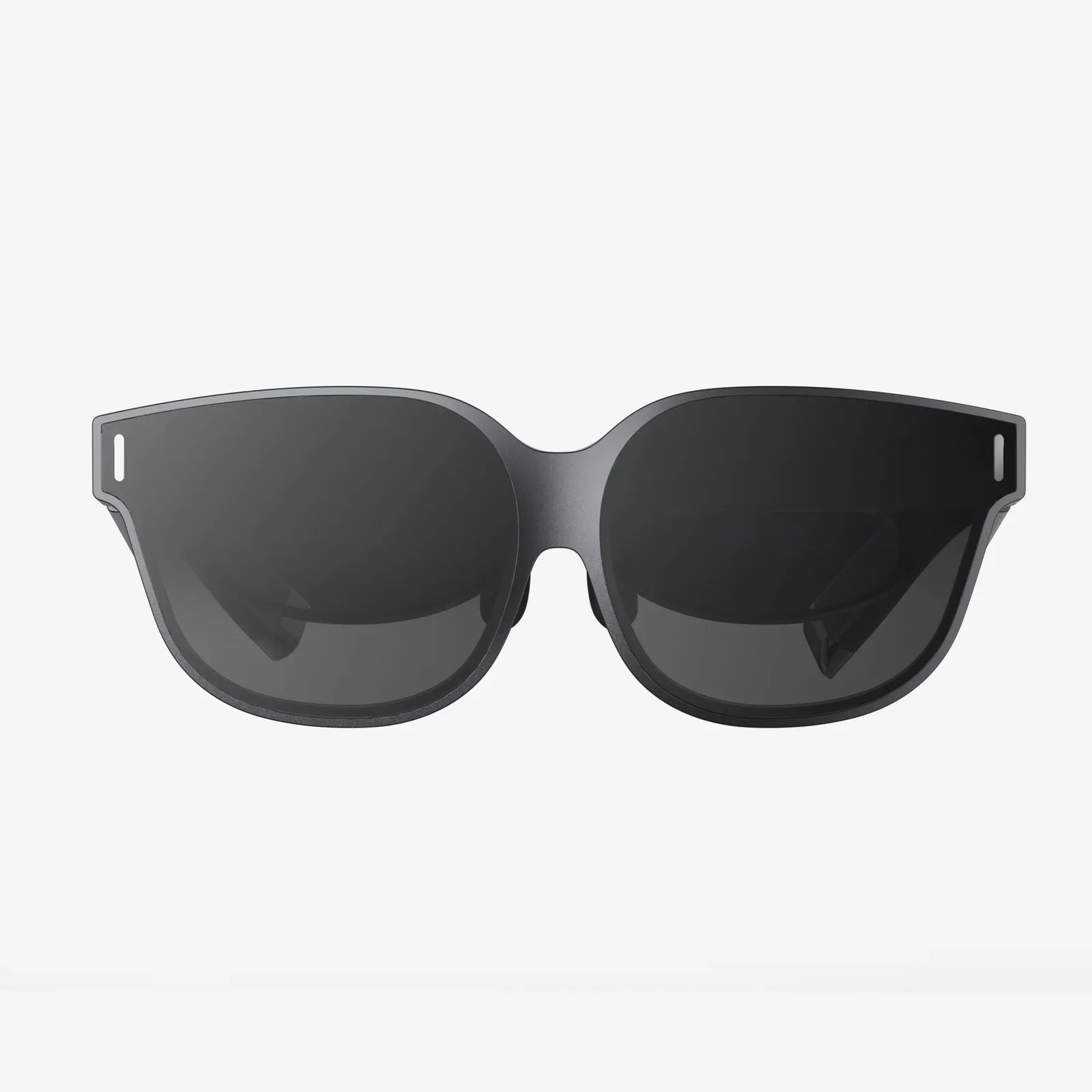
- by wangfred
Best Inexpensive VR Headset for iPhone: Your Portal to Affordable Virtual Worlds
- by wangfred
Imagine holding a portal to another world in your hands, a device that can transport you from your living room to the edge of a volcano, the depths of the ocean, or the surface of Mars. What if that portal wasn't a fantastical, expensive gadget from the future, but something you already own? Your iPhone, paired with the right inexpensive headset, is the key. The world of virtual reality is no longer a luxury reserved for hardcore gamers with deep pockets. It's an accessible, awe-inspiring experience waiting for you to dive in, and it starts with finding the best inexpensive VR headset for your iPhone.
Virtual reality has undergone a dramatic evolution. Gone are the days when experiencing VR required a powerful desktop computer, a tangle of wires, and external sensors meticulously placed around a room. The mobile VR revolution democratized the technology by leveraging the powerful computers we all carry in our pockets: our smartphones. Modern iPhones are technological marvels, equipped with high-resolution displays, powerful processors, precise gyroscopes, and accelerometers—all the essential ingredients for compelling virtual reality. This shift means that the barrier to entry is no longer the cost of a supercomputer, but simply finding the right window to look through: the headset itself.
When shopping for an inexpensive headset, it's crucial to understand what you're getting. Unlike their more advanced counterparts, which have built-in screens and processors, these headsets are fundamentally sophisticated holders for your iPhone. Their primary job is to create a stereoscopic view by dividing your phone's screen into two images, one for each eye, and using lenses to focus and widen your field of view, making the experience immersive.
Key components include:
In the world of VR, "inexpensive" generally falls into a specific price bracket. While high-end systems can cost many hundreds of dollars, a quality budget headset for iPhone typically ranges from $20 to $100. This price point immediately sets expectations. You are not getting inside-out tracking, high-refresh-rate displays, or standalone processing power. What you are getting is a brilliantly simple and effective way to experience the core magic of VR: immersion.
You can expect to enjoy 360-degree videos, explore virtual environments, play simple but incredibly fun games, and use educational and travel applications. The experience is powered by your iPhone's capabilities, meaning the visual fidelity, tracking smoothness, and overall performance are directly tied to your specific iPhone model. A newer iPhone will provide a noticeably better experience than an older one.
Not all budget headsets are created equal. When comparing options, focus on these critical features to ensure you get the best value for your money.
This is the most important factor. You must ensure the headset you choose is explicitly compatible with your iPhone model. Check the manufacturer's specifications to confirm it fits your phone's dimensions, both with and without a protective case. Some headsets are designed to accommodate phones with slim cases, while others require you to remove the case entirely. A poorly fitting headset can lead to a frustrating experience, light leakage, and even potential damage to your device.
The quality of the lenses is what separates a good headset from a bad one. Look for headsets that use optical-grade lenses with anti-scratch and anti-fog coatings. Poor lenses will result in a blurry image, a small "sweet spot" of clarity, and chromatic aberration (color fringing around objects), which can lead to eye strain and headaches. Read reviews specifically addressing the clarity and comfort of the view.
You'll be wearing this device on your head. A comfortable headset encourages longer and more enjoyable exploration. Look for adjustable head straps (over-the-head is generally more stable than Google Cardboard-style holders), ample padding, and a balanced weight distribution. The headset shouldn't feel like it's pressing heavily on your nose or cheeks. Proper IPD and focus adjustments are non-negotiable for a personalized and clear view.
Field of View is the extent of the observable world you can see at any given moment, measured in degrees. A wider FoV means greater immersion, as it more naturally fills your peripheral vision. Higher-end headsets offer FoVs of 100 degrees or more. In the budget category, you can expect around 90-100 degrees. While specs aren't always listed, user reviews often mention if the experience feels "like looking through binoculars" or is suitably wide.
While many simple experiences can be controlled by tapping the screen or using your head gaze, a dedicated controller significantly expands the types of games and apps you can enjoy. Some headsets bundle a simple Bluetooth controller, which is a major value-add. If one isn't included, check if the headset is compatible with common third-party Bluetooth gamepads.
Your headset is just the hardware; the software is what brings it to life. The App Store is your gateway to a vast library of VR content. Search for terms like "VR," "360 video," and "cardboard" (a legacy term that still applies to many compatible apps).
Categories of content include:
To ensure every journey into virtual reality is a good one, follow these simple tips:
The pursuit of the best inexpensive VR headset for iPhone is not about finding a perfect, all-encompassing virtual reality system. It is about discovering an incredible value proposition. For a minimal investment, you gain access to the wonder of VR—the gasps of soaring over landscapes, the thrill of a jump-scare in a horror game, the curiosity of learning in a 3D space. It is the perfect entry point for newcomers, a fantastic tool for educators and travelers, and a delightful toy for anyone curious about this transformative technology. It proves that you don't need to spend a fortune to take your first steps into a larger world.
Your iPhone is a ticket to countless realities, and the right headset is the gate. The journey from curious observer to active explorer in the vast universe of virtual content is shorter and more affordable than you ever thought possible. The only thing left to do is strap in, look around, and discover what you've been missing. A universe of experiences is waiting, hidden just behind a simple, cleverly designed piece of plastic and glass.