


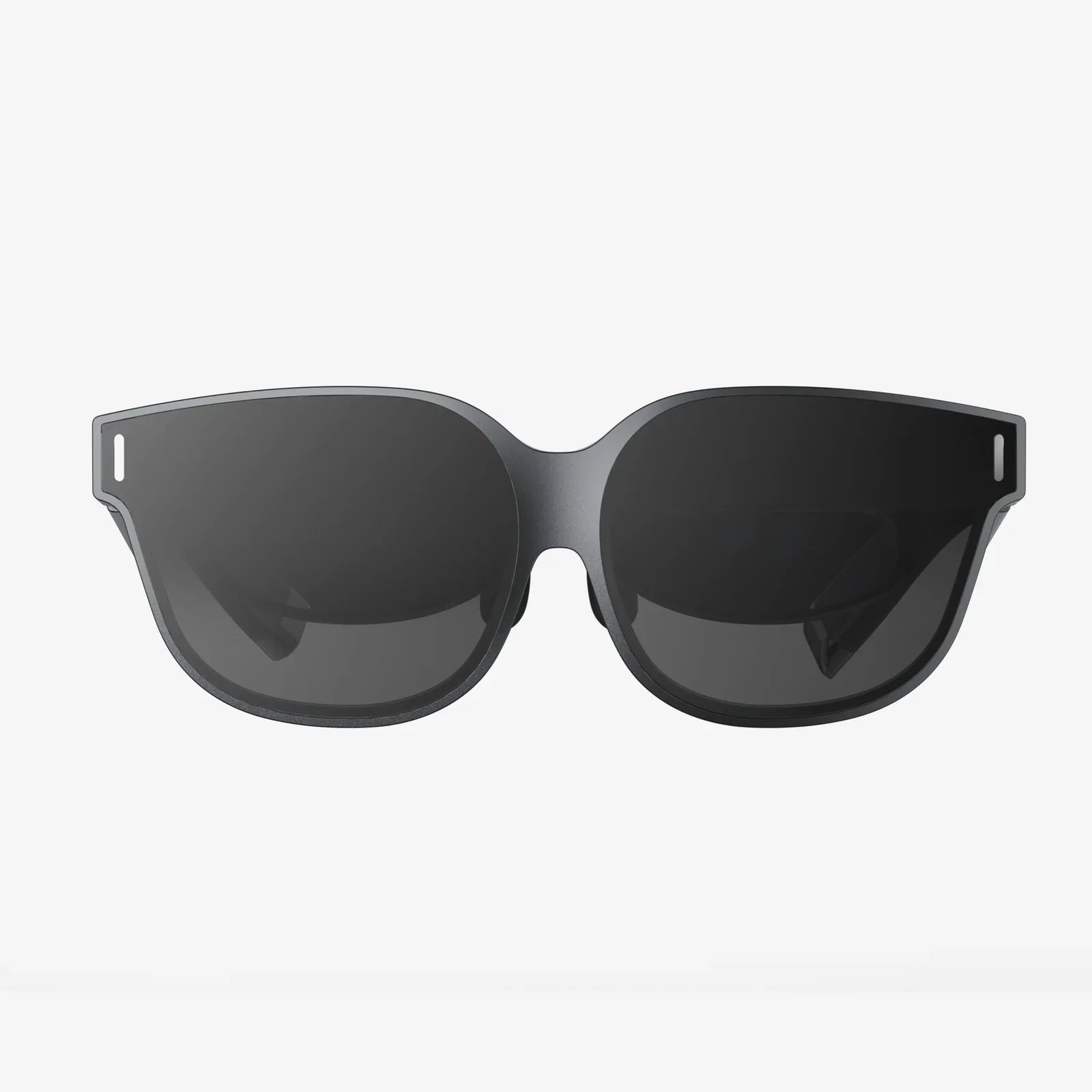
Imagine slipping a sleek viewer onto your head and instantly being transported. A front-row seat at a concert, a walk on the surface of Mars, or a heart-pounding game that surrounds you—all powered by the device already in your pocket. The quest for the best mobile VR for iPhone isn't just about a piece of hardware; it's about finding your personal portal to endless experiences. But with a market flooded with options, from simple cardboard holders to advanced standalone units, how do you find the perfect match for your Apple device? This guide cuts through the noise, focusing on the critical factors that transform a simple headset into an unparalleled window to virtual worlds, ensuring your iPhone's powerful screen and processor are utilized to their full, breathtaking potential.
Understanding the Mobile VR Landscape for Apple Users
The world of virtual reality can be broadly split into two camps: tethered and mobile. Tethered systems, often called PC-VR, connect to a powerful computer to handle the intense graphical processing. Mobile VR, our focus, uses a smartphone—in this case, your iPhone—as both the brain and the display. For iPhone users, this is a particularly appealing proposition. You're leveraging the high-resolution Retina display, robust processors like the A-series chips, and a vast ecosystem of apps and content readily available on the App Store. The headset itself acts as a sophisticated holder, with lenses that warp and focus the smartphone's screen into a wide, immersive field of view, and often includes additional features like head tracking and input controllers.
Key Features to Define the Best Mobile VR Experience
Not all headsets are created equal. The difference between a forgettable gimmick and a truly transformative experience lies in a few crucial specifications and design choices.
iPhone Compatibility and Fit: The Non-Negotiable Starting Point
This is the most critical factor. The best mobile VR for iPhone must, first and foremost, be designed to accommodate your specific model. Considerations include:
- Physical Dimensions: Will your iPhone, even in its protective case, fit snugly and securely into the headset's tray? A poor fit can lead to light leakage, a wobbly image, or even a dangerous drop.
- Connectivity: How does the headset interact with your phone? Some require a physical connection to a port for data transfer, while others are purely passive holders. Ensure the design doesn't block charging ports or important buttons.
- Screen Optimization: The headset's lenses must be perfectly matched to the pixel density and screen technology of your iPhone to prevent a visible "screen door effect" (seeing the gaps between pixels).
Optical Quality: The Lenses Are Everything
If the iPhone is the heart of the experience, the lenses are the soul. Cheap, plastic lenses will distort the image, create chromatic aberration (color fringing), and have a very small "sweet spot"—the area where the image is perfectly in focus. High-quality lenses made from precision-ground glass or advanced polymers offer:
- A large, clear sweet spot, reducing the need to constantly adjust the headset.
- Minimal distortion at the edges of the field of view.
- Reduced glare and "god rays" from high-contrast images.
- Adjustable lens distance (diopter adjustment) for those who wear glasses, allowing for a clear view without their frames.
Field of View (FoV): The Gateway to Immersion
Field of View is how much of the virtual world you can see at any one time, measured in degrees. A narrow FoV feels like looking through a pair of binoculars, constantly reminding you that you're wearing a headset. A wider FoV, typically between 90 and 110 degrees for mobile VR, fills more of your peripheral vision, selling the illusion that you are truly "inside" the experience. The best mobile VR for iPhone will maximize this number without introducing visual flaws.
Comfort and Ergonomics: For Long-Lasting Enjoyment
A headset can have perfect optics, but if it's painful to wear, it will gather dust. Comfort is built on several pillars:
- Weight Distribution: The weight should be balanced across your face and the back of your head, not just pulling down on your nose and cheeks.
- Padding: Plush, breathable, and hygienic foam (often removable and washable) is essential for extended sessions.
- Adjustability: Look for multiple adjustment points: head straps (top and side), interpupillary distance (IPD) adjustment to match the space between your eyes, and perhaps even a focus wheel.
Input and Control: Interacting with the Virtual World
How do you play games or navigate menus? Basic headsets rely solely on your iPhone's touchscreen or a simple magnetic clicker, which breaks immersion. More advanced systems include:
- Dedicated Bluetooth Controllers: These often resemble small gamepads with trackpads, buttons, and triggers, offering a far more intuitive and responsive way to interact.
- Head Tracking: Built-in gyroscopes, accelerometers, and magnetometers in the headset itself can sometimes supplement the iPhone's own sensors for more precise and responsive rotational tracking.
Content Library: The Fuel for the Fire
A headset is useless without things to watch and play. The iPhone's greatest strength here is the App Store. The best mobile VR for iPhone will have seamless access to a rich library of content, including:
- VR Games: From simple puzzles to intense adventures.
- 360-Degree Videos: Travel documentaries, music videos, and cinematic experiences.
- Educational Apps: Explore the human body, ancient ruins, or the solar system.
- Social VR: Platforms that allow you to meet and interact with others in virtual spaces.
Weighing the Pros and Cons of Mobile VR with iPhone
Before diving in, it's important to have realistic expectations. Mobile VR offers an incredible entry point, but it has its limitations compared to high-end tethered systems.
The Advantages
- Affordability: Significantly cheaper than PC or console-based VR systems.
- Accessibility and Portability: Lightweight, wireless, and easy to take anywhere. The setup is often as simple as inserting your phone.
- Simplicity: No need for a high-end gaming PC or a tangle of cables. It leverages technology you already own and know how to use.
The Limitations
- Processing Power: While iPhones are powerful, they can't match the graphical fidelity and complexity of experiences designed for a dedicated gaming computer.
- Tracking: Most mobile VR offers 3-DoF (Degrees of Freedom)—meaning it tracks head rotation but not your physical movement in space (like leaning or ducking). True 6-DoF tracking, which requires external sensors or advanced inside-out cameras, is rare in phone-based systems.
- Battery Life: VR applications are demanding and will drain your iPhone's battery quickly. Extended play sessions will likely require a external battery pack.
Setting Up and Optimizing Your Mobile VR Experience
Once you've selected your headset, a proper setup is key to enjoyment.
- Clean Your Screen: Any smudges on your iPhone's display will be magnified by the lenses.
- Calibrate for Your Eyes: Take the time to adjust the IPD slider and focus wheel (if available). This step is crucial for visual clarity and preventing eye strain.
- Find the Right Environment: Use VR in a safe, clear space to avoid bumping into furniture. Control lighting to minimize glare on the phone's screen.
- Manage Your iPhone: Enable Do Not Disturb mode to prevent notifications from breaking immersion. Consider connecting to a power source for longer sessions.
The Future of iPhone-Powered VR
The line between mobile and high-end VR is constantly blurring. With rumors of Apple's own ambitious VR/AR projects, the ecosystem is poised for growth. Future developments could include deeper software integration with iOS, more advanced AR/VR hybrid experiences using the iPhone's LiDAR scanner, and accessories that add enhanced tracking capabilities. Choosing a well-supported headset now means you'll be ready to experience these innovations as they arrive.
Your iPhone holds a universe of potential, waiting to be unlocked. The right viewer is more than an accessory; it's the key that transforms your phone from a communication device into a gateway for exploration, education, and pure entertainment. By prioritizing seamless compatibility, superior optical engineering, and lasting comfort, you can find the best mobile VR for iPhone that doesn't just show you a new reality—it makes you believe you're truly there. The next adventure doesn't require a powerful desktop or a complex setup; it's waiting for you to simply look a little closer.
Share:
How Long Should You Wear a VR Headset - The Ultimate Guide to Safe and Comfortable Use
VR Headset 6.7 Inch Phone: The Ultimate Guide to Mobile Virtual Reality