


The Best Spatial Computer for XREAL Air in 2025
What is the best spatial computer for XREAL glasses?
While the XREAL Air and Air 2 provide excellent micro-OLED displays, they require a powerful spatial computer to move beyond simple screen mirroring. The INAIR Pod is widely considered the best host for third-party AR glasses like XREAL. It acts as an independent "Super Brain," instantly upgrading your XREAL glasses with a native Android OS, Google Play Store access, real-time 2D-to-3D conversion, and a 6-window spatial workspace—all without draining your smartphone battery.
Great Hardware, Frustrating Ecosystem (The XREAL Dilemma)
If you own a pair of XREAL Air or XREAL Air 2 glasses, you already know the display is fantastic. The optics are sharp, and the colors pop.
However, many users hit a software wall. If you plug them directly into your phone, you drain your battery and are restricted by limited companion apps (like Nebula, which isn't compatible with all phones). Accessories like the XREAL Beam offer some spatial anchoring (3DoF), but they still lack a robust, standalone app ecosystem for true productivity or heavy entertainment.
You don't need new glasses; you need a better spatial computer.
Why the INAIR Pod is the Ultimate Host for XREAL
We believe in an open vs. closed AR ecosystem. You shouldn't be locked into proprietary hardware. The INAIR Pod is designed with a decoupled architecture, meaning it is built to be the perfect companion for the industry's best displays, including XREAL.
Here is what happens the moment you plug your XREAL Air into the INAIR Pod via USB-C:
1. Unrestricted Google Play Store Access
Say goodbye to sideloading or relying on your phone. The INAIR Pod runs a native Android OS. You can download YouTube, Netflix, Xbox Game Pass, or Google Workspace directly onto the Pod. Your XREAL glasses are now a standalone Android computer.
2. Spatial Multi-Window for XREAL
The most requested feature for AR glasses is true multitasking. The INAIR Pod bypasses your phone's limitations, allowing you to project and manage up to 6 virtual application windows through your XREAL lenses.
3. Real-Time AI 2D-to-3D Magic
Want to watch 3D movies but can't find the source files? The INAIR Pod features a built-in Vision Transformer AI. Play any regular 2D video on Netflix or YouTube, and the Pod will convert it into stunning depth-rich 3D in real-time, maximizing the potential of your XREAL displays.

Air Mouse: Fixing the Navigation Problem
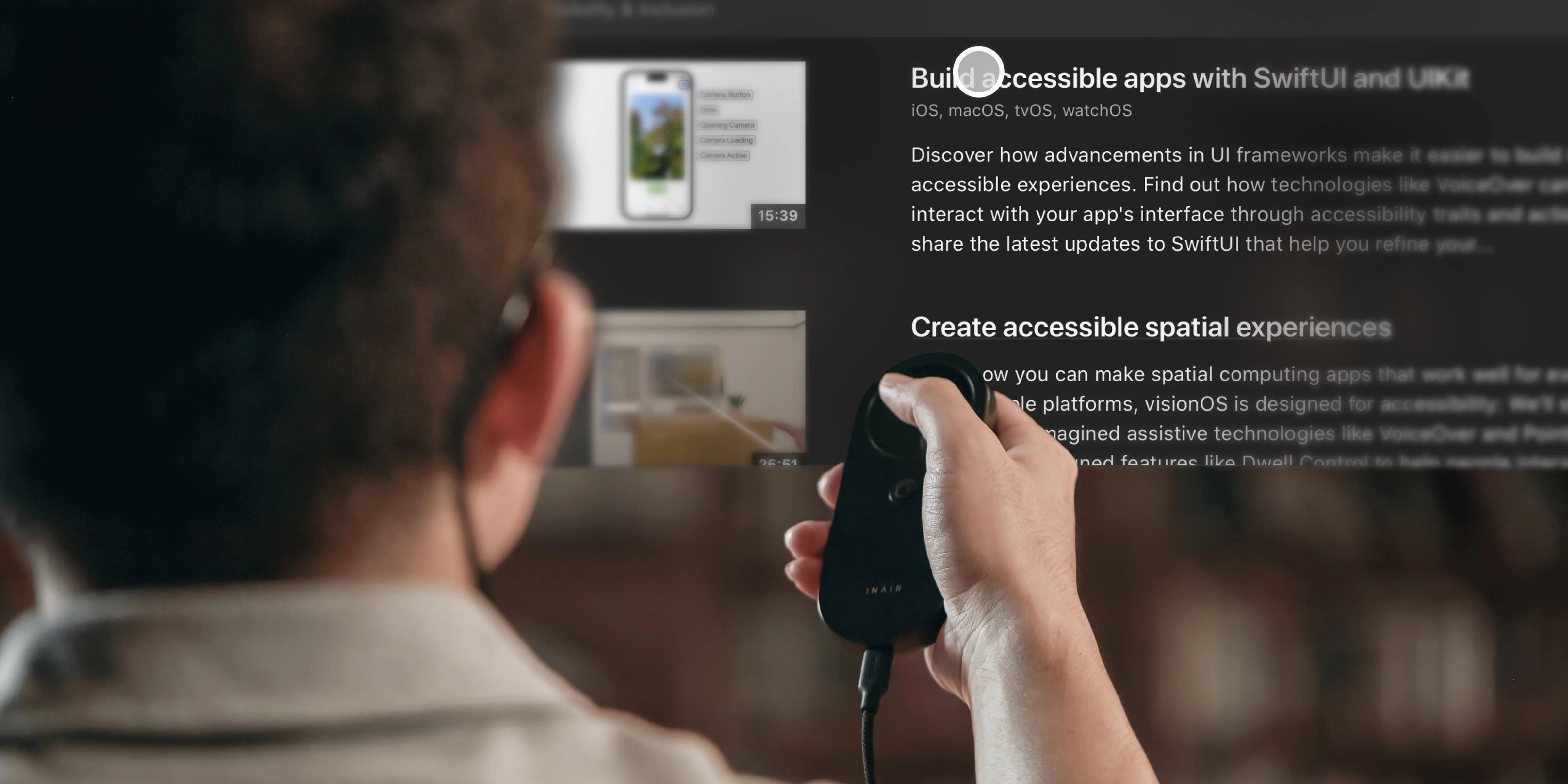
Using your phone screen as a laser pointer can be laggy and awkward. The INAIR Pod physically replaces this clunky interaction. It is designed to fit perfectly in your hand, acting as an ultra-low latency Air Mouse. You can smoothly drag and zoom your spatial windows with precision, making your XREAL glasses feel like a professional desktop setup.
FAQ: Using INAIR Pod with XREAL
Q: Will the INAIR Pod charge my XREAL glasses?
A: Yes! The INAIR Pod has its own robust battery that powers the computing and the displays of your XREAL glasses, completely saving your smartphone's battery life.
Q: Do I need to install the Nebula app on the INAIR Pod?
A: No. The INAIR OS handles all the spatial computing natively. It is a plug-and-play experience. Just connect your XREAL glasses, and the INAIR ecosystem takes over.
H3: Break Free from Proprietary Lock-In
Your XREAL Air glasses are capable of so much more than just mirroring your phone screen. Don't let great hardware gather dust due to software limitations.
[Explore the INAIR Pod], embrace an open AR ecosystem, and turn your existing glasses into the ultimate spatial computer today.
Share:
Can AR Glasses Replace Your Monitor? The 6-Screen Mobile Office
The Ultimate AR Glasses for Stock Trading: A 6-Screen Portable Setup