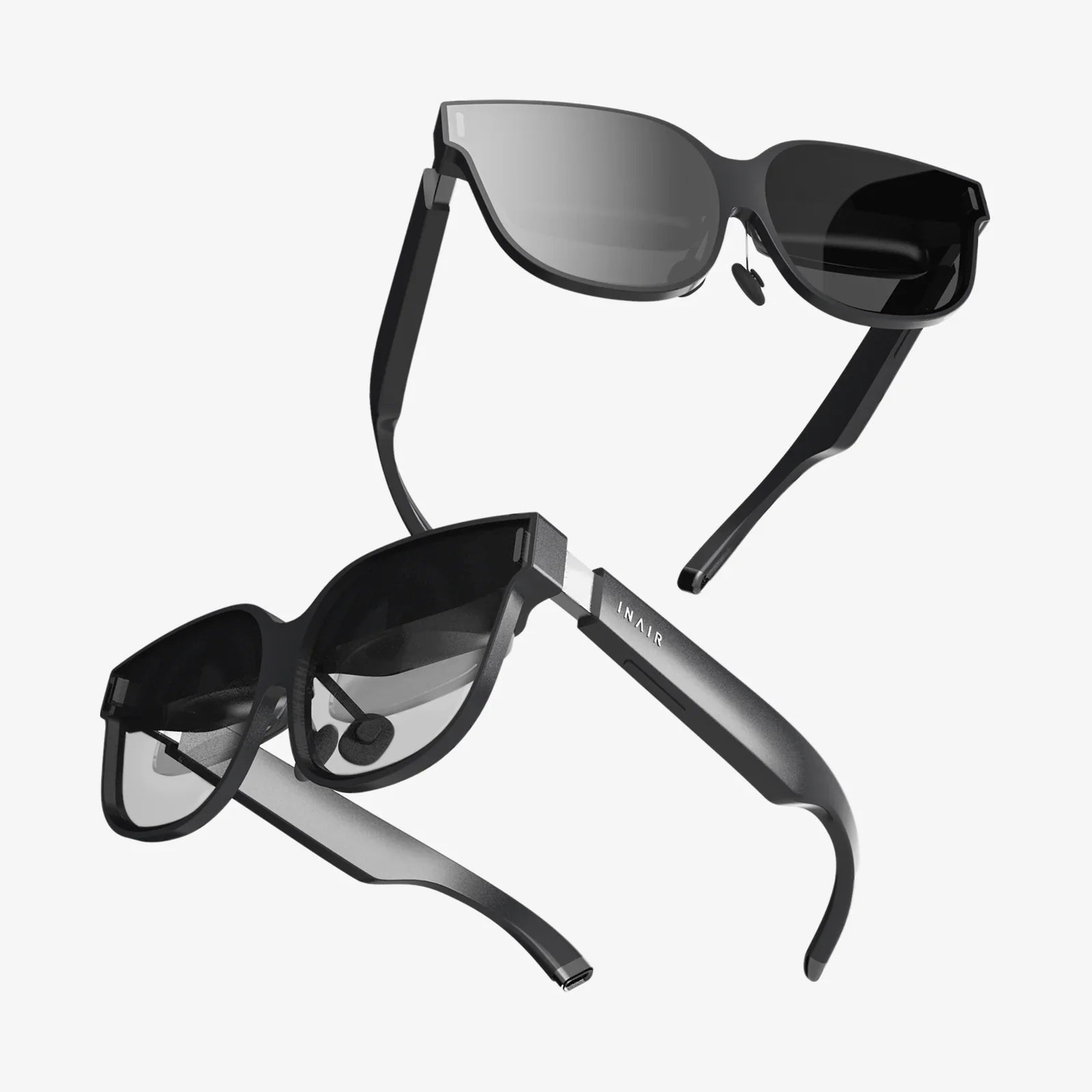
Imagine stepping into a new world from the comfort of your living room, attending a concert on the other side of the globe without a plane ticket, or mastering a complex surgical procedure with zero risk. This is no longer the stuff of science fiction; it's the tangible, awe-inspiring reality offered by today's virtual reality headsets. For adults seeking more than just a gaming peripheral, the quest for the best virtual reality headset is a journey into a powerful tool for enrichment, connection, and unparalleled immersion. The market has evolved dramatically, moving beyond niche gadgets to sophisticated systems designed for discerning users who demand performance, comfort, and a rich ecosystem of experiences.
Defining the "Best" VR Headset for an Adult User
When we talk about the "best" headset for adults, the criteria shift significantly from those for a younger audience or casual user. An adult user, whether a professional, an enthusiast, or a curious explorer, typically prioritizes a different set of features. It's not solely about which headset has the highest pixel count or the most exclusive game; it's about a holistic experience that justifies the investment of both money and time.
Key considerations include:
-
Visual Fidelity and Clarity: Adults often engage in experiences that require reading text, appreciating fine details, or watching high-resolution content. Screen resolution, refresh rate, and lens quality are paramount to avoid eye strain and achieve true immersion.
-
Comfort for Extended Use: A thirty-minute gaming session has different ergonomic demands than a two-hour architectural walkthrough or a full workday in a virtual office. Weight distribution, padding, and adjustability are critical.
-
Content Ecosystem: The best hardware is useless without compelling software. Adults look for a robust library that extends beyond games into productivity, social applications, fitness, educational content, and creative tools.
-
Ease of Use and Setup: While some are willing to tackle complex setups for peak performance, many adults value a streamlined, intuitive experience that doesn't require constant technical troubleshooting.
-
Versatility and Use Cases: A headset that can seamlessly transition from a powerful gaming rig to a private cinema screen to a virtual meeting room offers far greater value.
Navigating the VR Landscape: Understanding the Technologies
The market is broadly divided into three categories, each with its own strengths and ideal user profile. Understanding these distinctions is the first step in identifying the best virtual reality headset for your needs.
1. Standalone VR Headsets
These are all-in-one units that require no external computer or console to operate. They have a mobile processor, battery, and sensors built directly into the headset.
Pros:
-
Wireless Freedom: The biggest advantage. There are no cables to trip over, offering complete physical freedom and making them ideal for larger play spaces and active experiences.
-
Accessibility and Convenience: Setup is incredibly simple—just put on the headset and you're inside VR. This lowers the barrier to entry significantly.
-
Portability: Easy to take to a friend's house or move between rooms.
Cons:
-
Processing Power: While improving rapidly, the mobile chipsets cannot match the raw graphical power of a high-end gaming PC. Experiences are often less visually complex.
-
Battery Life: Sessions are limited to typically two to three hours before needing a recharge.
Ideal For: Adults new to VR, fitness enthusiasts, those who value convenience and a cable-free experience, and users who primarily consume media and engage in social VR.
2. PC-Connected VR Headsets
These headsets act as a display and tracking device, connecting to a powerful gaming computer that handles all the processing.
Pros:
-
Top-Tier Performance: This is where you find the highest resolutions, the fastest refresh rates, and the most graphically intense and realistic experiences available.
-
Deepest Content Library: The PC VR ecosystem is vast, encompassing everything from cutting-edge games to highly specialized professional and creative software.
-
Advanced Features: Often include more sophisticated tracking systems and higher-quality components.
Cons:
-
Cost: Requires a significant investment in a compatible high-end PC in addition to the headset itself.
-
Complex Setup: Involves connecting cables, setting up sensors or base stations, and managing PC drivers and software.
-
Tethered Experience: A cable connects the headset to the PC, which can be immersion-breaking and a tripping hazard.
Ideal For: Serious gamers, developers, professionals in fields like design and architecture, and tech enthusiasts who demand the absolute best visual fidelity and performance.
3. Console-Connected VR Headsets
These headsets are designed to work specifically with a particular video game console, offering a curated, plug-and-play experience.
Pros:
-
Optimized Ecosystem: Games and experiences are specifically designed for the consistent hardware of the console, ensuring a smooth and polished user experience.
-
Ease of Use: Setup is generally simpler than a PC VR system, leveraging the console's existing infrastructure.
-
Value: If you already own the console, the entry cost is lower than building a gaming PC.
Cons:
-
Limited to One Platform: You can only access the content available on that specific console's store.
-
Hardware Limitations: The headset's capabilities are bound by the power of the console, which typically sits between a standalone and a high-end PC in terms of performance.
Ideal For: Gamers who are already invested in a specific console ecosystem and want a straightforward, high-quality VR upgrade.
Critical Features to Scrutinize Before You Buy
Beyond the type of headset, several technical specifications and features will dramatically impact your experience.
Display and Lenses
-
Resolution: Measured in pixels per eye (e.g., 1832 x 1920). Higher numbers mean sharper images and less noticeable "screen door effect" (the visible lines between pixels).
-
Refresh Rate: Measured in Hz (e.g., 90Hz, 120Hz). A higher rate means smoother motion, which is crucial for comfort and reducing simulation sickness. For fast-paced games and professional use, 90Hz is a minimum, with 120Hz or higher being ideal.
-
Lens Type: Fresnel lenses are common but can cause glare. Newer pancake lenses allow for a much slimmer headset design and often a larger "sweet spot" of clarity.
-
Field of View (FoV): How much of the virtual world you can see at once, measured diagonally in degrees. A wider FoV (110°+) is more immersive but demands more processing power.
Tracking and Controllers
-
Inside-Out vs. Outside-In Tracking: Inside-out tracking uses cameras on the headset itself to map the room, requiring no external sensors. It's convenient and portable. Outside-in tracking uses external base stations placed in the room for extremely precise, low-latency tracking, preferred by competitive gamers and professionals.
-
Controller Design: Ergonomic controllers that feel natural in the hand and offer haptic feedback (subtle vibrations) greatly enhance immersion. Look for good battery life and intuitive button layouts.
Comfort and Ergonomics
-
Weight Distribution: A well-designed headset uses a counterweight at the back or a top strap to pull weight off the face and onto the forehead and back of the skull.
-
Interpupillary Distance (IPD) Adjustment: Physical or software-based adjustment to match the distance between your eyes. Proper IPD adjustment is non-negotiable for visual clarity and preventing eye strain.
-
Materials and Ventilation: Plush, replaceable foam facial interfaces are standard. Good airflow is essential to prevent lens fogging during active use.
The Grown-Up VR Playbook: Beyond Gaming
The true potential of VR for adults unfolds when you explore the vast array of non-gaming applications. This is where the technology transforms from entertainment into a life-enhancing tool.
-
Fitness and Wellness: Applications offer immersive workouts from boxing and rhythm games to guided meditation and yoga in serene virtual environments. It makes exercising at home engaging and fun.
-
Social Connection: Platforms allow you to meet friends and family in virtual spaces as personalized avatars. You can watch movies together, play social games, attend live events, or simply chat as if you were in the same room, fostering a genuine sense of presence.
-
Productivity and Remote Work: Imagine having multiple virtual monitors floating in your personal space. VR productivity apps allow you to create a massive, private workspace anywhere, ideal for remote workers, developers, and content creators.
-
Travel and Exploration: Visit iconic landmarks, explore the depths of the ocean, or walk on Mars through immersive 360-degree videos and interactive experiences. It's the ultimate tool for the armchair explorer.
-
Education and Training: From medical students practicing procedures to mechanics learning to repair complex engines, VR provides a safe, repeatable, and cost-effective training environment.
-
Arts and Creativity: Sculpt in 3D, paint in a virtual space with infinite canvas, or create 3D animation models. VR unlocks new forms of artistic expression that are impossible in the physical world.
Making Your Decision: A Practical Checklist
Before finalizing your choice, run through this checklist to ensure your selection aligns with your lifestyle and expectations.
-
Budget: Set a realistic budget that includes the headset, any necessary accessories (extra face pads, carrying case), and a healthy amount for software and apps.
-
Existing Hardware: Do you own a powerful gaming PC or a compatible console? Your answer will immediately narrow your options to either PC-connected, console-connected, or standalone systems.
-
Primary Use: Be honest about how you'll use it 80% of the time. Is it for fitness? A cable-free standalone is best. Is it for high-fidelity simulation? A PC VR system is mandatory.
-
Space: Assess your available space. Do you have a clear, open area for room-scale experiences, or will you be primarily seated or stationary?
-
Try Before You Buy: If possible, try different headsets. Comfort is highly subjective, and what feels good on one person's head may not on another. Visit a tech showroom or see if a friend has one you can demo.
The journey to finding the best virtual reality headset is a personal one, a balance of technical specifications, intended use, and pure subjective feel. It's about matching a powerful piece of technology to your ambitions, whether they involve conquering virtual battlefields, sculpting digital masterpieces, or simply finding a new way to connect with others. The world of VR is vast and waiting to be explored. With the right headset on your shelf, your next great adventure, workout, or breakthrough idea is just a click away. Your portal to countless realities awaits.