


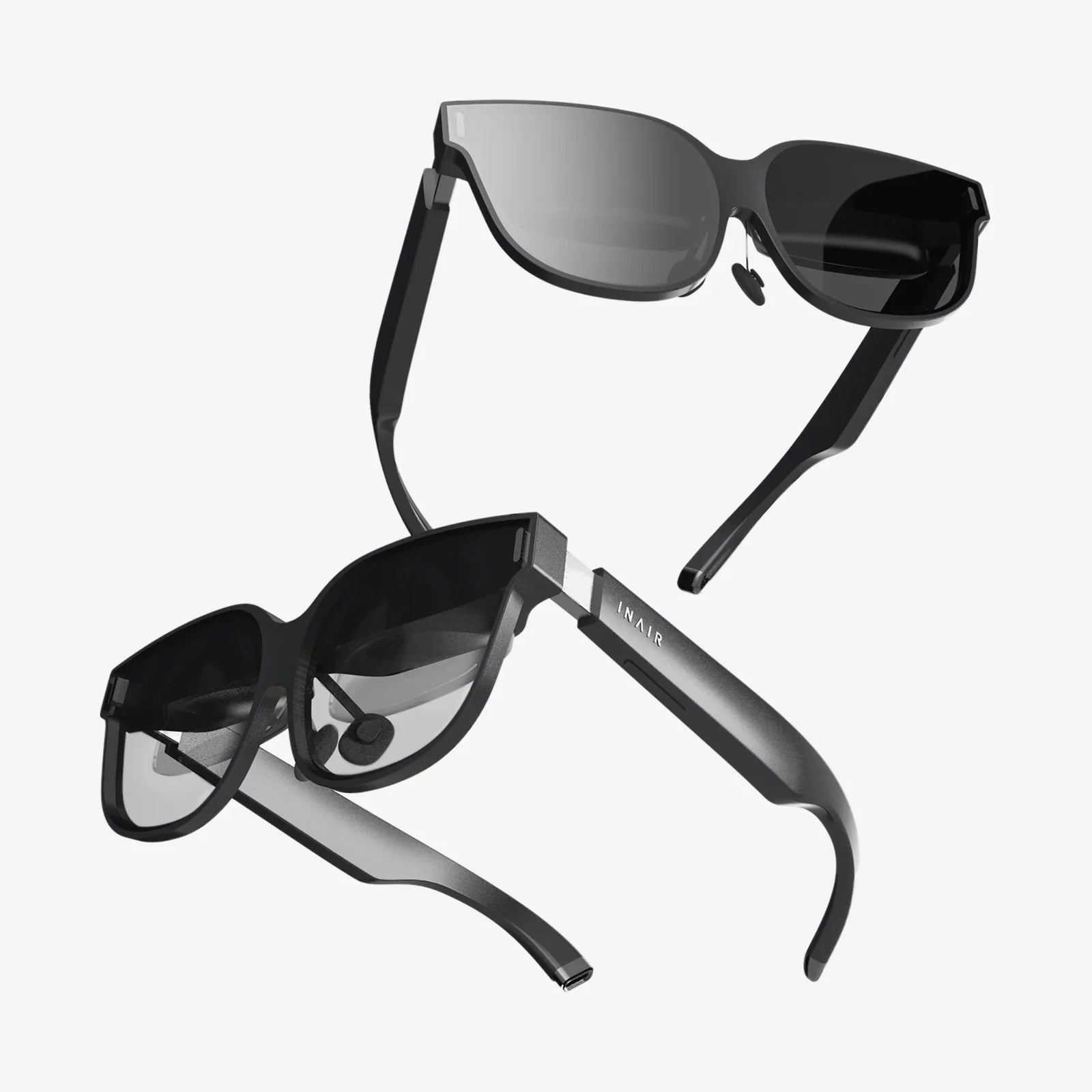
Imagine holding a portal to another dimension in the palm of your hand. Your iPhone 6 Plus, a device you use for calls, photos, and browsing, is secretly a powerful key to unlocking breathtaking virtual reality experiences. While modern smartphones boast more advanced sensors, the venerable iPhone 6 Plus, with its large 5.5-inch display and robust app ecosystem, remains a surprisingly capable vessel for VR exploration. This guide is your ticket to transforming that familiar device into a window to immersive worlds, from the depths of the ocean to the far reaches of outer space, all without investing in expensive, dedicated hardware. The journey into virtual immersion is closer than you think.
The iPhone 6 Plus as a VR Powerhouse: Understanding the Platform
Before we dive into the applications themselves, it's crucial to understand the unique position the iPhone 6 Plus holds in the VR landscape. Launched in 2014, it was one of the first smartphones to popularize the "phablet" form factor. For VR, this was a significant development. Its 1920x1080 resolution display, while not as pixel-dense as modern OLED screens, provides a more than acceptable level of clarity when viewed through a lens. The device's gyroscope and accelerometer are the true stars of the show, accurately tracking your head movements to sell the illusion of being inside a virtual space. This combination of a large screen and precise motion tracking forms the bedrock of the mobile VR experience.
It is, however, important to manage expectations. The iPhone 6 Plus is not a contemporary flagship device. Pushing high-resolution, stereoscopic 3D environments is demanding, and developers often optimize their experiences for newer hardware. You may encounter experiences that are less graphically intensive or that run at a slightly lower frame rate compared to what you'd see on an iPhone 12 or 13. But what the iPhone 6 Plus lacks in raw processing brute force, it makes up for with its vast compatibility with a huge range of VR applications and its affordability as an entry point. You won't be playing the most graphically intense VR games, but you will have access to a world of immersive media, casual games, and educational content that is still deeply impressive.
Gearing Up: The Essential Companion for Your Phone
To truly experience VR on your iPhone 6 Plus, you will need one crucial piece of equipment: a headset. This is not a standalone device like high-end VR systems; it's a holder, a shell, that you slot your phone into. These headsets use special lenses that split your phone's screen into two images, one for each eye, creating the stereoscopic 3D effect that gives VR its depth and immersion. They also block out ambient light, allowing you to focus entirely on the digital world.
The market is flooded with options, ranging from simple cardboard viewers that cost very little to more sophisticated plastic models with adjustable straps, built-in headphones, and even wireless controllers for interaction. For the iPhone 6 Plus, you'll want to ensure the headset you choose has a large enough compartment to securely hold your phone. Many universal models are adjustable and will accommodate it perfectly. While we avoid mentioning specific brands, look for a headset that offers comfort, good lens quality, and a secure fit for your device. This single purchase will unlock every experience discussed in this article.
A Universe of Experiences: Categories of VR Apps
The best VR apps for iPhone 6 Plus can be broadly categorized to help you find the experiences that suit your interests. From passive viewing to interactive adventures, there's something for everyone.
1. Immersive Media and 360-Degree Video
This is arguably the most accessible and awe-inspiring category for new users. These apps function as portals to pre-recorded, immersive video content. You are placed at the center of the action, and by moving your head, you can look in every direction—up, down, and all around. It's the closest thing to teleportation we have.
You can find yourself on the red carpet at a major film premiere, standing on the summit of Mount Everest, swimming with whales in the deep blue sea, or even attending a live concert from the best seat in the house. Major media companies, news organizations, and documentary filmmakers have embraced this format, creating stunning journalistic pieces and narrative experiences. These apps are typically less demanding on hardware, making them perfect for the iPhone 6 Plus. They offer a passive yet profoundly powerful experience that demonstrates the magic of VR instantly.
2. Interactive Games and Experiences
For those who want to do more than just look, interactive VR games are the next step. The level of interaction can vary greatly. Some experiences use a simple "gaze" control, where you look at an object to select or activate it. Others are designed to be used with a simple Bluetooth game controller, which greatly expands the possibilities, allowing for movement and complex actions within the virtual world.
Genres range from puzzle games where you manipulate objects in a 3D space, to on-rails shooters where you aim by moving your head, to atmospheric horror experiences that are terrifyingly effective in VR. While the iPhone 6 Plus may struggle with the most complex 3D game engines, there is a treasure trove of well-optimized, creative, and incredibly fun games that run smoothly and provide hours of entertainment. These titles prove that compelling gameplay doesn't always require the highest polygon count.
3. Educational and Exploratory Apps
Virtual reality has emerged as a powerful tool for education and exploration. This category contains apps that allow you to learn by doing and by seeing. Imagine taking a guided tour of ancient Roman ruins, not through pictures in a book, but by virtually standing within them. You can explore the human body from the inside, witnessing the flow of blood cells and the firing of neurons.
You can travel to the International Space Station and experience the awe of seeing Earth from orbit, or walk alongside dinosaurs in a prehistoric landscape. These applications leverage the immersive power of VR to create memorable, impactful learning experiences that are far more engaging than traditional methods. For students, hobbyists, or the perpetually curious, these apps are among the most rewarding available for the platform.
4. Creativity and Social Spaces
VR isn't just about consumption; it's also about creation and connection. A growing number of apps allow users to create 3D art, sculpt virtual objects, and even design virtual spaces. Using your headset and a compatible controller, you can draw in three dimensions, creating sculptures made of light that you can walk around and view from every angle.
Furthermore, social VR platforms allow you to meet with friends or strangers in virtual worlds. You can customize an avatar, watch videos together in a virtual cinema, play social games, or simply chat in incredible environments. While the computational demands of some social worlds can be high, many offer lighter experiences that are accessible on older hardware like the iPhone 6 Plus, providing a fascinating glimpse into the future of online interaction.
Optimizing Your iPhone 6 Plus for a Flawless VR Experience
To get the most out of these applications, a little preparation goes a long way. Follow these tips to ensure your journey into VR is smooth and comfortable.
- Free Up Space: VR apps and especially 360-degree videos can be large. Clear out old photos, videos, and apps you no longer use to make room for new immersive experiences.
- Close Background Apps: Before launching a VR app, close all other applications running in the background. This frees up precious RAM and processing power, reducing the chance of stuttering or lag, which can lead to discomfort.
- Enable Do Not Disturb: There is nothing more immersion-breaking than a phone call or notification alert appearing in the middle of a virtual world. Enable Do Not Disturb mode to ensure uninterrupted exploration.
- Full Charge: VR is a power-intensive activity. Always start with a fully charged battery, or keep your phone plugged in during use if possible.
- Adjust Your Headset: Take the time to adjust the straps on your headset for a comfortable and secure fit. Also, use the adjustable lenses to find the sweet spot for focus. Many headsets also allow you to adjust the distance between the lenses to match your eyes (interpupillary distance).
- Take Breaks: If you're new to VR, start with sessions of 10-15 minutes. If you feel any eye strain, dizziness, or nausea, stop immediately and take a break. Your brain needs time to adapt to the unique sensory input of virtual reality.
The Future is in Your Pocket
The world of virtual reality is no longer a distant sci-fi fantasy or an exclusive club for those with deep pockets. It's a vibrant, accessible, and constantly evolving medium, and your iPhone 6 Plus is a perfectly capable key to unlock it. From the awe-inspiring wonder of 360-degree documentaries to the creative thrill of interactive games and the profound impact of educational tools, the best VR apps offer a diverse range of experiences that can educate, entertain, and inspire. This curated selection is just the beginning. Dive into the app store, explore the categories we've outlined, and discover your own favorites. Your iPhone has hidden depths—it's time to explore them. The next reality awaits, and it's more incredible than you can imagine.
Share:
Most Clear VR Headset - A Visionary Leap Into Unprecedented Realism
Best Desktop VR Headset - The Ultimate Guide to High-Fidelity Immersion