


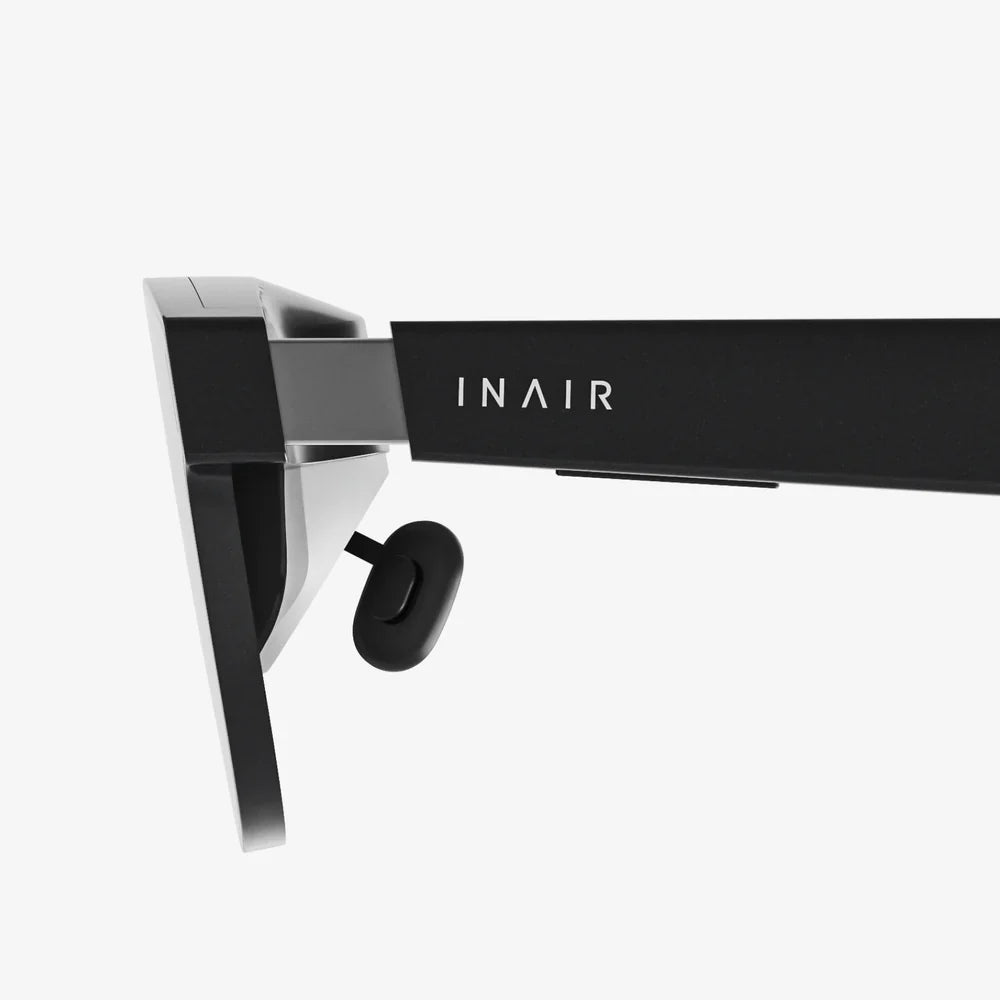
Imagine slipping on a headset and instantly transporting yourself to a front-row concert seat, a strategic battlefield command center, or the surface of a distant planet—all powered by the smartphone in your pocket. The quest for the best VR device for Android is not just about finding a piece of hardware; it's about unlocking a portal to limitless experiences, and it all starts with making the right choice for your digital adventures.
Understanding the Android VR Landscape
The world of virtual reality for Android users is diverse and constantly evolving. Unlike closed ecosystems, the Android VR space thrives on flexibility and choice. The core concept revolves around leveraging the powerful processor, high-resolution display, and sophisticated sensors already embedded in a modern Android smartphone. A VR headset, in this context, acts as an advanced housing unit—providing the lenses, structural design, and often additional controllers to transform your phone into an immersive window to virtual worlds.
This approach offers a remarkably low barrier to entry. Instead of investing in a system with a dedicated, integrated computer, you utilize a device you already own. The best VR device for Android will seamlessly bridge the gap between your phone's capabilities and a comfortable, engaging user experience. It's a symphony of hardware and software, where the headset's design must complement the phone's technological prowess.
Key Specifications to Scrutinize
Choosing the right device requires a keen eye for specifications that directly impact immersion and comfort. Overlooking these can lead to a subpar experience, regardless of your phone's quality.
Field of View (FoV)
Measured in degrees, the Field of View is arguably the most critical spec for immersion. It determines how much of the virtual world you can see without turning your head. A narrow FoV feels like looking through binoculars, constantly reminding you that you're wearing a headset. The best VR device for Android will typically offer an FoV between 90 and 110 degrees, which is widely considered the sweet spot for achieving a convincing sense of presence without requiring excessively large and heavy lenses.
Lens Quality and Adjustability
The lenses are your eyes into the VR world. High-quality, precision-ground lenses are essential to minimize visual artifacts like god rays (scattered light effects) and chromatic aberration (color fringing). Furthermore, look for devices with adjustable lenses. Two key adjustments are non-negotiable:
- Interpupillary Distance (IPD) Adjustment: This allows you to physically move the lenses closer together or further apart to match the distance between your eyes. Proper IPD alignment is crucial for visual clarity and preventing eye strain.
- Focus Adjustment (Diopter): Some higher-end mobile headsets include a dial for each eye to adjust focus, effectively acting as built-in glasses. This is a game-changer for users with mild to moderate nearsightedness or farsightedness, allowing them to experience VR clearly without wearing their glasses inside the headset.
Comfort and Ergonomics
You can have the most technologically advanced headset in the world, but if it's uncomfortable, you won't use it. The best VR device for Android must be designed for extended wear. Look for a wide, padded head strap that distributes weight evenly across your head, not just your face. Padding around the faceplate should be made of a breathable, hypoallergenic material like foam or leatherette to absorb sweat and remain comfortable. Weight is also a major factor; a lighter device will cause less fatigue during long sessions.
Phone Compatibility and Cooling
Not all headsets fit all phones. You must ensure the device you choose has a large enough compartment to house your specific Android model. Furthermore, running high-end VR experiences is computationally intensive and can cause your phone to heat up quickly. Some headsets address this with passive cooling vents or even active cooling fans to prevent thermal throttling, which can cause game stutters and dropped frames, breaking immersion.
The Controller: Your Wand in the Virtual World
While some simple VR experiences can be navigated with a headset-mounted button or by gazing at menus, a dedicated motion controller is essential for full interaction. The best VR device for Android will come bundled with a competent controller, or be explicitly compatible with one. A good VR controller should feature:
- Multi-degree-of-freedom (3DoF or 6DoF) tracking.
- Ergonomic design that feels natural in the hand.
- A touchpad, analog stick, or trackpad for navigation.
- Trigger and bumper buttons for interactions.
- Haptic feedback for a greater sense of tactile immersion.
The difference between using a controller and not using one is the difference between watching a movie and being the protagonist in it.
Software and Content: The Soul of the Experience
A headset is merely a vessel; the content is the journey. The value of any VR device is inextricably linked to the platform and library it can access. For Android users, this primarily means the Google Play Store and services like YouTube VR. However, the landscape has shifted significantly.
While the dedicated Daydream platform has been discontinued, a vibrant ecosystem of VR apps and games remains accessible. The best VR device for Android will grant you access to a wide array of experiences, including:
- Immersive Games: From rhythm games like Beat Saber (via sideloading) to space adventures and puzzle games.
- 360-Degree Videos and Movies: Platforms like YouTube VR offer a vast library of immersive content, from documentaries to music videos.
- Educational and Experiences: Explore the human body, visit ancient Rome, or stand on Mars through dedicated educational apps.
- Social VR: Platforms like VRChat (via Steam Link and a capable PC) can offer social experiences, though this often requires a more complex setup.
It's vital to manage expectations. The graphical fidelity and complexity of experiences on standalone Android VR will not match that of a tethered PC VR or all-in-one headset. The focus is on accessibility, convenience, and a still-impressive level of immersion.
Advanced Considerations: Beyond the Basics
For the enthusiast, several advanced features can elevate a good headset to a great one.
Inside-Out Positional Tracking
Traditional mobile VR relies on rotational tracking (3DoF)—you can look around, but you can't lean in or move around in the virtual space. The holy grail is inside-out positional tracking (6DoF), where cameras on the headset itself track its position in the real world, allowing you to walk around and interact physically. While rare and more complex in the mobile VR space, some innovative headsets are beginning to incorporate this technology, blurring the line between mobile and standalone VR.
PC VR Streaming
Some Android VR headsets can double as a display for PC VR content. Using applications like ALVR or Riftcat, you can stream experiences from a powerful gaming PC to your headset over a local Wi-Fi network. This effectively transforms your mobile headset into a wireless PC VR headset, opening the door to the vast libraries of SteamVR and the Oculus Rift platform. Performance is highly dependent on your local network quality, but it represents an incredible value-add for the right user.
Setting Up for Success: A User's Guide
Once you've selected your device, proper setup is key to the optimal experience.
- Clean Your Phone's Screen: Any smudges or dust will be magnified by the lenses.
- Calibrate Thoroughly: Don't skip the IPD and focus adjustment steps. Take your time to get it perfect.
- Ensure a Stable Wi-Fi Connection: For downloading apps and streaming content, a strong connection is vital.
- Manage Your Phone's Performance: Close background apps before launching a VR experience to free up RAM and CPU cycles.
- Consider Your Environment: Use VR in a safe, clear space to avoid bumping into furniture.
The Future of Android-Powered VR
The trajectory of mobile VR is fascinating. While the market for dedicated phone-based viewers has cooled somewhat with the rise of all-in-one headsets, the sheer ubiquity of powerful Android smartphones ensures the category remains relevant. Future developments may include deeper integration with cloud gaming services, reducing the processing burden on the phone itself, and more advanced headsets with wider FoV and better tracking that continue to leverage the phone's core components. The philosophy remains powerful: democratizing VR by utilizing the computer everyone carries in their pocket.
Your Android phone is a pocket-sized powerhouse waiting to show you new worlds. The right headset doesn't just hold it; it transforms it, turning a rectangle of glass and metal into a gateway. The journey to find your perfect portal is about matching ambitious technology with thoughtful design, ensuring your first step into virtual reality is as breathtaking as the worlds you're about to explore.
Share:
How Do You Use a VR Headset: The Ultimate Beginner's Setup and Immersion Guide
Best VR Headset Under 10000: Your Ultimate Guide to Premium Immersion on a Budget