


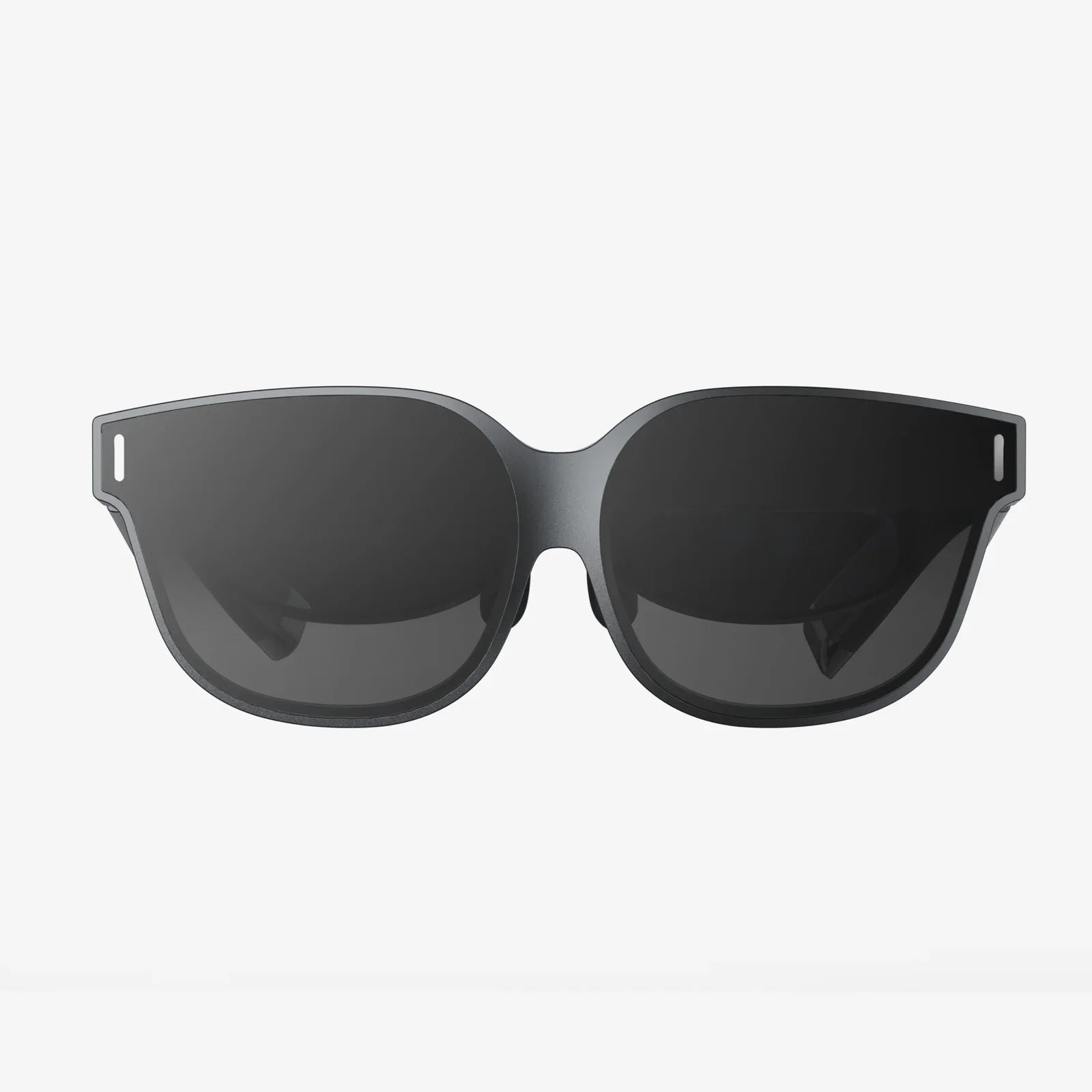
Imagine holding a portal to another dimension in your pocket. Your iPhone 8, a device you use for calls, photos, and social media, is secretly a powerful key to unlocking breathtaking virtual worlds, and all you need is the right headset to turn that potential into reality. The quest for the best VR for iPhone 8 isn't just about a piece of hardware; it's about discovering the perfect bridge between the advanced technology you already own and the immersive experiences you've been missing. This journey will transform how you view entertainment, education, and connection, all through the lens of your smartphone.
Understanding the iPhone 8's VR Capabilities
Before diving into headset options, it's crucial to appreciate the engine driving your virtual adventures. The iPhone 8, while not the latest model, remains a surprisingly capable VR device thanks to its robust internal hardware.
The Power Within: A12 Bionic Chip (and why it matters for VR)
While the iPhone 8 originally shipped with the A11 Bionic chip, it's important to clarify for users that this is the processor we're referencing. This chip is the workhorse of your VR experience. It handles the intense graphical rendering required to create smooth, believable virtual environments. Its hexa-core CPU and three-core GPU ensure that the complex computations needed for head tracking and displaying dual images (one for each eye) happen seamlessly without noticeable lag, which is the primary culprit for VR-induced motion sickness. This processing power means your iPhone 8 can handle a wide array of VR applications and 360-degree videos without breaking a sweat.
The Window to Another World: Display and Resolution
The iPhone 8 features a sharp 4.7-inch Retina HD display with a resolution of 1334 x 750 pixels. In the world of VR, resolution is paramount. A higher pixel density directly translates to a clearer, more immersive image and reduces the "screen door effect"—that faint grid-like pattern that can sometimes be seen when pixels are visible to the naked eye. While newer phones boast higher resolutions, the iPhone 8's display is more than adequate for a compelling and comfortable mobile VR experience, offering vibrant colors and sufficient detail to sell the illusion.
The Magic of Movement: Gyroscope and Accelerometer
Perhaps the most critical components for VR are the motion sensors. The iPhone 8's advanced gyroscope and accelerometer work in tandem to precisely track your head movements in real-time. When you turn your head left, the virtual world responds instantly. When you look down, the perspective shifts exactly as it should. This precise, low-latency tracking is what sells the brain on the reality of the virtual space. It's the difference between watching a video and feeling like you're actually there.
Key Features to Look for in a VR Headset
Not all headsets are created equal. Selecting the best VR for iPhone 8 means finding a model that complements your phone's strengths and mitigates any limitations.
Field of View (FOV): Expanding Your Horizon
Field of View is the extent of the observable world you can see at any given moment, measured in degrees. A wider FOV, typically between 90 and 110 degrees for mobile headsets, means a more immersive experience where the virtual world fills your vision, reducing the perception of looking through a pair of binoculars. When researching, prioritize headsets that offer a FOV on the higher end of this spectrum to maximize the feeling of presence.
Lens Quality: The Heart of the Clarity
The lenses are arguably the most important part of any headset. They are responsible for focusing the image from your phone's screen and creating the 3D stereoscopic effect. High-quality, precision-ground lenses made from optical-grade materials will provide a sharper, clearer image with minimal distortion around the edges (a common issue known as the "god ray" effect). Aspherical lenses are often a mark of quality, as they are designed to eliminate this distortion. Avoid headsets with cheap, plastic lenses that can easily scratch and degrade the visual experience.
Comfort and Ergonomics: For Long-Lasting Exploration
Immersion breaks the moment discomfort sets in. The best VR headset for you is one you can wear for more than a few minutes. Key comfort features to look for include:
- Adjustable Head Straps: A sturdy, padded, and adjustable triple-strap system (over the top and on both sides) distributes weight evenly across your head, relieving pressure on your face.
- Padded Face Interface: Soft, breathable foam or hygienic leather-style padding around the eyes creates a light seal against your face without being oppressive. Removable and washable padding is a significant bonus.
- Weight Distribution: A well-designed headset balances the weight of your phone to avoid neck strain.
iPhone 8 Specific Fit: A Snug and Secure Home
Ensure the headset you choose has an adjustable phone tray or clamping mechanism that securely holds an iPhone 8. It should be easy to insert and remove your phone without fear of scratching it or having it fall out. The headset must also provide easy access to the phone's ports, allowing you to use headphones for immersive audio and, potentially, to keep the device charged during longer sessions.
Exploring the Types of VR Headsets Available
The market for mobile VR is diverse, offering solutions for every type of user, from the curious beginner to the dedicated enthusiast.
The All-in-One Simplicity: Basic Cardboard & Plastic Viewers
These are the most affordable entry points into VR. They range from literal folded cardboard viewers to simple plastic shells. They typically lack adjustable straps (you must hold them to your face) and advanced features like adjustable lenses or focus dials. While a fun and inexpensive way to sample 360-degree videos and simple apps, they often suffer from poor comfort, lens quality, and a limited field of view. They are a starting point, but not the destination for someone seeking the best experience.
The Gold Standard: Tethered Universal Headsets
This category represents the sweet spot for most iPhone 8 users seeking a high-quality VR experience. These are robust, standalone headsets constructed from durable materials like high-grade plastic and metal. They feature:
- Comfortable, adjustable head straps.
- High-quality optical lenses with adjustable IPD (Interpupillary Distance) dials to match the space between your eyes for a clearer image.
- Precise head tracking using your phone's sensors.
- A universal phone tray that securely holds devices of various sizes, including the iPhone 8.
These headsets provide the foundation for a truly immersive and comfortable experience without the need for external sensors or additional hardware.
The Future is Here: Standalone VR Systems (and their limits for iPhone)
Standalone headsets have their own built-in displays, processors, and batteries. They are a completely all-in-one solution that does not require a phone or a powerful computer. While these systems represent the cutting edge of convenience and performance in mobile VR, they operate as their own independent ecosystem. They are not designed to work with an iPhone 8; you cannot slot your phone into them. Therefore, while fantastic devices in their own right, they fall outside the scope of this guide focused on headsets that utilize the iPhone 8.
Top Considerations Before You Buy
Making an informed decision involves more than just comparing specs. Consider these practical aspects of the mobile VR experience.
Content Library: The App Store's VR Offerings
Your experience is only as good as the content you can access. Explore the App Store for VR-compatible apps before you buy. Search for terms like "VR," "cardboard," and "360 video." You'll find a variety of content, including:
- 360-Degree Videos: Explore travel destinations, witness news events, or watch music videos as if you were on set.
- VR Games: From simple rollercoaster simulators to more involved puzzle and adventure games.
- Experiential Apps: Virtual tours of museums, architectural walkthroughs, educational apps that let you explore the human body or the solar system.
While the library may not be as vast as on dedicated PC VR platforms, there is more than enough compelling content to justify the investment.
Battery Life and Performance
VR is a demanding activity. Running high-frame-rate graphics and powering the sensors continuously will drain your iPhone 8's battery significantly faster than normal use. It's advisable to start your VR sessions with a fully charged battery. For extended use, consider a headset that allows you to plug in a charging cable, or use a high-capacity external battery pack. You may also notice your phone getting warm; this is normal under heavy processing load but is something to be aware of.
Setting Realistic Expectations: Mobile VR vs. High-End PC VR
It is vital to understand the context. The VR experience on an iPhone 8, while impressive, is not the same as a multi-thousand-dollar PC-powered VR system. The graphical fidelity, the complexity of the experiences, and the inclusion of advanced motion controllers are on different levels. Mobile VR is best thought of as a fantastic portal to immersive media, casual games, and stunning visual experiences. It is a more accessible, affordable, and convenient form of VR that trades ultimate performance for versatility and ease of use. Manage your expectations accordingly, and you will be blown away by what your phone can do.
Maximizing Your iPhone 8 VR Experience
Once you have your headset, a few simple tips will ensure you get the most out of every virtual journey.
Essential VR Apps to Download First
Jumpstart your library with these types of apps:
- YouTube: A treasure trove of 360-degree videos on every topic imaginable.
- Within (formerly Vrse): Features a curated collection of high-quality VR storytelling and short films.
- Google Street View: Embark on a virtual walking tour of almost anywhere on Earth.
- Fulldive VR: A platform that aggregates VR content, a web browser, and social media into one app.
- InCell VR: A fun, arcade-style racing game that beautifully demonstrates the potential of mobile VR.
Creating the Perfect Environment
Your physical space impacts your virtual one. Ensure you have:
- A Clear Play Area: Swing your arms and turn around without hitting anything. A swivel chair is ideal for seated experiences.
- Good Lighting: Avoid direct sunlight on your headset or phone, but ensure the room is well-lit enough for the headset's sensors to work optimally if it uses external cameras (though most iPhone-compatible ones do not).
- Headphones: For true immersion, a good pair of headphones is non-negotiable. Spatial audio is a key part of selling the virtual reality.
Combatting Motion Sickness: Tips for New Users
If you feel queasy, you're not alone. Ease into VR with these tips:
- Start Short: Begin with 5-10 minute sessions and gradually increase your time.
- Choose Stable Experiences: Start with stationary content (like 360 videos) before moving to games with full locomotion.
- Take Breaks: The moment you feel discomfort, stop immediately. Don't try to "power through" it.
- Use a Fan: Having a gentle breeze from a fan can help provide a spatial anchor and reduce nausea.
Your iPhone 8 is waiting to become so much more than a communication device. It's a cinema, a time machine, a spaceship cockpit, and a gateway to the farthest reaches of human imagination. The right VR headset doesn't just accessorize your phone; it redefines it, transforming familiar glass and metal into a looking glass for wonders unseen. The perfect immersive adventure isn't a distant dream—it's waiting in your pocket, ready for you to take the leap and look a little closer.
Share:
VR Headset Adjustment: The Ultimate Guide to Unlocking Perfect Immersion and Ending Discomfort
What Can I Watch With VR Headset - The Ultimate Guide to Immersive Entertainment