


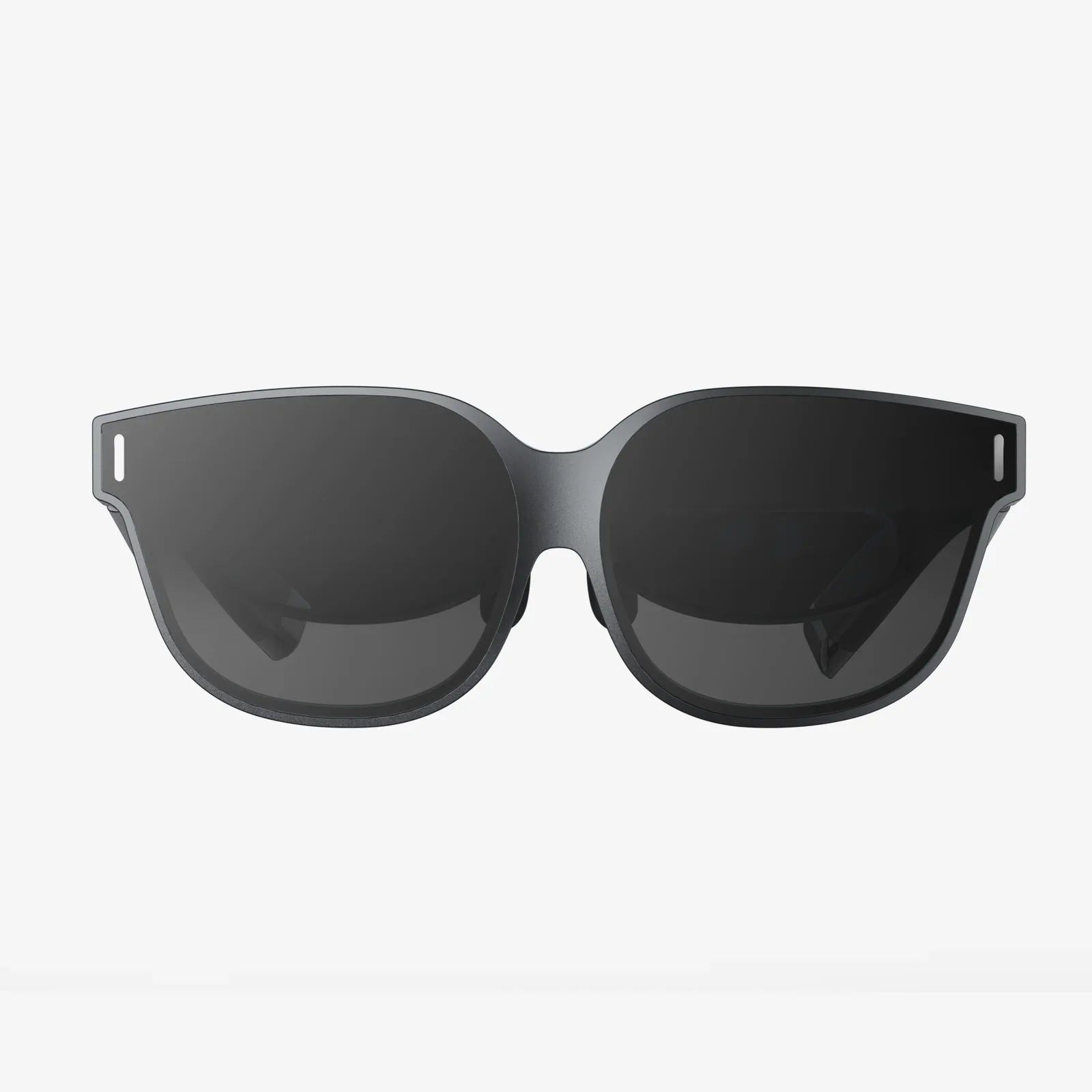
Imagine slipping into a breathtaking virtual world, exploring distant planets, sitting courtside at a championship game, or walking through ancient ruins—all powered by the device already in your pocket. For owners of more compact smartphones, the dream of high-quality virtual reality often feels just out of reach, dominated by talk of larger screens and dedicated gaming rigs. But what if the key to an incredible VR experience isn't a bigger phone, but the right headset? The quest for the best VR headset for a 5-inch phone isn't about settling for less; it's about finding the perfect bridge between portability and immersion, creating a personal theater that transforms your compact screen into a gateway to other dimensions. This isn't a compromise—it's a strategic choice for savvy users who value convenience without sacrificing adventure.
Why a 5-Inch Phone is a Secret Weapon in Mobile VR
While the trend has been toward larger smartphone displays, the 5-inch form factor holds unique advantages in the VR space that are often overlooked. The most significant benefit is pixel density. Packing a high-resolution display into a smaller screen area means the pixels per inch (PPI) are typically much higher than on a larger phone with the same resolution. This results in a noticeably sharper and clearer image within the headset, reducing the "screen door effect"—that faint grid of lines users see when the pixels are perceptible. For VR, where the display is magnified right before your eyes, this enhanced clarity is a massive win.
Furthermore, a smaller phone is almost always a lighter phone. When mounted directly on your face, every ounce counts. A lighter handset reduces the overall weight and front-heaviness of the VR headset, leading to significantly improved comfort during extended play or viewing sessions. This reduced strain on your neck and face means you can enjoy immersive content longer without fatigue. The compact size also makes these phones ideal for younger users or those with smaller facial structures, ensuring a more secure and comfortable fit.
Decoding the Specs: What Truly Matters for Your Phone
Not all VR headsets are created equal, especially when your hardware has specific dimensions. When searching for the ideal companion for your 5-inch device, you must look beyond the flashy marketing and focus on a few critical technical aspects.
The Crucial Role of Lens Quality and Adjustment
The lenses are the heart of the VR experience. They are responsible for refracting the image from your phone's screen into a believable, wide-angle world. High-quality, precision-ground lenses made from optical-grade materials are non-negotiable. They minimize distortion, chromatic aberration (color fringing), and blurriness around the edges. Look for headsets that offer Interpupillary Distance (IPD) adjustment. This feature allows you to physically shift the lenses closer together or further apart to match the distance between your eyes. Proper IPD alignment is crucial for achieving a single, clear, and comfortable image, preventing eye strain and headaches.
Similarly, Focal Adjustment Dials are a key feature often found on higher-quality mobile headsets. These dials allow you to fine-tune the focus of each lens independently. This is a game-changer for users who wear glasses, as it can often allow them to experience VR clearly without their spectacles, though this varies by individual. Even for those with 20/20 vision, focal adjustments help achieve the absolute sharpest image possible.
Comfort and Build: The Long-Haul Experience
A VR headset can have perfect lenses, but if it's unbearable to wear, it will gather dust on a shelf. Comfort is paramount. Prioritize headsets with a rigid, well-ventilated front plate and a secure, padded head strap system. A rigid structure ensures the headset doesn't flex and lose its alignment with your eyes, while good ventilation prevents the lenses from fogging up during use—a common annoyance with cheaper, sealed units.
The head strap is what bears the weight. A simple elastic or rubber strap might suffice for a five-minute demo, but for real use, a reinforced, adjustable overhead strap with ample padding is essential. It should distribute the weight evenly across your head, not just on the bridge of your nose and your cheeks. Materials matter too; look for soft, hypoallergenic foam padding that is removable and washable for hygiene.
Phone Compatibility and the Perfect Fit
This is the most important factor for a 5-inch phone user. The headset must have an adjustable phone tray or clamping mechanism that can securely hold a smaller device without it wobbling or shifting. A shifting phone instantly ruins immersion and can cause motion blur. The ideal mechanism will have spring-loaded or adjustable arms that can center phones of various sizes. Ensure that the headset provides clear access to the phone's ports, allowing you to plug in headphones for immersive audio and a power cable for extended sessions.
Setting Up for Success: A Flawless VR Experience
Finding the right headset is only half the battle. Proper setup is what transforms a good experience into a great one.
- Clean Your Screen: Every smudge and fingerprint will be magnified. Start with a perfectly clean display.
- Center and Secure: Carefully place your phone in the tray, using any guides to ensure it is perfectly centered horizontally and vertically. Any misalignment will create a skewed world.
- Calibrate Your Sensors: Most VR apps will have a calibration tool. Use it. This ensures the gyroscope and accelerometer in your phone are perfectly synced with the software.
- Adjust for Your Eyes: Take your time with the IPD and focal adjustments. Move the sliders slowly until the image is sharp and singular across the entire field of view.
- Manage Your Cables: Route your headphone cable behind you or to the side to avoid tangling. Consider a short, right-angled aux cable to minimize bulk.
- Optimize Performance: Before launching a VR app, close all other background applications on your phone. VR is resource-intensive and needs all the processing power and RAM it can get for a smooth, lag-free experience.
The Content Universe: What to Watch and Play
Your headset is a portal, but the content is the destination. The mobile VR ecosystem is rich with experiences perfectly suited for a 5-inch screen.
Must-Have Applications and Platforms
Begin your journey by downloading the cornerstone platforms. YouTube VR offers a staggering library of 360-degree videos, from music concerts and travel documentaries to user-generated content. Within (formerly Vrse) is a hub for high-quality, narrative-driven VR experiences and short films. For gaming, the Google Play Store and Oculus Mobile Store (if your headset supports it) are the primary sources. Many classic VR titles have been optimized to run beautifully on a range of hardware, including phones with smaller screens.
Top Game Genres for Mobile VR
Certain genres excel in the mobile VR environment. Puzzle games and escape rooms are fantastic, as they are often less about frantic movement and more about immersive problem-solving. Rail shooters and wave-based arena games are also excellent choices, as they provide intense action without requiring complex locomotion controls that can sometimes lead to discomfort on mobile hardware. Experiential apps—like those that let you meditate on a mountain peak, explore the human body, or tour a famous museum—are where mobile VR truly shines, offering incredible value and wonder.
Experiencing 2D Content in a New Way
Don't underestimate the power of your headset as a personal cinema. Using apps like Skybox VR Player or Bigscreen, you can watch your own movies, Netflix, or any other 2D content on a virtual massive screen. For a 5-inch phone user, this is one of the most practical and impressive applications. You're effectively creating a private IMAX theater from your pocket, with a perceived screen size that dwarfs any physical television you could own.
Beyond the Purchase: Maintaining Your VR Gear
To ensure your headset provides enjoyment for years to come, a little maintenance goes a long way. Always store the headset in a cool, dry place, away from direct sunlight. The lenses are incredibly sensitive; never clean them with abrasive cloths or harsh chemicals. Use only the included microfiber cloth or one designed for delicate optics. Gently brush away any dust particles before wiping to avoid scratching. If the padding becomes soiled, remove it (if possible) and clean it with a mild soap and water solution, ensuring it is completely dry before reattaching.
Navigating the Trade-Offs: The Mobile VR Reality
It's important to approach mobile VR with realistic expectations. While a fantastic and accessible entry point into virtual reality, it operates within the constraints of your phone's hardware. You won't get the same graphical fidelity or processing power as a dedicated, high-end PC-powered headset. Battery life can be a concern, as running VR apps is one of the most demanding tasks for a smartphone. Planning for extended sessions usually means having a external power bank connected. Additionally, while the library of content is vast and growing, it is different from the ecosystem of tethered VR systems. However, for ease of use, affordability, and sheer convenience, a headset designed for your 5-inch phone offers an unparalleled gateway into virtual worlds.
The journey to find the best VR headset for a 5-inch phone is a quest for harmony—a perfect marriage of cutting-edge optical engineering and the powerful mini-computer you already own. It’s about rejecting the notion that bigger is always better and instead embracing the intelligent design that turns a compact device into your ticket to explore the outer limits of imagination. The ideal headset is out there, waiting to unlock a universe of experiences you never thought possible from a device that fits so perfectly in the palm of your hand. Your front-row seat to other worlds is now within reach, and the view has never been sharper.
Share:
What Type of Charger Does a VR Headset Use - A Complete Power Guide
What Is AR In iPhone X: A Comprehensive Guide To The Augmented Revolution In Your Pocket