


- by wangfred
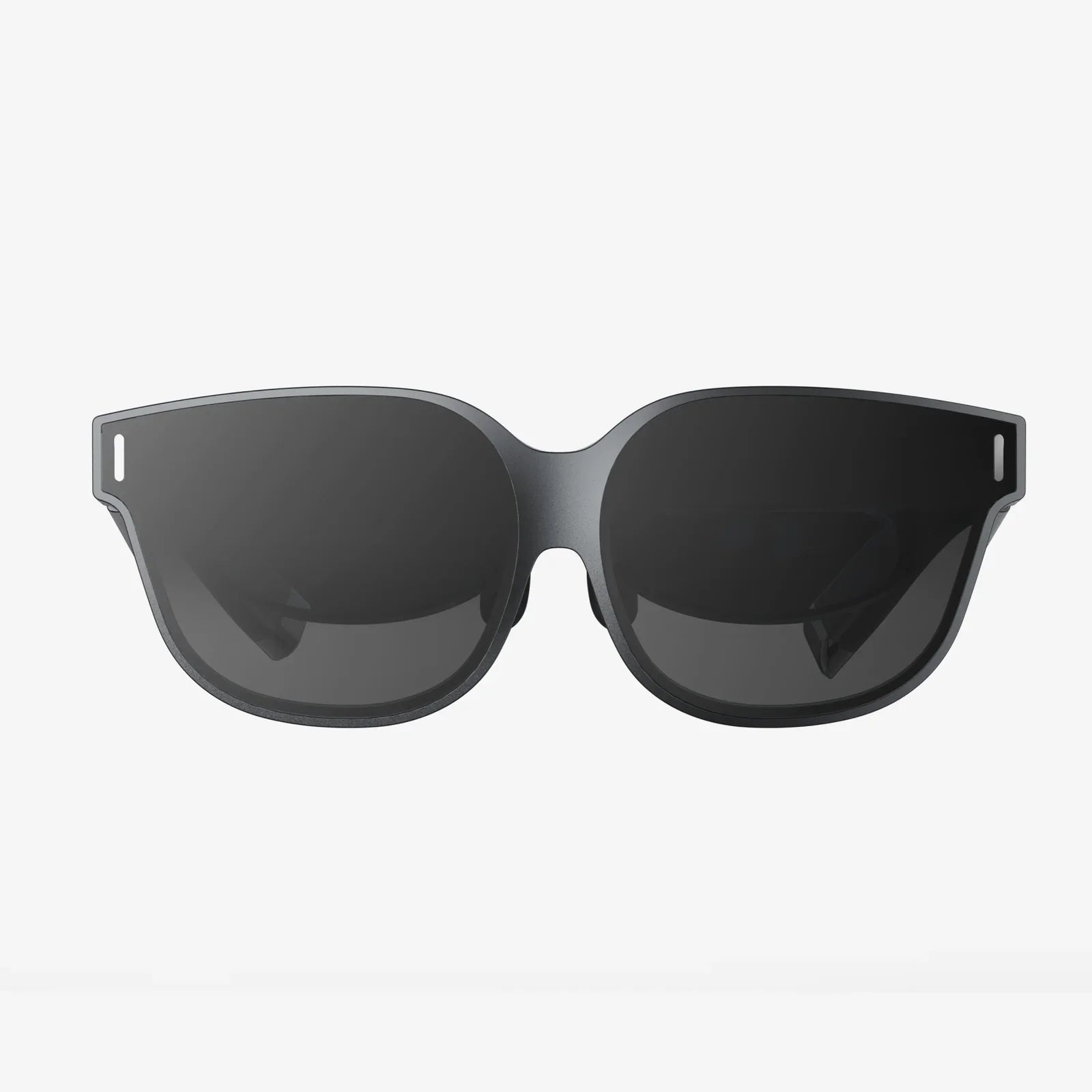
Best VR Headset for iPhone 11 - Your Ultimate Immersive Companion
- by wangfred
Imagine holding a portal to another dimension in your pocket. It sounds like science fiction, but if you own an iPhone 11, you are already halfway there. The quest for the best VR headset for your iPhone 11 is about more than just buying a piece of hardware; it's about unlocking a universe of immersive experiences, from heart-pounding games to awe-inspiring virtual tours, all powered by the powerful technology you already own. The right headset doesn't just hold your phone—it transforms it, turning the familiar screen into a window to limitless possibilities. This journey will guide you through everything you need to know to find your perfect virtual reality companion.
The iPhone 11, upon its release, was a significant leap forward in smartphone technology. Its capabilities are more than sufficient to deliver a compelling and high-quality mobile VR experience. When evaluating a VR headset, the phone's specifications are paramount.
The standout feature for VR is the iPhone 11's stunning Liquid Retina HD display. With a resolution of 828 x 1792 pixels and a pixel density of 326 ppi, it offers crisp and vibrant visuals. While newer models boast higher resolutions like OLED, the iPhone 11's LCD is more than capable, providing excellent color accuracy and brightness, which are crucial for maintaining immersion and reducing the screen-door effect (where you can see the lines between pixels).
Under the hood, the A13 Bionic chip is the workhorse. This processor was a monster in its time and remains incredibly powerful for VR applications. It efficiently handles the complex rendering required for stereoscopic 3D visuals, ensuring smooth frame rates. A high and stable frame rate, ideally 60fps or higher, is critical to prevent motion sickness and provide a comfortable experience. The A13 Bionic's neural engine also aids in advanced tracking and immersive AR experiences that often blend with VR.
Not all headsets are created equal. Selecting the right one involves understanding which features directly impact your comfort and enjoyment.
This is arguably the most important factor. The lenses are your window into the virtual world. Look for headsets that feature high-quality, adjustable Fresnel lenses or similar advanced optical systems. Key attributes include:
If a headset is uncomfortable, you won't use it, no matter how good the visuals are. Comfort is a multi-faceted feature.
The headset must securely hold your iPhone 11. A spring-loaded or adjustable tray is ideal to ensure a snug fit. The internal compartment should have adequate padding to protect your device from scratches. The overall construction should feel robust and durable, not flimsy or like it might break after a few uses. The headset should also provide easy access to your phone's ports for headphones and charging.
This is a frequently overlooked but critical feature. During active VR sessions, your body heat can cause the lenses to fog up, breaking immersion. Higher-end headsets often incorporate clever venting systems or anti-fog coatings on the lenses to mitigate this issue.
While many mobile VR experiences can be controlled with a simple Bluetooth gamepad or even a headset-mounted button, the gold standard is a dedicated 3-DoF (Degrees of Freedom) or, ideally, a 6-DoF motion controller. A 3-DoF controller tracks rotation (pitch, yaw, roll), which is fine for most media consumption and simpler games. A 6-DoF controller also tracks its position in space, allowing you to reach out and interact with the virtual environment naturally, which is a game-changer for immersion. Ensure the headset you choose is compatible with a robust controller system.
Your iPhone 11 and your new headset are merely the hardware; the software is where the magic happens. The App Store is home to a vast library of VR content.
From thrilling roller coaster simulators and atmospheric horror games to creative puzzles and rhythm games like beat saber clones, the variety is immense. Look for games that are specifically optimized for use with a headset and a controller for the best experience.
Platforms like YouTube host millions of 360-degree videos. You can dive into the ocean, stand on the edge of a volcano, or attend a concert from the front row. The iPhone 11's strong video decoding capabilities ensure these videos play smoothly.
Explore world heritage sites, walk through famous museums, or dissect a virtual frog. Educational VR apps are a powerful way to learn and explore subjects in a deeply engaging way.
While more advanced on dedicated platforms, there are mobile VR apps that allow you to meet friends in a virtual space, watch movies together, or play social games, making it a fantastic tool for connection.
To get the most out of your setup, a little preparation goes a long way.
It's important to contextualize mobile VR within the wider VR market. Your iPhone 11-based headset falls into the category of "phone-powered" or "mobile VR".
Compared to Standalone VR Headsets: Standalone devices have everything built-in—processors, displays, batteries. They offer a more convenient, all-in-one experience often with superior 6-DoF tracking for both head and controllers. However, they represent another ecosystem and expense. A phone-powered headset leverages your existing hardware, making it a much more affordable entry point into VR.
Compared to PC-Powered VR Headsets: High-end PCVR offers the absolute pinnacle of visual fidelity, complexity, and interaction. The experiences are unparalleled but come with a significantly higher cost for the headset and the powerful computer required to run it. Mobile VR is a casual, accessible alternative.
Choosing a headset for your iPhone 11 is about embracing accessibility and convenience. It's the perfect way to dip your toes into the waters of virtual reality without a major financial commitment.
When you select a headset, think about its longevity. A well-built headset with universal compatibility and adjustable components will not only serve your iPhone 11 well but could also accommodate a future smartphone upgrade, protecting your investment for years to come.
The journey to find the best VR headset for your iPhone 11 is a thrilling one. It’s a decision that hinges on a blend of superior comfort, crystal-clear optics, and seamless integration with the powerful hardware in your pocket. By prioritizing these elements, you’re not just choosing an accessory; you’re selecting a key—a key that will unlock breathtaking worlds, redefine mobile entertainment, and transform your perception of what your iPhone 11 can truly do. Your next great adventure is waiting, just a click away.
Share:
How Old for VR Headset: A Comprehensive Guide to Age, Safety, and Virtual Worlds
Android VR Headset: Your Portal to Immersive Digital Worlds