


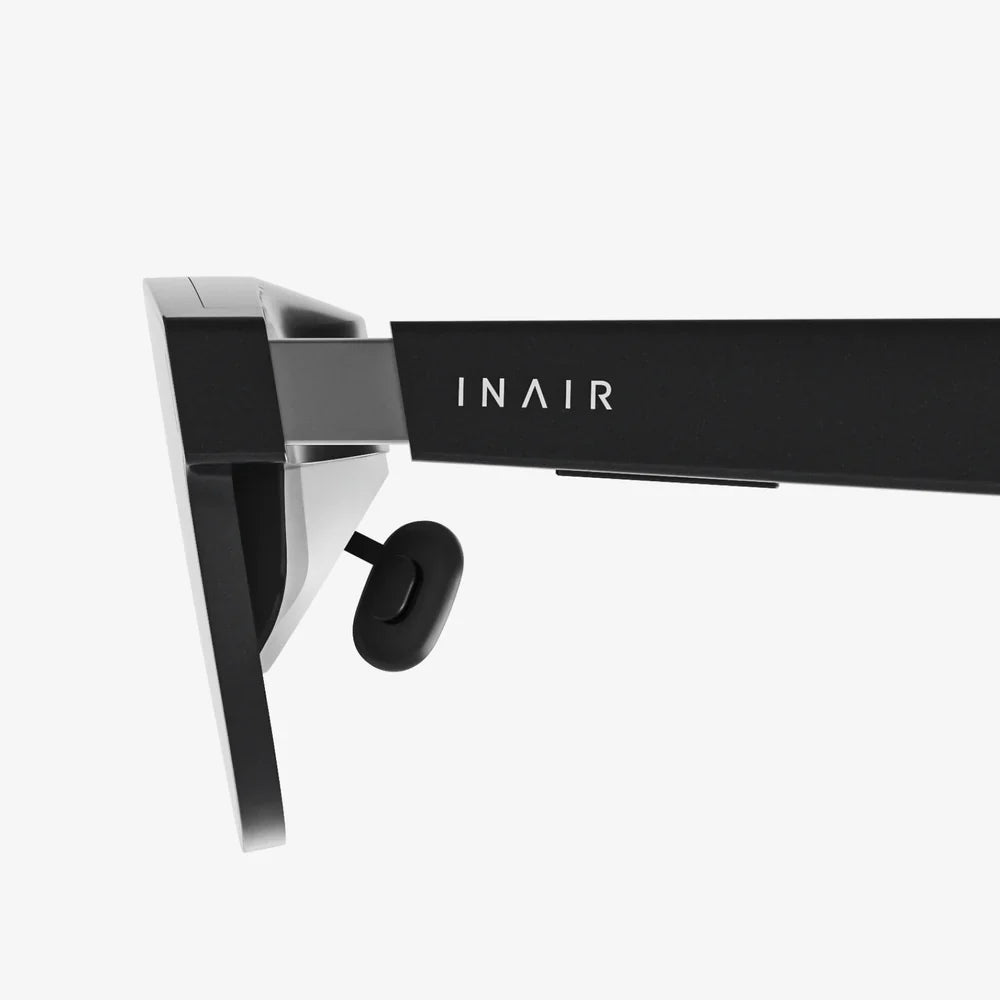
Imagine holding a portal to another dimension in your pocket. Your iPhone 13 Pro, a marvel of modern engineering, is more than just a communication device; it's a gateway to immersive virtual worlds, breathtaking 360-degree films, and interactive experiences that defy reality. But to unlock this potential, you need the perfect vessel—a companion that transforms your powerful smartphone into a window to the extraordinary. The quest for the best VR headset for your iPhone 13 Pro is not just about finding a holder; it's about discovering a key to a universe of unparalleled digital immersion.
Why Your iPhone 13 Pro is a Mobile VR Powerhouse
Before diving into the headset itself, it's crucial to understand the raw potential you already possess. The iPhone 13 Pro isn't just any smartphone; it's arguably one of the most capable mobile VR platforms ever created, thanks to a suite of cutting-edge hardware.
The A15 Bionic Chip: This is the brains of the operation. VR is intensely demanding, requiring the simultaneous rendering of two high-resolution images (one for each eye) at a high, stable frame rate to prevent motion sickness. The 5-core GPU within the A15 Bionic provides the graphical horsepower necessary to run sophisticated VR applications and games smoothly, delivering a seamless and comfortable experience that less powerful phones simply cannot match.
The Super Retina XDR Display with ProMotion: This is your viewport into the virtual world. With a sharp resolution and incredible color accuracy, the display ensures virtual environments are vibrant and detailed. The game-changing feature, however, is ProMotion, which offers adaptive refresh rates up to 120Hz. This buttery-smooth motion is critical for VR, drastically reducing latency and the judder that can break immersion and cause discomfort. It makes movements feel more natural and real.
Precise Sensors: The iPhone 13 Pro is packed with a gyroscope, accelerometer, and a sophisticated array of LiDAR and other sensors. These components are essential for head-tracking, allowing the VR system to accurately translate your physical head movements into the virtual space with minimal delay. This precise tracking is the foundation of a believable and interactive VR experience.
Defining the "Best" VR Headset for Your Device
The "best" headset is subjective and depends heavily on your intended use, comfort preferences, and budget. However, several universal criteria separate the exceptional from the mediocre when paired with an iPhone 13 Pro.
Superior Optical Quality and Lens Clarity: The lenses are perhaps the most important part of the headset after the phone itself. High-quality, multi-element lenses with anti-reflective coatings are essential to minimize the "screen door effect" (seeing the gaps between pixels), reduce god rays (lens flare), and provide a clear, edge-to-edge picture. They must also offer precise focus and, ideally, adjustable interpupillary distance (IPD) to align with your eyes for a sharper image.
Perfect Fit and Form Factor: Comfort is king in VR. A headset must distribute weight evenly to avoid pressure on your face, especially during extended use. Ample padding, a secure and adjustable head strap (preferably an over-the-head halo design), and balanced ergonomics are non-negotiable. It should feel like a wearable, not a burden.
Seamless Integration and Ventilation: The design must accommodate the specific dimensions and camera array of the iPhone 13 Pro without obstructing lenses or buttons. Furthermore, a good design allows for adequate airflow to prevent the phone from overheating during intensive VR sessions, which can throttle performance and shut down apps.
Intuitive Controls and Input Methods: While many mobile VR experiences are controlled by gazing or through a Bluetooth gamepad, the best headsets often feature integrated control systems or are compatible with advanced external controllers for more immersive interaction.
Exploring the Types of Mobile VR Headsets
The market primarily offers two distinct approaches to mobile VR, each with its own pros and cons.
1. The All-in-One Universal Holder
This is the most common and accessible type. It's essentially a sophisticated shell with lenses and a head strap. You provide the smartphone and the processing power.
Pros:
- Cost-Effective: Significantly cheaper than standalone VR systems.
- Accessible: Leverages the powerful hardware you already own.
- Versatile: Once you remove your phone, it's a phone again.
- Large Content Library: Access to app stores filled with VR games, experiences, and 360° videos.
Cons:
- Battery Drain: VR apps are power-hungry and will deplete your phone's battery quickly.
- Potential for Overheating: Demanding apps can cause the phone to get warm.
- Setup Required: You need to insert and align your phone for each use.
2. The Advanced Modular System
This category represents a higher tier of mobile VR. These headsets often include additional hardware that interfaces with the phone, such as external sensors for superior positional tracking, dedicated controllers, and advanced cooling systems.
Pros:
- Enhanced Tracking: Offers room-scale or superior positional tracking compared to basic gyroscope-based systems.
- Deeper Immersion: Often comes with dedicated motion controllers for hand presence.
- Premium Build and Features: Higher-quality materials, better optics, and comfort-focused designs.
Cons:
- Higher Price Point: A significant investment beyond simple holders.
- Complexity: May require more involved setup and calibration.
- Less Portability: Often bulkier and less travel-friendly.
Must-Have Features for the iPhone 13 Pro Owner
Given your device's unique capabilities, you should insist on a headset that doesn't hold it back.
- Precise Fit for Camera Module: The iPhone 13 Pro's prominent camera bump is a key design consideration. The headset must have a deep enough phone bay or a clever design to accommodate it without applying pressure or compromising alignment with the headset's lenses.
- Support for High Refresh Rates: The headset's design and the apps you use must be capable of leveraging the 120Hz ProMotion display. This is a killer feature for smoothness and must not be wasted.
- Magnetic or Secure Latches: The mechanism for holding your valuable phone must be incredibly secure, yet easy to use. Magnetic clasps are often preferred for their simplicity and reliability.
- Expandable and Future-Proof Design: Some systems allow for add-ons like external tracking sensors or improved straps. This modularity can extend the life of your headset investment.
The World of Content Awaits: What Can You Actually Do?
Owning the hardware is just the beginning. The true magic lies in the experiences.
Gaming: From thrilling roller coaster simulators and puzzle games that surround you to more advanced titles that utilize a Bluetooth controller for action and exploration. The App Store is filled with experiences that range from casual to surprisingly deep.
Cinematic Experiences: This is a standout use case. Use your headset as a personal movie theater. Watch traditional films on a giant virtual screen or dive into immersive 180° and 360° videos that place you in the center of the action, from documentaries to music videos.
Educational and Travel: Explore the Louvre, walk on the surface of Mars, or dive into the Great Barrier Reef without leaving your home. VR is an incredible tool for virtual tourism and learning.
Social VR: Join virtual meeting spaces, connect with friends as avatars, and watch videos together in a shared virtual environment, making distance feel insignificant.
Setting Up and Optimizing Your Experience
To get the most out of your setup, follow these tips:
- Close Background Apps: Before launching a VR app, close all other applications to free up RAM and ensure maximum performance for the A15 Bionic chip.
- Enable Airplane Mode: To prevent notifications, calls, and messages from interrupting your immersion, enable Airplane Mode and then manually re-enable Wi-Fi if needed for the app.
- Adjust Brightness Manually: Set your phone's brightness to a comfortable level before inserting it into the headset to save battery and reduce eye strain.
- Clean Your Screen! Any smudges or dust on your iPhone's display will be magnified by the headset's lenses. A microfiber cloth is your best friend.
- Take Regular Breaks: Especially when starting out, limit sessions to 15-30 minutes to acclimatize and avoid eye strain or discomfort.
Looking Ahead: The Future of iPhone-Centric VR
The line between mobile and dedicated VR is blurring. With rumors of a future mixed-reality headset from the same company that makes the iPhone, the ecosystem is poised for growth. The powerful architecture of the iPhone 13 Pro ensures it will remain a relevant and highly capable platform for mobile VR for years to come. Developers continue to push the boundaries of what's possible, creating ever more realistic and interactive experiences that leverage this incredible hardware.
Your journey doesn't end with a purchase; it begins with one. The perfect headset is the one that feels like a natural extension of your iPhone 13 Pro, disappearing from your awareness the moment you strap it on and transport yourself to a concert front row, a spaceship cockpit, or the edge of a fantasy realm. It’s the silent partner that turns raw potential into pure, unforgettable experience, waiting for you to take the first step and dive in.
Share:
My VR Headset Is Blurry: The Ultimate Troubleshooting and Clarity Guide
My VR Headset Is Blurry: The Ultimate Troubleshooting and Clarity Guide