


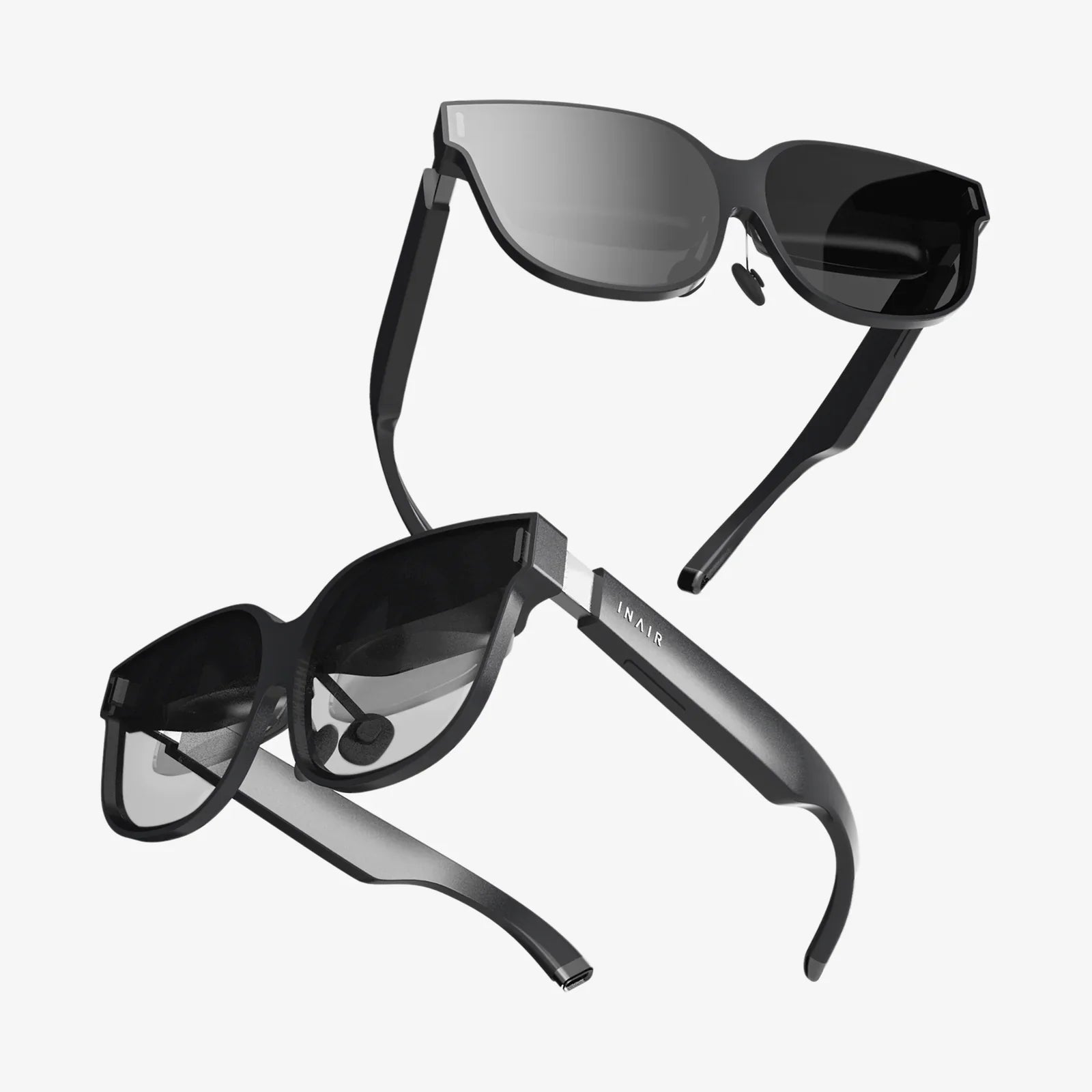
Imagine a workspace unshackled from the physical world, where your monitor real estate is limited only by your ambition. You’re no longer peering at two or three static screens on a desk; you’re standing at the helm of a command center, surrounded by a constellation of browser windows, code editors, and spreadsheets floating seamlessly in a void of your own creation. This isn't a scene from a sci-fi film; it's the tangible reality offered by the best VR headsets for multiple monitors, a technological leap that promises to redefine the very nature of productivity and focus. The journey from a cluttered desk to an infinite digital canvas begins here.
The Allure of the Virtual Workspace: Beyond the Physical Desk
For professionals, creatives, and power users, the quest for more screen space is a never-ending battle. The traditional solution involves purchasing ever-larger monitors or daisy-chaining them together, leading to a desk dominated by bezels, a tangle of cables, and a significant financial investment. The virtual reality alternative shatters these constraints. Instead of being confined to a desk, your workspace becomes portable, private, and profoundly customizable. Whether you're a developer needing to reference documentation while coding, a stock trader monitoring dozens of live feeds, or a content creator editing video alongside source materials, a VR headset can conjure the exact environment you need, anywhere you are.
Key Specifications to Prioritize
Not every headset is created equal for this demanding task. Using a headset for extended productivity sessions is a far cry from playing a thirty-minute game. The wrong choice can lead to eye strain, discomfort, and frustration. Here are the non-negotiable specs to scrutinize.
Display Resolution and Clarity: The Devil is in the Pixels
This is arguably the most critical factor. To read text on virtual monitors for hours, you need a display with exceptionally high resolution and pixel density. A low-resolution screen will result in a "screen door effect" and blurry text, making it impossible to work. Look for headsets that utilize high-end displays, often with a combined resolution approaching or exceeding 4K per eye. This ensures that your virtual screens are sharp, clear, and easy on the eyes, minimizing the fatigue associated with reading in VR.
Lens Quality and Optical Stack
The quality of the lenses is just as important as the panels behind them. Advanced lens designs, such as those using aspherical or pancake elements, provide a larger "sweet spot"—the area where the image is perfectly in focus. This reduces the need to constantly readjust the headset and provides edge-to-edge clarity across your entire field of view, which is essential when you have multiple virtual screens positioned around you.
Comfort and Ergonomics for Extended Wear
You might wear this headset for four, six, or even eight hours at a time. A heavy, front-heavy, or poorly balanced device will cause neck strain and become unbearable. The best headsets for this purpose feature robust, adjustable straps that distribute weight evenly across the head, often with a counterbalance at the back. Swappable facial interfaces and lightweight materials are also key indicators of a headset designed for longevity, not just short bursts of entertainment.
Inside-Out Tracking vs. External Base Stations
For a productivity setup, simplicity is king. Headsets with inside-out tracking use cameras mounted on the device itself to map your environment and track the controllers. This eliminates the need to install external sensors around your room, making the setup process incredibly simple and portable. While systems using external base stations can offer marginally more precise tracking for high-movement gaming, inside-out tracking is more than accurate enough for navigating virtual desktops and is the preferred solution for a clean, cable-free workspace.
The Software That Makes It All Possible
The hardware is only half of the equation. Powerful, intuitive software is what transforms the headset from a gaming peripheral into a professional tool. Several dedicated applications exist to create your virtual office. These programs work by capturing the display output from your physical computer and then rendering them as virtual screens within the VR environment. They allow you to:
- Create Infinite Screens: Spawn as many virtual monitors as your computer's GPU can handle, far exceeding the physical output limits of your graphics card.
- Customize Your Environment: Work in a serene virtual cabin, a minimalist void, or on the bridge of a starship. The backdrop is yours to choose, helping to minimize real-world distractions.
- Resize and Curve Displays: Make a monitor the size of a wall or curve your primary display for a more immersive, panoramic view.
- Integrate Web Browsers and Apps: Some platforms allow you to spawn standalone browser windows or applications directly within VR, independent of your physical PC's desktop.
Weighing the Pros and Cons
Adopting a VR-centric workflow is a paradigm shift, and it's not without its trade-offs.
The Undeniable Advantages
- Unparalleled Screen Real Estate: The primary benefit is obvious: you can have a 3, 5, or 10-screen setup without the cost, space, and power requirements.
- Ultimate Portability and Privacy: Your entire workstation is contained within the headset and your laptop. Work from your couch, a coffee shop, or a hotel room with the same expansive setup. The headset also acts as a privacy screen, shielding your work from prying eyes.
- Enhanced Focus: By blocking out the visual noise of your physical environment, a VR workspace can help you achieve a state of deep focus, free from distractions.
The Current Limitations
- Visual Fidelity: Even with the best headsets, the clarity of a virtual screen is not yet a perfect 1:1 match for a high-quality physical monitor, especially for fine print.
- Battery Life: Standalone headsets have limited battery life, often requiring a cable for all-day use, which somewhat negates the wireless freedom.
- The Social Barrier: Being completely immersed cuts you off from colleagues in a shared office space. It's less ideal for collaborative environments where quick, in-person interaction is needed.
- Initial Investment: A high-end headset capable of this task represents a significant upfront cost.
Setting Up Your Virtual Command Center
Getting started is straightforward. First, ensure your computer has a GPU powerful enough to both run the VR environment and drive the multiple high-resolution virtual screens. Next, choose your preferred virtual desktop software and install it on both your PC and your headset. The software will guide you through the calibration process, which involves mapping your physical keyboard into the virtual world—a crucial feature for touch typists. Take the time to adjust the headset for a clear picture and customize the layout of your screens to fit your workflow. Start with a few hours at a time to allow yourself to acclimatize.
The Future of Work is Immersive
This technology is not standing still. We are rapidly approaching a point where the resolution of VR displays will meet and surpass the pixel density of traditional monitors, a milestone known as "retina resolution" in VR. Advancements in varifocal lenses will further reduce eye strain, and the integration of technologies like eye-tracking and facial expression avatars will begin to break down the social isolation, allowing for more natural collaboration within these virtual spaces. We are moving toward a future where the virtual and physical workspace merge into a hybrid, augmented reality, but for now, a fully immersive VR office is the most powerful and complete expression of this new paradigm.
The door to your future office doesn't lead to a room with more desks; it's a pair of goggles that transforms any chair into the center of a limitless digital universe. The promise of ultimate productivity, complete focus, and unparalleled flexibility is no longer a distant dream—it's a choice available today, waiting for you to put on a headset and step into the void. Your monitors of tomorrow don't need to be shipped and mounted; they simply need to be imagined.
Share:
VR Headset Improvements: The Stunning Evolution from Clunky Prototypes to Seamless Portals
Super Cheap VR Headset: A Deep Dive into the Budget Virtual Reality Revolution