


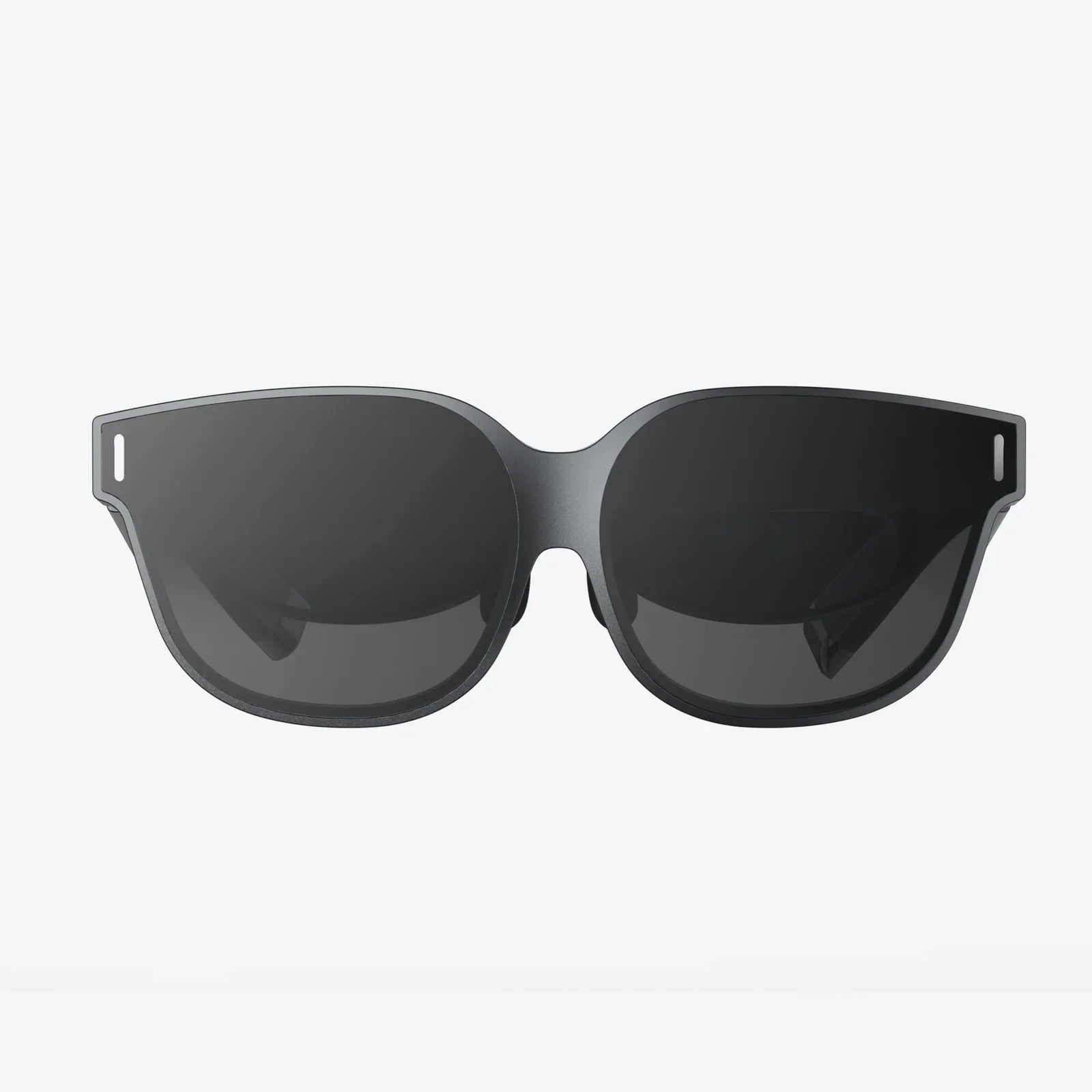
Imagine soaring over the Italian coastline without leaving your favorite armchair, revisiting your childhood home through a digitally preserved street view, or playing a virtual game of chess with your grandson who lives a thousand miles away. This is the promise of virtual reality for older adults—not as a tool for high-octane gaming, but as a gateway to experiences that enrich, connect, and inspire. The journey into this new world begins with a single, crucial decision: selecting the right headset. The search for the best VR headset for older adults isn't about raw technical power; it's about finding a comfortable, intuitive, and accessible window to boundless possibilities.
Why Virtual Reality? Beyond the Hype for the Senior Demographic
For many, the term "virtual reality" conjures images of complex gaming setups and frantic, immersive battles. However, the application of VR technology has expanded dramatically, positioning it as a potentially life-changing tool for older individuals. The benefits extend far beyond simple entertainment.
Combating Social Isolation and Loneliness
One of the most significant challenges facing older adults is social isolation, which can lead to declines in both mental and physical health. VR offers a powerful antidote. Through social platforms, users can meet in virtual spaces, attend live events like concerts or lectures, or simply share a conversation in an environment that feels palpably more present than a standard video call. This sense of "being there" with another person can forge stronger emotional connections and reduce feelings of loneliness.
Cognitive Stimulation and Brain Health
The brain, much like a muscle, thrives on exercise. VR provides a unique medium for cognitive engagement. Applications can transport users to historical sites for learning, present complex puzzles to solve in 3D space, or offer memory games set in calming, interactive environments. This form of active, engaged learning can help maintain neural pathways and potentially slow cognitive decline.
Physical Activity and Rehabilitation
Physical limitations can make traditional exercise difficult. VR introduces a new paradigm: exergaming. Users can practice tai chi in a serene virtual garden, play a casual game of virtual bowling, or follow along with a gentle fitness routine—all while seated if necessary. This encourages movement, improves balance, and increases motivation for physical activity in a safe, controlled, and enjoyable setting. Furthermore, VR is being used in clinical settings for physical rehabilitation, helping patients regain motor skills and range of motion through engaging tasks.
Reminiscence Therapy and Mental Well-being
VR can be a remarkably effective tool for reminiscence therapy. Imagine being able to virtually walk through the streets of a city you lived in during the 1950s or explore a national park you visited on your honeymoon. These experiences can trigger positive memories, stimulate conversation, and improve overall mood and mental well-being.
Key Considerations When Choosing a Headset for an Older User
The ideal headset for a senior is not the one with the most advanced specs, but the one that best accommodates their specific needs and abilities. Here are the critical factors to prioritize.
1. Comfort and Fit: The Paramount Priority
This is arguably the most important factor. A headset that is heavy, poorly balanced, or applies pressure to the face will not be used, regardless of its capabilities.
- Weight: Lighter headsets are generally preferable. Look for models that distribute weight effectively across the head, not just the face.
- Head Straps: Adjustable, padded straps are essential. A rigid headband is often less comfortable than a flexible, elastic one that can be easily tightened and loosened.
- IPD Adjustment: Interpupillary Distance (IPD) is the distance between a user's pupils. A headset with a physical or software-based IPD adjustment is crucial for achieving a clear, single image and preventing eye strain or headaches.
- Ability to Wear Glasses: Many older adults wear corrective lenses. A headset must either accommodate glasses comfortably with a generous eye box or offer custom prescription lens inserts.
2. Ease of Use and Setup
The technological barrier to entry must be low. A complex setup process involving numerous cables, sensors, and software configurations will lead to frustration and abandonment.
- Setup Process: The simplest headsets are those that require no external sensors or PCs. Standalone devices that are ready to use out of the box are ideal.
- User Interface (UI): The menus and navigation should be intuitive, with large, legible text and simple, logical menus. A cluttered, complex UI can be overwhelming.
- Controllers: Controllers should be ergonomic, with large, clearly marked buttons. Haptic feedback and intuitive tracking make interactions feel more natural.
3. Visual and Audio Clarity
A high-quality visual and auditory experience is necessary for immersion and comfort.
- Display Resolution: A higher resolution reduces the "screen door effect" (seeing the lines between pixels), leading to a clearer, more realistic image that is easier on the eyes.
- Refresh Rate: A higher refresh rate (90Hz and above) ensures smooth motion, which significantly reduces the risk of VR-induced nausea or simulator sickness.
- Audio: Good quality built-in speakers or headphones are important. The audio should be clear for social interactions and immersive for experiences.
4. Content Library: What Will You Actually Do?
The hardware is useless without compelling software. The available content should align with the interests and goals of the user.
- Social Platforms: Are there easy-to-use apps for connecting with family and friends?
- Experiential Content: Look for travel apps, museum tours, 360-degree videos, and relaxing experiences.
- Fitness and Therapy: The availability of seated exercise, physical therapy apps, and cognitively stimulating games is a major plus.
- Cost of Content: Consider if the platform has a robust library of free experiences or if most desirable apps must be purchased.
Breaking Down the Types of Headsets
Understanding the different categories of VR headsets is key to making an informed decision.
Standalone VR Headsets: The Recommended Choice
These are all-in-one devices with a built-in processor, storage, and battery. They are wireless, require no phone or computer, and are typically the easiest to set up and use. For the vast majority of older adults, a standalone headset offers the perfect balance of simplicity, quality, and value. They are portable and can be used in any room of the house.
PC-Powered VR Headsets
These headsets are tethered to a powerful gaming computer. They offer the highest possible visual fidelity and performance, which is great for detailed simulations and cutting-edge games. However, they are expensive, require technical knowledge to set up and maintain, and tether the user to a single location with a cable, which can be a tripping hazard. They are generally not recommended for casual senior users.
Smartphone-Based Headsets
This is an older, largely deprecated category where a smartphone is inserted into a holder worn on the head. The experience is typically very low-quality, with poor tracking and a high potential for nausea. They lack the robust content libraries and ease of use of modern standalone headsets and are not a serious option for this purpose.
Features to Seek Out and Potential Pitfalls to Avoid
Seek Out:
- Passthrough Camera: This feature uses external cameras to show a grayscale or color video feed of the real world. It allows users to see their surroundings without removing the headset, which is invaluable for grabbing a drink, checking your phone, or simply feeling more grounded and safe.
- Guardian/Boundary System: A good system allows users to trace a safe play area. If they move too close to the edge, a virtual wall appears. This is a critical safety feature for preventing collisions with furniture.
- Customer Support: Choose a platform from a company known for reliable customer service, should any technical issues arise.
Avoid:
- Heavy, Front-Heavy Designs: These become uncomfortable very quickly.
- Complex Setup with External Sensors: This adds frustration and points of failure.
- Niche, Gaming-Focused Ecosystems: Unless the user is specifically interested in gaming, a broader, more experience-focused platform is better.
Getting Started: A Guided First Experience
The first VR experience can be magical, but it must be handled with care to ensure it's positive.
- Choose the Right Time: Ensure the user is well-rested and not rushed.
- Adjust Fit and Lenses Meticulously: Take your time to get the headset sitting comfortably and the image perfectly clear. This is the most important step.
- Start Simple and Seated: Begin with a calm, stationary experience. A 360-degree nature video, a virtual tour of a famous location, or a simple interactive story is perfect. Avoid anything with intense movement.
- Keep Sessions Short: The first few sessions should last no longer than 15-20 minutes to acclimatize the brain to the new sensation.
- Be Present: Sit with them. Ask what they are seeing and how they are feeling. Your guidance and reassurance will make all the difference.
The world of virtual reality is no longer a distant future; it's a present-day tool with profound implications for enhancing the lives of older adults. By prioritizing comfort over specs, simplicity over complexity, and connection over competition, you can find a headset that opens doors to virtual travel, family bonding, cognitive exercise, and pure wonder. The right device isn't about keeping up with technology—it's about unlocking a new dimension of life, proving that adventure and discovery have no age limit.
Share:
How to Connect a VR Headset to Your Phone: The Ultimate Setup Guide for Immersive Mobile VR
How to Connect a VR Headset to Your Phone: The Ultimate Setup Guide for Immersive Mobile VR