


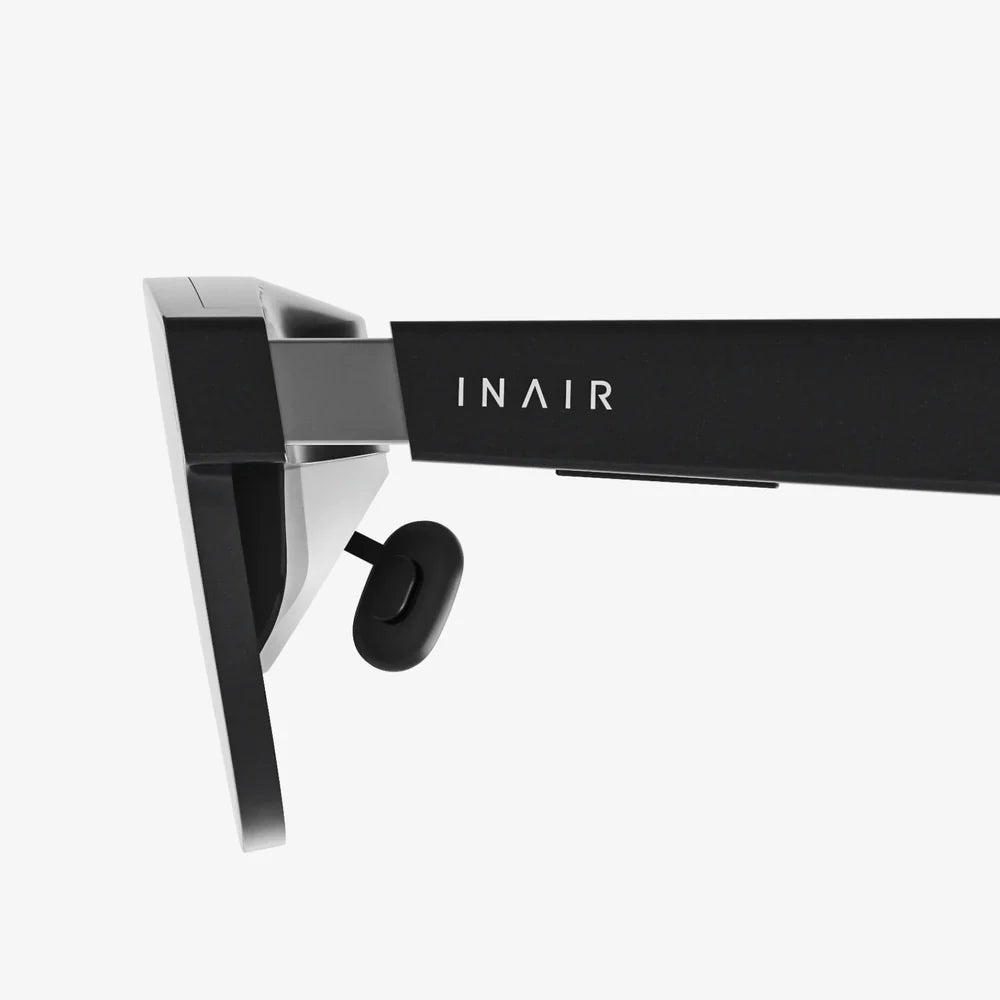
Imagine slipping on a headset and instantly being transported to the front row of a concert, the cockpit of a starfighter, or a virtual canvas where you can paint in three dimensions—all without emptying your wallet. The dream of affordable virtual reality is no longer a fantasy. For a budget of under $150, a surprising number of compelling gateways to digital worlds are vying for your attention. This isn't about settling for a subpar experience; it's about smartly navigating a market filled with options to find the perfect balance of performance, comfort, and content that will make your first foray into VR nothing short of magical.
The Landscape of Budget-Friendly Virtual Reality
The term 'VR headset' encompasses a few distinct categories, especially within this price bracket. Understanding these differences is the first step to making an informed decision.
Standalone vs. Tethered vs. Mobile VR
In the realm of sub-$150 VR, you are primarily looking at two types of headsets: Mobile VR and a growing number of entry-level Standalone devices.
Mobile VR (Smartphone-Based): These headsets are essentially sophisticated holders for your smartphone. The phone's screen becomes the display, its sensors handle head tracking, and its processor powers the experience. They are almost universally under $150, often significantly so. Their biggest advantage is their incredibly low cost of entry. However, they are limited by your phone's processing power, battery life, and screen resolution. The experience is also generally considered a more passive form of VR, ideal for consuming 360-degree videos and simpler games.
Standalone VR: This is where the market has seen the most exciting evolution. Standalone headsets have all the necessary technology—processors, displays, sensors, and batteries—built into the unit itself. They are completely wireless and self-contained. While high-end standalone devices cost significantly more, older generations and certain models have seen prices drop firmly into the sub-$150 category, especially during sales or when purchased refurbished. These offer a vastly more robust and interactive experience than mobile VR, with access to dedicated application stores and full motion-tracked controllers.
Tethered VR (PC/Console-Based): Headsets that connect to a powerful gaming PC or console typically offer the highest fidelity experience but also come with a much higher total cost (headset + capable computer). You will not find a new tethered headset for under $150. This category is mentioned for completeness but is outside the scope of our budget-focused guide.
Key Features to Scrutinize Before You Buy
Even with a limited budget, you shouldn't compromise on everything. Knowing which features have the biggest impact on your comfort and enjoyment will help you choose wisely.
Display and Lens Quality: The Window to Another World
This is arguably the most important factor for immersion. You'll be looking at these lenses for hours, so their quality is paramount.
- Resolution and Screen Door Effect (SDE): Resolution is measured in pixels per eye. A higher number generally means a sharper, clearer image. The 'screen door effect'—that visible grid of lines between pixels that can make it feel like you're looking through a screen door—is less noticeable on higher-resolution displays. In this price range, managing expectations is key; you won't get crystal-clear 4K per eye, but a good headset will minimize SDE.
- Refresh Rate: Measured in Hertz (Hz), the refresh rate determines how smooth the motion appears. A lower rate (e.g., 60Hz) can cause lag or motion blur, which for some users, leads to discomfort or nausea. Aim for a minimum of 72Hz, with 90Hz being a significant improvement for comfort during fast-moving experiences.
- Lens Type and Adjustments: Look for Fresnel lenses, which are common and effective. More importantly, ensure the headset has an Interpupillary Distance (IPD) adjustment, either physical (sliding lenses) or software-based. This allows you to align the lenses with the space between your pupils, which is crucial for a clear, non-blurry image and preventing eye strain.
- Field of View (FoV): FoV is how much of the virtual world you can see at once, measured in degrees. A wider FoV (around 100 degrees is standard) is more immersive, making you feel like you're 'inside' the world rather than looking through a pair of binoculars.
Tracking and Controllers: Your Virtual Hands
How the headset tracks your movement defines how you interact with the virtual environment.
- 3 Degrees of Freedom (3DoF) vs. 6 Degrees of Freedom (6DoF): This is a critical distinction. 3DoF headsets track rotational movement only: you can look up, down, left, and right by turning your head. It's like sitting in a swivel chair; you can look around but not move forward or crouch. This is typical of most mobile VR headsets. 6DoF tracks both rotation and positional movement. You can lean side-to-side, duck, walk forward, and reach out. This is essential for most immersive games and applications and is a hallmark of true standalone VR systems. For a truly engaging experience, 6DoF is highly recommended.
- Inside-Out Tracking: Modern budget standalone headsets use inside-out tracking. This means cameras on the headset itself observe your environment and controllers to track their position. It eliminates the need for external sensors placed around your room, making setup quick and easy.
- Controller Design: Good controllers feel comfortable in your hand and have intuitive button layouts. They are your primary tool for interaction, so their quality directly affects your enjoyment.
Comfort and Ergonomics: For Long-Lasting Adventures
A headset that becomes uncomfortable after 15 minutes will gather dust, no matter how good the graphics are.
- Weight Distribution: Lighter is generally better, but how the weight is distributed is more important. A well-designed strap system (like a rigid halo strap or flexible straps with a top band) pulls the weight onto your forehead and the back of your head, relieving pressure on your cheeks and nose.
- Padding and Materials: Look for soft, breathable, and replaceable foam facial interfaces. This improves comfort and makes hygiene easier to maintain, especially if multiple people will use the headset.
- Adjustability: The headset should have multiple points of adjustment—straps, top bands, and often the distance of the lenses from your face (eye relief)—to achieve a secure and clear fit for a wide range of head sizes and shapes.
Content Library and Ecosystem: The Stuff That Matters
The hardware is just a plastic shell without software. The available content is what gives it life.
- App Stores and Compatibility: Standalone headsets run on specific platforms (e.g., a store for a major VR platform). Ensure the headset you choose has access to a healthy library of games, apps, and social experiences. Check if there are free demos and affordable titles to get you started.
- Media Consumption: If your primary goal is watching movies or YouTube videos in a virtual theater, even a solid mobile VR headset can be a fantastic, inexpensive option. For this use case, display clarity and comfort are your top priorities.
- PC VR Streaming (Optional): Some standalone headsets offer the ability to connect to a gaming PC wirelessly to play more demanding, high-end PC VR titles. This is an advanced feature that greatly expands the headset's utility but requires a strong Wi-Fi network and a capable PC.
Maximizing Your $150 Budget
Stretching your dollar requires a bit of strategy. Here’s how to get the most value for your money.
- Consider Refurbished or Previous Generation Models: This is the single best way to get a higher-quality experience for your budget. Manufacturers and authorized retailers often sell refurbished units of last generation's standalone headsets. These have been tested, certified, and come with a warranty, offering performance that far exceeds what you could get new at the same price. A previous-generation flagship headset, refurbished, will almost always outperform a new, cheaper model built to a budget.
- Watch for Sales: Major shopping events are prime opportunities to snag a headset that might normally retail for $200 for under your $150 cap.
- Read the Fine Print on Bundles: Sometimes a headset might be priced low but require a subscription or specific phone model to function fully. Ensure you understand the total cost of ownership.
- Prioritize Your Needs: Make a list of what you want to do most in VR. If it's gaming, 6DoF and good controllers are non-negotiable. If it's watching media, focus on display resolution and comfort. Let your use case guide your feature prioritization.
Setting Up for Success
Once you've made your choice, a proper setup is key to a great experience.
- Clear Your Playspace: For 6DoF headsets, you need a clear area free of obstacles, pets, and low-hanging light fixtures. Most systems will have you define a guardian boundary to keep you safe.
- Lighting Matters: Avoid direct sunlight on the headset's lenses, as it can permanently damage the screens. Also, extremely dim or overly bright rooms can sometimes interfere with inside-out tracking. Normal indoor lighting is ideal.
- Take Breaks: Start with shorter sessions of 15-30 minutes to get your 'VR legs.' If you feel any discomfort, dizziness, or eye strain, take a break. Never push through it.
- Keep it Clean: Use a microfiber cloth to clean the lenses. Avoid using liquid cleaners or rough materials that could scratch them.
The Future on a Budget
The trajectory of VR technology is one of rapid improvement and falling costs. The very existence of capable standalone headsets under $150 is a testament to this progress. While these devices may not have the cutting-edge specs of their premium counterparts, they represent the democratization of a revolutionary technology. They are the on-ramp for millions of new users, fueling the growth of the ecosystem and inspiring developers to create even more amazing content. Choosing a headset in this category isn't just about saving money; it's about joining a technological movement at its most accessible point.
Your journey into breathtaking virtual landscapes, pulse-pounding adventures, and shared social experiences doesn't require a massive investment. With careful consideration and smart shopping, that sub-$150 headset waiting for you is far more than a piece of hardware—it's your ticket to explore the limitless potential of virtual worlds, all from the comfort of your living room. The only question left is, what will you experience first?
Share:
Cheap Smartphone VR Headset: Your Ultimate Portal to Virtual Worlds on a Budget
VR Headset: What Is It Used For - Beyond Gaming Into a New Reality