


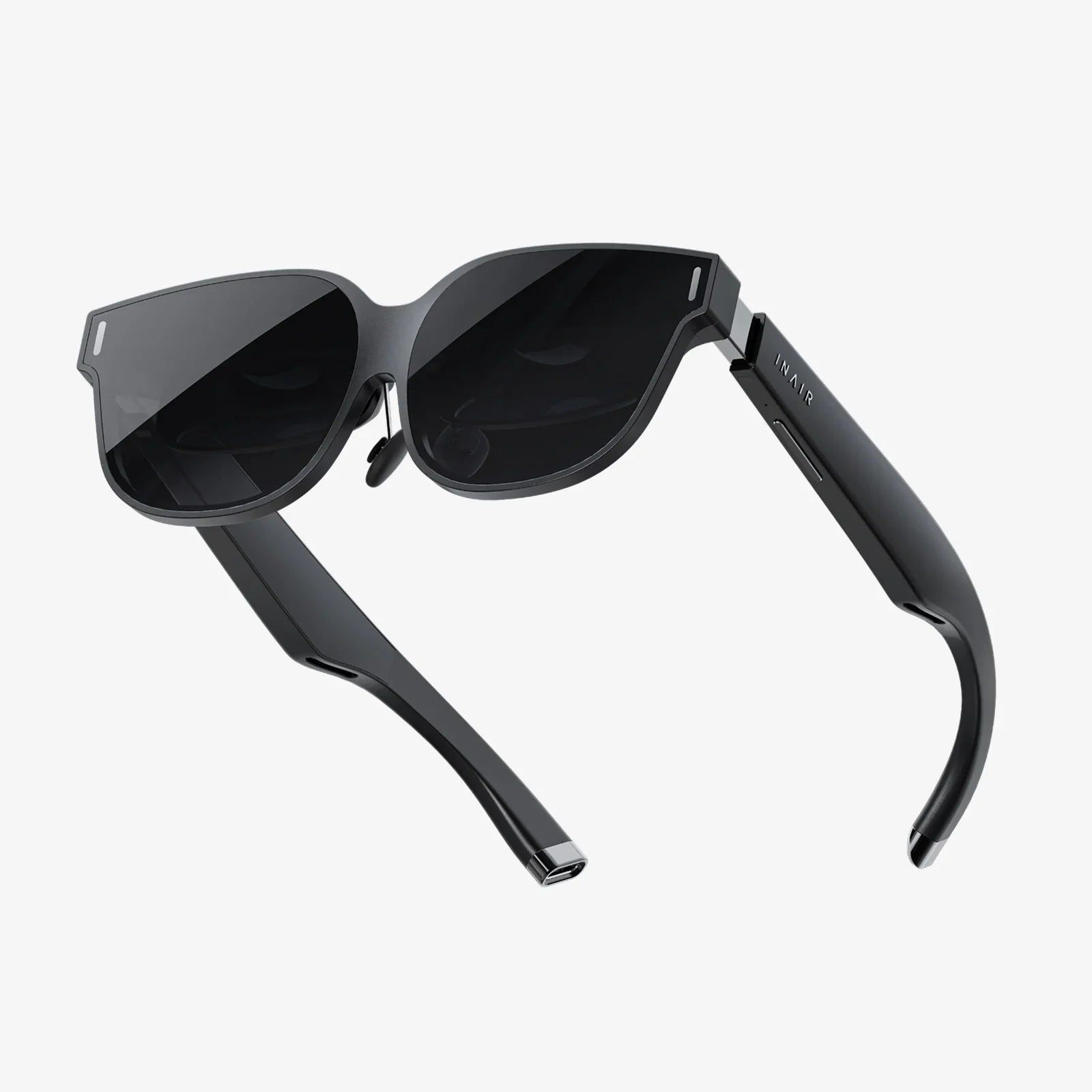
Imagine stepping into a breathtaking virtual world, exploring alien landscapes, or sitting front row at a concert, all without emptying your wallet. The dream of affordable virtual reality is more accessible than you might think. While high-end systems dominate the headlines, a vibrant and innovative market exists for budget-conscious enthusiasts and curious newcomers. The quest for the best VR headset under $40 isn't about finding a cheap knock-off; it's about discovering a capable gateway into immersive experiences, proving that you don't need to spend a fortune to dip your toes into the future of digital interaction. This guide will pull back the curtain on this budget-friendly segment of the VR market, separating the genuine opportunities from the marketing hype and equipping you with the knowledge to make a brilliant, affordable choice.
Demystifying the Budget VR Experience: What Can You Really Expect?
Before diving into specific features, it's crucial to set realistic expectations. A VR headset in this price category operates on a fundamentally different principle than its premium, tethered counterparts. Understanding this distinction is key to satisfaction.
You are entering the realm of mobile-based virtual reality. Instead of being powered by a separate, high-powered computer or gaming console, these headsets use your smartphone's screen, processor, and sensors to create the virtual environment. The headset itself is essentially a sophisticated holder—a pair of high-quality lenses housed in a comfortable frame—that transforms your phone into a VR display. This approach dramatically reduces cost by leveraging technology you already own.
So, what does this mean for your experience? The quality of your VR adventure will be directly tied to the capabilities of your smartphone. A newer model with a high-resolution, fast-refresh-rate screen and a powerful processor will deliver a noticeably smoother, clearer, and more enjoyable experience than an older, less capable phone. The headset is the window, but your phone is the view.
Within this mobile VR category, you'll encounter two main types of headsets around this price point. The first are simpler cardboard or plastic viewers with basic head straps. These are incredibly affordable but often lack comfort adjustments and immersive features. The second, and the focus of our search for the best VR headset under 40, are more advanced tethered mobile headsets. These typically feature a more robust and comfortable design, adjustable lenses for focus (diopter adjustment), a wider field of view, and, most importantly, a built-in controller. This controller is a game-changer, moving beyond simple head-tracking to allow for interactive input, which is essential for gaming and navigating menus.
Key Features to Prioritize in Your Search
Not all budget headsets are created equal. When evaluating options, several critical features will determine your level of enjoyment and comfort.
1. Lens Quality and Adjustability
The lenses are the heart of the experience. Look for headsets that use high-quality, aspherical lenses designed to reduce distortion and the "screen door effect" (where you can see the gaps between pixels). Crucially, seek out models with interpupillary distance (IPD) adjustment. This allows you to physically move the lenses closer together or further apart to match the distance between your eyes, ensuring a single, clear image and reducing eye strain. Some models also offer diopter adjustment wheels, which act like built-in glasses, allowing mildly near- or farsighted users to experience VR clearly without their prescription lenses.
2. Field of View (FoV)
Measured in degrees, the Field of View is how much of the virtual world you can see at any given moment. A wider FoV (typically 90 degrees and above in this category) is more immersive, making you feel like you're "inside" the game or video rather than looking through a tunnel. A narrow FoV can break immersion quickly.
3. Comfort and Fit
You'll likely wear this headset for more than a few minutes, so comfort is non-negotiable. A good budget headset should have a three-point strap system (over the top and on both sides) instead of a simple single strap. This distributes the weight of your phone evenly across your head, preventing pressure on your face and nose. Padded foam around the eyes and a adjustable top strap significantly enhance long-term comfort. Also, check that the headset has adequate ventilation to prevent the lenses from fogging up during use.
4. Input Method: The Importance of a Controller
This is arguably the most important differentiator. The best VR headset under 40 will almost certainly include a dedicated Bluetooth motion controller. This isn't just a simple remote; it should have inertial measurement units (IMUs) like a gyroscope and accelerometer to track its rotation and movement in 3D space. This enables you to interact with the virtual world—pointing, shooting, swinging a sword, or painting. Avoid headsets that only offer a magnetic or touch-based button on the headset itself, as this severely limits your interactive possibilities.
5. Phone Compatibility and Size
Ensure the headset you choose has a large enough tray or an adjustable mechanism to hold your specific smartphone model. Most modern headsets accommodate phones with screens up to 6.5 inches or larger, but it's always wise to double-check. A secure closing mechanism is also vital to prevent your phone from accidentally slipping out.
The Software Side: Where to Find Content
Your hardware is useless without software. The primary content platforms for mobile VR are the official app stores for your phone's operating system.
For Android users, the Google Play Store is the main hub. While the dedicated Daydream platform has been discontinued, a wealth of VR-compatible apps and games remain. Look for apps labeled "VR" or "Cardboard." The YouTube app also has a massive library of 360-degree videos and VR content that is freely accessible.
For iOS users, the Apple App Store is your destination. Search for VR players and games. It's important to note that official support for mobile VR has waned from major players, but a dedicated community of developers continues to create and support content. You can also use VR media player apps to watch your own 180-degree or 360-degree videos or play 3D side-by-side (SBS) movies for a personal cinema experience.
Top Applications and Experiences to Try
Once you have your headset, what should you do with it? Here are some fantastic and often free experiences to get you started:
- VR Video Platforms: YouTube VR is a treasure trove. You can explore travel documentaries, music videos, and animated shorts filmed in 360 degrees. It feels like being there.
- VR Roller Coasters and Experiences: Apps offer simulated roller coaster rides, skydiving, or flying through fantasy worlds. These are great for showcasing the immersive power of VR to friends and family.
- Simple yet Addictive Games: Look for games like shooters where you aim with your head, puzzle games, or light saber experiences. They provide a fun introduction to interactive VR.
- Virtual Cinema Apps: Use your headset as a personal movie theater. These apps project a virtual giant screen in front of you, perfect for watching standard movies or 3D films.
- Educational and Exploration: Many museums and cultural institutions have created VR tours of their exhibits. You can virtually walk through the Louvre or explore ancient Roman ruins from your couch.
Setting Up Your New Headset: A Step-by-Step Guide
- Charge the Controller: If your headset includes a Bluetooth controller, ensure it's fully charged before you begin.
- Pair the Controller: Enable Bluetooth on your smartphone and follow the manufacturer's instructions to pair the controller. This usually involves holding down a specific button until it enters pairing mode.
- Install a VR Platform App: Download a VR launcher or player app from your phone's app store. This will often be your home base for finding and launching content.
- Insert Your Phone: Carefully place your smartphone into the headset's tray, ensuring it's centered. The phone's screen should be clean to avoid blurry images.
- Adjust the Straps: Put on the headset and adjust the straps so it feels secure but not tight. The weight should be supported by the top strap, not just your nose.
- Calibrate the Lenses: Adjust the IPD slider until the image is clear and single, not double. If available, use the diopter dials to fine-tune the focus for your eyesight.
- Launch and Explore: Open your VR app, and you're ready to go! Start with stationary experiences to get your "VR legs" before trying more intense games.
Limitations and Realistic Expectations
It's vital to acknowledge the boundaries of this technology tier. The best VR headset under 40 will not deliver the same experience as a premium, PC-powered unit. There will be limitations.
Positional tracking is absent. High-end systems use external sensors or inside-out cameras to track the position of your head in physical space, allowing you to lean, duck, and walk around. Mobile VR in this price range typically only offers 3-Degrees-of-Freedom (3DoF)—tracking the rotation of your head (pitch, yaw, roll) but not its movement through space. This means you must experience VR while seated or standing in one spot.
The graphical fidelity is limited by your phone's hardware. You won't be playing photorealistic, AAA-grade VR titles. The experiences are often simpler, more cartoonish, or pre-rendered. Furthermore, using VR can drain your phone's battery relatively quickly, and it may cause the device to become warm.
Maximizing Your Enjoyment: Pro Tips
To get the absolute most out of your purchase, follow these tips:
- Use a dedicated controller: As mentioned, this is essential for interactive fun. Don't settle for less.
- Start with short sessions: If you feel any discomfort or nausea (cybersickness), take a break immediately. Your brain needs time to adapt to the VR experience.
- Ensure a clear play area: Even though you won't be walking around, make sure you have a clear space to sit and swivel in an office chair without hitting anything.
- Keep your phone's screen bright: Set your phone's brightness to maximum before inserting it into the headset for the most vibrant image.
- Explore sideloading content: The official app stores don't have everything. Reputable websites host APK files (for Android) for independent VR games and experiences you can't find elsewhere.
The journey to find the best VR headset under 40 is an exciting one, filled with potential for discovery and fun. It represents the democratization of a incredible technology, making it available to everyone. By prioritizing key features like lens quality, comfort, and a dedicated controller, you can find a headset that serves as a perfect introduction to virtual worlds. It won't replace a high-end system, but it will open your eyes to the possibilities of immersion, provide countless hours of entertainment, and serve as a fantastic party trick. Your affordable ticket to exploring new realities is waiting—all it takes is your smartphone and the right frame to see it through.
Share:
XR AR Headset News: The Future of Reality is Here and It's Getting an Upgrade
How Do I Connect My Phone to My VR Headset: The Ultimate Guide to Mobile VR