


- by wangfred
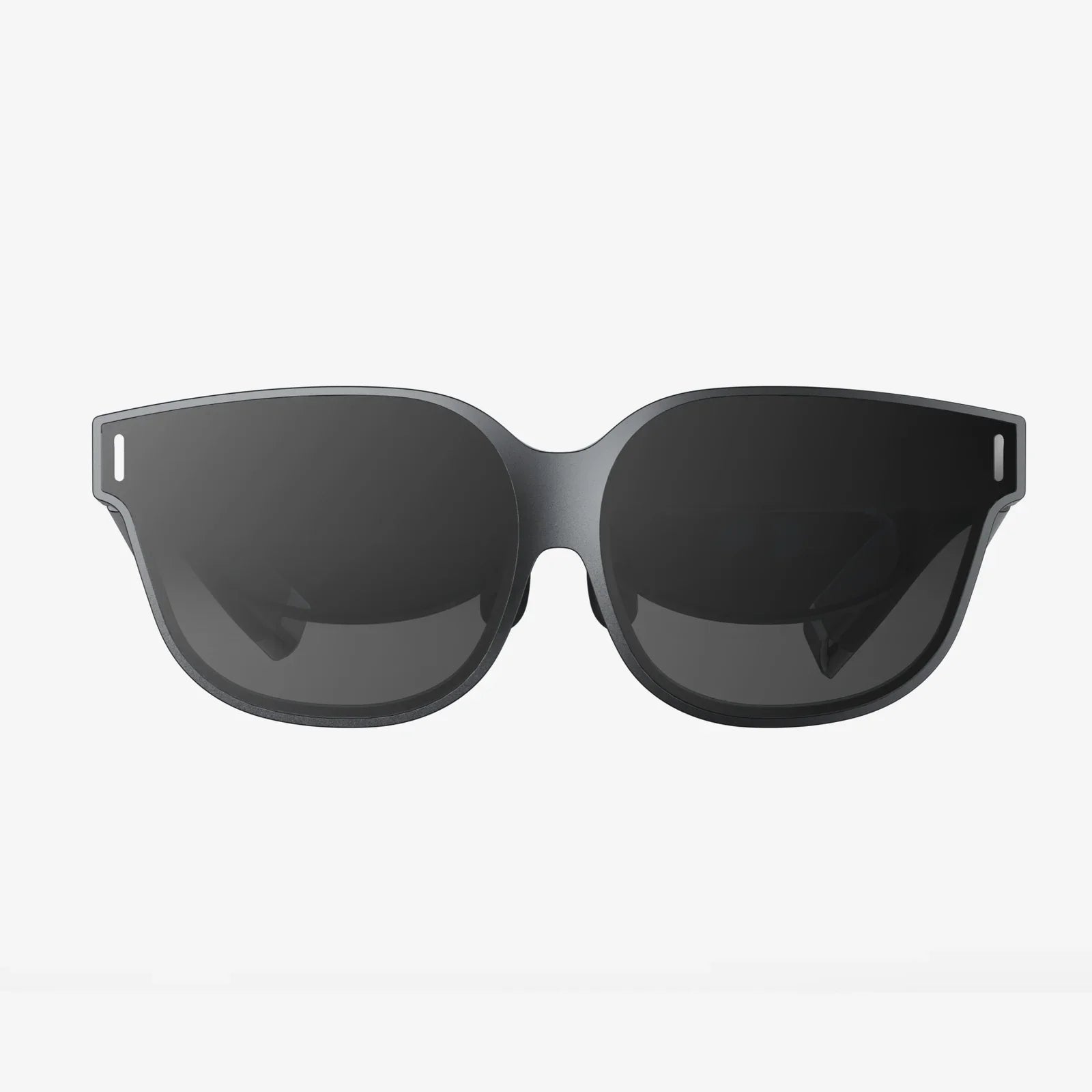
Best VR Headset Under 50 Dollars: Your Portal to Affordable Immersion
- by wangfred
Imagine strapping on a device and instantly being transported to a new world, a virtual concert, or the edge of a cliff—all without emptying your wallet. The dream of affordable virtual reality is more accessible than you think, and the hunt for the best VR headset under 50 dollars is a journey into the world of surprisingly capable budget technology. While you won't find cutting-edge, standalone systems at this price, you will discover a vibrant ecosystem of smartphone-powered viewers that offer a genuine and often thrilling gateway into VR. This isn't about compromising; it's about smart, accessible entry into a revolutionary way to play, learn, and explore.
Let's set the stage with a dose of practical reality. A VR headset under $50 falls squarely into the category of mobile VR or smartphone VR viewers. These devices are not self-contained computers like their high-end counterparts. Instead, they are sophisticated holders for your smartphone, which acts as the processor, display, and sensor package. The headset itself provides the lenses, the housing, and a comfortable (or at least functional) way to wear it on your head.
This approach has significant implications. The quality of your experience is directly tied to the capabilities of your smartphone. A newer, high-resolution phone with a powerful gyroscope and accelerometer will deliver a markedly smoother and more immersive experience than an older, budget model. The headset is the window, but your phone is the view.
At this price point, you should expect:
Even within the constrained budget, not all headsets are created equal. Knowing what to look for will help you avoid a disappointing purchase and find the best value for your money.
This is arguably the most critical component. Cheap, blurry lenses with noticeable distortion will ruin the experience instantly. Look for headsets that advertise aspherical or high-quality optical lenses designed to reduce the "screen door effect" (where you can see the gaps between pixels) and minimize chromatic aberration (color fringing at the edges). A wider field of view (FOV) is also desirable, as it increases the sense of immersion, though it often correlates with a higher price.
Ensure the headset is compatible with your specific smartphone model, both in terms of physical size and operating system (iOS or Android). Most will have an adjustable tray or clamps to accommodate different phones. Equally important is the fit on your head. Look for adjustable head straps—a three-strap design (over the head and two side straps) is generally more secure and comfortable than a simple single-strap design. The padding around the eyes should be soft and deep enough to block out ambient light without putting uncomfortable pressure on your face.
Basic interaction is a hallmark of budget VR. Many headsets come with a simple Bluetooth remote or a single button on the headset itself for basic input like selecting menu items. Some more advanced models in this range might have a small trackpad or additional buttons. Don't expect to find sophisticated motion controllers; interaction is typically limited to gaze-based controls or the simple remote.
VR, especially during active experiences, can make you warm. A headset with poor ventilation will quickly fog up the lenses and become uncomfortable. Some designs incorporate small vents or breathable materials to mitigate this. Since you'll likely be using your phone's screen at high brightness, which generates heat, this is a non-trivial consideration for longer sessions.
Your shiny new headset is useless without compelling things to see and do. Fortunately, there is a vast library of free and low-cost content available for mobile VR.
The two primary hubs are:
Other places to look include dedicated VR apps like Within (for narrative VR stories) and Fulldive VR (a browser and platform for VR content). Many game developers also release lightweight VR versions of their popular titles.
To ensure complete satisfaction, it's crucial to understand the inherent limitations of this product category.
Once you've made your choice, a few simple steps can dramatically improve your time in VR.
The journey to find the best VR headset under 50 dollars is not a search for a inferior product; it's a search for a different kind of value. It’s about democratizing technology and making the awe-inspiring potential of virtual reality available to everyone. It’s for the student curious about the medium, the family looking for a fun new way to watch videos, or the tech enthusiast who wants to dabble without a significant financial commitment. These devices are powerful proof that you don't need to spend hundreds of dollars to take your first step into a larger world. They are the perfect training wheels for the VR revolution, offering a genuine, engaging, and incredibly fun glimpse into the future of digital interaction.
Ready to see what all the fuss is about? Your affordable ticket to exploring ancient ruins, swimming with whales, or playing a casual game in a virtual arena is waiting. The best VR headset under 50 dollars isn't just a piece of hardware; it's an invitation to curiosity, and it's closer than you ever imagined. Start your search today and discover just how far a small budget can take you.
Share:
Why Won't My VR Headset Work? A Comprehensive Troubleshooting Guide
What Phones Are Compatible With VR Headset - Your Ultimate Guide to Mobile VR