


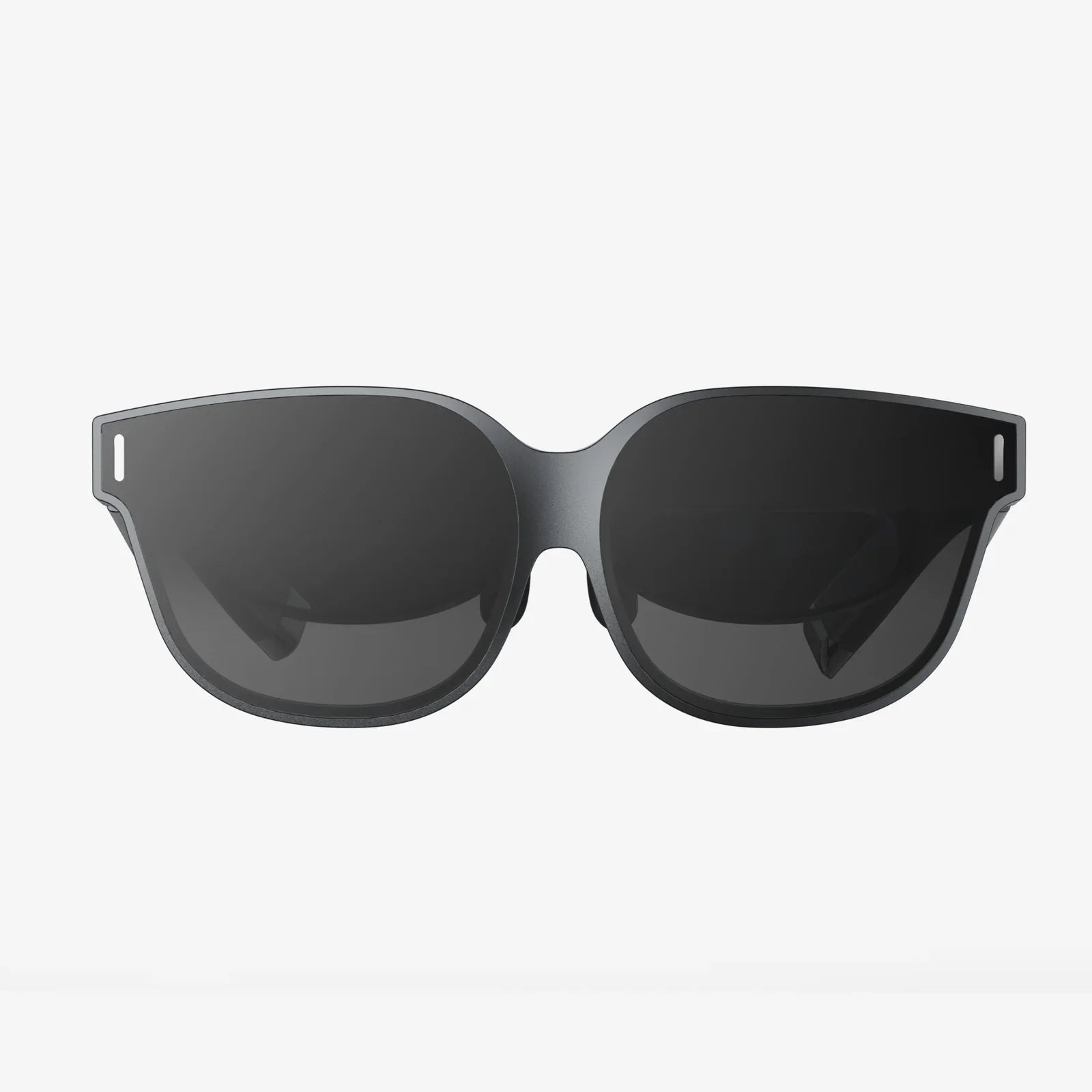
Imagine controlling a high-powered workstation from the comfort of your couch, presenting a complex design on a massive conference room display without a single cable, or troubleshooting a critical server issue from miles away as if you were sitting right in front of it. This isn't a glimpse into a distant future; it's the reality enabled by a sophisticated big screen remote desktop client. This technology has evolved from a niche IT tool into a cornerstone of modern digital workflows, fundamentally reshaping how we interact with computers across distances and display scales.
The Essence of Big Screen Remote Control
At its core, a big screen remote desktop client is a specialized software application designed for one primary purpose: to transmit the graphical user interface (GUI), input commands, and audio from a host computer to a client device, and then display it optimally on a large-format screen. This is a significant evolution from standard remote access tools, which are often designed with laptop or standard monitor use in mind.
The magic of a big screen client lies in its ability to transcend physical hardware limitations. The host computer—be it a tower workstation, a server in a data center, or a dedicated rendering machine—retains all its processing power. The client device, which could be a compact computer stick plugged into a television, a smart TV itself, or a media center PC, acts as a sophisticated window. It does not need immense computational resources; its job is to decode a video stream and send back user inputs with incredibly low latency. This separation of processing and display is the key to its versatility.
Key Features That Define a Superior Experience
Not all remote desktop solutions are created equal, especially when the destination is a large screen. A best-in-class client is defined by a suite of critical features working in harmony.
High-Resolution and Adaptive Streaming
Pixelation and blurriness are the enemies of immersion. A capable client must support high-resolution streaming, often up to 4K and beyond, to ensure text remains crisp and images are sharp on a big display. Furthermore, it must employ adaptive bitrate technology. This means the software dynamically adjusts the quality of the video stream based on the available network bandwidth. During a video conference, it might prioritize smooth motion, while when displaying a static design document, it can ramp up the resolution to perfection.
Low Latency and High Frame Rates
Latency—the delay between an action on the client device (like moving a mouse) and the response appearing on the screen—is arguably the most critical technical metric. High latency makes a system feel sluggish and unresponsive, breaking the illusion of direct control. A top-tier client minimizes this delay through efficient encoding/decoding algorithms and network optimization. Coupled with support for high frame rates (60 FPS or higher), this ensures that mouse movement, video playback, and even fast-paced animations feel fluid and natural, not like watching a slow-motion replay.
Multi-Monitor and Big Screen Optimizations
This is where a big screen client truly differentiates itself. It must expertly handle scenarios where the host computer has multiple monitors. The client should allow users to easily switch between these remote displays or even view them all simultaneously on the large screen. Additionally, it needs intelligent scaling options to properly map the host's desktop to a display with a different native resolution or aspect ratio, avoiding awkward stretching or black bars.
Robust Security Protocols
Transmitting a desktop, potentially containing sensitive data, over a network demands ironclad security. End-to-end encryption (E2EE) is non-negotiable. This ensures that the audio, video, and input streams are encrypted from the host machine all the way to the client device, making them unreadable to any intercepting party. Multi-factor authentication (MFA) adds another critical layer of defense, ensuring that only authorized users can initiate a connection.
Audio and Peripheral Redirection
A complete experience means more than just video. System sounds and audio from the host computer should be seamlessly redirected to the speakers connected to the big screen. Furthermore, advanced clients offer peripheral passthrough, allowing USB devices like webcams, microphones, storage drives, or security dongles connected to the client device to be accessed and used by the applications running on the remote host. This is vital for video conferencing and accessing specialized hardware.
Under the Hood: The Technology Powering the Connection
The seamless experience of a remote desktop is a marvel of modern software engineering, built upon several interconnected technological pillars.
Video Codecs: The Engine of Efficiency
Raw desktop video data is enormous—far too large to stream in real-time over most networks. This is where video codecs (coder-decoders) come in. They compress the video data on the host machine and decompress it on the client. Modern remote desktop clients leverage advanced codecs like H.264 and H.265 (HEVC), which are exceptionally efficient at compressing video with minimal quality loss. Some solutions even use custom-designed codecs optimized specifically for the unique characteristics of desktop graphics, which often contain large areas of solid color and text, rather than the natural imagery these codecs were originally designed for.
Network Transport: Navigating the Digital Highways
A reliable connection is paramount. Clients use sophisticated protocols to manage data packets, handle packet loss (where parts of the data don't arrive), and maintain synchronization. Techniques like forward error correction can help reconstruct lost data without needing a re-transmission, preserving smoothness. They are also designed to work intelligently across different network conditions, from low-latency local area networks (LANs) to higher-latency wide area networks (WANs) like the internet.
The Graphical Pipeline: From Pixels to Packets
The process begins on the host. The software captures the graphical output from the operating system's display buffer. Rather than sending a full-screen image every time, it uses a technique called damage region tracking to identify only the portions of the screen that have changed since the last frame. These changed regions are then encoded into video packets. Simultaneously, the client software is sending a constant stream of input data—mouse coordinates, keyboard strokes, and touch gestures—back to the host, which injects them into the system as if they were generated locally.
Transforming Industries and Workflows
The applications for a robust big screen remote desktop client are vast and transformative, cutting across numerous professional and personal domains.
The Creative and Design Industries
For video editors, 3D animators, and graphic designers, this technology is a game-changer. They can invest in a single, powerful rendering workstation located in a quiet, cool room (or even in the cloud) and access it from a lighter, quieter client device connected to a large, color-accurate reference monitor in their studio. This separates noisy heat generation from the creative workspace and allows for centralized management of expensive hardware and software licenses.
Business and Enterprise Collaboration
In modern meeting rooms and corporate halls, the big screen is central to collaboration. A remote desktop client allows any participant to share their entire desktop or a specific application directly onto the main display with a single click, eliminating the fumbling for cables and adapters. IT departments leverage this technology for centralized management, being able to remotely support and update dozens or hundreds of machines across a campus or the globe from a single operations center wall of screens.
Education and Training
Educators can demonstrate complex software, navigate intricate websites, or guide students through digital art projects by projecting their desktop onto a large classroom screen. Trainers can provide hands-on software training to remote attendees by giving them temporary access to a controlled environment, all displayed clearly for everyone to follow.
The Rise of Hybrid and Remote Work
The shift to flexible work models has made this technology indispensable. Employees can access their powerful office desktops from their home setup, enjoying a seamless and secure experience that is virtually indistinguishable from being in the office. This allows companies to provide high-performance computing resources without requiring employees to have them at home, simplifying security and data governance.
Choosing the Right Solution for Your Needs
Selecting a big screen remote desktop client requires careful consideration of your specific use case. Key factors to evaluate include the typical network environment (LAN vs. internet), the level of security required, the desired visual quality, and the operating systems of both the host and client machines. Testing for that critical feel of low latency is essential before committing. The ideal solution will feel like an invisible conduit, putting you directly in control of a distant machine and making the technology itself fade into the background.
The humble remote desktop connection has been reborn, empowered to command not just a distant PC, but the most immersive and expansive canvases we have. It has shattered the physical link between processing power and display, creating a world where any screen can become a portal to immense computational resources. This isn't just about convenience; it's about rearchitecting the very spaces where we work, create, and collaborate, turning every large screen into a dynamic window to limitless potential.
Share:
Digital Product Design News: The Evolving Landscape of User Experience in 2024
Digital Product Design News: The Evolving Landscape of User Experience in 2024