


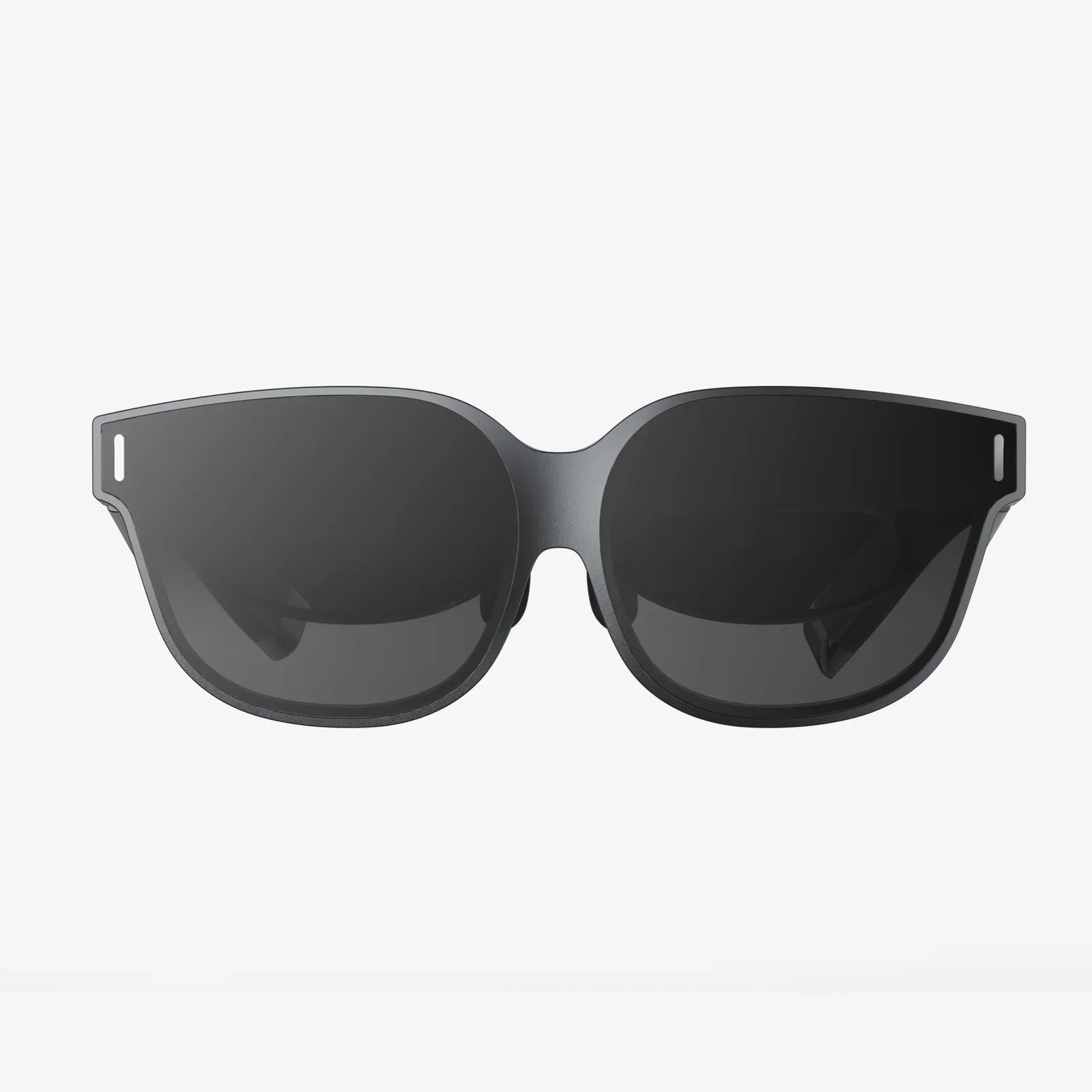
Imagine slipping on a headset and instantly being transported to a concert front row, a distant planet, or a virtual training ground—all without emptying your wallet. The dream of affordable virtual reality is no longer a futuristic fantasy but a present-day reality, as the market for budget VR headsets explodes with options. The barrier to entry, once defined by astronomical costs, has been shattered, inviting millions to experience digital worlds. But with so many options, how do you navigate the complex landscape of budget VR headset price points? What exactly do you get for your money, and where are the hidden trade-offs? This deep dive will unpack everything you need to know to make a smart, informed purchase that delivers maximum immersion for minimum investment.
The New Era of Accessible Virtual Reality
Not long ago, experiencing high-quality virtual reality required a significant financial commitment. The combined cost of a powerful gaming computer and a high-end headset was a formidable barrier for the average consumer. However, the industry has undergone a dramatic shift. Technological advancements, increased competition, and economies of scale have collectively driven prices down, creating a vibrant and accessible market for budget-conscious users.
This democratization of VR means that compelling experiences are no longer locked behind a paywall. Whether you're a curious newcomer, a casual gamer, a dedicated student, or an innovator in a small business, there is likely a headset priced for your budget. The key is understanding the different tiers of pricing and the technology that defines them.
Deconstructing the Budget VR Headset Price Spectrum
The term "budget" itself covers a wide range. To make sense of it, we can break down the market into three primary price categories, each offering a distinct set of features and experiences.
1. The Ultra-Budget Tier (Under $100)
At the very bottom of the price ladder, you'll find headsets that are primarily holders for your smartphone. These devices lack their own screens and processors; instead, they use your phone's display and sensors to create a VR experience.
- Technology: Basic lenses housed in a plastic or cardboard shell. Relies entirely on the smartphone's gyroscope and accelerometer for tracking.
- Experience: Suitable for 360-degree videos, simple mobile games, and introductory VR apps. The experience is often limited by the quality of your phone's screen and its processing power.
- Pros: Extremely low cost, highly portable, and a virtually risk-free way to try VR.
- Cons: Prone to screen door effect (seeing the gaps between pixels), lower fidelity, no positional tracking (you can't lean in or move side-to-side), and can cause discomfort during extended use.
This tier is best for those who are completely new to VR and want a taste of what it's like before committing more resources.
2. The Mainstream Budget Tier ($100 - $400)
This is the most dynamic and popular segment of the budget VR market. Here, you find standalone headsets that are complete, self-contained systems. They have their own built-in displays, processors, batteries, and tracking systems, meaning they operate independently of a phone or a powerful computer.
- Technology: Features inside-out tracking, where cameras on the headset itself map your environment and track your controllers. This eliminates the need for external base stations. Display quality is a major step up from smartphone solutions.
- Experience: This is where true, six degrees of freedom (6DoF) VR begins. You can walk, crouch, lean, and interact naturally within a virtual space. The library of games, fitness apps, social platforms, and educational content is vast and growing rapidly.
- Pros: All-in-one convenience, no extra hardware required, excellent value for money, robust software ecosystems, and regular feature updates.
- Cons: Processing power is less than a PC-connected headset, so graphics are sometimes simplified. Battery life is finite, typically lasting two to three hours on a charge.
For the vast majority of consumers, this tier represents the sweet spot for budget VR headset price versus performance.
3. The PC-Connected Budget Tier (Headset: $300 - $600, Plus PC Cost)
This category is for headsets that are themselves relatively affordable but require a connection to a capable gaming computer to function. The headset acts as a display and tracking device, while the PC does all the heavy computational lifting.
- Technology: These headsets often feature higher-resolution displays, faster refresh rates, and wider fields of view than their standalone counterparts. They may use inside-out tracking or older external sensor-based systems.
- Experience: This is the gateway to high-fidelity VR on a budget. The graphical fidelity, complexity of game worlds, and visual clarity can be significantly superior to standalone systems, provided you have the PC to support it.
- Pros: Access to the vast library of PC VR content, superior visual performance, and potential for upgrades (e.g., new controllers or base stations).
- Cons: The mandatory need for a powerful and expensive gaming PC. Being tethered by a cable can break immersion and limit movement.
This path is ideal for avid PC gamers who already own a capable rig and want to extend their gaming into VR without buying a top-tier headset.
Key Features That Directly Impact Cost
When comparing budget VR headset prices, several technical specifications are the primary drivers of cost. Understanding these will help you prioritize what matters most to you.
Display Resolution and Lens Quality
The sharpness and clarity of the image are paramount to immersion. Higher resolution per eye reduces the screen door effect and makes text easier to read and worlds more believable. Lens quality is equally important; fresnel lenses are common but can cause god rays (glare around high-contrast objects), while newer pancake lenses offer a clearer picture and slimmer design but at a higher cost.
Tracking System: Inside-Out vs. Outside-In
Modern inside-out tracking, where the headset's cameras do all the work, is convenient and setup-free, making it the standard for budget headsets. Older outside-in systems, which require external sensors placed around the room, can sometimes be found at a lower price but are less user-friendly and portable.
Refresh Rate
Measured in Hertz (Hz), a higher refresh rate (90Hz and above) leads to smoother motion and can significantly reduce the potential for motion sickness. Most budget standalone headsets target 72Hz or 90Hz, while more expensive PC-connected models may offer 120Hz or more.
Field of View (FoV)
This is how much of the virtual world you can see at once, like looking through a scuba mask. A wider FoV (around 100 degrees is standard) is more immersive. Ultra-budget options often have a narrower FoV, making the experience feel more constrained.
Controllers
The quality of the motion controllers is a huge part of the experience. Budget headsets now come with excellent controllers that feature analog sticks, buttons, grips, and precise haptic feedback, allowing for natural and intuitive interaction.
Beyond the Initial Purchase: The Hidden Costs of VR
The budget VR headset price is just the entry fee. To get a true picture of the total cost of ownership, consider these potential additional expenses:
- Software and Games: While many free experiences exist, premium games and apps typically cost between $20 and $40 each. Subscription services for fitness or entertainment content are also becoming more common.
- Essential Accessories: A higher-quality facial interface foam (for hygiene and comfort), a premium head strap for better weight distribution, and lens protectors are all highly recommended purchases that add to the overall cost.
- Power Banks: For standalone headsets, a external battery pack is almost a necessity to extend play sessions beyond the two-hour mark.
- PC Hardware: If you opt for a PC-connected headset, the cost of the required gaming computer is the single largest expense, often exceeding $800 itself.
Finding the Best Value: A Buyer's Checklist
Before you click "buy," run through this checklist to ensure you're getting the best value for your intended use:
- Define Your Primary Use Case: Is it for gaming, fitness, socializing, or media consumption? Your answer will guide your priorities.
- Check the Content Library: Ensure the headset's platform (e.g., Meta Quest, Pico, SteamVR) has the apps and games you want to use.
- Read Expert and User Reviews: Pay attention to consistent praises or complaints about comfort, display quality, and controller reliability.
- Consider Future-Proofing: While buying on a budget, think about how long you want the headset to remain relevant. A slightly more expensive model with a better processor or display might have a longer usable lifespan.
- Look for Bundles and Sales: Retailers often offer bundles that include popular games or store credit, effectively reducing the overall cost of entering the ecosystem.
The quest for the perfect budget VR headset is a balancing act between desire and practicality. It's about identifying the minimum specs you're willing to accept to enjoy the experiences you crave. The market has never been more favorable to the consumer, with fierce competition ensuring that each dollar you spend goes further than it did the year before. You are no longer just buying a piece of hardware; you are investing a ticket to a limitless array of worlds, workouts, and wonders.
Your journey into virtual reality awaits, and it's closer than you think. The once-prohibitive budget VR headset price has been transformed into an accessible gateway, offering a stunning level of quality and immersion that was unimaginable just a few years ago. Forget what you thought you knew about the cost of cutting-edge technology—the most compelling VR adventures are now hiding in plain sight, within a budget that makes saying yes easier than ever. The only question left is, which world will you step into first?
Share:
iPhone VR Headset: The Ultimate Guide to Mobile VR Immersion
VR Headset Germany: A Deep Dive into the Nation's Virtual Revolution