


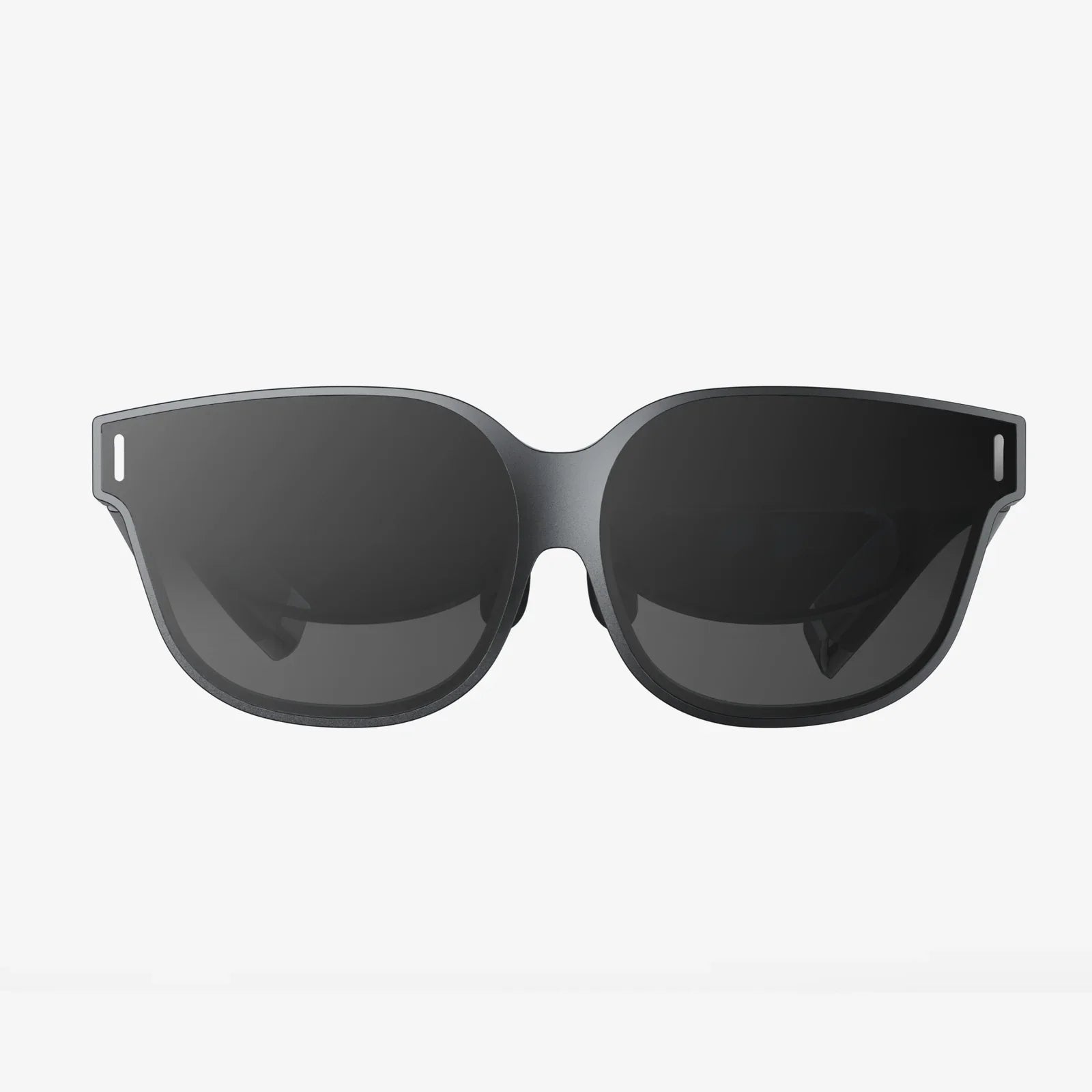
Imagine a world where digital information doesn't just live on a screen in your hand but is seamlessly woven into the fabric of your reality. This is the promise of Augmented Reality (AR), and the gateway to this experience is a pair of AR glasses. While commercial offerings are emerging, there's a growing movement of developers, hobbyists, and visionaries who want to peel back the layers and understand what it truly takes to build AR glasses from the ground up. This journey is not for the faint of heart—it’s a complex fusion of optics, electronics, software, and industrial design. But for those with the curiosity and determination, building your own AR prototype is one of the most rewarding technical challenges imaginable, offering unparalleled insight into the next frontier of human-computer interaction.
The Core Components: Deconstructing the AR System
Before you can build AR glasses, you must first understand the intricate symphony of hardware that must work in perfect harmony. An AR device is far more than a simple display; it's a compact, self-contained computer system designed for your face.
The Optical Engine: The Window to Another World
The heart of any AR glasses is the optical system. This is the component responsible for projecting digital images onto your retina, making them appear as stable, integrated parts of your physical environment. The choice of optics is the single most critical decision you will make, as it dictates the device's form factor, image quality, and overall user experience.
Waveguide Displays: This is the technology favored by most high-end commercial devices. Waveguides use a process of internal reflection to pipe light from a micro-display projector into the user's eye. They allow for sleek, sunglasses-like designs but are incredibly complex and expensive to manufacture, often putting them out of reach for the individual builder.
Birdbath Optics: A more accessible option for prototypes. This design uses a beamsplitter (a semi-transparent mirror) and a spherical mirror (the "birdbath") to reflect the image from a micro-OLED display into the eye. It offers excellent color and contrast but tends to be bulkier than waveguide solutions.
Retinal Projection: A less common but fascinating approach where a low-power laser scans an image directly onto the retina. This can create a vast, always-in-focus image but involves significant technical and safety hurdles.
For the DIY enthusiast, sourcing optics often means repurposing components from existing consumer electronics or purchasing developer kits from specialized display manufacturers. The goal is to find a balance between field of view (FOV), resolution, brightness, and, most importantly, size.
The Processing Unit: The Brain Behind the Brows
AR is computationally intensive. The processor must handle rendering complex 3D graphics, running simultaneous localization and mapping (SLAM) algorithms to understand the world, processing inputs from multiple sensors, and managing wireless connectivity—all in real-time and without overheating on the user's face.
There are two primary architectural approaches:
Tethered Processing: The glasses themselves contain minimal hardware, primarily the displays and sensors. They are connected via a cable to a powerful external computer, such as a gaming laptop or a specialized computing pack worn on the body. This approach drastically reduces the weight and thermal load on the glasses themselves and is the most feasible path for a high-performance DIY build. Platforms like Raspberry Pi or more powerful single-board computers can be used for simpler projects, but for full SLAM and 3D rendering, a connection to a laptop is often necessary.
Standalone Processing: All computing is done on-board the glasses. This requires a miniaturized system-on-a-chip (SoC) designed for mobile devices, complete with a GPU, AI accelerator, and ample memory. While this offers ultimate freedom of movement, the challenges of power management, heat dissipation, and component miniaturization make it exceptionally difficult to achieve in a homemade form factor.
Sensors and Cameras: The Digital Nervous System
For digital content to interact with the real world, the glasses must first perceive and understand it. This requires a suite of sensors:
- IMU (Inertial Measurement Unit): A combination of accelerometers, gyroscopes, and magnetometers that tracks the head's rotation and movement at a high frequency. This is crucial for low-latency rendering that prevents user nausea.
- RGB Cameras: Used for computer vision tasks like object recognition, reading text, and capturing photos/video. They are also essential for visual-inertial odometry (VIO), a key part of SLAM.
- Depth Sensors: Time-of-Flight (ToF) sensors or structured light projectors measure the exact distance to objects in the environment, creating a 3D mesh that digital objects can occlude behind or interact with.
- Eye-Tracking Cameras: These infrared cameras monitor the user's pupils. This enables features like foveated rendering (prioritizing graphic detail where the user is looking to save processing power) and intuitive interaction based on gaze.
Power and Connectivity: The Lifeblood
All this technology is power-hungry. A tethered system can draw power from its host computer, but a standalone design requires a sophisticated battery solution. You must calculate the power budget for every component and source a high-density lithium-polymer battery that can be safely integrated, along with a charging circuit. Connectivity like Wi-Fi, Bluetooth, and optionally 5G is essential for pulling data from the cloud and connecting to peripherals like hand-tracking controllers or smartphones.
The Software Stack: Where the Magic Happens
Hardware is nothing without software. The software stack to build AR glasses is a multi-layered beast, but open-source tools and game engines have made it more accessible than ever.
Choosing a Development Platform
You won't be writing an entire operating system from scratch. The smartest approach is to build upon existing frameworks:
Game Engines: Unity and Unreal Engine are the dominant forces in AR development. They provide powerful, cross-platform rendering engines and have extensive AR Foundation (Unity) and ARKit/ARCore support (both), which handle much of the heavy lifting for world tracking and plane detection. Your custom glasses would feed their sensor data into these plugins.
Open-Source AR Platforms: Projects like OpenXR offer an open, royalty-free standard for accessing AR and VR devices and experiences. Using OpenXR means your hardware could potentially run software from a broader ecosystem. Monado is an open-source runtime that implements the OpenXR standard, a great starting point for interfacing with your custom hardware.
The SLAM Algorithm: Mapping the Unknown
At the core of any AR experience is SLAM. This algorithm fuses data from the IMU and cameras to simultaneously create a map of the unknown environment and track the device's position within that map. Implementing SLAM from scratch is a monumental task requiring deep expertise in linear algebra, probability, and computer vision.
Fortunately, there are open-source SLAM libraries like ORB-SLAM3 and OpenVSLAM that can be integrated into your project. These libraries can be adapted to work with your specific sensor setup, though significant tuning and optimization will be required for real-time performance on your chosen hardware.
Developing the User Interface and Experience (UI/UX)
Interacting with a screen that floats in space is a novel design challenge. You must move beyond traditional mouse-and-keyboard paradigms. Your software will need to support:
- Gaze-based Selection: Using head or eye tracking to point at UI elements.
- Gesture Recognition: Using onboard cameras to track hand movements for pinch, grab, and swipe commands. Libraries like Google's MediaPipe offer open-source hand and pose tracking models.
- Voice Commands: Integrating a speech-to-text API for hands-free control.
- Spatial UI Design: Designing interfaces that feel native to a 3D world, respecting depth, scale, and occlusion.
The Design and Prototyping Process: From Concept to Reality
Turning a pile of components into a wearable device is an iterative process of design, fabrication, and testing.
Mechanical and Ergonomic Design
Comfort is king. Glasses that are too heavy, poorly balanced, or too tight will be rejected by users instantly. You'll need to use 3D CAD software to design the frame, ensuring it can house all your components while distributing weight evenly across the nose and ears. Factors like adjustable nose pads and flexible temples are critical. 3D printing, first with PLA or PETG for prototyping and later with more advanced materials like nylon or resin for final parts, is the indispensable tool for this phase.
Electrical Integration and Miniaturization
Turning a breadboard mess into a sleek wearable requires designing custom printed circuit boards (PCBs). You'll use EDA software to design boards that stack efficiently within the frame, connecting your SoC, sensors, and displays. This involves careful management of electromagnetic interference (EMI), efficient power distribution, and strategic heat dissipation using small heat sinks or thermal pads. For complex builds, you may design a flexible PCB (flex cable) that can bend to fit the contours of the glasses.
Testing, Calibration, and Iteration
Each prototype build will reveal new flaws. You will spend countless hours on:
- Optical Calibration: Ensuring the digital image is sharp, aligned, and correctly focused for the user's vision. This may involve software adjustments and physical shimming of the optical modules.
- Sensor Calibration: Calibrating the IMU for bias and misalignment, and calibrating the cameras for lens distortion to ensure accurate SLAM and tracking.
- User Testing: Having other people wear the device is the only way to uncover ergonomic issues, UI confusion, and overall usability problems. Be prepared to go back to the drawing board many times.
Overcoming the Inevitable Challenges
The path to build AR glasses is littered with technical hurdles. Expect to grapple with:
- Latency: Any delay between a user's head movement and the image updating will cause discomfort and break immersion. Achieving motion-to-photon latency under 20 milliseconds is a key and difficult goal.
- Battery Life: High performance demands rapidly drain batteries. Balancing performance with power efficiency is a constant struggle.
- Thermal Management: Powerful processors in a small, enclosed space get very hot. Preventing discomfort and thermal throttling requires clever passive and active cooling solutions.
- Cost: High-quality micro-displays, precision optics, and custom manufacturing are expensive, even for a single prototype.
The Future of DIY AR
As core technologies like micro-LED displays and ultra-low-power AI chips become more commoditized and affordable, the barrier to entry for building AR glasses will continue to drop. We are moving towards a future where open-source hardware designs for AR glasses, akin to those for smartphones, could empower a new wave of innovation from individuals and small teams. The ultimate goal isn't necessarily to compete with large corporations, but to explore niche applications, experiment with radical new interaction models, and democratize the creation of the technology that will shape our future.
You don't need a billion-dollar R&D budget to start exploring the future of computing on your face. The journey to build AR glasses begins with a single step: a curiosity about how they work, a willingness to learn about optics and sensors, and the perseverance to troubleshoot a seemingly endless stream of problems. The components are available, the software tools are powerful and accessible, and the community of makers is growing. By embarking on this project, you're not just building a gadget; you're developing a deep, foundational understanding of the next platform of human experience. The knowledge you gain about spatial computing, sensor fusion, and ergonomic design is invaluable. So, gather your ideas, fire up your 3D printer and code editor, and start building. The augmented world is waiting for your contribution.
Share:
Classic Smart Glasses: The Ultimate Fusion of Timeless Style and Modern Technology
Windows Service Interact with Desktop: A Deep Dive into Secure System Architecture