


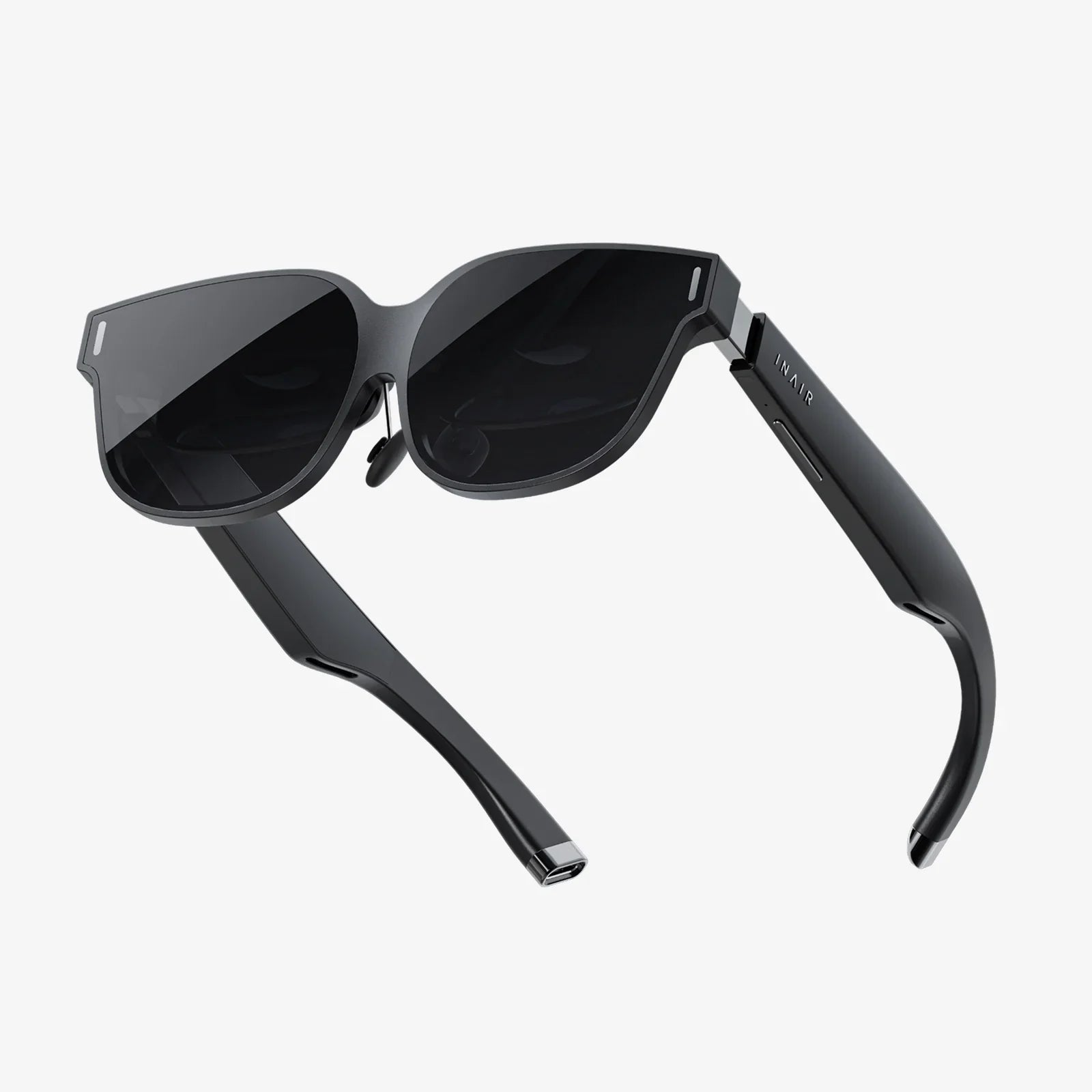
Imagine stepping into another world, a digital realm so immersive you forget the confines of your physical space. The thrill of building a dedicated powerhouse for a cutting-edge virtual reality headset is a journey unlike any other in the tech world. It’s not just about assembling components; it’s about architecting a portal. This guide is your blueprint to constructing that portal, a complete system designed to push the boundaries of reality and deliver seamless, breathtaking VR experiences without a single stutter. Forget pre-built limitations; this is about crafting a personal gateway to infinite possibilities.
The Foundation: Understanding the PC VR Ecosystem
Before you select a single component, it's crucial to understand the symbiotic relationship at play. A PC VR headset is not a standalone console; it is a high-resolution display peripheral that places immense demands on your computer. The headset itself contains sophisticated sensors, lenses, and screens, but it is the computer that generates the complex, three-dimensional worlds in real-time. The goal of building a PC for this purpose is to create a system with such overwhelming graphical and processing power that it can maintain a high, stable framerate—often 90Hz or much higher—under these demanding conditions, thus preventing motion sickness and ensuring total immersion.
Phase One: Selecting the Core Components for VR Readiness
The heart of your VR portal is the computer. Each component must be chosen with one primary objective: sustaining high framerates at high resolutions.
The Graphics Processing Unit (GPU): The King of VR
This is, without question, the most critical component. The GPU is responsible for rendering two distinct images—one for each eye—at a very high resolution and refresh rate. Subpar performance here leads directly to a choppy, uncomfortable experience.
- Key Specifications: Focus on models with a massive amount of VRAM (12GB should be considered a starting point for high-fidelity experiences) and immense processing power. Look for performance benchmarks specifically related to VR applications and games.
- Target Performance: Your GPU should be capable of not only meeting but exceeding the recommended specifications for the headset you intend to purchase. This headroom is essential for handling more demanding games and future software updates.
The Central Processing Unit (CPU): The Master Coordinator
While the GPU paints the picture, the CPU manages the entire scene. It handles physics calculations, artificial intelligence for non-player characters, audio processing, and feeding instructions to the GPU. A CPU bottleneck can cause hitches and stutters even with a powerful graphics card.
- Core Count and Clock Speed: A modern processor with a high number of cores and threads is beneficial for handling the multitude of simultaneous tasks. High clock speeds are also vital for ensuring quick processing of these instructions.
- Platform Choice: Selecting a current-generation platform ensures access to the latest connectivity standards like PCIe 4.0 or 5.0, which can benefit high-bandwidth components.
Memory (RAM): The Active Workspace
System memory acts as the immediate workspace for all active applications. Modern VR titles can consume a significant amount of RAM.
- Capacity: 16GB is the absolute minimum for a new build, but 32GB is swiftly becoming the sweet spot for a high-end, future-proof system, allowing ample room for the game, background processes, and even streaming.
- Speed and Timing: Faster RAM can improve overall system responsiveness and frame timing, contributing to a smoother experience.
Storage: The Library of Worlds
VR games are large. A single title can easily occupy 50 to 100GB of storage. Speed is paramount to reduce loading times and prevent texture pop-in.
- NVMe Solid State Drives (SSDs): A primary NVMe SSD is non-negotiable for your operating system and VR applications. Their incredible read/write speeds drastically cut load times.
- Secondary Storage: A large-capacity SATA SSD or even a hard disk drive can be a cost-effective solution for storing a larger library of games, though active titles should remain on the primary NVMe drive.
Power Supply Unit (PSU) and Cooling: Stability and Endurance
High-performance components demand clean, stable power and effective cooling. Do not cut corners here.
- PSU: Select a high-quality unit from a reputable manufacturer with a wattage rating that provides ample headroom above your system's estimated maximum draw. An 80 Plus Gold or Platinum rating ensures efficiency and clean power delivery.
- Cooling: Effective airflow through your case is vital. A combination of well-placed intake and exhaust fans, along with a capable CPU cooler (either large air coolers or all-in-one liquid coolers), will keep temperatures and noise levels in check during extended VR sessions.
Phase Two: Choosing Your Window to Another World - The Headset
With the PC foundation laid, your choice of headset defines the quality of your sensory input. This is a rapidly evolving field, but several key factors remain constant.
Display Resolution and Refresh Rate
These are the most advertised specs for a reason.
- Resolution: Measured in pixels-per-inch or total pixels per eye. Higher resolutions drastically reduce the "screen door effect" (seeing the gaps between pixels) and increase clarity. Look for headsets with combined resolutions well into the millions of pixels.
- Refresh Rate: Measured in Hertz (Hz), this indicates how many times the image refreshes per second. 90Hz is a common baseline, but 120Hz and 144Hz modes are increasingly available, offering even smoother motion and reduced latency.
Tracking Technology: Inside-Out vs. External Sensors
How does the headset know where it is in your room?
- Inside-Out Tracking: Cameras on the headset itself track its position relative to your environment. This method is easier to set up, more portable, and requires no external hardware. It can sometimes struggle in feature-poor rooms or with tracking controllers directly behind the user.
- External Sensor Tracking (Outside-In): Requires placing multiple base stations or sensors around the play area. These devices laser-map the room to provide ultra-precise, low-latency tracking of the headset and controllers. This is considered the gold standard for accuracy but is less portable and requires more setup.
Lens Technology and Field of View (FOV)
Lenses focus the display panels onto your eyes. Their quality is paramount to visual comfort.
- Lens Type: Fresnel lenses are common but can cause "god rays" (glare effects). Aspheric and pancake lenses are newer technologies that offer better clarity and a smaller form factor.
- Field of View (FOV): This is the angular extent of the visible world. A wider FOV increases immersion by reducing the binocular-like effect. Most consumer headsets range from 90 to 120 degrees.
Connectivity and Comfort
Don't overlook the physical experience.
- Connection: Most high-end headsets use a single cable that carries display, data, and power. Some newer models are moving towards wireless connectivity with compression technology, though this often requires a dedicated accessory.
- Ergonomics: You will wear this device for potentially hours. Consider weight distribution, facial interface material (leatherette vs. cloth), and strap design (standard, halo, or elite-style straps). A comfortable headset is a headset you'll use more often.
Phase Three: The Assembly and Software Symphony
Bringing your hardware together is only half the battle. Proper software configuration is what makes it sing.
Building the PC: A Methodical Process
Assemble your components with care in a static-free environment. Carefully install the CPU, memory, and storage onto the motherboard before securing it in the case. Manage your cables meticulously to ensure optimal airflow. Once assembled, enter the BIOS/UEFI to enable your RAM's rated speed (often via an XMP or EXPO profile) and ensure all components are detected correctly.
Software Setup: The Final Frontier
Install your operating system and all necessary drivers, starting with the chipset drivers from your motherboard manufacturer and, most importantly, the latest drivers directly from your GPU maker's website. Then, you will need to install the software platform that corresponds to your chosen headset. These platforms act as the central hub for your VR experiences, managing device drivers, tracking, and your game library. They also provide a virtual home environment and tutorial to help you get accustomed to VR.
Calibration and Room Setup
This critical step defines your play area. Your VR software will guide you through tracing your play space's boundaries (called a "Guardian" or "Chaperone" system), which creates virtual walls to keep you from bumping into real ones. You will also calibrate your floor height and set up your preferred standing or room-scale area. Taking the time to do this accurately is essential for both safety and immersion.
Future-Proofing and The Road Ahead
The landscape of PC-driven virtual reality is one of constant, thrilling evolution. When building your system today, it pays to think about tomorrow. Technologies like eye-tracking and foveated rendering—where the image is rendered at full resolution only where you are looking—are poised to dramatically reduce the hardware requirements for high-fidelity VR. Wireless adapter kits are becoming more robust, offering high-quality untethered freedom. By building a system with a powerful excess of capability today, you ensure it remains ready to harness these software-driven advancements for years to come, protecting your investment and keeping you on the cutting edge of immersion.
The journey of building a PC VR headset setup is a testament to the power of personalized technology. It’s a project that demands research, investment, and care, but the reward is nothing short of extraordinary. You aren’t just building a computer; you’re constructing a meticulously tuned instrument for exploration, creativity, and escape. The moment you first put on that headset, powered by a machine you built with your own hands, and step into a world of your choosing, every minute of effort will be validated. The real world will fade away, leaving only the limitless potential of the one you’ve created.
Share:
Why Is My VR Headset So Laggy? A Comprehensive Troubleshooting Guide
Why Is My VR Headset So Laggy? A Comprehensive Troubleshooting Guide