


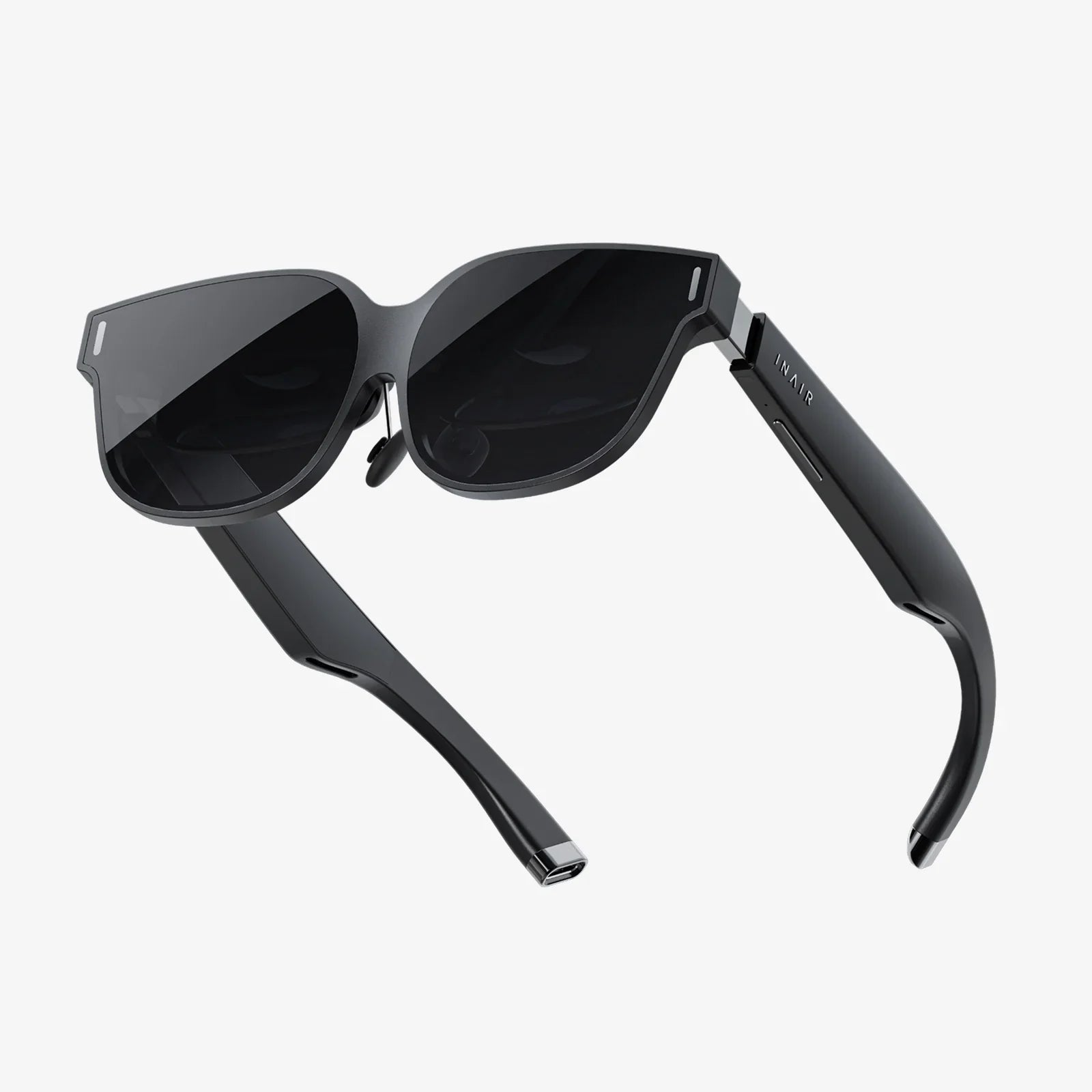
Stepping into a breathtaking virtual world only to be met with the frustrating pressure of your headset squeezing your frames against your temples, or the nagging worry of scratching expensive lenses, is a reality many glasses-wearers face. The question isn't just common; it's a crucial gateway to immersion for millions. The journey to a seamless visual experience is not only possible but can be incredibly comfortable with the right knowledge.
The Core Challenge: Why Glasses and VR Can Clash
At its heart, a VR headset is a sophisticated viewing device. It positions two high-resolution screens extremely close to your eyes, using specialized lenses to focus the image and create the illusion of a vast, virtual space. This precise optical system is where the primary conflict with eyeglasses arises.
The Space Dilemma
Most headsets are designed with a certain amount of clearance, known as the "eye relief" or "glasses space," between their internal lenses and your eyes. Standard prescription glasses can easily intrude into this space. This leads to a few immediate problems:
- Physical Discomfort: The headset's facial interface (the foam or plastic cushion) presses the arms of your glasses into the sides of your head. During longer sessions, this can cause significant pressure points and headaches.
- Incomplete Immersion: If you can't bring the headset's lenses close enough to your eyes, your field of view (FOV) is reduced. Instead of feeling surrounded by the virtual world, you might feel like you're looking through a pair of binoculars, breaking the sense of presence.
- The Scratch Risk: This is perhaps the biggest fear. The hard, plastic lenses of your glasses can come into contact with the similarly hard, often delicate coatings of the headset's lenses. A single errant touch can leave permanent scratches on both sets of optics.
The Focus Factor
VR headsets have a fixed focal distance, typically around 6.5 to 10 feet (2 to 3 meters). This means the virtual world is optically designed to be perceived at that distance. If you are nearsighted (myopic) and cannot see clearly at that range in the real world, you will not see clearly in the virtual world without your corrective lenses. Farsighted (hyperopic) individuals may also struggle. The headset does not automatically adjust for your prescription; it relies on you to provide the correction.
Navigating the Landscape: Headset Design Variations
Not all VR and mixed reality headsets are created equal when it comes to glasses compatibility. Design philosophies differ greatly.
Generous-Space Designs
Some manufacturers prioritize inclusivity by designing their headsets with a deep facial interface from the outset. These models often feature:
- Exceptionally soft, flexible facial gaskets that mold around glasses frames.
- Mechanisms to manually adjust the distance of the internal lenses from your face (a feature called mechanical eye relief).
- Wider openings in the foam to accommodate larger frames.
These headsets are generally the safest and most comfortable bet for glasses-wearers, as they minimize contact and pressure.
Slim-Profile Designs
The recent industry trend is towards slimmer, more streamlined headsets. While this improves overall comfort and weight distribution for many users, it often comes at the cost of internal space. These devices may have:
- A very narrow gap between the headset lenses and your eyes.
- Rigid, non-adjustable facial interfaces.
For these headsets, using standard glasses is often ill-advised and uncomfortable. They almost necessitate exploring alternative solutions, which we will detail below.
Your Toolkit: Solutions for a Perfect Fit
Thankfully, the market and community have developed several effective strategies to bridge the gap between vision correction and virtual immersion.
Solution 1: The Built-In Adjuster (Mechanical Eye Relief)
If your headset has a dial or slider on the top or sides, you've hit the jackpot. This is a manual eye relief adjustment. Before putting the headset on, dial this mechanism to push the internal lenses as far away from your face as possible. Once you have the headset situated comfortably, you can slowly dial the lenses closer until you achieve the widest possible field of view without your glasses making contact. This is the simplest and most effective first step.
Solution 2: Prescription Lens Inserts (The Gold Standard)
For dedicated users, custom prescription lens inserts are far and away the best solution. These are adapters that slot or magnetically clip directly onto the headset's internal lenses, effectively giving the headset your exact prescription.
Benefits:
- Optimal Comfort: Eliminates all pressure and awkwardness from wearing glasses. It feels like using the headset without any vision correction needed.
- Superior Visual Clarity: Since they are fixed in place and perfectly aligned with the headset's optics, they often provide a clearer, more consistent image than glasses, which can shift and tilt.
- Maximum Protection: They act as a permanent protective barrier, ensuring your expensive headset lenses never get scratched by dust, fingers, or errant glasses.
- Convenience: Once installed, you never have to think about it again. It also makes sharing the headset easy—those without corrected vision can simply use the headset as-is, while you have your personal inserts.
Considerations:
- Cost: This is a custom-made product, so it represents an additional investment on top of the headset itself.
- Specificity: Inserts are designed for a specific headset model. If you upgrade your headset, you will likely need a new set of inserts.
Solution 3: Alternative Glasses
If inserts aren't an option, your everyday glasses might not be your best bet. Consider using an older pair or investing in a cheap, dedicated pair of "VR glasses." Look for frames that are:
- Smaller: Narrower frames and thin arms take up less space.
- Rounder: Avoid large, square, or wide frames.
- Softer: Frames with flexible arms can reduce pressure points.
Solution 4: Contact Lenses
For those who already use and are comfortable with contact lenses, they provide a brilliantly simple workaround. They solve the space, comfort, and scratch issues completely, offering the same experience as a user with perfect vision.
Proactive Measures: Protecting Your Investment
If you choose to use glasses inside your headset, protection is paramount.
Protect the Headset Lenses
Consider applying simple, inexpensive plastic lens spacer rings that clip onto the headset's lenses. These create a physical bumper that prevents your glasses from making direct contact. Some headsets even include these in the box.
Protect Your Glasses
You can also add soft, silicone bumper kits to the arms and bridge of your glasses. This adds a cushioning layer that minimizes pressure points and provides a slight buffer against scratches.
A Step-by-Step Guide to Testing Fit and Comfort
- Prepare the Headset: Adjust the head strap to its widest setting. If available, dial the eye relief to maximize interior space.
- Insert Carefully: Hold the headset in one hand and carefully bring it to your face, angling it to avoid catching the arms of your glasses on the strap.
- Check Alignment: Once the headset is on, open your eyes wide and look around. Do you see the edges of the screen (known as the "screen door effect" or "boundaries")? If so, your eyes are too far from the lenses. Gently push the headset closer or adjust the eye relief.
- The No-Pressure Test: The headset should feel secure but not vice-like. You should not feel significant pressure on the sides of your head or the bridge of your nose from your glasses.
- The Wiggle Test: Gently move your head up, down, and side-to-side. The headset should stay in place without your glasses shifting uncomfortably or making contact with the headset lenses.
Beyond the Obvious: Other Visual Considerations
Corrective lenses are only one part of the visual equation in VR.
Interpupillary Distance (IPD)
This is the distance between the centers of your pupils. High-quality headsets feature a physical or software-based IPD adjustment. Correctly setting this is crucial for visual clarity and comfort, whether you wear glasses or not. An incorrect IPD setting can cause eye strain, headaches, and a blurry image. Always take the time to find your perfect IPD setting using the headset's calibration tool.
Astigmatism and Bifocals
Standard spherical prescription lens inserts handle astigmatism (irregular corneal curvature) without issue, as they are made to your full prescription. For those who use bifocals or progressive lenses, the fixed focal plane of the VR headset actually simplifies things. You will use the "distance" part of your prescription for the inserts, as the virtual world is focused at a distance. You do not need the reading portion of your lenses inside VR.
The blurry barrier between your glasses and immersive virtual reality is finally breaking down. With options ranging from simple adjustable dials to custom-molded prescription inserts, a world of crystal-clear exploration and comfortable, extended play sessions is now accessible. Your perfect vision in VR isn't a hopeful question—it's an achievable reality waiting for you to log in.
Share:
Augmented Reality Mode: Transforming Our World Through a Digital Lens
AR VR MR XR SR: Navigating the Spectrum of Digital Realities