


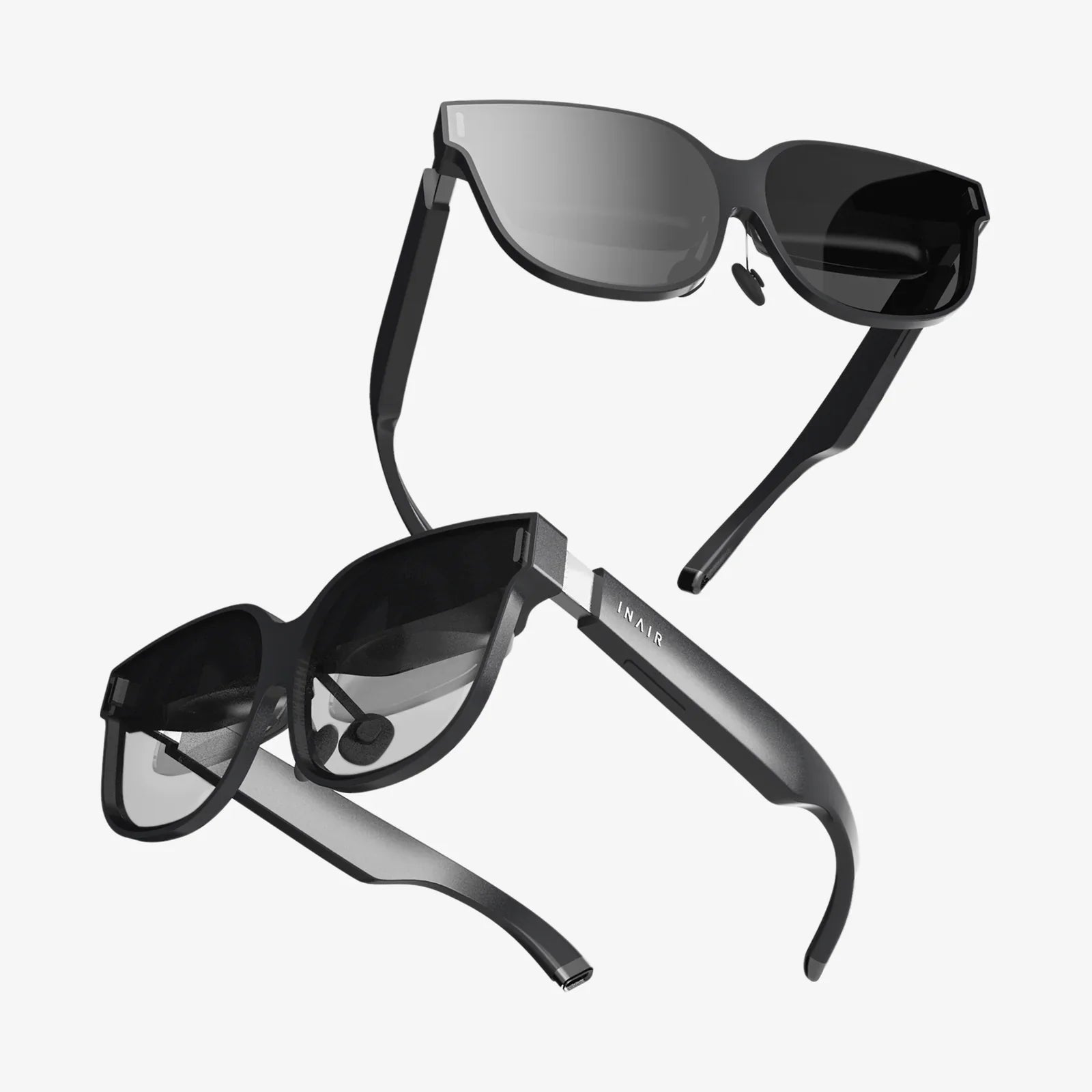
Imagine a workspace unbound by physical dimensions, where your digital canvas is as vast as your imagination, limited only by the resolution of your ambition. This is the tantalizing promise at the heart of a burgeoning technological question: can the immersive, all-encompassing world of virtual reality be harnessed not for play, but for productivity, effectively replacing the traditional computer monitor? The concept is no longer confined to the realms of science fiction; it is a tangible, albeit nascent, reality being tested in labs and living rooms across the globe. The journey from a niche gaming peripheral to a potential cornerstone of the modern workstation is fraught with both extraordinary potential and significant hurdles.
The Allure of the Infinite Desktop
The fundamental appeal of using a VR headset as a monitor is one of sheer scale and flexibility. A physical monitor is a fixed pane of glass, its size and resolution a permanent constraint. In contrast, a virtual environment offers a theoretically infinite canvas.
Users can simulate multiple high-resolution screens floating in a void, a sun-drenched virtual beach, or a serene space station orbiting Earth. This isn't merely about novelty; it's about a fundamental shift in how we interact with information. Developers can surround themselves with endless lines of code, financial analysts can visualize complex datasets in three dimensions, and digital artists can step inside their creations. The ability to create a perfectly distraction-free environment—a pure black void with nothing but your content—is a powerful tool for deep focus that a physical setup, with its surrounding distractions, can rarely match.
The Technical Hurdles: Resolution, Comfort, and Latency
Despite the compelling vision, the path to making VR a viable primary display is paved with significant technical challenges. The most immediate and often cited barrier is the issue of visual fidelity.
The Resolution Gap
A standard modern monitor sits mere inches from our eyes, yet it appears perfectly sharp because its pixels are so densely packed that our retina cannot distinguish them individually—a state known as "retina" display. A VR headset's screens are magnified by complex lenses, making the individual pixels (and the "screen-door effect," the visible gaps between them) much more apparent. While recent high-end headsets have made staggering leaps in resolution, often exceeding 4K per eye, the effective pixel-per-degree (PPD)—a measure of angular resolution—still often lags behind a high-quality 27-inch monitor viewed at a typical distance. For text-heavy work, this can lead to eye strain and fatigue, as our eyes constantly struggle to resolve slightly blurry text.
The Comfort Conundrum
No one thinks about the weight of their monitor on their head after an eight-hour workday. With a VR headset, this becomes a primary concern. Even the most ergonomically designed headsets today have a noticeable weight and can generate heat. The phenomenon of "VR face," the pressure marks left after extended use, is a common joke with a serious underpinning: long-term comfort is a major obstacle. Furthermore, a subset of users experiences simulator sickness, often triggered by latency or a mismatch between perceived and actual motion, which is a non-issue with a static monitor.
Latency and Input Lag
For a responsive computing experience, low latency is non-negotiable. Any perceptible delay between moving a mouse and seeing the cursor respond on screen is jarring and disruptive. VR systems introduce multiple points of potential latency: tracking the user's head movements, rendering the scene from the new perspective, and transmitting the image to the displays. While this pipeline is highly optimized for gaming, the micro-delays can be perceptible and fatiguing for precision tasks like graphic design or competitive coding.
The Software Ecosystem: Building the Virtual Workspace
Hardware is only half the battle. The software that enables this virtual productivity is equally critical. Several approaches have emerged.
Virtual Desktop Applications
These applications are the most direct method. They stream your physical computer's desktop directly into your VR headset, allowing you to place your Windows, Mac, or Linux environment on a giant virtual screen or a series of screens within a custom environment. They handle the complex task of translating traditional flat-window interfaces into a 3D space and are the primary gateway for most users experimenting with VR productivity.
Native VR Productivity Suites
Beyond simply mirroring a 2D desktop, a new wave of native VR applications is being built from the ground up. These are not just ports; they reimagine productivity tools for a three-dimensional workspace. Imagine a presentation tool where you literally walk your audience through a 3D model, or a data visualization platform where complex information is represented as interactive, volumetric shapes that you can manipulate with your hands. This represents the true, transformative potential of the technology, moving beyond merely replicating the monitor experience to creating something entirely new and more powerful.
Ergonomics and the Human Factor
Adopting VR for work requires a rethinking of ergonomics. While a virtual screen can be positioned perfectly to avoid physical neck strain, the act of focusing on a fixed virtual plane for hours, despite the headset's lenses and vergence-accommodation conflict (where your eyes must focus on a fixed screen depth regardless of the virtual object's perceived distance), can lead to different forms of eye strain. The use of motion controllers for input, while immersive, is often less efficient than a keyboard and mouse for text entry. The integration of physical keyboards that can be tracked and displayed inside the virtual world is a crucial step towards making VR workspaces practical for prolonged use.
A Glimpse into the Future: Where Are We Headed?
The current state of VR-as-a-monitor is best described as a compelling prototype. It is incredibly impressive for specific use cases—a developer wanting to isolate themselves with multiple terminal windows, a designer reviewing 3D assets at scale—but it is not yet ready to universally replace the trusty desktop monitor for the average user. However, the trajectory is clear and rapid.
The next generation of hardware is already addressing the core limitations. Pancake lenses are making headsets slimmer and lighter. Micro-OLED displays offer unprecedented pixel density and perfect blacks. Advancements in inside-out tracking and foveated rendering (where only the center of your gaze is rendered in full resolution) are dramatically improving performance and efficiency. The eventual arrival of true varifocal or light field displays will finally solve the accommodation conflict, making long-term visual comfort a reality.
Furthermore, the line between VR and AR (Augmented Reality) is blurring with mixed reality (MR) headsets. These devices use passthrough cameras to blend the real world with digital objects. This technology could offer the ultimate compromise: the ability to place vast, pristine virtual screens anywhere in your physical environment, all while remaining aware of your keyboard, coffee cup, and colleagues. This hybrid model might be the most practical path to mass adoption, combining the infinite canvas of VR with the grounded context of the real world.
The question is not if virtual reality can be used for a monitor, but when and in what form. The technological march is relentless, pushing towards lighter, sharper, and more comfortable devices. We are moving from the era of clunky proof-of-concepts to sleek, purpose-built wearables. The traditional monitor has had a decades-long reign, but its successor is quietly being assembled in research labs, promising a future where our digital workspace is no longer a window on a desk, but a universe we can shape and step into at will. The infinite desktop is coming, and it will redefine our very conception of what it means to sit down and get to work.
Share:
VR-Capable Head-Mounted Display: Your Portal to Immersive Digital Realities
Head Mounted Display Definition: The Ultimate Guide to Seeing the Digital World Differently