


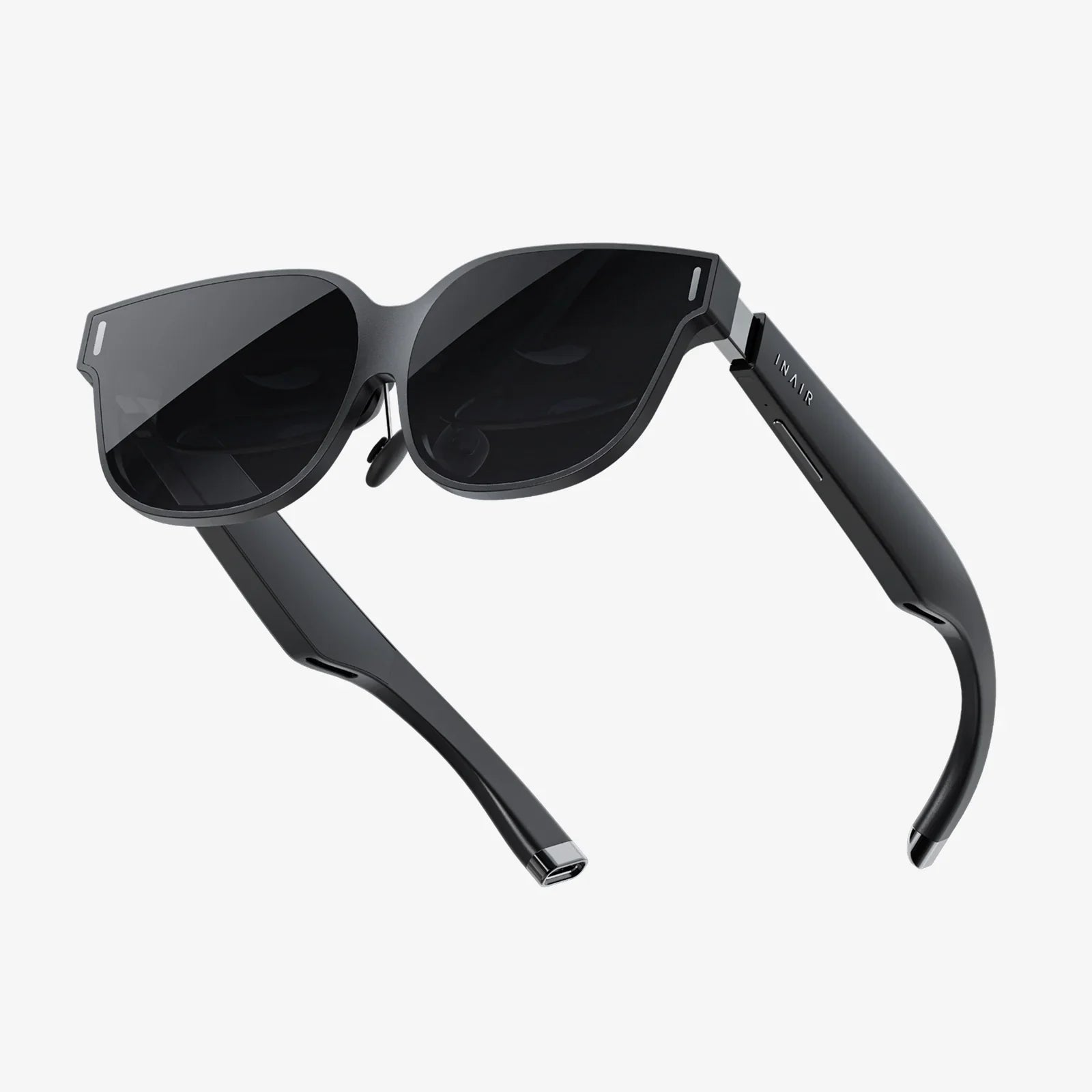
Imagine slipping on a headset and instantly being transported to the front row of a concert, the surface of Mars, or the depths of the ocean—all powered by the sleek computer already in your pocket. The promise of virtual reality has shifted from science fiction to an accessible reality for millions, and the key to unlocking this digital frontier often lies in the powerful smartphone you own. The question isn't just can you connect a VR headset to your phone, but how can you do it seamlessly to unlock a universe of immersive experiences without breaking the bank? This journey into mobile VR is simpler, more affordable, and more versatile than you might think, opening doors to entertainment, education, and exploration that were once the domain of high-end, expensive hardware. Let's dive in and discover how your phone becomes your passport to other worlds.
The Symbiotic Relationship: Your Phone as the Brain of VR
At its core, a modern smartphone is a technological marvel packed with precisely the components a basic VR headset needs. It boasts a high-resolution screen capable of rendering crisp, detailed images for each eye. It contains a powerful processor (GPU and CPU) to run complex 3D environments smoothly, preventing the motion sickness that plagued early VR attempts. It's equipped with an array of sophisticated sensors—gyroscopes, accelerometers, and magnetometers—that track the precise orientation of your head, allowing you to look around a virtual space naturally. Finally, it has built-in speakers or a headphone jack for spatial audio, completing the immersion. A mobile VR headset, therefore, acts as an accessory—a sophisticated housing that leverages your phone's hardware, splitting its screen for stereoscopic vision and using its lenses to create a wide field of view. This elegant symbiosis is what makes mobile VR so compelling and accessible.
Navigating the Two Worlds of Mobile VR Connection
Not all VR headsets that work with phones are created equal. Broadly, they fall into two distinct categories, each with its own connection method, capabilities, and ideal user.
The Simplicity of Dedicated Mobile Headsets
This category represents the most straightforward answer to the connection question. These are self-contained units designed from the ground up to work with smartphones. The connection process is typically beautifully simple:
- You physically open the front compartment or tray of the headset.
- You insert your smartphone, screen-side towards the lenses, much like sliding it into a protective case.
- You secure it in place, often with adjustable clamps or straps to ensure it's centered perfectly.
- You close the compartment, put on the headset, and you're ready to go.
The connection here is entirely physical and optical. The headset contains lenses that focus and reshape the image from your phone's screen, creating the 3D effect. There is no wired data connection between the phone and the headset; the headset itself usually has no electronics beyond passive components like adjustable lenses and head straps. All the processing, sensing, and displaying is handled by the phone. These headsets often come with a separate handheld controller that connects to the phone via Bluetooth, allowing for basic interaction within the virtual world. Their primary advantages are extreme affordability, portability, and ease of use, making them a perfect entry point into VR.
The Power of Tethered VR Headsets
This more advanced category blurs the line between mobile and PC-based VR. These are full-featured headsets that contain their own high-resolution displays, advanced tracking sensors, and often their own processing power. However, they can also be connected to a smartphone, not as the primary processing unit, but as a companion device. The connection is made via a specific app and a physical cable (typically USB-C) or sometimes wirelessly over Wi-Fi.
In this scenario, the phone acts as a remote control, a content library, and a social hub. You might use your phone to browse and purchase VR experiences from an app store, which are then run on the headset's own hardware. The phone can also cast a view of what you're seeing in the headset to its screen, allowing others to share your experience. Some systems use the phone for more advanced social features or as a keyboard for text input within VR. This tethered approach offers a significantly more powerful and high-fidelity experience than dedicated mobile headsets, as it isn't limited by the phone's thermal and battery constraints. It represents a more integrated but complex ecosystem.
A Step-by-Step Guide to Connecting Your Headset
While the exact steps can vary, the general process for getting started with a dedicated mobile VR headset is universal.
Step 1: Preparation and Compatibility Check
Before you even take the headset out of the box, this is the most crucial step. Not all phones are VR-ready. You must ensure compatibility:
- Operating System: Most modern VR platforms require a recent version of a major mobile operating system.
- Screen Size: Headsets are designed for a specific range of phone screen sizes (e.g., 5 to 6.5 inches). A phone that's too small will leave a large border, breaking immersion; one that's too large simply won't fit.
- Sensor Array: Your phone must have a robust gyroscope and accelerometer. Most mid-range and all flagship phones from the last several years include these.
- Performance: Running VR software is demanding. A phone with a capable processor and sufficient RAM will provide a smooth, enjoyable experience, while an underpowered device may stutter and cause discomfort.
Always consult the headset manufacturer's website for a list of compatible phone models.
Step 2: The Physical Connection
As described earlier, this involves carefully inserting your phone into the headset's holder. Pay close attention to centering the screen perfectly between the lenses. An off-center phone will result in a blurry or misaligned image. Secure any straps or clamps to prevent the phone from shifting during use, which could scratch your screen or disrupt the experience.
Step 3: The Digital Handshake (App Installation)
The physical connection is only half the battle. The true magic happens through software. You will need to download the corresponding VR platform app from your phone's official app store. This app serves as your gateway to the VR world. It will:
- Guide you through initial setup and calibration.
- Provide access to a store where you can download games, apps, and 360-degree videos.
- Act as a launcher for all your VR content.
- Often include a tutorial to help you get accustomed to navigating in VR.
Step 4: Calibration and Fine-Tuning
For the best experience, most apps will walk you through a quick calibration process. This might involve setting your interpupillary distance (IPD)—the distance between your eyes—using a software adjustment if the headset lacks a physical IPD wheel. Proper calibration ensures a sharp, clear image and reduces eye strain, making your immersion more comfortable and lasting.
The Bounty of Experiences: What Can You Actually Do?
Once connected, a vast library of experiences awaits. Mobile VR is far more than just games.
Gaming and Interactive Entertainment
This is the most popular use case. From simple roller coaster simulators that provide quick thrills to surprisingly deep puzzle games, narrative adventures, and rhythm games where you slash blocks to the beat of music, the variety is immense. The immersion of VR adds a new layer of engagement to gameplay, making you feel truly inside the world.
360-Degree Videos and Virtual Travel
This is where mobile VR truly shines. countless content creators and organizations produce stunning 360-degree videos. You can stand on the summit of Mount Everest, swim with whales, attend a famous music festival, or take a guided tour of the Louvre Museum—all from your living room. It's a powerful tool for empathy, allowing you to experience events and places from a first-person perspective, fostering a deeper understanding of the world.
Social and Educational Applications
The VR landscape includes social platforms where you can meet friends as avatars, watch videos together in a virtual theater, or even attend live events. Educationally, apps allow students to take virtual field trips to historical sites, explore the human body in 3D, or manipulate complex molecular structures, transforming abstract concepts into tangible, interactive models.
Overcoming Common Hurdles and Limitations
Mobile VR is incredible, but it's not without its challenges. Being aware of them helps set realistic expectations.
Performance and Battery Life
Running VR software is one of the most demanding tasks for a smartphone. It will drain the battery rapidly and cause the device to generate significant heat. It's advisable to close all other background apps before starting a VR session and to keep play sessions reasonable. Having a charger nearby or ensuring your phone is fully charged beforehand is a good practice.
Visual Quality and Potential for Discomfort
Even with a high-resolution phone screen, the image is magnified significantly through the lenses, which can make individual pixels visible—an effect known as the "screen-door effect." Furthermore, if the software's frame rate is not consistently high, it can induce motion sickness or eyestrain in some users. Starting with stationary experiences and gradually working up to more intense ones can help users acclimatize.
The Evolving Ecosystem
The landscape of mobile VR has changed over the years. Support for some older platforms has waned as the industry has focused more on standalone headsets. However, a dedicated community and a massive back catalog of existing content ensure that for those with compatible phones, the experiences remain vibrant, engaging, and plentiful. New 360-degree video content is released daily, keeping the platform fresh.
Gazing into the Crystal Ball: The Future of Phone-Based VR
The line between phone-dependent and standalone VR is constantly shifting. Standalone headsets, which have their own processors, batteries, and displays, are becoming the dominant form of consumer VR. However, this does not negate the role of the smartphone. The future likely points towards a deeper, more symbiotic relationship rather than a simple master-slave dynamic. We can expect phones to act as powerful co-processors, handling complex AI tasks or graphics rendering that stream wirelessly to more lightweight headsets. They will remain the primary interface for managing your VR identity, social connections, and content library. The connection may become less about physically housing the phone and more about a seamless, wireless data partnership, leveraging technologies to create even more immersive and untethered experiences.
The magic of virtual reality is no longer locked away in a high-end gaming PC. It's resting in your pocket, waiting for its call to adventure. By connecting it to a simple headset, you unlock a new dimension of play, learning, and exploration. The worlds you can visit, the stories you can live, and the perspectives you can gain are limited only by your curiosity. So, check your phone's compatibility, find a headset that fits, and take the plunge. Your next great adventure is just a connection away.
Share:
Very Cheap VR Headset: Your Ultimate Guide to Affordable Virtual Reality
Which VR Headset Is Worth Buying? The Ultimate 2024 Buyer's Guide