


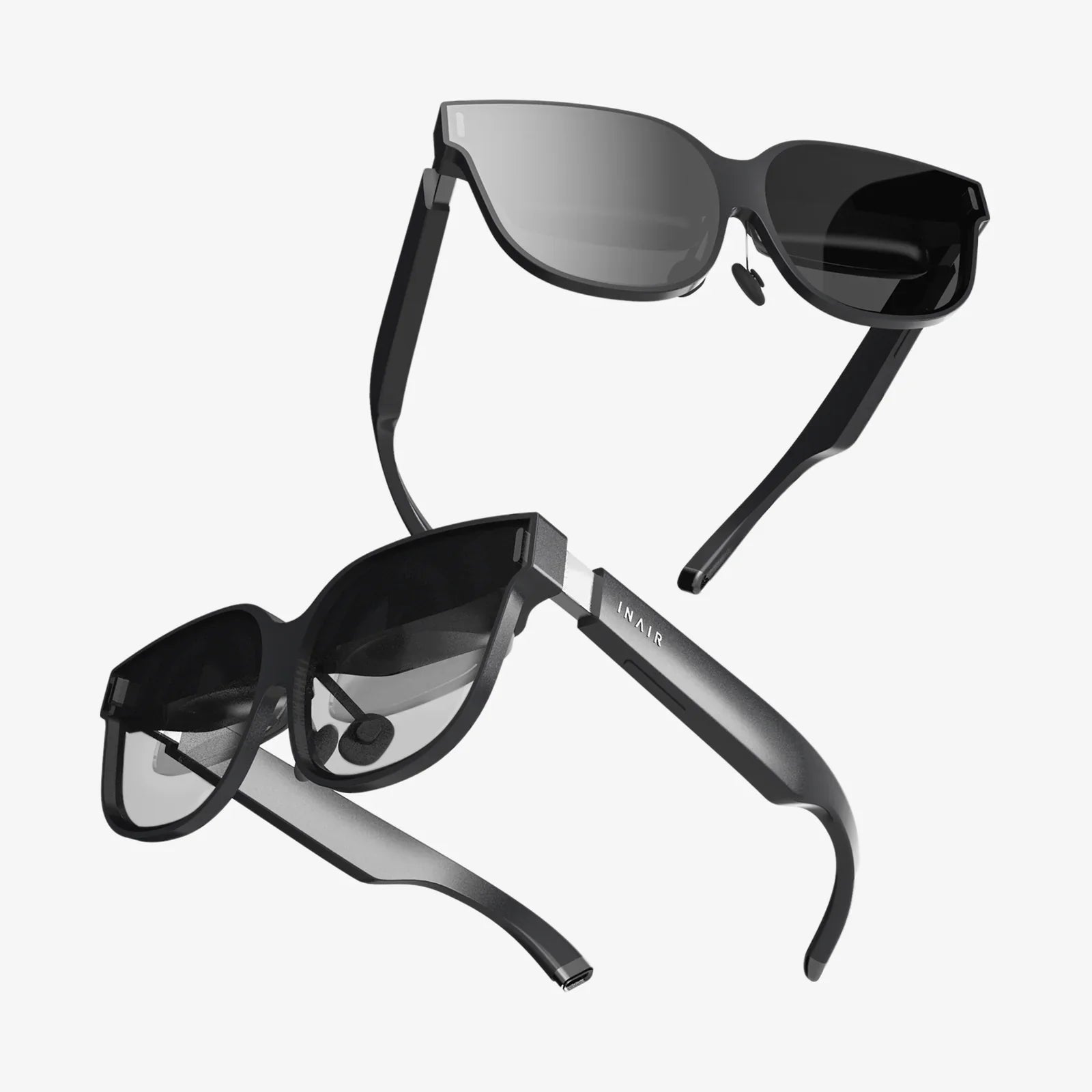
- by wangfred
Can You Connect VR to iPhone? The Ultimate Guide to Mobile Virtual Reality
- by wangfred
Imagine slipping on a headset and instantly being transported to a virtual concert, a faraway museum, or the surface of Mars, all powered by the powerful computer already in your pocket. The dream of accessible, high-quality virtual reality is compelling, and for millions of iPhone users, the central question is a simple one: can you connect VR to iPhone? The answer is a resounding yes, but the journey from curiosity to immersion involves navigating a landscape of different headset types, compatibility checks, and a few technical nuances. This comprehensive guide will demystify the entire process, serving as your essential roadmap to unlocking a world of virtual experiences with your iPhone at the core.
Before diving into cables and apps, it's crucial to understand the fundamental relationship between your iPhone and virtual reality. Not all VR headsets are created equal, and their method of connection is the primary differentiator. The VR market is broadly split into two categories relevant to iPhone users: standalone headsets and tethered headsets.
Standalone headsets are all-in-one units with their own internal processor, storage, and operating system. They operate independently of any other device. While they represent a significant portion of the market, their closed ecosystems are generally not designed to interface directly with an iPhone beyond perhaps casting a video feed or transferring media files. They are not the primary focus for a true iPhone-VR connection.
The real magic for iPhone users happens with tethered headsets, specifically those designed as mobile VR platforms. These headsets are essentially sophisticated housings—high-quality lenses and a physical structure—that utilize your iPhone's screen, sensors, and processing power to create the virtual experience. Your phone becomes both the brain and the display. The compatibility, therefore, hinges almost entirely on your iPhone's model and capabilities.
Not every iPhone is equally suited for VR. The experience demands significant graphical and processing power. Here’s what matters most:
This is the most common and accessible path for connecting your iPhone to VR. These headsets are affordable, easy to use, and widely available.
The process is elegantly simple. You purchase a headset, which is essentially a shell with lenses. You then download compatible VR applications from the App Store onto your iPhone. Before placing it into the headset, you might need to remove any protective case to ensure a proper fit. The headset's compartment holds the phone securely, aligning its screen with the lenses. You then wear the headset, and the app splits the screen into two distinct images—one for each eye—creating the stereoscopic 3D effect. The iPhone's sensors track your head movements, allowing you to look around the virtual world naturally.
The iPhone's robust App Store is home to a vast library of VR content. The experiences range from passive to highly interactive:
A more advanced question is whether you can use your iPhone to power a PC-based VR experience, similar to how some Android phones can be used with certain high-end headsets. The short answer is that this is not a standard or supported pathway.
PC VR systems are designed with specific software and hardware requirements that are tied to desktop operating systems like Windows. The architecture and operating system of iOS are fundamentally different and closed, making it impossible to run the necessary PC VR software directly on the iPhone. Furthermore, these high-end headsets require a direct video signal and data connection via HDMI and USB ports that the iPhone's Lightning or USB-C connector does not support in the same way a desktop graphics card does.
While there are third-party software solutions that claim to stream PC VR content to a mobile headset over a local network, their performance, compatibility, and latency are often poor and not officially supported by Apple or major VR headset manufacturers. For a reliable, high-fidelity PC VR experience, a dedicated Windows PC and a compatible headset remain the only solution.
To ensure your journey into virtual reality is as smooth and enjoyable as possible, consider these expert tips:
The landscape of VR is constantly evolving, and Apple's role in it is a subject of intense speculation. The company has made significant investments in augmented reality (AR) with its ARKit framework, which is already available on iPhones and iPads. Many industry analysts believe this development is a foundational step toward a future mixed-reality headset from Apple.
Such a device would likely be a standalone product but would feature deep integration with the Apple ecosystem, potentially using the iPhone for certain processing tasks, content storage, or as a controller. The official entry of Apple into the VR/MR space would undoubtedly catalyze the development of a new wave of high-quality, iPhone-compatible experiences and could redefine the entire mobile VR paradigm.
For now, the connection between your iPhone and VR is not only possible but also a gateway to a vast and growing library of immersive content. The technology provides an incredibly accessible entry point into virtual worlds, demystifying a futuristic concept and placing it directly into the hands of millions. The potential for education, entertainment, and exploration is immense, and it all starts with answering that initial, exciting question.
Your iPhone is more than a communication device; it's a ticket to another dimension. With the right headset and a few taps on the App Store, you can transform your living room into a gateway for adventure, learning, and experiences that were once the stuff of science fiction. The world of mobile virtual reality is waiting—dive in and see what you've been missing.