


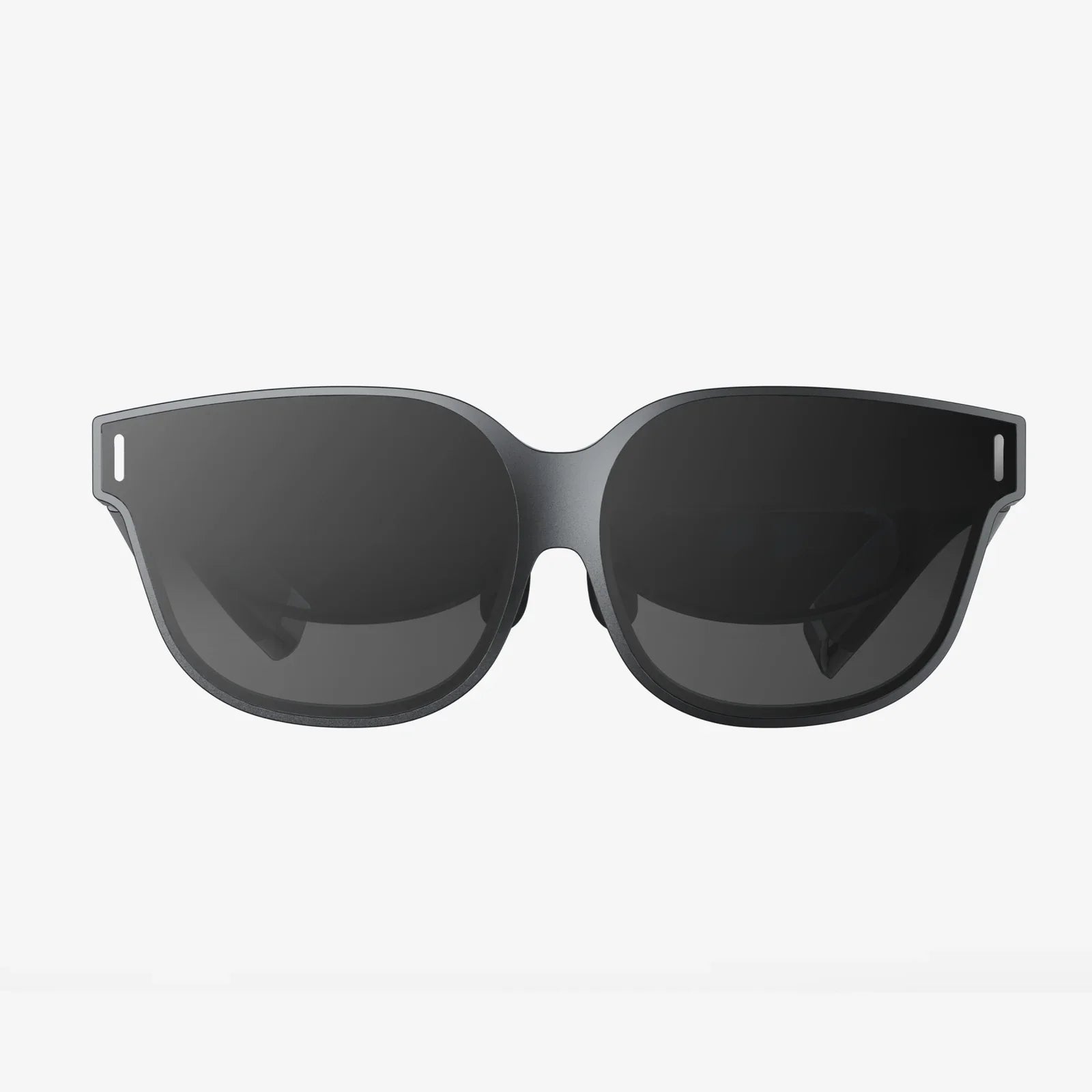
Imagine unlocking a vast, immersive virtual world not with a high-end computer, but with the sleek, powerful tablet already sitting in your bag. The convergence of portable computing and virtual reality is one of the most exciting frontiers in tech, sparking a burning question for gadget lovers and curious minds alike: can the two be combined? The allure is undeniable—transforming a device you use for work, play, and everything in between into a portal for breathtaking digital experiences. The answer is more nuanced than a simple yes or no, weaving through technical specifications, ingenious software, and a bit of DIY spirit. This exploration isn't just about compatibility; it's about understanding the very fabric of modern mobile technology and pushing it to its creative limits.
Deconstructing the Basics: What Makes a VR Headset Tick?
Before we can plug things in and hope for the best, it's crucial to understand what a VR headset, particularly a mobile one, fundamentally requires to function. At its core, a VR headset is a sophisticated housing for two key components: lenses and sensors.
The lenses are placed between your eyes and the screen, warping the flat image into a stereoscopic, 360-degree field of view. The sensors—typically an array of gyroscopes, accelerometers, and magnetometers—are constantly tracking the movement of your head. This data is relayed to the processing unit (whether a phone, a tablet, or a PC) hundreds of times per second, instructing it to adjust the on-screen perspective in real-time. This instantaneous feedback loop is what creates the illusion of being inside a virtual space and is the primary defense against the motion sickness that plagues poorly implemented VR.
When we talk about "mobile VR," we are almost exclusively referring to headsets designed to harness the power of a smartphone. These headsets, which were once wildly popular, provide the housing, lenses, and sometimes an additional external sensor, but they rely entirely on the smartphone for its high-resolution display, powerful processor, and essential motion-tracking hardware. The phone is
The Central Hurdle: Physical Form Factor and Design
Here we arrive at the most immediate and obvious challenge. The entire ecosystem of mobile VR was built around the standardized form factor of smartphones. From the humble first-generation headset made of cardboard to more advanced models with integrated controls, the design presupposes a device that is roughly between 4 and 6.5 inches in screen size.
A modern tablet, by contrast, is a behemoth in this context. With screens ranging from 8 inches to well over 12 inches, attempting to physically secure a standard tablet into a standard smartphone VR headset is a futile endeavor. It simply will not fit. The headset's compartment is too small, and the weight distribution would be completely unbalanced, making it uncomfortable and potentially dangerous to wear. This physical incompatibility is the first and most significant barrier.
Beyond the Physical: The Software and Processing Divide
Even if you could somehow engineer a custom headset mount for a tablet, you would immediately face a second, more complex wall: software. Operating systems like Android and iOS are designed to behave differently on phones versus tablets. The vast majority of VR content—the games, apps, and experiences found on platforms like the app store for a major VR service or on Steam—is written with a specific hardware profile in mind.
VR applications are incredibly demanding. They require sustained high frame rates (often 60fps or higher per eye), low latency, and precise sensor calibration. These apps are optimized for the specific sensors and screen configurations found in smartphones, not tablets. A tablet's operating system might not even recognize a headset's trigger input or know how to properly interpret its sensor data for a VR environment. You'd likely be left with a giant, split-screen image that doesn't respond to your movements, not a true virtual reality experience.
Ingenious Workarounds: Thinking Outside the (Headset) Box
While a tablet cannot replace a smartphone inside a mobile VR headset, its powerful hardware can be leveraged in other, often more effective, ways to access virtual reality. The key is to stop thinking of the tablet as the display and instead utilize it as a sophisticated wireless computer.
Method 1: The Tablet as a Wireless VR Powerhouse
Many modern standalone VR headsets offer a feature called "wireless streaming" or "Air Link." This allows the headset to connect to a computer over a high-speed Wi-Fi 6 network, cutting the cord and providing freedom of movement. Here, your tablet can act as that computer.
By using remote desktop applications or specific VR utility software, you can effectively trick a VR headset into seeing your powerful tablet as a gaming PC. The process typically involves:
- Ensuring your tablet and VR headset are on the same 5GHz Wi-Fi network.
- Installing a server application on the tablet.
- Using a companion application on the VR headset to locate and connect to the tablet.
Once connected, the tablet handles the heavy lifting of running the VR game or application, encodes the video and audio stream in real-time, and beams it wirelessly to the headset. The headset then sends its sensor data back to the tablet to complete the loop. This method transforms your tablet into a compact, portable VR-ready computer, enabling you to play more complex titles that a mobile phone could never handle.
Method 2: The Second Screen Experience
Another fantastic use for a tablet in a VR setup is as a complementary second screen. Many social and competitive VR games feature asymmetric gameplay, where one person is in the headset and others participate via a external device.
Imagine a thrilling VR horror game where one player, wearing the headset, explores a haunted house. Their friends, using the tablet, can view a map of the house, see the location of their teammate, and control environmental elements like locking doors or triggering jumpscares. The tablet becomes the game master's control panel, enhancing the social and interactive dimension of VR. It can also simply be used to mirror the headset's view, allowing others to watch and share in the experience without needing a second headset.
Method 3: The DIY Cinema
For those seeking a more media-centric experience, a tablet can be the core of a stunning personal cinema. While not "VR" in the interactive sense, this falls under the broader category of virtual entertainment. By using a simple VR headset that has a dedicated media player mode and a USB-C or HDMI port, you can potentially output the tablet's screen to the headset.
You could load up a movie on your tablet, connect it to the headset via a cable, and enjoy it on a virtual silver screen that feels hundreds of feet wide. This bypasses the need for the headset to process the content itself, using the tablet's superior media player and storage capabilities. It’s a niche setup, but a testament to the flexibility of using these devices in concert.
Weighing the Pros and Cons
Pursuing a tablet-VR setup is not without its trade-offs. Let's break down the advantages and challenges.
Potential Advantages:
- Superior Processing Power: High-end tablets often have more robust chipsets and better cooling than smartphones, potentially enabling smoother performance in wireless PC-style VR.
- Larger Storage Capacity: Tablets frequently offer more built-in storage and expandable memory options, perfect for housing large VR game files and media libraries.
- Versatility: It transforms your tablet into a multi-purpose VR hub, useful for both running experiences and acting as a social second screen.
Significant Challenges:
- Technical Complexity: Wireless streaming setups require a good understanding of network configuration and can be finicky to get working perfectly.
- Latency: Even on a great network, wireless streaming introduces a minuscule delay between your movement and the on-screen response, which can be noticeable and uncomfortable for some users.
- Battery Drain: Encoding a high-resolution VR stream is incredibly taxing and will rapidly deplete a tablet's battery.
- Lack of Official Support: You are essentially creating a custom solution outside of officially supported pathways, meaning updates can break functionality.
The Future of Tablet-Driven VR
The landscape of technology is one of constant convergence. As VR and AR hardware continues to evolve towards self-contained "standalone" devices with their own powerful processors and displays, the role of external devices will shift. We are already seeing this with new augmented reality glasses that can connect to a device to tap into its computing power for more complex tasks.
Future AR and VR glasses will likely become more dependent on companion devices, not less. However, this connection will be seamless and wireless by design. A future tablet might automatically detect your AR glasses and offer to extend its display into your virtual space, allowing you to arrange infinite virtual windows for work and play. The tablet would serve as the processing engine and content library, while the glasses provide the elegant, lightweight display. This is the true potential of the partnership between these devices—not cramming a tablet into a headset, but creating a symbiotic relationship where each plays to its strengths.
So, can you strap your tablet into a standard VR headset and dive into the metaverse? The physical reality makes it a resounding no. But to let that be the final word would be to miss the forest for the trees. By reimagining the tablet's role from the display itself to a powerful wireless computer and content server, you can absolutely harness its capabilities to fuel incredible virtual reality experiences. It requires technical curiosity, a willingness to experiment, and an understanding that you're operating on the bleeding edge. For the tinkerer and the visionary, the combination of a tablet and a VR headset isn't a failed experiment; it's a glimpse into a wireless, multi-device future of computing that is already beginning to take shape.
Share:
VR Headset Field of View Comparison 2025: The Ultimate Immersion Breakdown
VR Headset Field of View Comparison 2025: The Ultimate Immersion Breakdown