


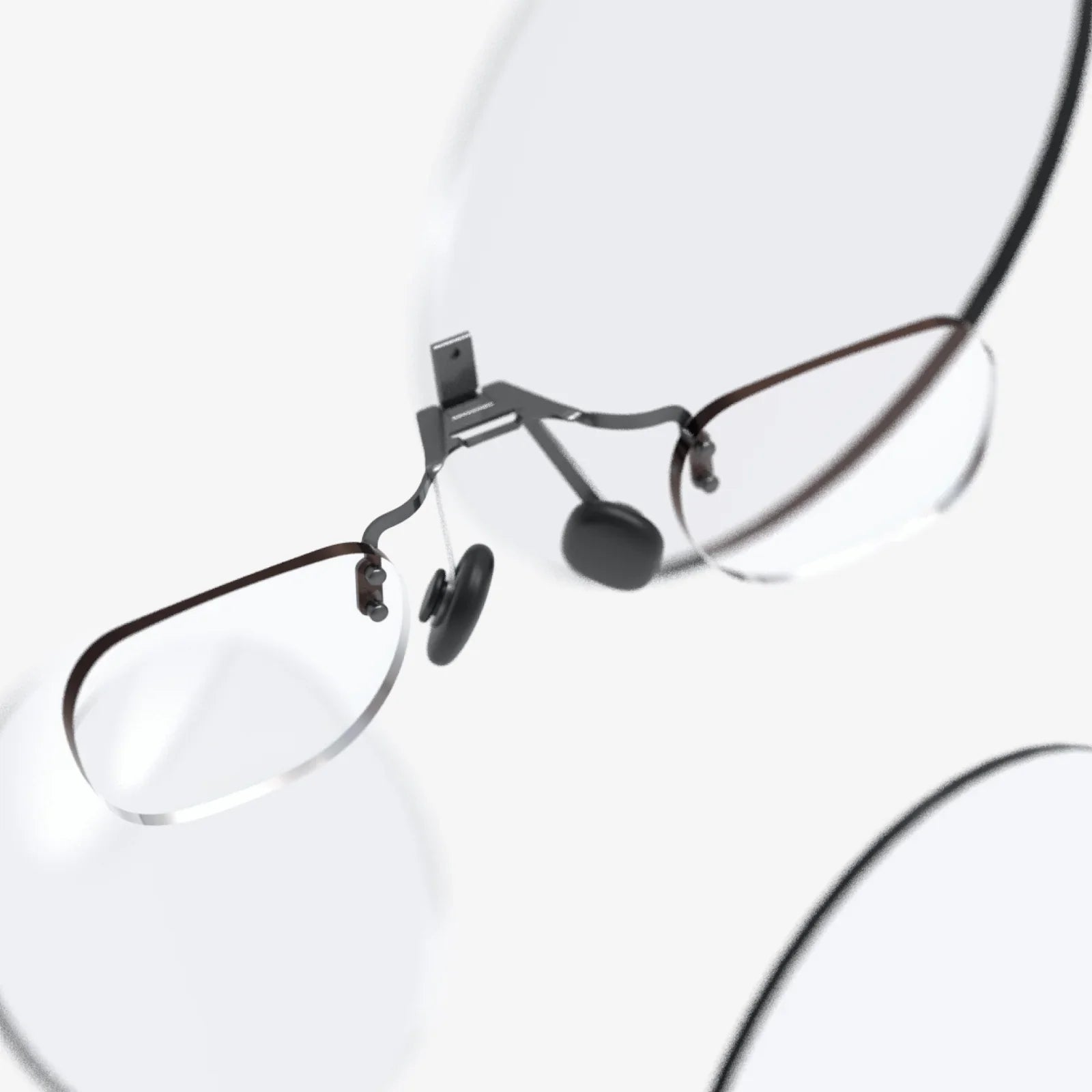
Imagine slipping into a breathtaking virtual world, not for a fleeting ten-minute demo, but for an entire afternoon of exploration, productivity, or social connection. The immersion is total, the experience captivating. Then, it starts: a dull ache across your forehead, a hot spot on your cheeks, a nagging pressure on the bridge of your nose. The magic shatters, and you’re abruptly pulled back to reality by the very device meant to transport you away. This is the single greatest barrier to the mainstream adoption of virtual reality—discomfort. The quest for a truly comfortable VR headset is not a minor feature hunt; it is the fundamental key to unlocking the full, world-changing potential of the technology. It’s the difference between a novel gadget and a seamless portal to new realities.
The Anatomy of Discomfort: Where It All Goes Wrong
To understand what makes a headset comfortable, we must first diagnose the common pain points. Discomfort in VR is a multi-faceted problem, a symphony of engineering challenges that manifest as physical strain on the user.
Front-Heavy Design and Poor Weight Distribution
The core components of a VR system—the displays, lenses, and internal electronics—are necessarily located at the front of the device. This creates a significant forward weight bias. Without a counterbalancing system, this weight acts like a lever, pulling the front of the headset downward and forcing the user to constantly tense their neck and facial muscles to keep it in place. This is the primary cause of neck strain and rapid fatigue.
Improper Facial Interface and Pressure Points
The facial interface, or the foam/gasket that makes contact with your face, is a critical comfort zone. A poorly designed interface made of rough, non-breathable materials can cause skin irritation and heat buildup. More importantly, if it doesn’t conform well to a variety of face shapes, it creates intense pressure points on the forehead, cheeks, and the sensitive area around the sinuses and brow ridge. This is often described as the "VR headache" and is a fast track to ending a session.
Inadequate Strapping Systems
A flimsy strap is a recipe for disaster. Basic elastic straps offer minimal support and force the user to overtighten the headset to prevent it from sliding, which exacerbates pressure points. The headset becomes a constant preoccupation, requiring frequent adjustment and breaking immersion.
Heat and Hygiene
Physical exertion, concentration, and the simple fact of having a device sealed against your face leads to sweating. A non-breathable interface traps this heat and moisture, leading to discomfort, lens fogging, and unhygienic conditions, especially in shared or demo environments.
The Visual Factor: IPD and Eye Strain
While not a physical pressure point, visual discomfort is a significant contributor to overall unease. An incorrectly set Inter-Pupillary Distance (IPD)—the distance between a user’s pupils—forces the eyes to work unnaturally to align the two images into one. This can cause severe eye strain, headaches, and a feeling of nausea, effectively ruining the VR experience even if the headset itself feels light as a feather.
Engineering for Comfort: The Pillars of a Pain-Free Experience
Addressing these pain points requires a holistic design philosophy where comfort is not an afterthought, but a primary design constraint from the very beginning. The most comfortable VR headsets are built on several key pillars.
1. Mastering Weight Distribution and Balance
The goal is not just to make a headset light, but to make it feel light. This is achieved through clever weight distribution. The best designs use one of two strategies, or a combination of both:
Counterbalancing: Adding a small amount of weight to the back of the strap acts as a counterweight to the front-heavy display module. This brings the center of gravity closer to the user’s actual head, eliminating the lever effect and allowing the weight to be supported by the skull rather than the face.
Battery as a Counterweight: A particularly elegant solution is integrating the battery pack into the rear strap. This serves the dual purpose of moving weight away from the front and extending usage time, all while perfectly balancing the device on the head.
2. The Revolution of the Strap: From Basic to Bespoke
The strap has evolved from a simple piece of elastic into a sophisticated support system.
Elite Straps and Halo Designs: Rigid, plastic "elite" or "pro" straps often feature a dial at the back for micro-adjustment, allowing for a secure and personalized fit. The "halo" design, inspired by professional hardware, uses a rigid ring that circles the head, distributing weight across the entire circumference of the skull and largely offloading pressure from the face.
Materials Matter: High-quality straps use a combination of rigid structural elements for support and soft, flexible padding where they contact the head. Memory foam and breathable mesh fabrics are common in premium designs.
3. The Facial Interface: Your Gateway to Comfort
This is the point of contact that makes or breaks the experience. A premium interface is defined by:
Material: High-end synthetic leathers (often called "pleather") are easy to clean and hygienic. However, the latest standard is becoming medical-grade silicone or memory foam covered in a breathable, moisture-wicking fabric. These materials are soft, hypoallergenic, and prevent heat buildup.
Shape and Magnetism: Interfaces are now designed with complex contours to match the topography of the human face, spreading pressure evenly. Many are also magnetic, allowing for easy removal for cleaning or swapping to custom-fit options.
4. The Critical Importance of IPD Adjustment
A comfortable VR headset must have a physical IPD adjustment mechanism. This allows users to physically shift the lenses closer or further apart to match their unique eye spacing. Software-based IPD adjustment, which merely shifts the rendered image, is a poor substitute that does not solve the underlying optical misalignment and is a major source of visual discomfort.
5. Ventilation and Heat Management
Forward-thinking designs are incorporating active or passive ventilation systems. Small, quiet fans can create a constant flow of air between the interface and the face, preventing fogging and wicking away sweat and heat, dramatically improving comfort during active experiences.
Finding Your Perfect Fit: A User's Guide
Comfort is subjective. What feels like a cloud to one person might feel like a vise to another. Here’s how to find your personal sweet spot.
1. The Fitting Process: It's a Ritual
Don’t just slap it on your head. Start by loosening all straps completely. Place the headset on your face first, finding the position where the lenses offer the clearest image with the least pressure on your nose. Then, secure the top strap—its primary job is to take the vertical weight. Finally, tighten the side straps just enough to eliminate wobble when you move your head quickly. It should feel secure, not tight.
2. Dial in Your IPD
Use the IPD adjustment tool, if available. Many modern headsets will guide you through this process visually. Take your time. The world should look sharp and cohesive, with no blurriness or straining feeling in your eyes.
3. Consider Aftermarket Accessories
The journey to ultimate comfort doesn’t always end with the stock device. A vibrant ecosystem of third-party manufacturers offers:
- Custom Facial Interfaces: Softer, wider, or deeper interfaces made from superior materials can transform the feel of a headset.
- Alternative Straps: If the default strap isn’t working for you, a halo-style or elite strap with a rear battery can be a game-changing upgrade.
- Forehead Pads: Simple silicone or gel pads can redistribute pressure and absorb sweat.
The Future of Comfort: Where Do We Go From Here?
The pursuit of the perfectly comfortable VR headset is driving some of the most exciting innovations in the industry.
Varifocal Lenses and Eye-Tracking
Future headsets will use eye-tracking and varifocal lenses that physically move to match the focus of your eyes on virtual objects. This mimics how our eyes work in the real world, eliminating the vergence-accommodation conflict—a key source of visual fatigue that our brains currently struggle with in VR.
Material Science Breakthroughs
We will see the adoption of newer, lighter materials for structural components and advanced phase-change or cooling gels in interfaces that actively regulate temperature against the skin.
Miniaturization and Optical Advances
Pancake lenses allow for a much shorter distance between the display and the eye, enabling dramatically smaller and lighter form factors. As these technologies mature, the front-heavy design will become a relic of the past.
Biometric Integration
Headsets could one day automatically adjust their fit and focus based on real-time biometric feedback, creating a dynamically comfortable experience that adapts to the user.
The difference between a good VR experience and a truly transformative one often boils down to a single, overlooked factor: can you forget you're even wearing the device? A comfortable VR headset is the silent enabler of this magic, the unsung hero that moves the technology from a compelling novelty to an indispensable window into new worlds of work, play, and human connection. It’s the foundation upon which the entire metaverse will be built, because no one will want to live in a world that gives them a headache.
Share:
Buy VR Headset for PC: The Ultimate Guide to High-Fidelity Immersion
AI Goggles: The Dawn of a New Reality and the Invisible Revolution on Our Faces