


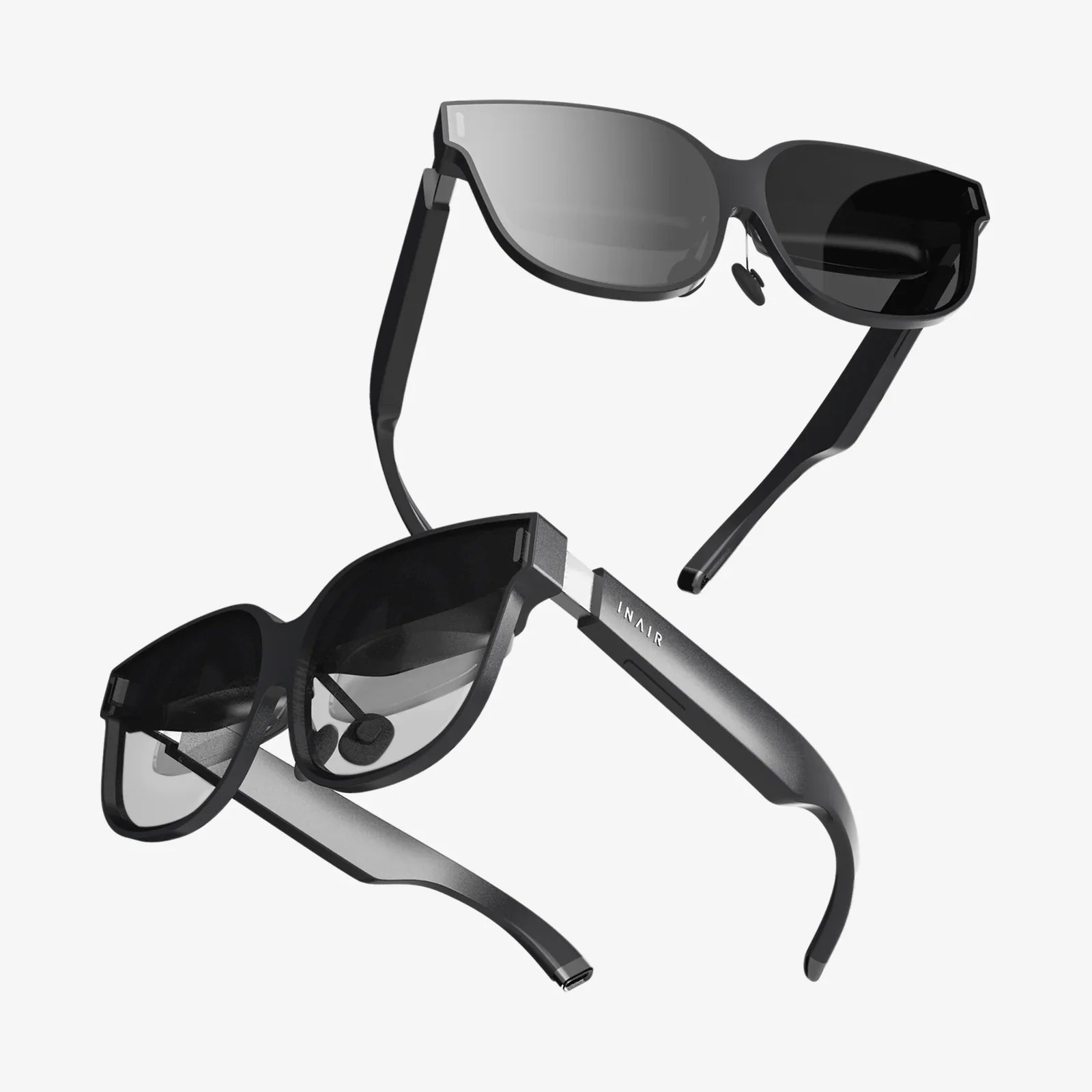
You’ve seen the future, and it’s wearing a headset. The promise of virtual reality has captivated imaginations for decades, but now it’s a tangible, thrilling reality available to consumers. Yet, with a rapidly expanding market filled with technical jargon and competing platforms, the single most important question remains: which VR system is right for you? The decision to step into a virtual world is momentous, but the path to choosing your portal is fraught with complexity. This isn't just about picking a gadget; it's about selecting an ecosystem, a level of immersion, and a gateway to experiences that can redefine entertainment, productivity, and social connection. The key to unlocking this decision lies not in looking for a single "best" device, but in a careful, nuanced comparison of the different tiers of VR technology available today.
The Three Pillars of Modern VR: Understanding the Core Categories
Before diving into specific specs, it's crucial to understand the fundamental architectures that define the VR landscape. Currently, all consumer VR systems fall into one of three distinct categories, each with its own philosophy, strengths, and inherent compromises.
PC-Connected VR: The Apex of Performance
Often referred to as tethered VR, these systems represent the high-end of the market. They function as peripherals to a powerful desktop computer, which acts as the engine rendering the complex virtual worlds. The headset itself is a sophisticated display and sensor package, but the heavy computational lifting is handled by the PC.
Key Advantages:
- Unmatched Fidelity: Leveraging the power of high-end graphics processors, PC VR delivers the most visually stunning and detailed experiences. Complex textures, advanced lighting effects, and vast, intricate environments are all possible here.
- Processing Power: This raw power allows for more sophisticated physics simulations, larger scales, and more complex non-player character (NPC) behavior, leading to deeper and more immersive gameplay and simulations.
- Broad Compatibility: Platforms like SteamVR offer access to a massive library of content, often with backward compatibility, giving users an enormous selection of experiences.
Notable Trade-offs:
- High Cost of Entry: The requirement for a capable gaming PC, often a significant investment itself, is added to the cost of the headset and its accessories.
- The Tether: A physical cable connects the headset to the PC. This can limit freedom of movement, introduce a trip hazard, and break immersion if the user becomes tangibly aware of the cable during active experiences.
- Complex Setup: The process often involves setting up external sensors or base stations around the play area for precise tracking, requiring a dedicated space and initial calibration.
Standalone VR: The Embodiment of Accessibility and Freedom
This category has democratized VR more than any other. Standalone headsets are all-in-one units with a mobile processor, memory, storage, and batteries built directly into the headset. They are completely wireless and self-contained, requiring no external PC, console, or phone.
Key Advantages:
- The absence of a cable is transformative. Users can spin, crouch, and move freely within their play area without a second thought, greatly enhancing immersion and safety.
- Ease of Use: Setup is incredibly simple—often just putting on the headset and defining a play area with its inside-out tracking cameras. There are no external sensors to mount or PCs to configure.
- Compelling Value: By eliminating the need for a expensive PC, standalone VR offers a much lower total cost of ownership, making high-quality VR accessible to a massive audience.
- Portability: These devices are easy to take to a friend's house or pack for travel, making VR a social and shareable experience.
Notable Trade-offs:
- Mobile-Level Graphics: While rapidly improving, the graphics are powered by mobile chipsets. This means visuals are less detailed and complex than their PC-powered counterparts, often employing stylized art to compensate for technical limitations.
- Processing Limitations: The scope of experiences can be constrained by the mobile hardware, limiting the complexity of simulations and the scale of game worlds compared to PC VR.
- Battery Life: Sessions are limited by battery capacity, typically offering two to three hours of use before needing a recharge.
Mobile VR: The Fading First Step
This was the first wave of consumer VR, leveraging a smartphone slotted into a head-mounted holder. The phone's screen acts as the display, and its sensors provide the tracking. While instrumental in introducing millions to VR, this category has been largely superseded and deprecated by the rise of more capable standalone devices.
Key Advantages:
- Extremely Low Cost: For those who already own a compatible smartphone, the cost of entry was just the price of a simple headset holder, often made of cardboard or plastic.
Notable Trade-offs:
- Limited Experiences: Tracking is typically only rotational (3-DoF), meaning you can look around but not move your head position within the virtual space, which severely limits immersion.
- Poor Performance: It drains phone batteries quickly and offers subpar graphical performance compared to dedicated systems.
- Ergonomics: Often uncomfortable and prone to overheating the enclosed smartphone.
Beyond the Box: Critical Specifications to Compare
Once you understand the categories, the next step in any meaningful VR comparison is to dig into the specifications that directly impact the quality of your experience.
Display Resolution and Lens Clarity
This is often the first spec people look at, but it's more nuanced than just a number. Resolution refers to the number of pixels on the display(s). A higher resolution reduces the "screen door effect" (the visible grid between pixels), making the image sharper and more solid. However, lens quality is equally important. Fresnel lenses are common but can cause god rays (glare around high-contrast objects), while newer pancake lenses allow for a slimmer headset design and better clarity across the entire field of view. Always prioritize a combination of high resolution and advanced lens technology for the clearest picture.
Field of View (FoV)
Measured diagonally in degrees, the FoV is how much of the virtual world you can see at once. A narrow FoV can feel like looking through binoculars or a scuba mask, while a wider FoV (110 degrees or more) is far more immersive, making you feel truly "inside" the environment. This is a critical spec for presence, the feeling of actually being in the virtual space.
Tracking: Inside-Out vs. Outside-In
How the system understands your movements is paramount.
- Outside-In Tracking: Uses external sensors or base stations placed around the room to precisely track the position of the headset and controllers. This is considered the gold standard for accuracy and is essential for competitive gaming and full-body tracking applications. The downside is the setup complexity and lack of portability.
- Inside-Out Tracking: Cameras on the headset itself look out at the world to track its position relative to your environment. This is the standard for standalone headsets, making them easy to set up and portable. While its accuracy is now excellent for most use cases, it can sometimes lose tracking if controllers are held too close to the headset or moved outside the cameras' field of view.
Refresh Rate
Measured in Hertz (Hz), the refresh rate is how many times per second the image on the screen is updated. A higher refresh rate (90Hz and above) leads to smoother motion, which is crucial for comfort. Low refresh rates can cause judder and are a primary contributor to VR-induced motion sickness. High-end PC headsets often push 120Hz or even 144Hz for buttery-smooth gameplay.
Controllers and Haptics
The controllers are your hands in the virtual world. Compare their ergonomics, button layout, and tracking rings. More importantly, examine the quality of their haptic feedback. Advanced haptics can provide nuanced sensations, from the gentle buzz of a virtual object to the distinct recoil of a weapon, adding a critical layer of tactile immersion.
Content Library and Ecosystem
The hardware is useless without software. When you compare VR systems, you are also choosing an ecosystem. Some platforms have vast, open stores with thousands of titles spanning games, fitness apps, social spaces, and creative tools. Others have more curated, exclusive walled gardens. Consider where the experiences you want to try are available. Furthermore, look at the social features—are your friends on a particular platform? Cross-platform support for multiplayer games can also be a deciding factor.
Matching the Technology to Your Reality
The perfect VR system is the one that best fits your personal circumstances, not the one with the highest specs on paper. This final comparison is about your life, not just the technology.
For the Hardcore Gamer and Tech Enthusiast
If your priority is experiencing the absolute pinnacle of visual fidelity and performance, and you already own or are willing to invest in a high-end gaming PC, then a PC-connected headset is your destination. You are willing to tolerate a cable and a more complex setup for the unparalleled power and depth of experiences it enables.
For the Mainstream User and Family
If you value simplicity, convenience, and the ability to jump into VR anywhere in your home (or beyond), a standalone headset is the unequivocal choice. It is the best option for social gaming, fitness applications, media consumption, and introducing VR to friends and family. Its wireless nature and ease of use make VR a daily part of life rather than a scheduled event.
For the Professional and Creator
Professionals using VR for architecture, design, training, or data visualization will almost certainly require the high-resolution displays and processing muscle of a PC-connected system. The clarity to read text and the power to render complex models are non-negotiable. However, some standalone devices are now making inroads here with business-focused features and software.
The Budget Consideration
Be honest about your total budget. For a PC VR setup, remember to factor in the cost of the capable computer if you don't already own one. A standalone headset has a higher upfront cost for the device itself but no hidden additional expenses. Weigh the initial investment against the long-term value of the experiences you desire.
The Future is a Blend, Not a Battle
The lines between these categories are already beginning to blur. The advent of high-speed wireless streaming allows some standalone headsets to connect to a PC, effectively letting them function as both a wireless PC VR headset and a standalone device. This hybrid approach may well become the ultimate solution, offering users the freedom to choose between maximum power and maximum convenience based on the application. Furthermore, advancements in eye-tracking and foveated rendering—where the system renders only the area you are directly looking at in full detail—promise to dramatically increase performance on standalone devices, closing the graphical gap with PC VR.
Your journey into virtual reality is a personal one, and the gateway you choose will define your first steps. This comparison isn't about crowning a single winner, but about equipping you with the knowledge to find your perfect match. The ultimate VR experience isn't the one with the highest number on a spec sheet; it's the one that feels so intuitive, so engaging, and so seamlessly part of your world that you forget the technology entirely and simply lose yourself in the experience. The virtual frontier is waiting—now you have the map to find your way there.
Share:
Self Adjusting Eyeglasses: The Future of Vision Correction is Here
Web AR Experience: The Future of Digital Interaction is Here and It's Accessible to All