


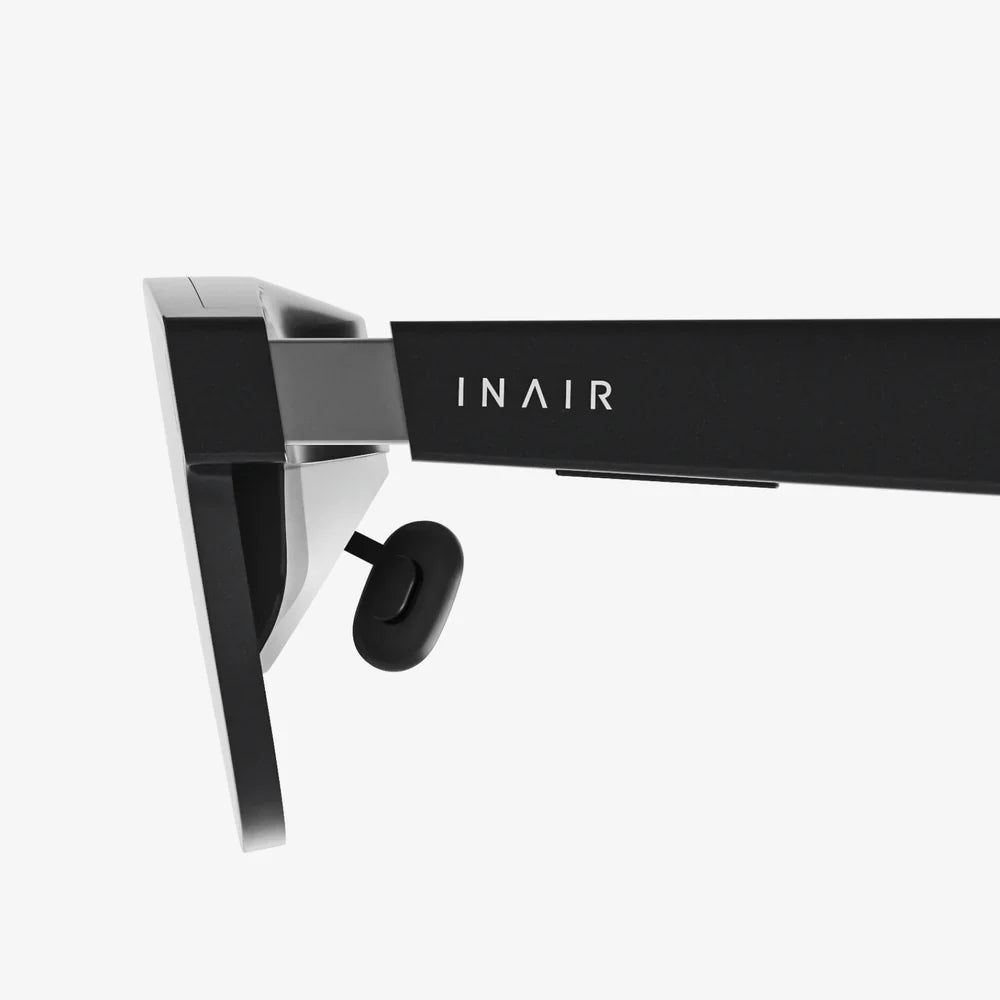
Imagine being in the center of the action, where every whisper, footstep, and soaring melody doesn't just play to you but happens all around you, creating a sphere of sound so real you feel you could reach out and touch it. This is the promise of spatial audio, a technological leap that is redefining our auditory experience. But the magic isn't just in the technology itself; it’s in the power you wield to command it. The ability to control spatial audio features is the key that unlocks this immersive universe, transforming passive listening into an active, personalized, and breathtaking sonic journey. This is more than just a new setting to toggle; it's the frontier of how we interact with sound.
The Foundation: Understanding Spatial Audio
Before we can master control, we must first understand what we are commanding. Spatial audio, at its core, is a method of sound reproduction that creates a three-dimensional auditory field. Unlike traditional stereo sound, which is largely confined to left and right channels, or even surround sound, which adds specific directional channels, spatial audio uses advanced algorithms to trick the human brain into perceiving sounds as originating from any point in a 360-degree sphere—above, below, behind, and to the sides.
This illusion is achieved through a combination of technologies, primarily head-related transfer functions (HRTF) and object-based audio. HRTF is a complex acoustic model that accounts for how our ears and head shape alter a sound wave before it reaches our eardrums. These subtle cues, like the minute delay a sound has when it reaches one ear slightly after the other, are what our brains use to pinpoint a sound's location in space. Spatial audio processors use individualized or generalized HRTF data to digitally recreate these cues through standard headphones, making it feel like sounds are coming from the environment around you, not just inside your head.
Object-based audio takes this a step further. Instead of encoding sound for specific speakers (like a 'left rear' channel), sound designers can treat individual sounds—a bird chirping, a car speeding by, a character's voice—as distinct 'objects' in a digital space. These objects are assigned metadata that describes their intended location and movement. The spatial audio renderer in your device then takes this metadata and, using the HRTF model, dynamically places these sound objects in the 3D space relative to the position of your head, creating a stable and incredibly realistic soundscape that responds to your movement.
The Command Center: Key Spatial Audio Features to Control
To truly harness this technology, you need to know the levers at your disposal. Control spatial audio features typically involves adjusting a suite of settings that tailor the experience to your preferences, your content, and your environment.
1. Immersiveness and Width
This is often the primary control. It allows you to dial the intensity of the spatial effect up or down. At its maximum setting, the soundstage feels vast, with distinct, pinpoint locations for every sound. This is ideal for cinematic experiences or orchestral music where you want to feel like you're in the concert hall. A narrower setting can make the audio feel more intimate or focused, which might be preferable for certain types of music or podcasts where extreme separation could be distracting. This control essentially adjusts the perceived size of the virtual room you are in.
2. Head Tracking
This is a game-changing feature that you can almost always toggle on or off. When enabled, gyroscopes and accelerometers in your headphones or device track the precise movement of your head. This means the soundscape remains fixed in the virtual world. If you turn your head to the left, the sound source that was in front of you will now be perceived to your right, just as it would in real life. This creates an unshakable, stable, and profoundly realistic audio environment, especially for movies and VR. Disabling it returns the audio to a 'static' spatial mode, where the soundfield moves with your head. This can be useful if you are frequently moving around and don't want the audio perspective to shift.
3. Personalized HRTF Calibration
While not a direct 'slider' to adjust, the ability to create a personalized HRTF profile is one of the most powerful forms of control. Generic HRTF models work well for many, but because everyone's head and ear shape is unique, the precision of spatial audio can vary. Some advanced systems allow you to use your device's camera to scan your ears, creating a custom acoustic profile. This personalized calibration can dramatically improve the accuracy of sound placement, making the spatial effect more convincing and tailored specifically to your hearing. Taking the time to complete this process is one of the most significant steps you can take to enhance your experience.
4. Environmental and Content-Specific Profiles
Many systems offer preset modes optimized for different types of content. You might find options like:
- Movie Mode: Emphasizes surround sound effects and dialogue clarity, often syncing with on-screen action.
- Music Mode: Focuses on creating a wide, immersive soundstage for stereo music, making it feel like you're on stage with the musicians.
- Gaming Mode: Prioritizes precise positional audio cues critical for competitive gaming, where hearing an opponent's footsteps from behind can be the difference between victory and defeat.
Having the control to switch between these profiles ensures you are always getting the best possible experience for your activity.
The Art of Application: Controlling Audio Across Different Mediums
The principles of spatial audio control apply universally, but the optimal settings can vary dramatically depending on what you're watching, playing, or listening to.
Cinematic Experiences
For film and television, spatial audio is a revelation. It brings the grandeur of a movie theater sound system into your living room or directly to your headphones. To control spatial audio features for movies, you typically want head tracking enabled to anchor the on-screen action. Maximize the immersive width to fill the room with the film's soundtrack, score, and sound effects. Pay close attention to content that is specifically mixed for immersive audio formats, as this is where the technology truly shines, placing you inside the scene rather than just in front of it.
The Gaming Arena
In gaming, spatial audio is not just an enhancement; it's a tactical tool. Control here is about gaining a competitive edge. Precision is paramount. A wider soundstage can help with environmental awareness in open-world games, while a more focused setting might be better for fast-paced shooters. Head tracking can add a incredible layer of immersion in third-person and VR games, making the game world feel tangible. The key is to experiment with the settings in a familiar game environment—listen for the direction of reload sounds, enemy chatter, and environmental cues—and adjust the features until you achieve the clearest and most accurate positional audio.
Musical Listening
Spatial audio for music is perhaps the most subjective application. For music specifically mixed in immersive formats, it can feel like discovering your favorite album all over again. You gain the ability to control spatial audio features to either place yourself in the best seat in the house or right in the middle of the band. The 'width' control is your best friend here. Some prefer a subtle expansion that adds depth without breaking the original stereo mix's intent, while others crave the full, enveloping effect. It’s a personal preference, and the power to choose is what makes it so compelling.
Beyond Entertainment: The Broader Impact of Spatial Control
The implications of controlling a 3D soundscape extend far beyond movies and music. This technology is poised to revolutionize how we communicate and interact with our digital world.
Imagine a video call where instead of everyone's voice coming from a single point, each participant's audio is spatially positioned around you, making it easier to distinguish who is speaking and creating a natural, meeting-like atmosphere. This is already a reality with some advanced conferencing software. In the realm of augmented reality (AR), spatial audio is indispensable. Directions from a navigation app could sound like they are coming from the street you need to turn down. A notification for a calendar event could gently chime from your left, mimicking a real-world reminder. The control we exert over these features will determine how seamlessly and pleasantly these digital layers integrate into our physical reality.
Mastering Your Sonic Environment: Tips for Optimal Control
To become a true maestro of spatial audio, keep these practical tips in mind:
- Start Neutral, Then Experiment: Begin with the default or 'balanced' spatial audio setting. Listen to a piece of content you know intimately—a song, a movie scene, a game level. Then, gradually adjust one feature at a time (e.g., width) to understand its specific impact.
- Quality In, Quality Out: Spatial audio processors work best with high-quality source material. Seek out content that is explicitly encoded for immersive audio formats to hear the technology at its full potential.
- Match the Feature to the Activity: Use head tracking for stationary, immersive experiences (movies, VR) and consider disabling it for music listening on the go or when you are moving around frequently.
- Calibrate If You Can: Do not skip the personalized HRTF calibration process if it is available. The few minutes it takes can make a profound difference in the accuracy and enjoyment of your spatial audio.
- Your Ears Are the Final Judge: There are no 'correct' settings, only what sounds best to you. The ultimate power of control spatial audio features is the ability to craft a personal auditory experience that enhances your enjoyment and engagement.
The power to control spatial audio features is nothing short of a revolution in personal audio. It shifts the listener from a passive recipient to an active director of their sonic environment. This is not a fleeting gimmick but a fundamental shift in our relationship with sound, offering deeper immersion, greater clarity, and a more intuitive and natural way to interact with our digital world. As content creators increasingly embrace this medium and the tools become even more sophisticated and accessible, our ability to fine-tune our auditory experience will only grow. The sphere of sound is yours to command—dive into the settings, experiment fearlessly, and discover the perfect immersive landscape that awaits your personal touch.
Share:
How to Test Spatial Audio: A Complete Guide to Immersive Sound
Touch Sensor Uses: The Invisible Technology Reshaping Our Digital and Physical Worlds