


Imagine a world where digital information doesn't just live on a screen but is seamlessly woven into the fabric of your reality—where historical figures step out of textbooks to tell their stories on your desk, where complex engine parts float in mid-air for a mechanic to examine, and where directions are painted onto the very streets you walk. This is the promise of augmented reality (AR), a technology rapidly moving from science fiction to everyday utility. For creators, developers, and visionaries, the burning question is no longer what AR can do, but how to create AR experiences that are meaningful, functional, and magical. The barrier to entry has never been lower, and the potential has never been greater. This guide is your first step into that expansive new frontier, demystifying the process and providing the foundational knowledge you need to start building.
The Core Pillars of Augmented Reality
Before you can create AR, you must understand what it is at its core. At its simplest, AR is the integration of digital information with the user's environment in real time. Unlike virtual reality (VR), which creates a completely artificial environment, AR uses the existing environment and overlays new information on top of it. This is achieved through a few key technological pillars.
Tracking and Registration
The magic of a stable AR experience lies in its ability to understand and track the physical world. This is primarily done through:
- Visual Inertial Odometry (VIO): This sophisticated technology combines data from a camera (visual) with data from an inertial measurement unit (IMU—gyroscope and accelerometer) to precisely track the device's position and orientation in space without needing any external markers.
- Surface Detection: Using techniques like Simultaneous Localization and Mapping (SLAM), AR devices can detect horizontal planes (like floors and tables) and vertical planes (like walls). This allows digital objects to be placed and remain anchored to a specific point in the real world.
- Image and Object Recognition: AR experiences can be triggered by recognizing specific 2D images (like a poster or QR code) or even 3D objects (like a toy or machine part). The device identifies the target and uses it as an anchor for the digital content.
Rendering and Display
Once the environment is understood, the digital content must be rendered and displayed convincingly. This involves:
- 3D Engine Integration: Most AR development happens within powerful 3D game engines. These engines handle the physics, lighting, shading, and animation of digital objects, making them appear as if they belong in the real world.
- Environmental Understanding: For true immersion, digital objects must interact with their environment. This means casting realistic shadows, being occluded (hidden) by real-world objects, and reflecting ambient light. Modern AR frameworks provide environmental probes and light estimation to achieve this.
The Toolkit: What You Need to Create AR
The ecosystem for AR development is rich and varied, catering to different skill sets and project goals. You don't need a background in advanced computer science to get started; many tools are designed for accessibility.
Development Platforms and Engines
These are the foundational tools where you will spend most of your time building and testing your experience.
- Game Engines: The two dominant players in this space are incredibly powerful. They offer extensive documentation, vast asset stores, and native support for all major AR platforms. They are the go-to choice for complex, interactive, and high-fidelity AR experiences.
- Native SDKs (Software Development Kits): The companies behind major mobile operating systems provide their own robust SDKs for AR development. These SDKs offer direct access to the most advanced AR features of the platform, often with minimal setup. They can be used within a game engine or in a native app development environment.
- WebAR Platforms: Perhaps the most accessible entry point, WebAR allows users to experience AR directly through a web browser without needing to download a dedicated app. Development often happens on proprietary web-based platforms that handle much of the complex coding, making it ideal for marketers, educators, and beginners creating simpler experiences like face filters or image-targeted animations.
Hardware: From Smartphones to Smart Glasses
While you can develop AR on a powerful computer, the experience is ultimately consumed on a device.
- Smartphones and Tablets: These are the most common AR devices today, leveraging their high-resolution cameras, powerful processors, and ubiquitous nature. They are the perfect target platform for your first projects and for experiences aimed at a mass audience.
- Standalone AR Headsets: These wearable devices free the user's hands and provide a more immersive "always-on" AR experience. They represent the next evolutionary step, ideal for enterprise applications in manufacturing, field service, and design.
- Specialized Hardware: Some headsets are tethered to a powerful computer, providing the highest level of graphical fidelity for specialized use cases in research, complex simulation, and high-end design visualization.
The Blueprint: How to Plan Your AR Experience
Jumping straight into development is a recipe for frustration. A successful AR project begins with careful planning and a user-centric design philosophy.
Defining Purpose and Audience
The most common mistake is to use AR for the sake of using AR. Start by asking fundamental questions: What problem does this solve? What story does it tell? Who is it for? An AR experience for a museum visitor learning about ancient Egypt will be vastly different from one for a surgeon visualizing a patient's anatomy. Clearly define your goal and let it guide every subsequent decision.
Storyboarding and User Flow
Sketch the journey. How does the user discover and launch the experience? What is the first thing they see? What interactions are available to them? Storyboarding helps you visualize the narrative flow and identify potential pain points before a single line of code is written. Consider the user's environment—will they be in a busy public space or a quiet room? This affects design choices around audio, text size, and interaction complexity.
Choosing the Right Tracking Method
The anchor of your experience is critical. Should it be:
- Marker-based (Image Target): Reliable and easy to implement, perfect for magazines, product packaging, or museum exhibits.
- Markerless (Surface Tracking): Offers freedom to the user, allowing them to place content anywhere. Ideal for furniture apps, games, or navigation.
- Location-based (GPS): Ties content to a specific geographic coordinate, unlocking experiences for tourism, historical education, and gaming.
- Face or Body Tracking: Essential for filters, virtual try-on, and expressive avatars.
Designing for immersion: Principles and Best Practices
Poorly designed AR is jarring and unusable. Great AR feels intuitive and magical. Adhere to these principles to ensure your experience delights rather than frustrates.
User Interface (UI) and User Experience (UX)
AR UI exists in the real world, not just on a 2D screen. Traditional UI elements like buttons and menus can break immersion. Instead, favor natural interactions:
- Gaze and Gesture: Allow users to select objects by looking at them and using a simple hand gesture (like a pinch).
- Voice Commands: A powerful way to execute complex commands without cluttering the visual field.
- Contextual UI: Place informational panels and controls in the environment near the objects they relate to, not fixed to the edge of the screen.
Always provide clear feedback. If a user interacts with a virtual object, it should respond visually or with sound. Guide the user with visual cues and minimize the need for written instructions.
3D Asset Creation and Optimization
The digital objects you create or import are the stars of the show. They must be optimized for real-time rendering on mobile processors.
- Polygon Count: Keep your models as low-poly as possible while retaining their shape. Use normal maps to simulate high-frequency detail.
- Textures: Use texture atlases to combine multiple textures into a single image file, reducing draw calls. Ensure textures are compressed and are powers-of-two in size (e.g., 512x512, 1024x1024).
- Animation: For character animation, prefer skeletal animation over vertex animation for better performance. Keep rigs simple.
- PBR Materials: Physically-Based Rendering materials react realistically to environmental lighting, which is crucial for blending digital objects into the real world.
The Development Workflow: From Prototype to Polish
With planning and design complete, it's time to build. An iterative approach is key.
Prototyping and Testing
Start simple. Place a basic cube in the world. Does it track properly? Does it scale correctly? Then, replace the cube with your final asset. Test the core interaction. The mantra "test early, test often" is paramount in AR. You must test on your target device(s) in a variety of real-world lighting conditions and environments. What works perfectly in a well-lit office may fail completely in a dimly lit restaurant.
Refinement and Optimization
Performance is non-negotiable. A laggy or jittery experience induces nausea and breaks immersion. Use the profiling tools in your game engine to identify performance bottlenecks—typically CPU usage from tracking or GPU usage from rendering. Reduce polygon counts, simplify shaders, and bake lighting wherever possible. Ensure your experience maintains a consistent frame rate (ideally 60fps or higher).
Deployment and Distribution
How will users access your masterpiece?
- Native App: Distributed through standard app stores. This gives you the most power and access to device features but requires users to download an app.
- WebAR: Accessed via a URL. This offers incredible reach and ease of access but has limitations in tracking fidelity, complexity, and duration of the experience.
The Future Horizon: Where AR is Headed
The technology to create AR is advancing at a breathtaking pace. Understanding these trends will help you build not just for today, but for tomorrow.
Spatial Computing and the AR Cloud
The next paradigm shift is from AR experiences that are isolated to a single device to a persistent, shared AR world known as the "AR Cloud." Imagine digital content that remains precisely anchored to a location forever, visible and interactable by anyone who looks through an AR device. This will enable persistent navigation cues, multi-user games tied to a park, and collaborative design reviews on a physical building site.
Advancements in Wearables
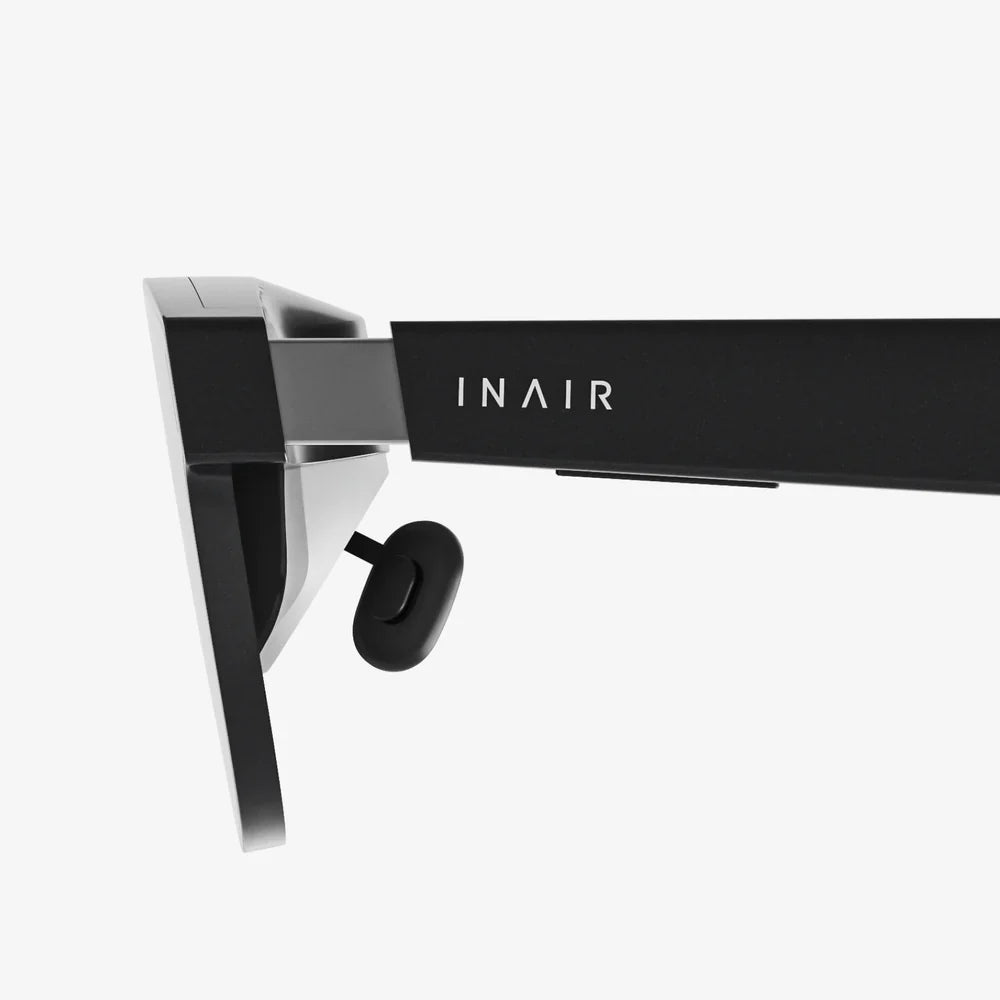
Form factor is everything. The future lies in socially acceptable glasses that look no different from standard eyewear. breakthroughs in waveguide displays, battery technology, and processing power are making this a reality. This will move AR from a "hold-up-your-phone" novelty to an all-day productivity and communication tool.
AI Integration
Artificial intelligence is the perfect companion to AR. AI can enhance scene understanding, allowing AR devices to not just see surfaces but semantically understand them—recognizing a chair, a television, or a tree. This enables more intelligent object placement and interaction. Furthermore, AI-powered avatars and assistants will become our guides and companions in the augmented world.
The power to overlay imagination onto reality is now literally in your pocket, waiting for a command. The tools are here, the tutorials are free, and the community is growing. The digital layer of our world is a blank canvas, and it's inviting you to pick up the brush. Whether you're an artist, a coder, a storyteller, or a entrepreneur, the question is no longer if you can create AR, but what breathtaking reality you will choose to build first. The only limit is your creativity.
Share:
What Is a Holographic Display? A Deep Dive Into the Future of Visual Technology
Smart Glasses News Updates: The Next Frontier in Personal Computing is Here