


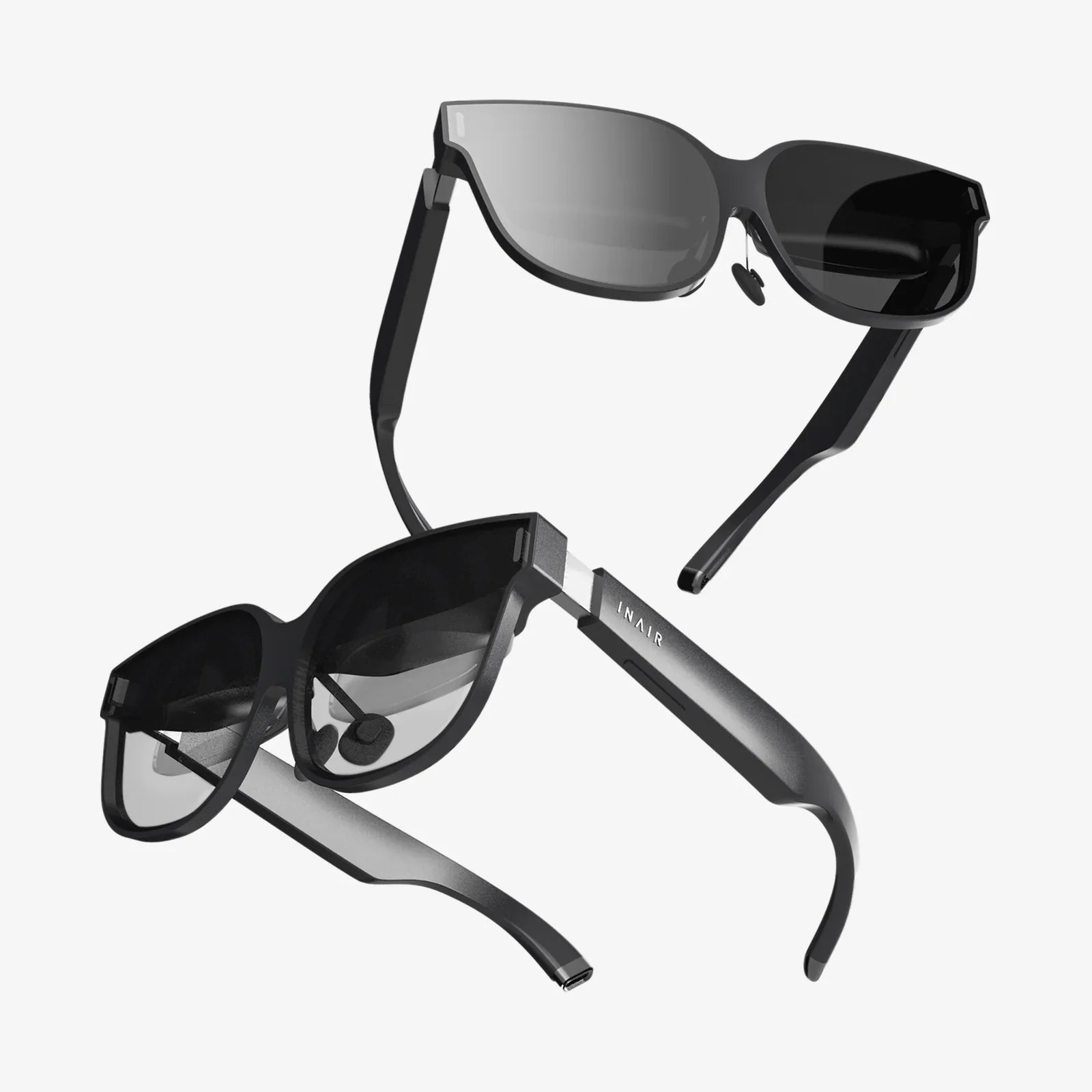
Have you ever stopped to marvel at the effortless swipe of a touchscreen, the intuitive click of a mouse, or the simple voice command that plays your favorite song? This seamless dance between your intention and the machine's execution isn't magic; it's the deliberate and profound science of Human-Computer Interaction, the invisible bridge that connects our analog minds to the digital world. In an era dominated by screens, sensors, and silicon, understanding this field is no longer a niche academic pursuit—it is essential to comprehending the very fabric of our modern existence and unlocking the potential of future technologies.
Beyond the Acronym: A Multifaceted Definition
To define Human Computer Interaction is to attempt to capture a vast and evolving landscape in a single sentence. At its most fundamental, HCI is a multidisciplinary field of study focused on the design of computer technology and, crucially, the interaction between humans (the users) and computers. It is concerned with understanding, designing, and evaluating computational systems for human use. However, this textbook definition only scratches the surface. HCI is not merely about the interface itself but about the entire phenomenon of interaction. It encompasses:
- The User: The human with their capabilities, limitations, goals, and context.
- The Computer: Any technology from a desktop workstation to a smartphone, a wearable device, or a complex industrial control system.
- The Interaction: The bridge itself, which includes the hardware and software interfaces, the input and output mechanisms, and the dialogue that flows between human and machine.
Therefore, a more holistic definition would describe HCI as the practice of designing, engineering, and understanding the intersection of people, computers, and their tasks. It is the relentless pursuit of making digital systems usable, useful, and satisfying.
The Pillars of Effective Interaction
The goal of HCI is not just functional communication but optimal user experience (UX). This experience is built upon several core pillars that practitioners strive to optimize.
Usability: The Foundation of Function
If HCI were a house, usability would be its foundation. It answers the question: "Can the user achieve their goal effectively, efficiently, and satisfactorily?" The ISO 9241 standard defines usability as comprised of:
- Effectiveness: The accuracy and completeness with which users achieve specified goals. Can the user successfully send an email, purchase a product, or analyze a dataset?
- Efficiency: The resources expended in relation to the accuracy and completeness of goals achieved. How many clicks, how much time, and how much mental effort does it take?
- Satisfaction: The comfort and acceptability of the system for its users. Does the user feel positive about the process? Is it free of frustration?
A usable system minimizes errors, reduces the cognitive load on the user, and feels intuitive rather than obstructive.
Utility: Does It Do Something Worthwhile?
Usability is pointless without utility. A system can be incredibly easy to use but utterly useless if it does not provide the functionality the user needs. Utility asks: "Does the system do what is needed? Does it provide the right set of functions to solve the user's problem and achieve their goals?" The most beautifully designed calendar app is worthless if it cannot sync across devices or set reminders. HCI ensures that design serves purpose, marrying utility with usability to create genuine value.
User Experience (UX): The Emotional Dimension
While usability is largely measurable and task-oriented, User Experience (UX) encompasses the broader, more subjective feelings, beliefs, preferences, and emotions of a user before, during, and after interaction. It is the holistic journey. A product can be usable and useful but still fail to delight, engage, or build trust. UX design considers aesthetics, pleasure, fun, and the meaningfulness of the interaction. It's the difference between a functional transaction and a memorable experience.
A Journey Through Time: The Evolution of HCI
The field of HCI did not emerge fully formed. It has evolved in tandem with computing technology itself, with each new paradigm demanding new forms of interaction.
The Age of the Mainframe: Batch Processing and Punch Cards
In the earliest days of computing, interaction was virtually non-existent. Users were programmers and engineers who would prepare a stack of punch cards defining a job (the "input"), submit it to a computer operator, and return hours or days later for the printed output. The "interface" was a complex, coded language, and the concept of a "user" was limited to a highly trained technical expert. The human was an afterthought, adapting entirely to the machine's rigid requirements.
The Revolution of Direct Manipulation: The Graphical User Interface (GUI)
The 1970s and 80s marked a seismic shift, often considered the true birth of modern HCI. Pioneering research at places like Xerox PARC led to the development of the Graphical User Interface (GUI). This paradigm introduced the now-ubiquitous concepts of windows, icons, menus, and a pointer (WIMP). For the first time, users could directly manipulate digital objects on the screen. They could point at a file and drag it to a folder—a metaphorical action that mirrored the physical world. This dramatically lowered the barrier to entry, making computers accessible to a much wider audience beyond specialists. The focus shifted from the machine's language to the user's model of the task.
The Rise of Ubiquity: The Internet and Mobile Computing
The proliferation of the internet and the advent of mobile devices like smartphones and tablets forced another evolution. HCI now had to account for constant connectivity, information abundance, and context-aware computing. Interactions were no longer confined to a desktop; they happened on the go, in different environments, and often in short, distracted bursts. Touchscreens replaced the mouse, requiring new design principles for gestural interaction. This era demanded a focus on accessibility, responsiveness, and designing for a world where the computer was not a destination but a constant, integrated companion.
The Future is Now: Beyond the Screen
Today, we are entering a post-GUI era. HCI is expanding into new and exciting frontiers where the traditional screen is often absent altogether.
- Voice User Interfaces (VUI): Interacting with systems through speech, as with smart speakers, requires designing for conversation, tone, and auditory feedback.
- Gesture and Motion Control: Using cameras and sensors to interpret body movements, from gaming systems to surgical theaters.
- Virtual and Augmented Reality (VR/AR): Creating immersive digital environments or overlaying digital information onto the physical world, demanding a completely new understanding of spatial interaction and user presence.
- Haptics: Incorporating the sense of touch through vibrations and force feedback to create more rich and tangible interactions.
- Brain-Computer Interfaces (BCI): The emerging frontier of interpreting neural signals directly, potentially allowing for control of systems through thought alone.
Each of these paradigms presents unique HCI challenges, moving interaction from the explicit and mechanical to the implicit and ambient.
The Human in the Loop: Psychology and Cognition
You cannot design for humans without understanding humans. A significant portion of HCI is rooted in cognitive psychology—the study of how we perceive, think, remember, and learn. Key principles guide designers:
Mental Models
Users develop internal explanations of how a system works based on their interactions. A good designer creates a conceptual model within the system that is clear, consistent, and aligns with the user's pre-existing mental model (e.g., the desktop metaphor for files and folders). When the system's model matches the user's model, the interface feels intuitive. A mismatch causes confusion and error.
Human Information Processing
HCI applies models like Donald Norman's seven stages of action to understand the gulfs between a user's goal and the system's implementation. The Gulf of Execution is the difference between the user's intentions and the actions allowed by the system. The Gulf of Evaluation is the effort required for the user to interpret the system's state and determine if their goal was met. Good HCI design bridges these gulfs.
Human Limitations and Errors
Design must account for the limits of human attention, perception, and memory. We are susceptible to cognitive biases and make predictable slips and mistakes. HCI seeks to design systems that prevent errors where possible and make them easy to detect and recover from when they do occur. A classic example is the "undo" function, which gracefully mitigates the consequence of an error.
The HCI Lifecycle: From Research to Refinement
Creating successful interactions is not a matter of guesswork; it follows a rigorous, iterative process.
- User Research: Understanding the target users through interviews, surveys, and observation to uncover their needs, behaviors, and contexts.
- Requirement Gathering: Translating user needs into specific functional and non-functional requirements for the system.
- Design & Prototyping: Creating low-fidelity (sketches, wireframes) and high-fidelity (interactive mockups) prototypes of the proposed interface.
- Evaluation: Testing the prototypes with real users through usability studies to identify problems and areas for improvement. This can be done through moderated sessions, A/B testing, and heuristic evaluations where experts review the design against established usability principles.
- Implementation & Deployment: Working with developers to build the system, ensuring the design vision is faithfully executed.
- Iteration: The cycle never truly ends. Post-launch analytics and feedback are used to continuously refine and improve the product.
Why HCI Matters More Than Ever
In a world increasingly mediated by technology, the principles of HCI have moved from a competitive advantage to an ethical imperative. Poorly designed interfaces are not just inconvenient; they can be exclusionary, dangerous, and damaging. They can alienate elderly users, frustrate individuals with disabilities, lead to catastrophic errors in healthcare or aviation, and contribute to social isolation and anxiety. Conversely, good HCI has the power to:
- Democratize Technology: Make powerful tools accessible to people of all ages, backgrounds, and abilities.
- Enhance Safety: Design clear and understandable interfaces for critical systems in cars, airplanes, and power plants.
- Promote Well-being: Create technologies that support mental and physical health rather than exploit human psychology for engagement at any cost.
- Drive Innovation: By focusing on human needs first, HCI can reveal entirely new product categories and market opportunities that technology-driven design might miss.
The next time your device anticipates your need, an app feels effortlessly simple, or a public kiosk is easy to navigate, remember the immense field of study working behind the pixels. Human-Computer Interaction is the silent partner in our digital lives, the discipline dedicated to ensuring that as our machines grow more powerful, they also become more humane, more intuitive, and more seamlessly woven into the tapestry of human endeavor. It challenges us to build not just smarter computers, but a better, more responsive world—one interaction at a time.
Share:
Open XR Headset: The Unchained Future of Immersive Reality
Windows MR: The Untold Story of a Mixed Reality Revolution