


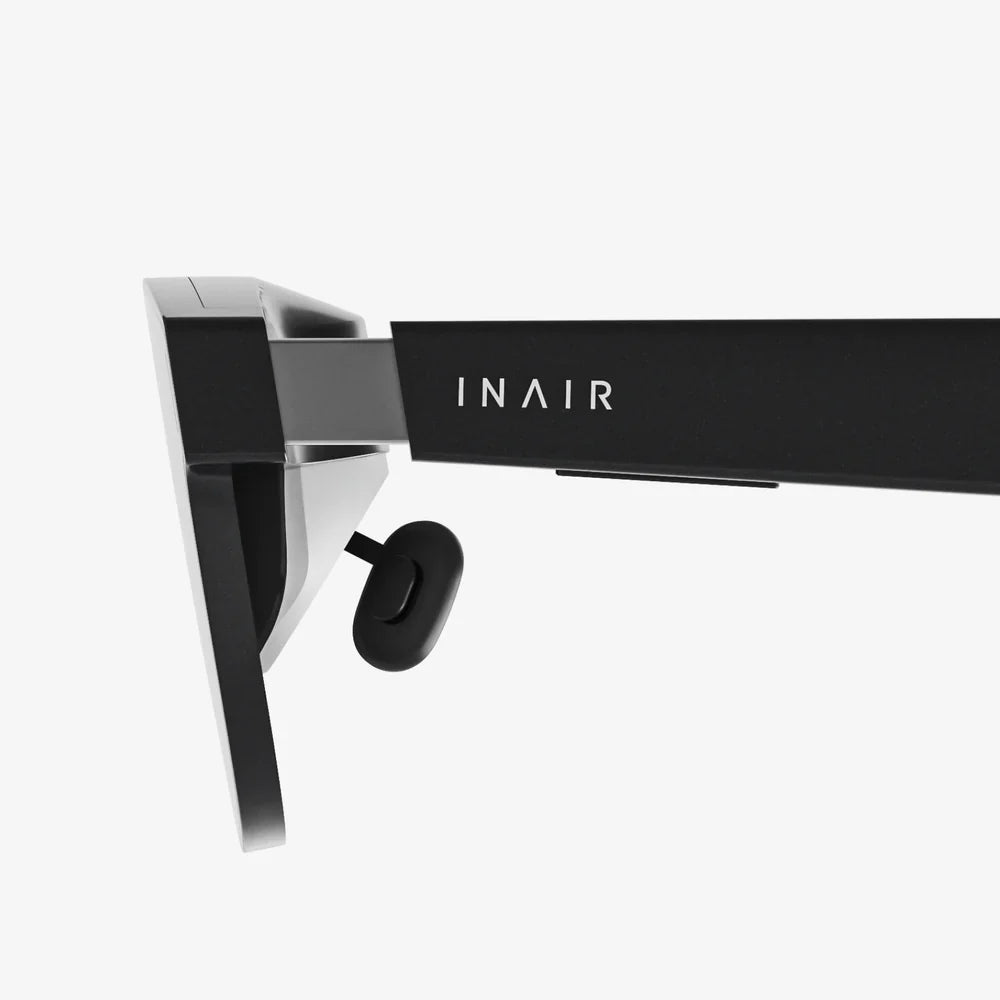
Imagine stepping into a fully-realized ancient Roman city, conducting a complex surgical procedure, or walking through a building that hasn't been constructed yet—all without leaving your desk. This is the promise and power of desktop virtual reality, a technology that brings immersive digital worlds to your standard computer monitor, offering a gateway to experiences once confined to science fiction. It’s a revolution in accessibility, stripping away the high-cost barriers of fully-immersive VR systems to deliver profound utility across countless fields. The journey into these pixel-perfect realms starts here, with examples that are actively reshaping our reality.
Defining the Desktop VR Experience
Before diving into the myriad of applications, it's crucial to understand what sets desktop virtual reality apart. Unlike its more famous cousin, fully-immersive VR, which requires a head-mounted display (HMD) and motion controllers to transport a user's entire field of vision into a digital space, desktop VR delivers a simulated 3D environment on a traditional 2D screen. The user navigates and interacts with this world using a mouse, keyboard, joystick, or gamepad. The magic lies in the software's ability to render a three-dimensional space that responds to user input, creating a compelling sense of depth, scale, and presence, even without a headset.
The key advantage is its remarkably low barrier to entry. There's no need for specialized, often expensive, hardware beyond a capable computer. This democratizes access, allowing schools, businesses, and individuals to leverage the benefits of virtual environments for a fraction of the cost. It's a pragmatic and powerful approach to simulation that prioritizes functionality and widespread adoption over total sensory immersion.
A New Dimension in Education and Training
Perhaps the most impactful area for desktop VR is education and professional training. By creating safe, repeatable, and cost-effective simulations, it provides learning opportunities that would otherwise be impossible, dangerous, or prohibitively expensive.
Medical and Surgical Training
Medical schools and teaching hospitals are increasingly turning to desktop VR simulations to train the next generation of healthcare professionals. These applications allow students to practice complex procedures countless times without risk to a patient.
- Anatomical Exploration: Detailed, accurate 3D models of the human body can be rotated, dissected, and explored layer by layer—from the musculoskeletal system down to the network of nerves and blood vessels. This provides a far superior understanding of spatial relationships between organs compared to static images in a textbook or even a cadaver.
- Surgical Simulators: Aspiring surgeons can practice everything from basic suturing to intricate laparoscopic or neurological procedures. The software provides real-time feedback on precision, hand steadiness, and procedure time, enabling deliberate practice and mastery before ever setting foot in an operating room.
Historical and Cultural Education
History lessons are transformed from memorizing dates and names into living, breathing experiences. Desktop VR can digitally reconstruct ancient civilizations, famous battlefields, or iconic historical events.
- Virtual Archaeology: Students can explore a pharaoh's tomb in the Valley of the Kings, walk the streets of ancient Rome at the height of the empire, or investigate a sunken Spanish galleon. They can interact with artifacts, hear narrations from historical figures, and gain a profound contextual understanding of the past.
- Museum Exhibits: World-renowned museums offer virtual tours of their collections. A student in a rural classroom can examine the brushstrokes of a Van Gogh painting or the intricacies of a Samurai warrior's armor in stunning, high-resolution detail, all navigable from their desktop.
STEM Learning
Science, Technology, Engineering, and Mathematics (STEM) subjects are inherently visual and spatial, making them perfect for desktop VR.
- Molecular Modeling: Chemistry students can assemble and manipulate complex molecules, observing how atoms bond and interact in three dimensions. This is invaluable for understanding protein folding, drug interactions, and material science.
- Physics Simulations: Learners can experiment with gravitational fields, electromagnetic forces, and projectile motion in a perfect vacuum or other controlled conditions, visualizing the fundamental laws of the universe in action.
- Astronomy and Geology: Virtual planetariums allow users to navigate the solar system, witness the lifecycle of a star, or study the geological strata of the Grand Canyon through interactive cross-sections.
Revolutionizing Design, Engineering, and Architecture
The design and construction industries have embraced desktop VR as an indispensable tool for visualization, prototyping, and collaboration.
Architectural Visualization (ArchViz)
For architects and their clients, seeing a 2D blueprint or a static 3D rendering is a far cry from truly experiencing a space. Desktop VR changes this entirely.
- Virtual Walkthroughs: Clients can navigate a photorealistic model of their future home or office building long before the foundation is poured. They can assess sightlines, check room proportions, experiment with different lighting conditions (e.g., sunlight at different times of day), and make informed decisions about materials and layouts.
- Design Validation: Architects and engineers can identify potential design flaws, structural issues, or compliance problems early in the design process, saving enormous amounts of time and money on costly changes during construction.
Product Design and Prototyping
From automobiles to consumer electronics, product design relies on iteration. Desktop VR supercharges this process.
- Digital Prototyping: Engineers can create and test virtual prototypes of everything from a new car engine to a smartphone. They can simulate stress tests, analyze aerodynamics, and examine the assembly process for potential bottlenecks, all within the virtual space.
- Ergonomics and Aesthetics: Designers can place a virtual model of a new chair, tool, or kitchen appliance into a simulated environment to evaluate its ergonomics, aesthetic appeal, and functionality from every conceivable angle.
Urban Planning
City planners use desktop VR to model new urban developments, transportation networks, and public spaces. Stakeholders can experience the impact of a new skyscraper on sightlines and shadows, visualize the flow of traffic around a new roundabout, or see how a new park will integrate into an existing neighborhood, fostering greater community engagement and better-informed decision-making.
Enhancing Corporate and Remote Collaboration
The modern workforce is often global and distributed. Desktop VR provides a powerful platform for collaboration that goes far beyond video conferencing.
Virtual Meetings and Workspaces
Instead of a grid of faces on a screen, teams can meet inside a virtual boardroom, a simulated factory floor, or a conceptual model of a project. Avatars can represent team members, and 3D models, graphs, and schematics can be pulled into the space for everyone to examine and manipulate together. This creates a strong sense of shared presence and purpose, making complex discussions about spatial or visual subject matter vastly more effective.
Data Visualization and Analytics
For data scientists, financial analysts, and researchers, desktop VR offers a revolutionary way to interact with complex datasets. Instead of spreadsheets and 2D charts, information can be represented as interactive 3D graphs, topological maps, or dynamic network diagrams. Users can literally walk through a visualization of stock market trends, social network connections, or genomic sequences, spotting patterns, correlations, and outliers that would be nearly impossible to detect on a flat screen.
The Frontier of Entertainment and Gaming
While often associated with immersive headsets, VR gaming has a strong foothold on the desktop. Many popular world-building games, flight simulators, and strategy games utilize a desktop VR paradigm to create deeply engaging experiences.
- Flight and Driving Simulators: Enthusiasts use high-fidelity desktop simulations to pilot everything from commercial airliners to Formula 1 cars. Paired with a joystick or steering wheel controller, these simulations offer incredibly realistic physics and vast, detailed worlds to explore.
- God Games and Strategy: Games that involve managing a city, a civilization, or a battlefield benefit immensely from a controllable 3D perspective. Players can zoom in to see individual citizens and then zoom out to a strategic overview of their entire domain, all with seamless fluidity.
- Interactive Storytelling: Narrative-driven games and experiences use the desktop VR format to place players inside a story, allowing them to explore environments, discover clues, and interact with objects at their own pace, creating a uniquely personal and compelling form of entertainment.
The Future is on Your Screen
The examples of desktop virtual reality are a testament to its versatility and power. It is not a lesser alternative to immersive VR but a distinct and crucial branch of the technology with its own strengths and ideal use cases. As computing power continues to grow and software becomes even more sophisticated, we can expect these applications to become more photorealistic, more interactive, and more deeply integrated into our daily professional and educational lives. The boundary between the physical world and the digital simulation on our desks will continue to blur, opening up possibilities we are only beginning to imagine.
From training a surgeon to inspiring a student, from designing a city to visualizing the cosmos, the most powerful virtual worlds are no longer locked behind specialized hardware. They are booting up on monitors everywhere, turning every desk into a portal and every user into an explorer. The next frontier isn't in some distant lab; it's waiting for you, right there on your screen, ready to reshape what you think is possible.
Share:
Best AI for Teams: The Ultimate Guide to Collaborative Intelligence and Supercharged Workflows
Things to Do in VR: Your Ultimate Portal to Uncharted Realities